logo responsive
/

Pixelmon Minecraft Mod

1.21.1, 1.20.2, 1.16.5, 1.12.2

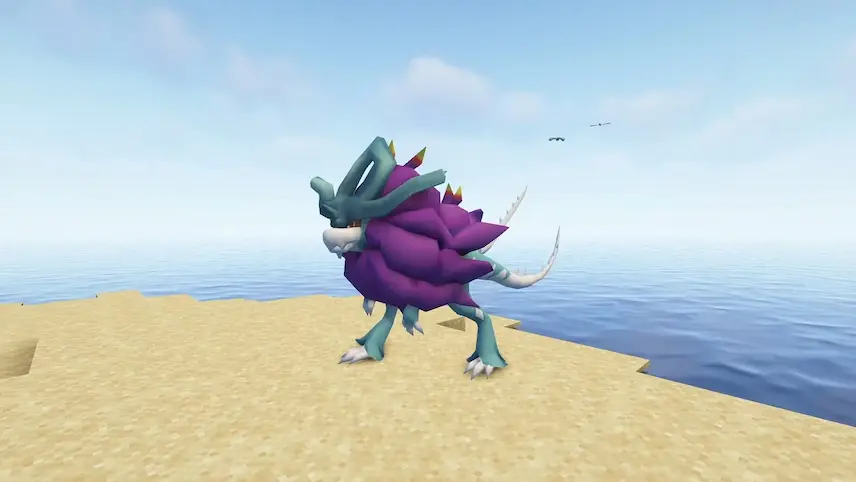
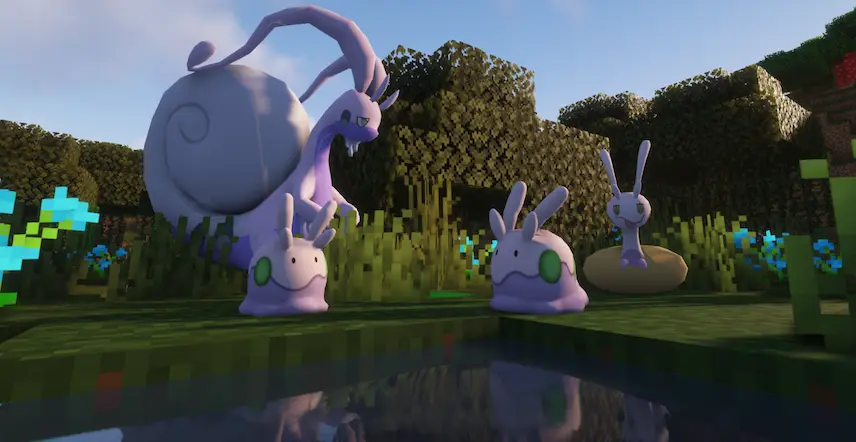
minecraft pokemon Suicune goomy pokemon
minecraft pokemon
Suicune
goomy pokemon

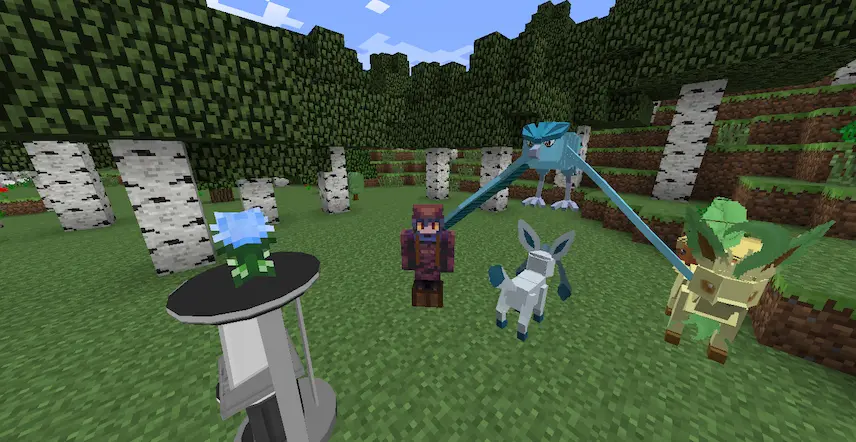
Pixelmon is a groundbreaking mod that brings the world of Pokémon into Minecraft, blending the two universes seamlessly. It introduces Pokémon themselves, along with features like battlingtrading, and breeding, as well as new items such as Poké BallsTMs, and resources like bauxite ore and Apricorns. Decorative blocks like chairs and clocks add even more depth to the experience.

Pixelmon closely mirrors the mechanics of the Generation 8 Pokémon games, including battle systems, but also introduces unique elements like environment-based breeding. Instead of random encounters, Pokémon spawn naturally in the Overworld, and players can engage them directly. By default, regular Minecraft mobs are disabled, but they can be re-enabled via the config file.

Players can obtain Poké Balls from Poké Marts or craft them using Apricorns and iron. Items like Medicineheld items, and TMs can be acquired through crafting, PokéLoot chests, defeating boss Pokémon, or using the Pickup Ability. Pixelmon encourages players and servers to set their own goals, whether it’s completing the Pokédex, winning PvP battles, or creating custom Gym systems with NPC Trainers or player-led Gym Leaders.
Fabric

  1. 1. Download, execute the Fabric installer, choose Client, select your Minecraft version, and click Install.
  2. 2. Download the Fabric API matching that Minecraft version.
  3. 3. Download Pixelmon or any additional Fabric-compatible mods you want.
  4. 4. Place the Fabric API and all mods into .minecraft/mods folder.
  5. 5. Open the Minecraft Launcher, select the new Fabric profile, and press Play. Enjoy!

Forge

  1. 1. Download, execute the Forge installer, choose Client, and click Install.
  2. 3. Download Pixelmon or any additional Forge-compatible mods you want.
  3. 4. Place all mods into .minecraft/mods folder.
  4. 5. Open the Minecraft Launcher, select the new Forge profile, and press Play. Enjoy!

NeoForge

  1. 1. Download, execute the NeoForge installer, choose Client, and click Install.
  2. 3. Download Pixelmon or any additional NeoForge-compatible mods you want.
  3. 4. Place all mods into .minecraft/mods folder.
  4. 5. Open the Minecraft Launcher, select the new NeoForge profile, and press Play. Enjoy!

Download Pixelmon Mod

Type Game version File version Loaders Download
R Release
1.21.1 v9.3.5
NeoForge
File
B Beta
1.20.2 v9.2.10
Forge
File
B Beta
1.20.1 v9.2.3
Forge
File
R Release
1.16.5 v9.1.13
Forge
File
R Release
1.12.2 v8.4.3
Forge
File

Pixelmon Minecraft Mod

5 files • 1.21.1, 1.20.2, 1.16.5, 1.12.2

Download