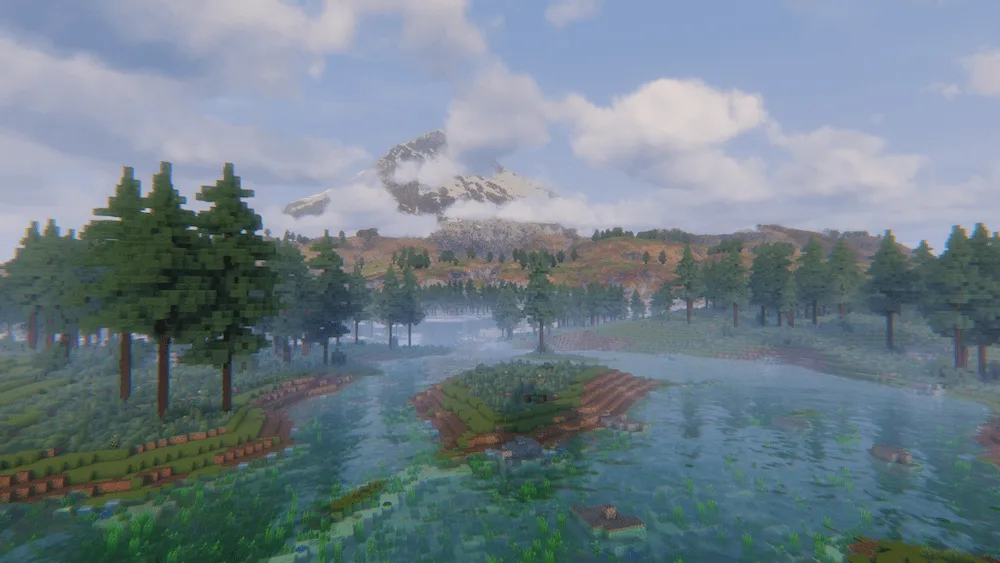
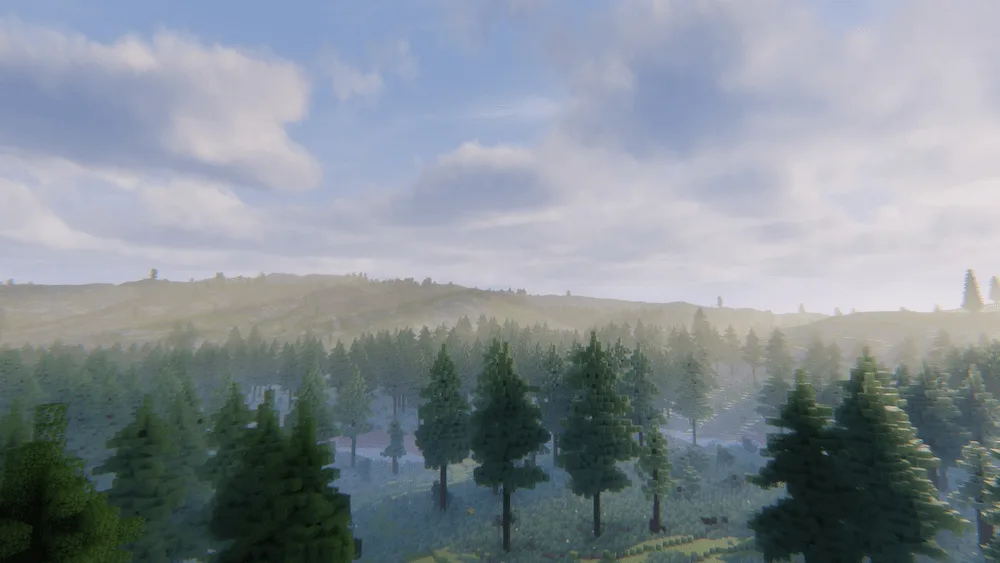
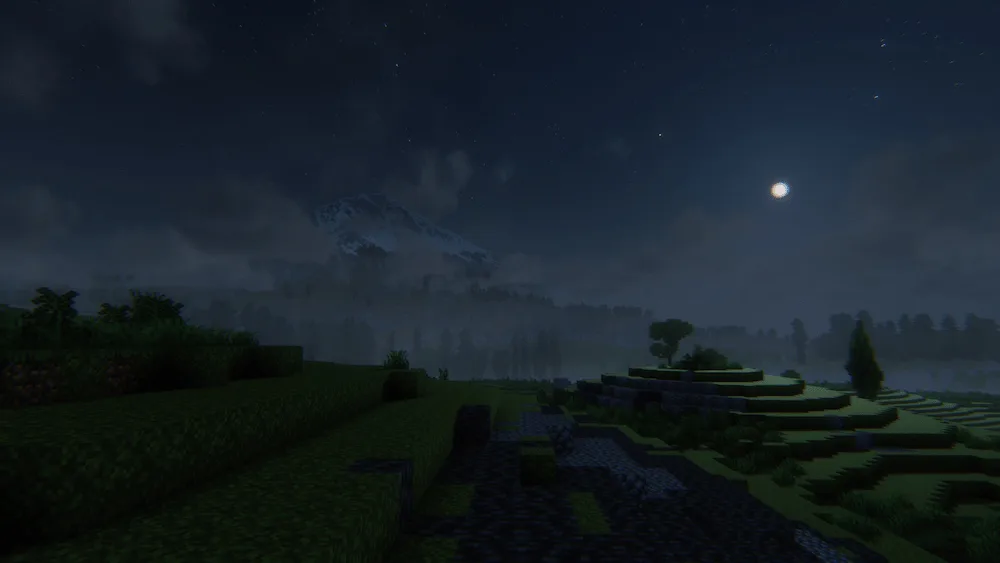

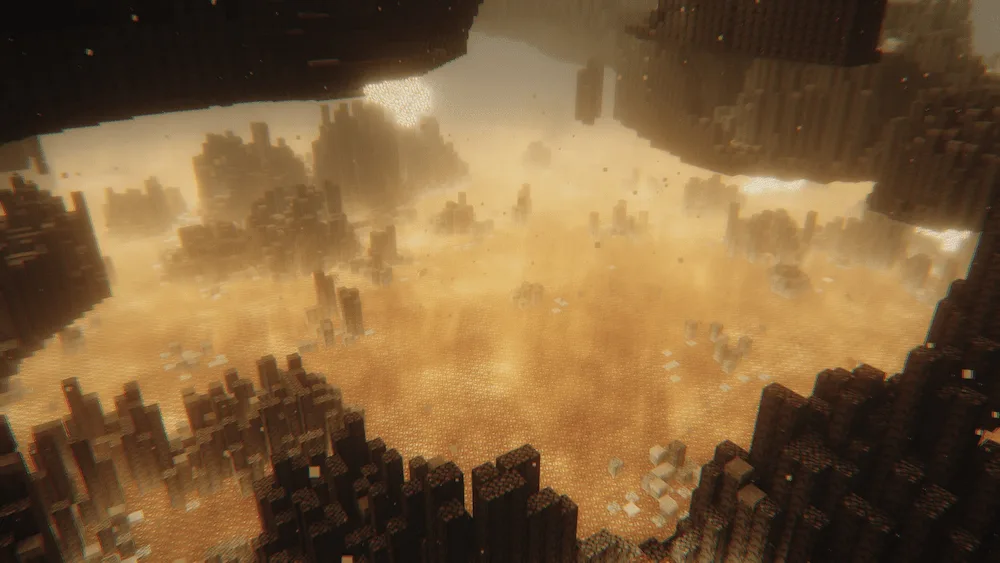

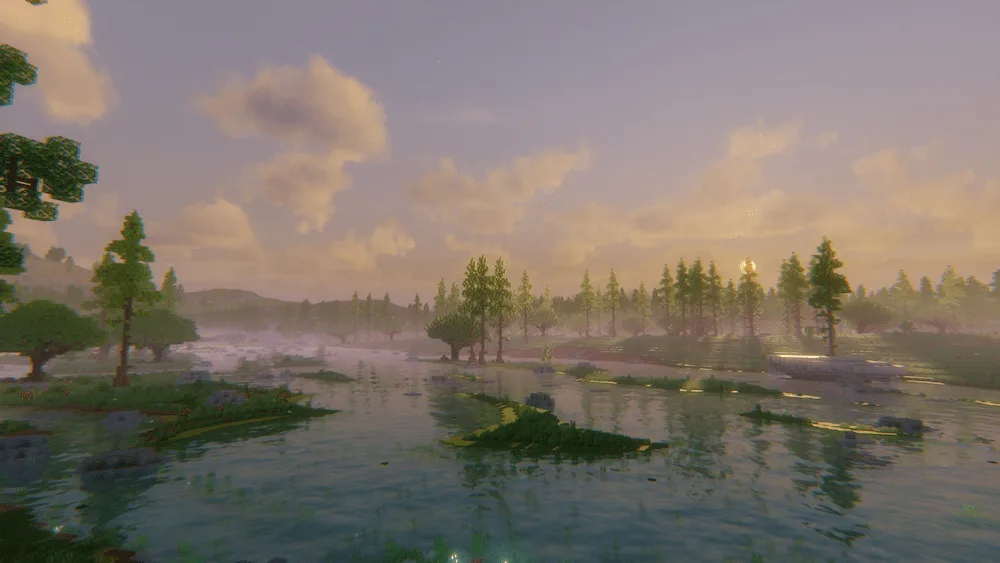
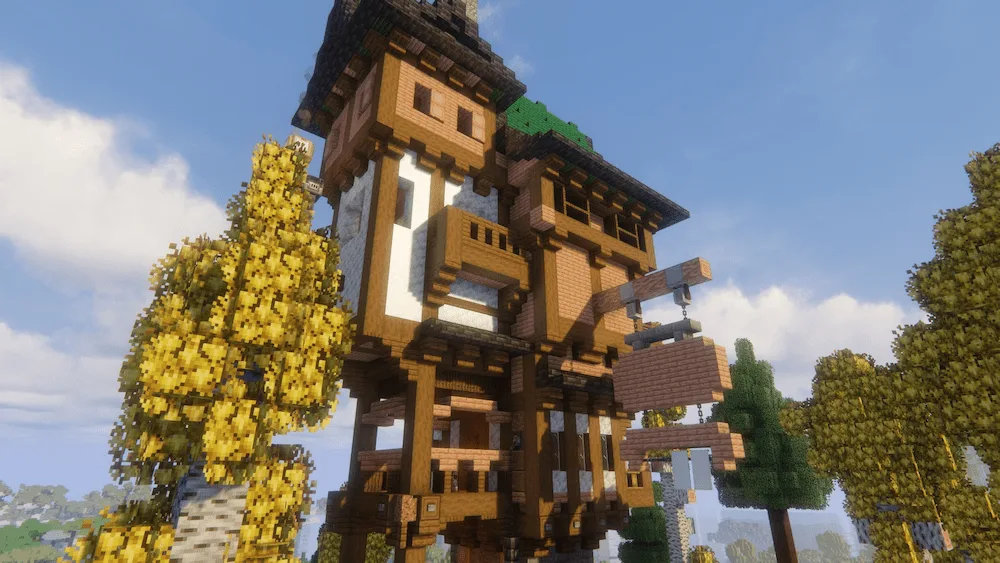
Allium Shaders is an edit of the popular Complementary Unbound shader pack, but it’s focused on bringing a whole new creative vision to the game. This shader emphasizes the beauty in colors and visual effects, all while staying as performant as possible, so your game looks amazing without major lag. The goal of Allium is to deliver a truly unique style and aesthetic that pushes visual creativity to the limit.
The recent v2.0 update completely overhauled the shader’s look, feel, and atmospherics. Even though the pack is pretty new, the creator felt like the original look wasn’t heading in the direction they wanted. They spent months reworking what the shader should be, resulting in a look they were really happy with. This new version brings the intended beautiful and distinctive style to your Minecraft world.



 Tags
Tags