
logo responsive
/

Alex’s Mobs Minecraft Mod

1.20.1, 1.19.4, 1.18.2

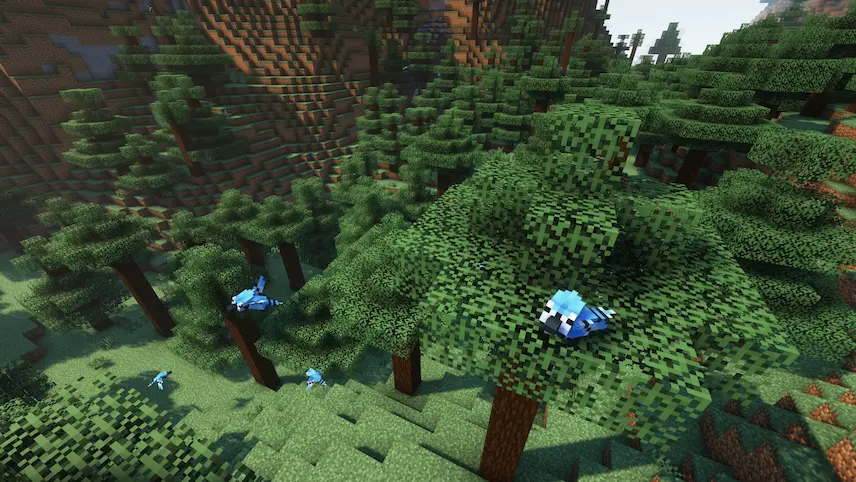
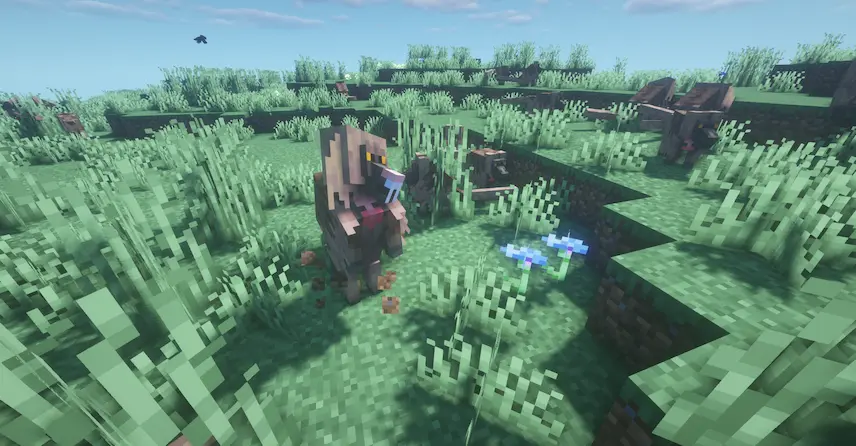
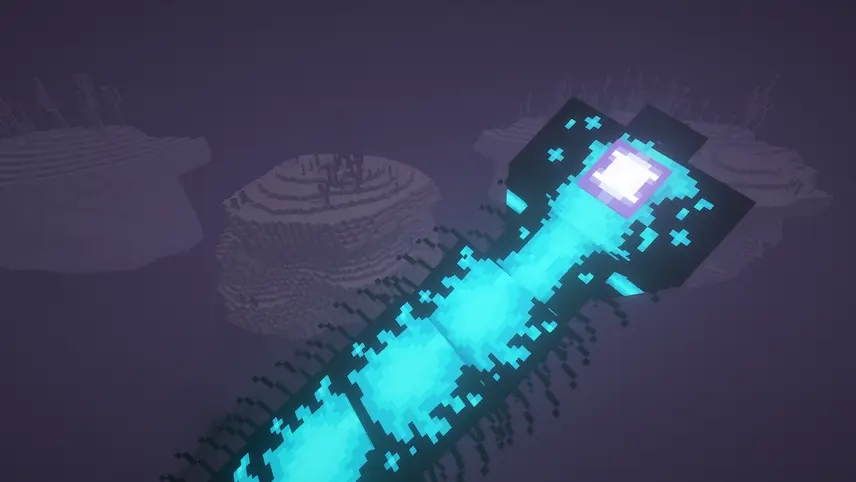
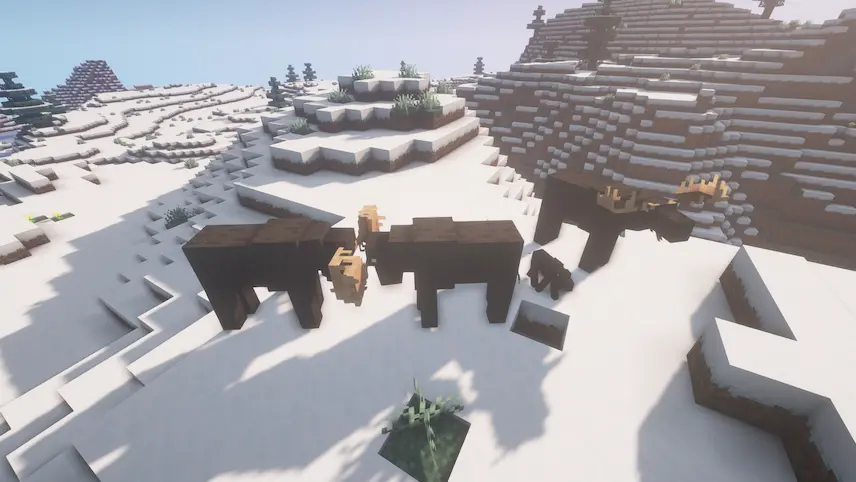
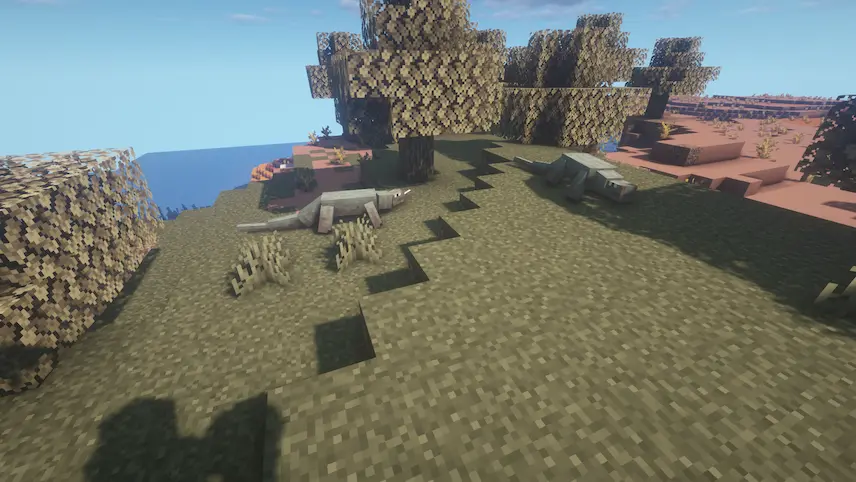
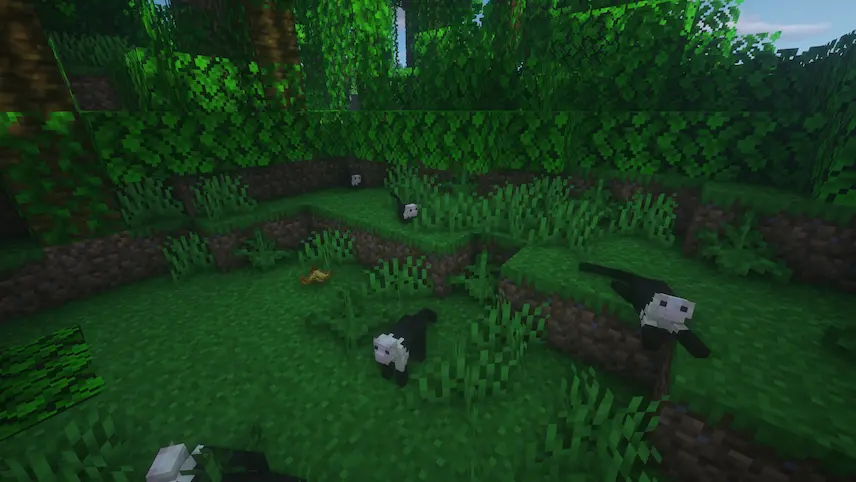
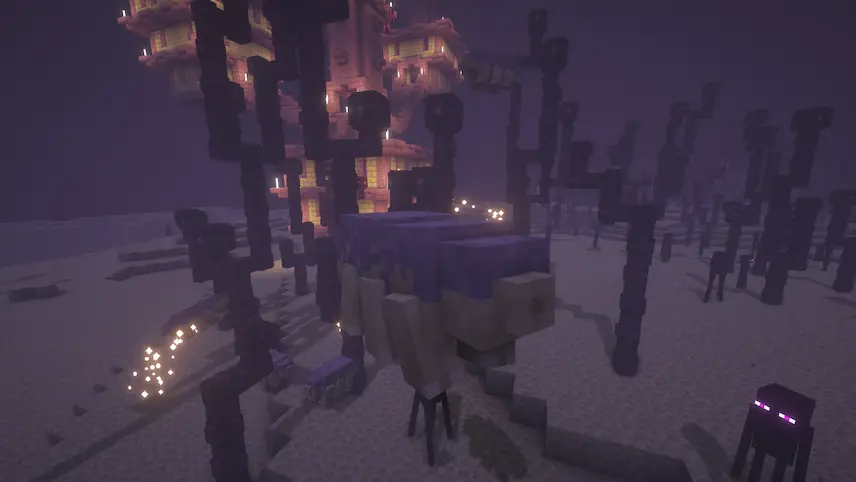
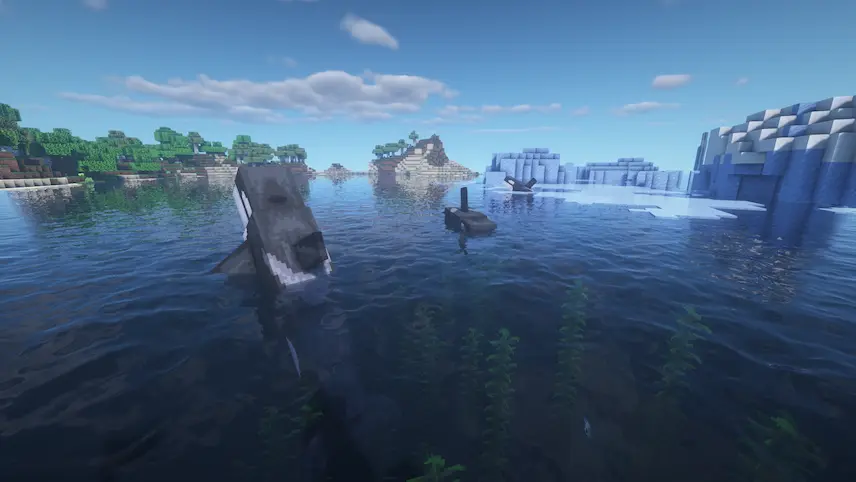
several blue jays fly the legendary sunbird some gelada monkeys The Void Worm moose in swnow biome rocodile capuchin monkeys endergade mob a pod of orcas roaming the frozen oceans. snakes
several blue jays fly
the legendary sunbird
some gelada monkeys
The Void Worm
moose in swnow biome
rocodile
capuchin monkeys
endergade mob
a pod of orcas roaming the frozen oceans.
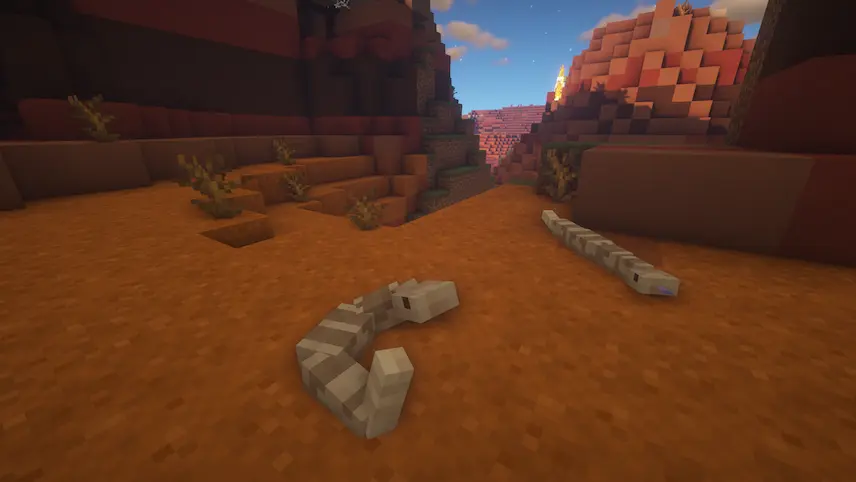
snakes

Alex’s Mobs is a Forge Minecraft mod that brings the world to life with 89 brand‑new creatures, ranging from realistic wildlife to fantastical beasts. You’ll encounter Grizzly Bears lumbering through forests, speedy Roadrunners darting across deserts, and graceful Orcas patrolling ocean biomes. Beyond just eye candy, each real‑world animal serves a purpose: Bears drop special pelts, Roadrunners can help you scout terrain, and Orcas yield unique whale blubber used in new crafting recipes. These additions make each biome feel richer and more dynamic, encouraging you to explore every corner of your world.

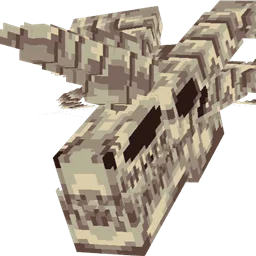
On top of the realistic fauna, Alex’s Mobs introduces imaginative creatures like the Endergade—an elusive end‑dimension serpent—and the Bone Serpent, which haunts skeletal caverns. Every fictional mob comes with its own mechanics and drops, from rare crafting ingredients to powerful consumables that can turn the tide of battle. The mod’s models, textures, animations, and AI blend seamlessly with vanilla Minecraft, so these new mobs feel right at home alongside pigs, wolves, and other built‑in creatures. Whether you’re hunting a ferocious predator for its loot or simply watching herds of animals graze in the sunset, Alex’s Mobs enhances gameplay by populating your world with engaging new encounters.
Fabric

  1. 1. Download, execute the Fabric installer, choose Client, select your Minecraft version, and click Install.
  2. 2. Download the Fabric API matching that Minecraft version.
  3. 3. Download Alex’s Mobs or any additional Fabric-compatible mods you want.
  4. 4. Place the Fabric API and all mods into .minecraft/mods folder.
  5. 5. Open the Minecraft Launcher, select the new Fabric profile, and press Play. Enjoy!

Forge

  1. 1. Download, execute the Forge installer, choose Client, and click Install.
  2. 3. Download Alex’s Mobs or any additional Forge-compatible mods you want.
  3. 4. Place all mods into .minecraft/mods folder.
  4. 5. Open the Minecraft Launcher, select the new Forge profile, and press Play. Enjoy!

NeoForge

  1. 1. Download, execute the NeoForge installer, choose Client, and click Install.
  2. 3. Download Alex’s Mobs or any additional NeoForge-compatible mods you want.
  3. 4. Place all mods into .minecraft/mods folder.
  4. 5. Open the Minecraft Launcher, select the new NeoForge profile, and press Play. Enjoy!

Download Alex’s Mobs Mod

Type Game version File version Loaders Download
R Release
1.20.1 v1.22.9
Forge
File
R Release
1.19.4 v1.22.3
Forge
File
R Release
1.19.2 v1.21.1
Forge
File
R Release
1.18.2 v1.18.6
Forge
File
R Release
1.17.1 v1.14.1
Forge
File
R Release
1.16.5 1.12.1
Forge
File

Alex’s Mobs Minecraft Mod

6 files • 1.20.1, 1.19.4, 1.18.2

Download