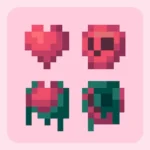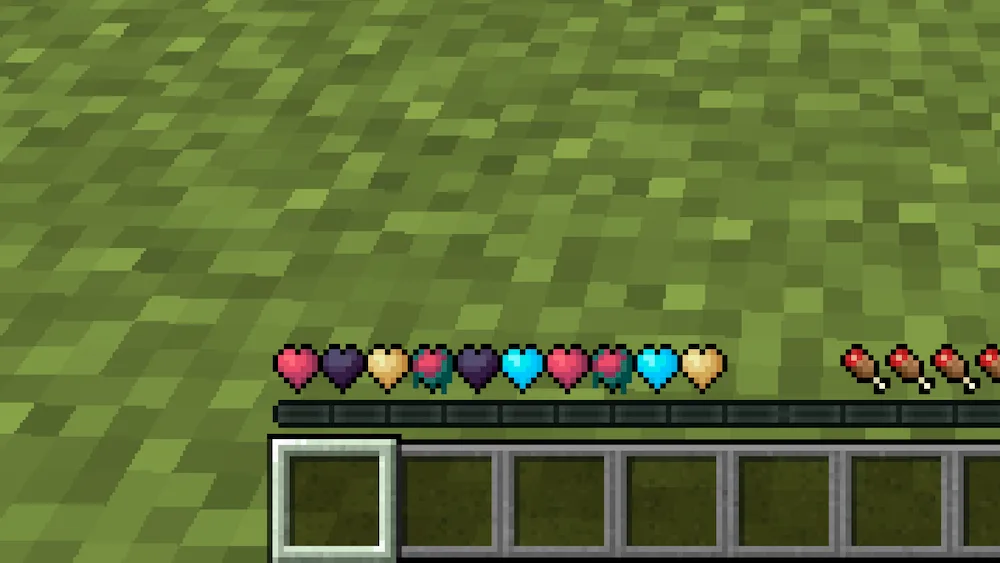
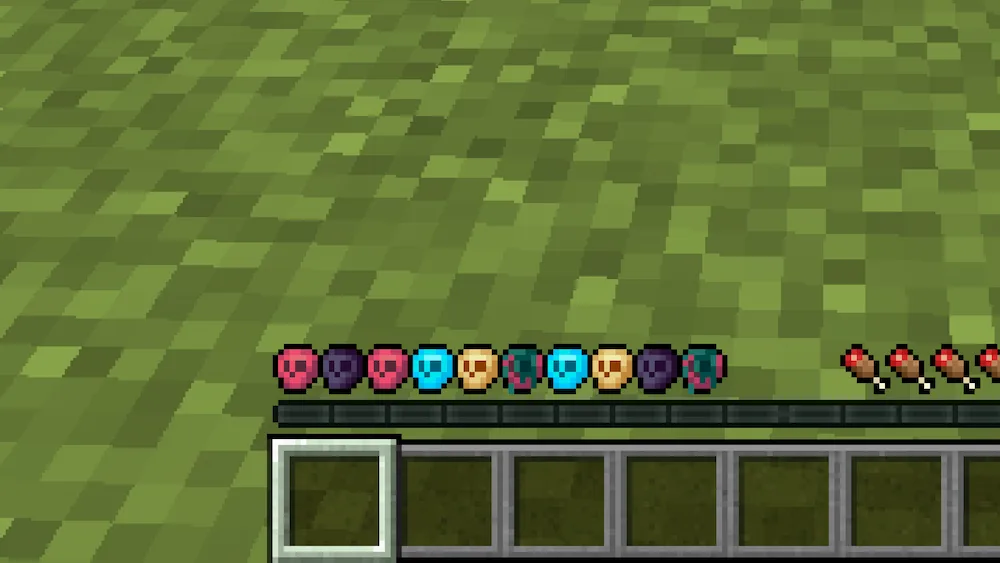
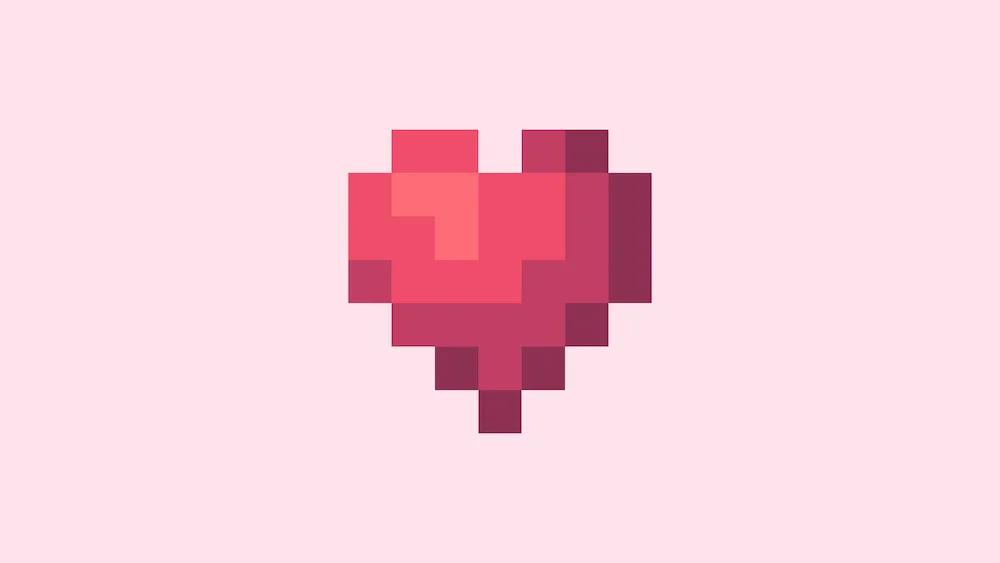
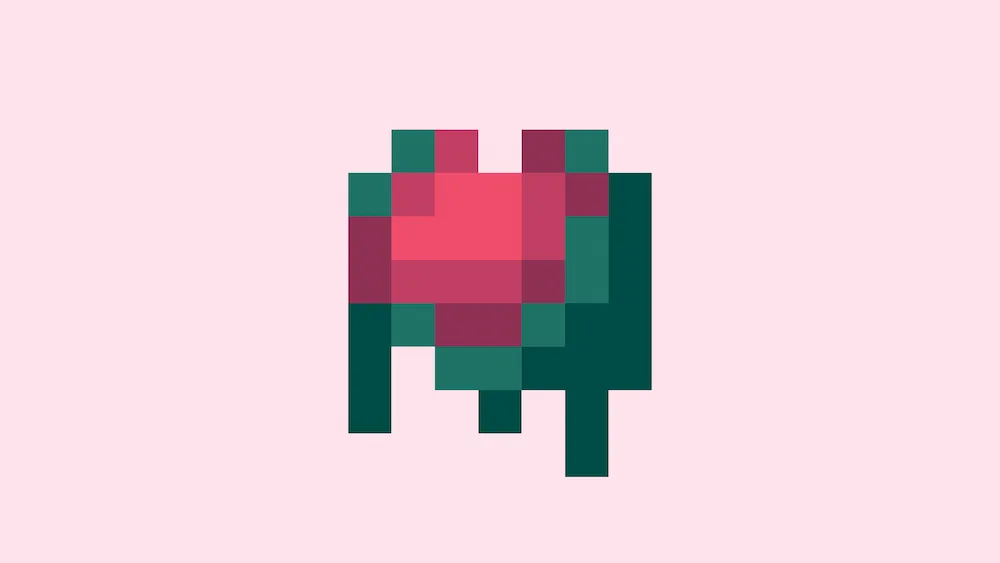
If you find the default bright red health bar a bit too intense, New Hearts is the perfect little tweak for your game. This resource pack swaps out the classic, high-contrast heart icons for a much softer pastel palette. It is a simple visual change that makes your HUD look way more aesthetic and chill, especially if you are pairing it with other cozy or lo-fi textures. The colors are easier on the eyes, making those long survival sessions feel a lot more relaxed.
The pack focuses on smooth color transitions, so your health bar doesn’t just look different—it looks more polished. Whether you are at full health or taking damage, the pastel tones keep everything looking clean and stylish without being a distraction. It is a great choice for anyone who loves customizing their UI to fit a specific “vibe” or just wants a break from the standard vanilla colors. If you want a small upgrade that makes a big difference in how your screen feels, this is a must-have.



 Tags
Tags