logo responsive
/

Superb Warfare Minecraft Mod

1.21.1, 1.20.1

ak47 in Minecraft blossom weapon grenade laucher repair tool mini-gun bocek arrow war tank helicopter trucks sniper
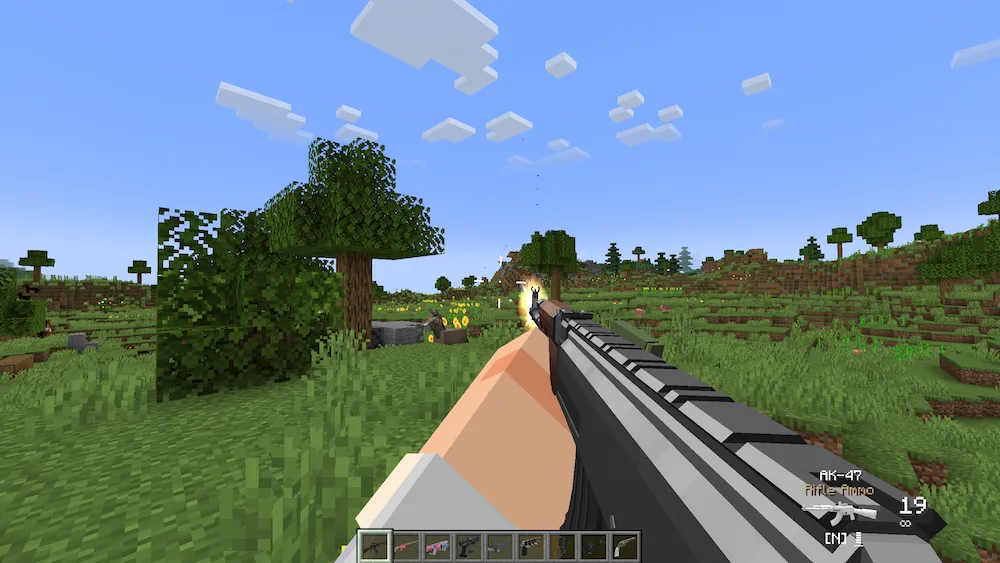
ak47 in Minecraft
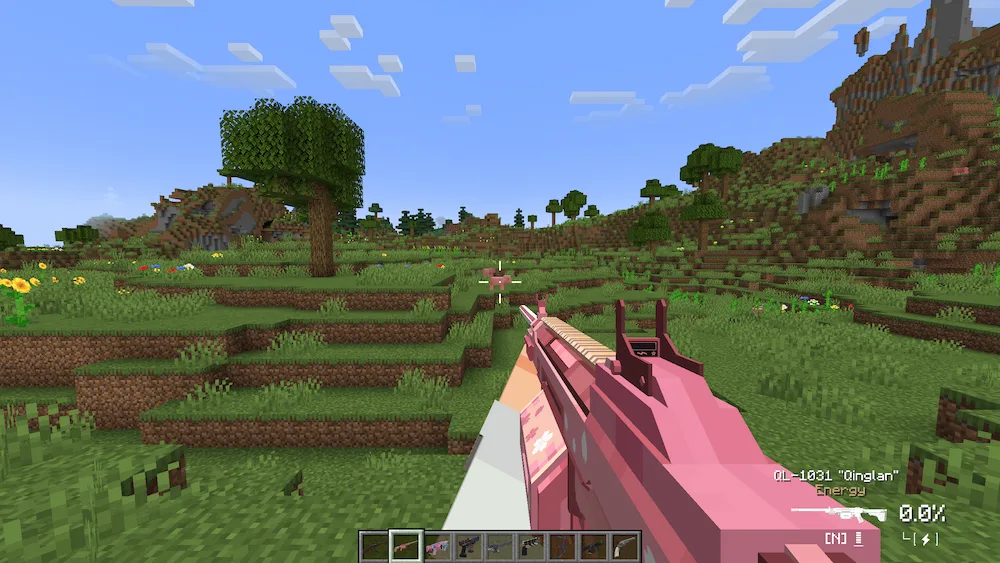
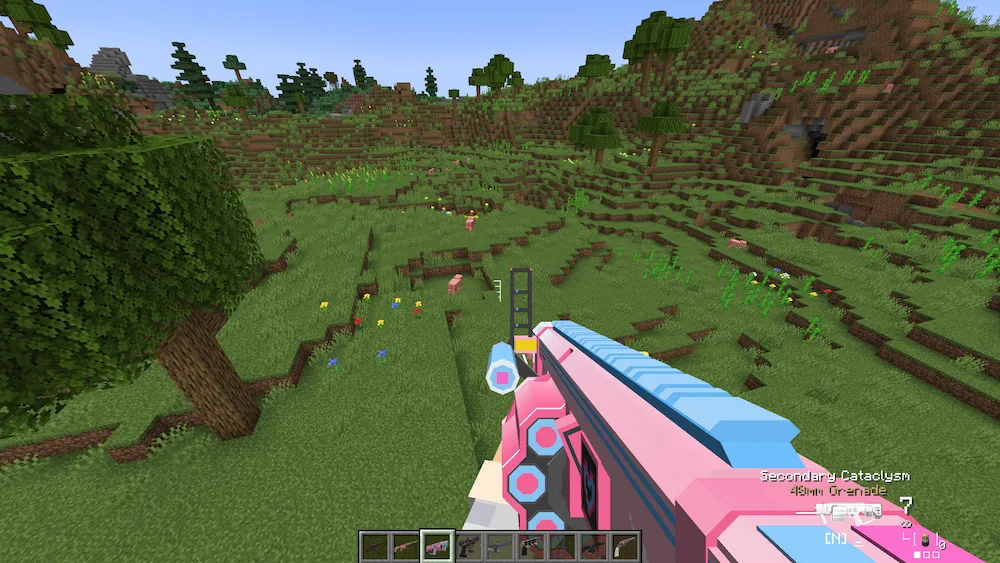
blossom weapon
grenade laucher
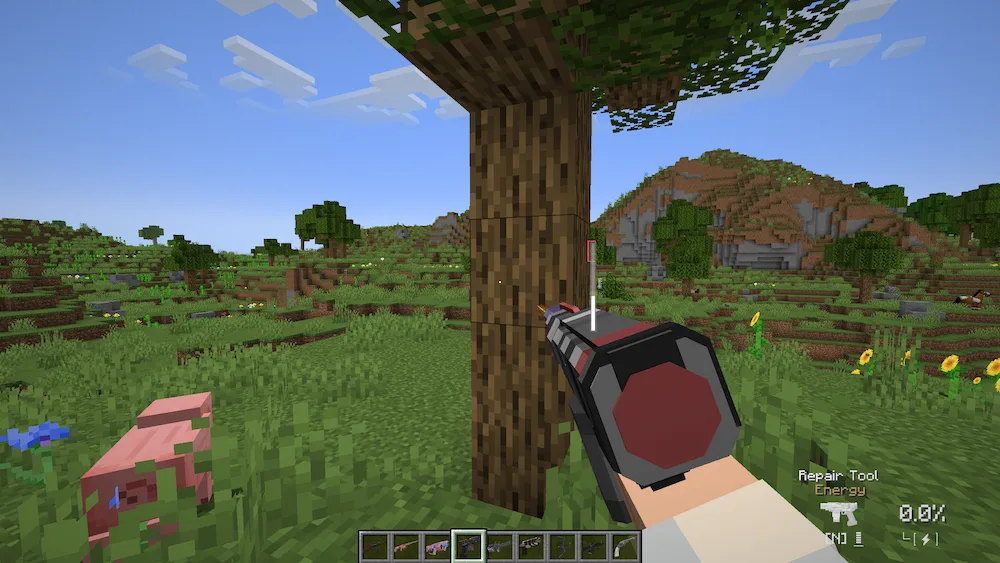
repair tool
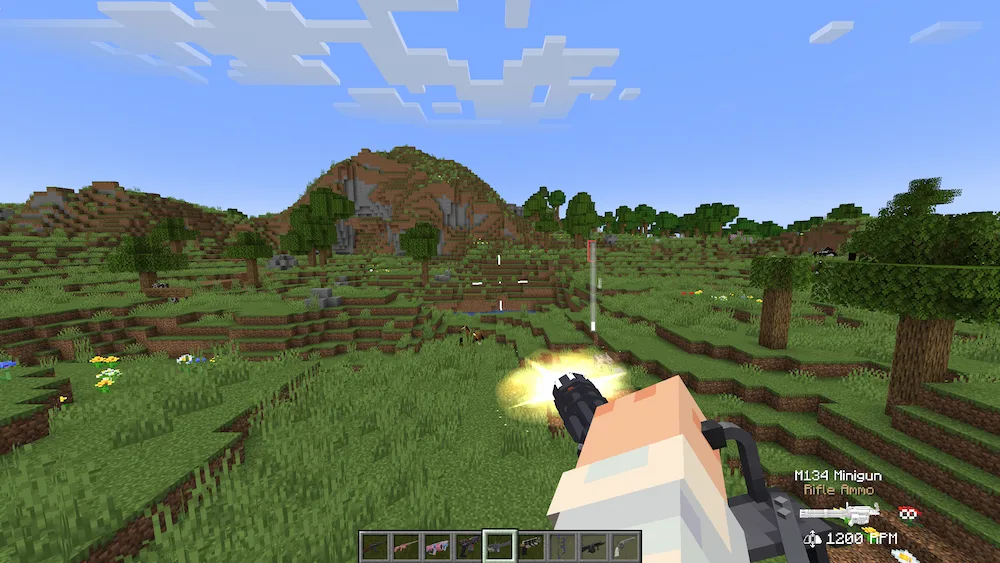
mini-gun
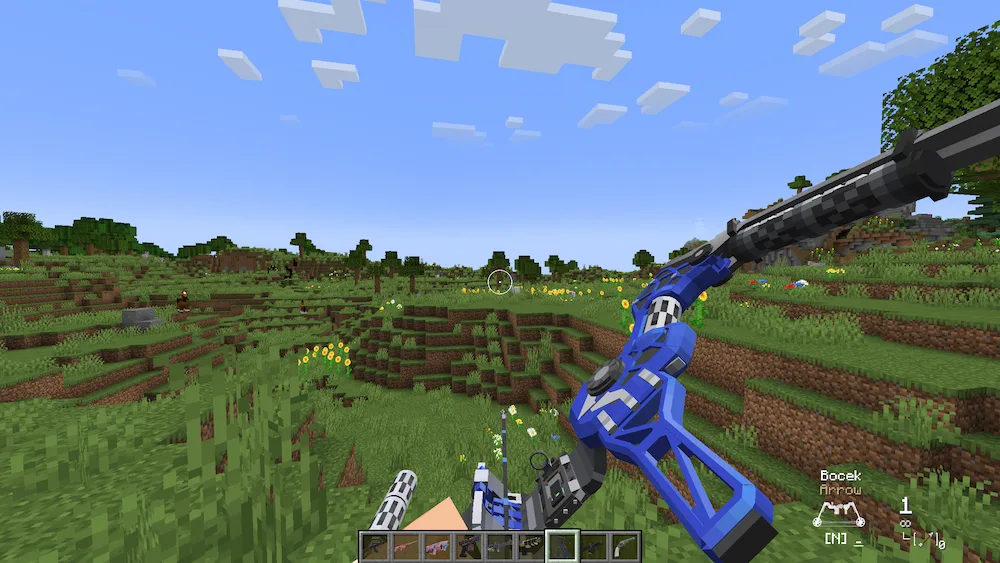
bocek arrow
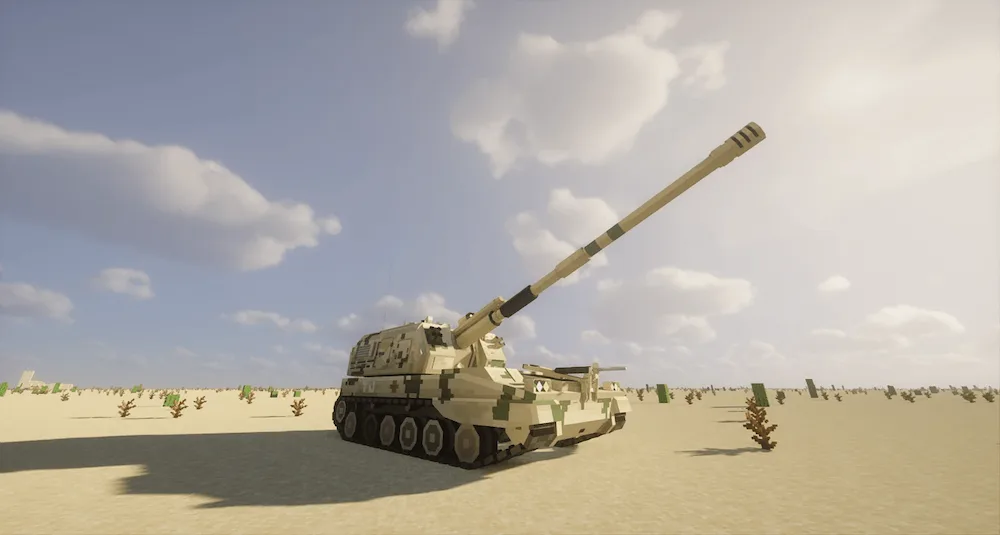
war tank
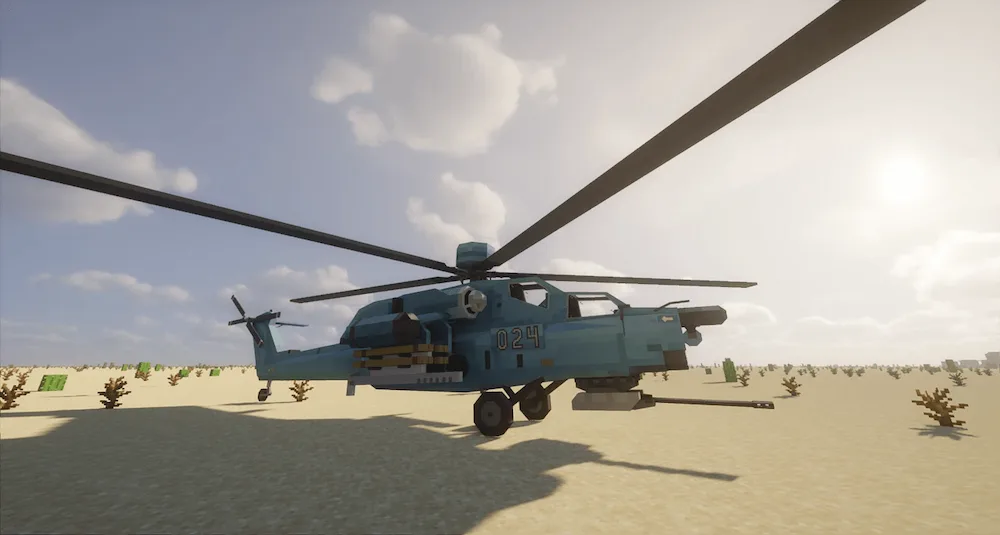
helicopter
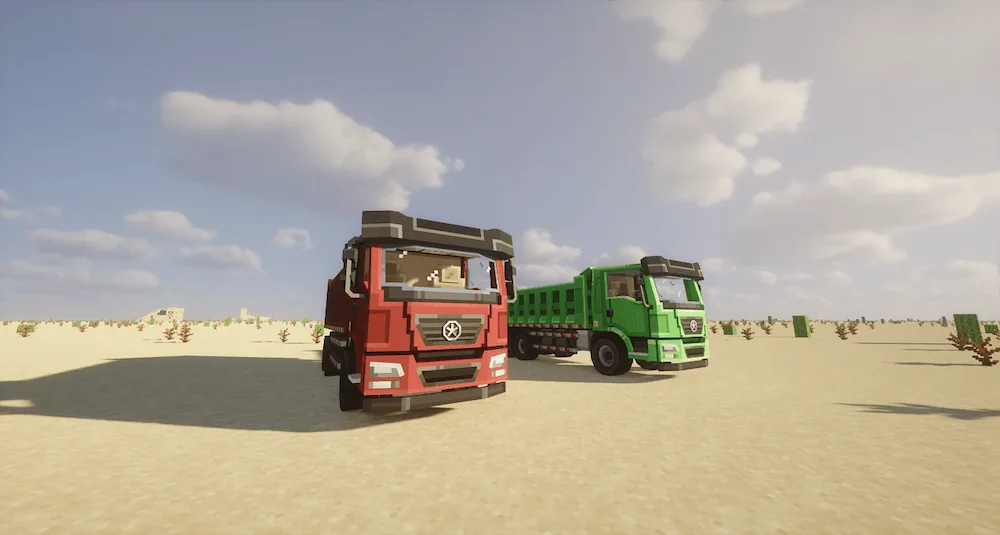
trucks
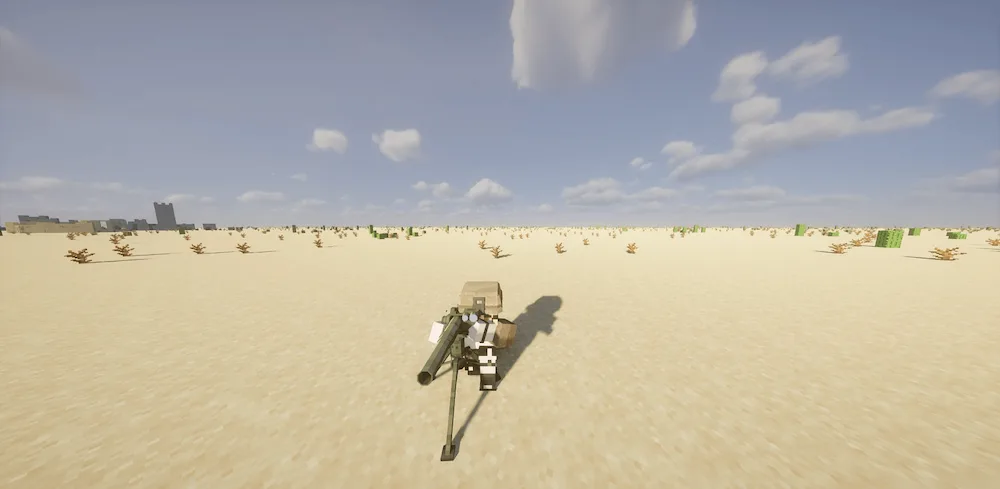
sniper

If you’ve ever felt like Minecraft needed more “Modern Warfare” and less “Middle Ages,” Superb Warfare (SBW) is a heavyweight contender. This isn’t just a simple gun mod; it’s a full-scale military sandbox that transforms the game into a high-octane FPS. Every weapon features top-tier animations—from the tactical reload to the way your character leans while aiming—making it feel incredibly responsive. But the real chaos starts when you bring out the heavy hitters, like the Annihilator Energy Cannon or the various rocket launchers that can level a small village in seconds.

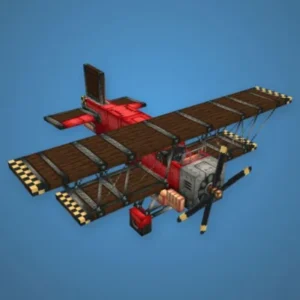
The mod goes way beyond infantry combat by introducing a massive motor pool of drivable war machines. You can pilot everything from AH-64 Apache helicopters and F-22 Raptor jets to M1A2 Abrams tanks and Zumwalt-class destroyers. It even features a deep progression system where you use blueprints and specialized crafting tables (like the Vehicle Assembling Table) to manufacture your arsenal. With its unique Gun Perk System, you can further customize your weapons with buffs like faster reload speeds, increased damage, or even ricocheting bullets, allowing you to build the perfect loadout for your playstyle.

Fabric

  1. 1. Download, execute the Fabric installer, choose Client, select your Minecraft version, and click Install.
  2. 2. Download the Fabric API matching that Minecraft version.
  3. 3. Download Superb Warfare or any additional Fabric-compatible mods you want.
  4. 4. Place the Fabric API and all mods into .minecraft/mods folder.
  5. 5. Open the Minecraft Launcher, select the new Fabric profile, and press Play. Enjoy!

Forge

  1. 1. Download, execute the Forge installer, choose Client, and click Install.
  2. 3. Download Superb Warfare or any additional Forge-compatible mods you want.
  3. 4. Place all mods into .minecraft/mods folder.
  4. 5. Open the Minecraft Launcher, select the new Forge profile, and press Play. Enjoy!

NeoForge

  1. 1. Download, execute the NeoForge installer, choose Client, and click Install.
  2. 3. Download Superb Warfare or any additional NeoForge-compatible mods you want.
  3. 4. Place all mods into .minecraft/mods folder.
  4. 5. Open the Minecraft Launcher, select the new NeoForge profile, and press Play. Enjoy!

Download Superb Warfare Mod

Type Game version File version Loaders Download
R Release
1.21.1 v0.8.8
NeoForge
File
R Release
1.20.1 v0.8.8
Forge
File

Superb Warfare Minecraft Mod

2 files • 1.21.1, 1.20.1

Download