logo responsive
/

Exposa Minecraft Shaders

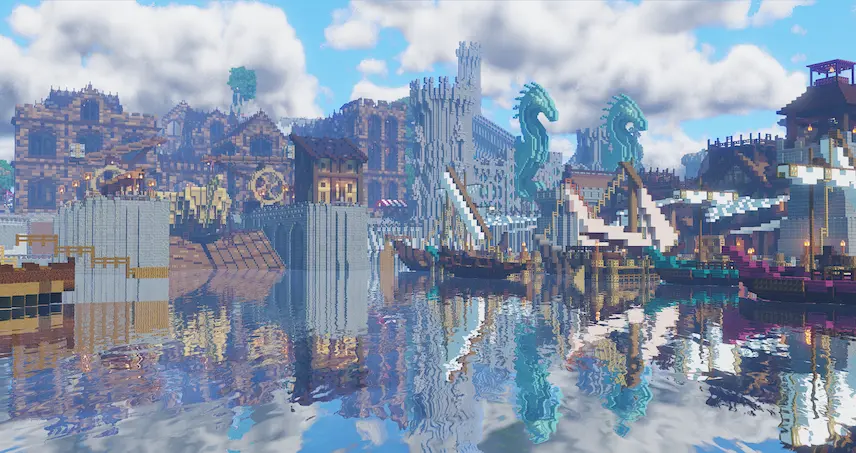
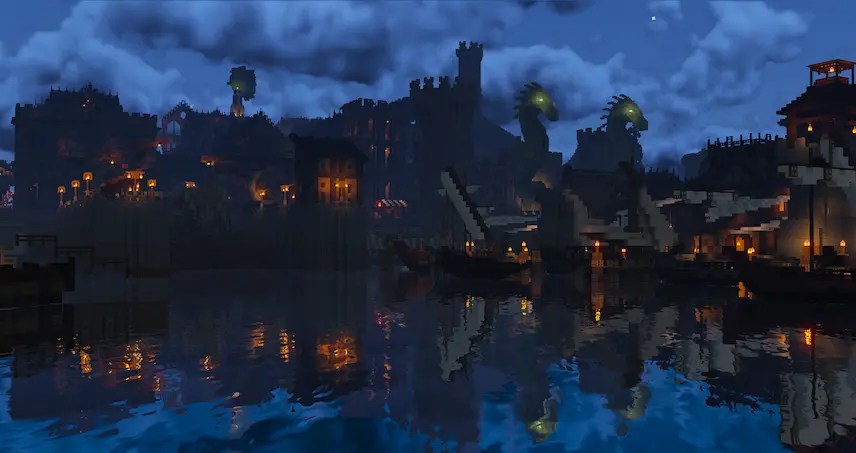
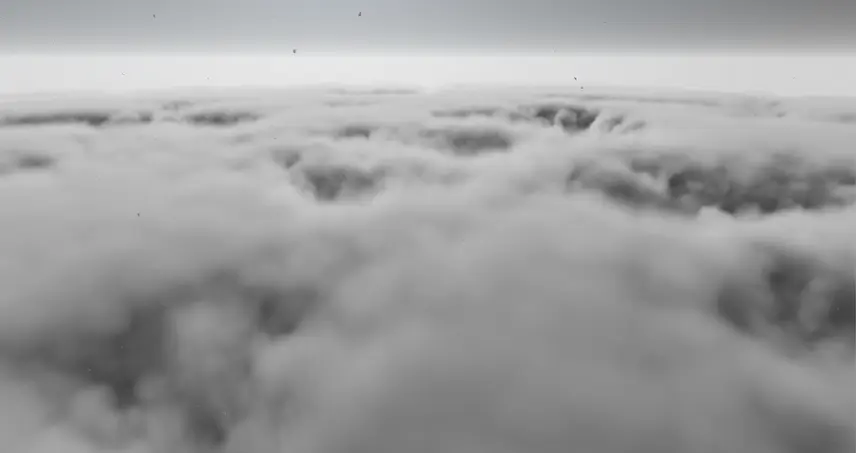
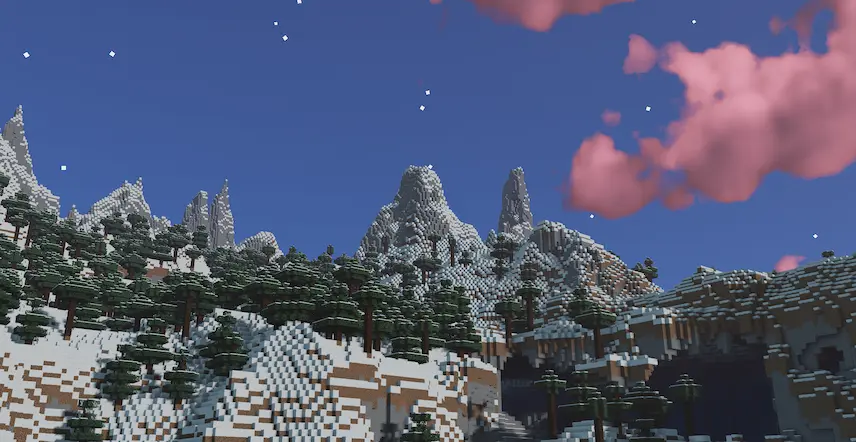
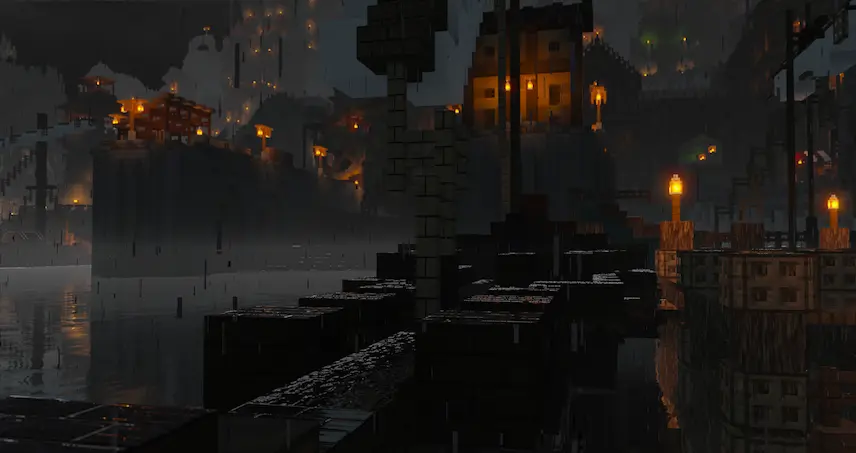
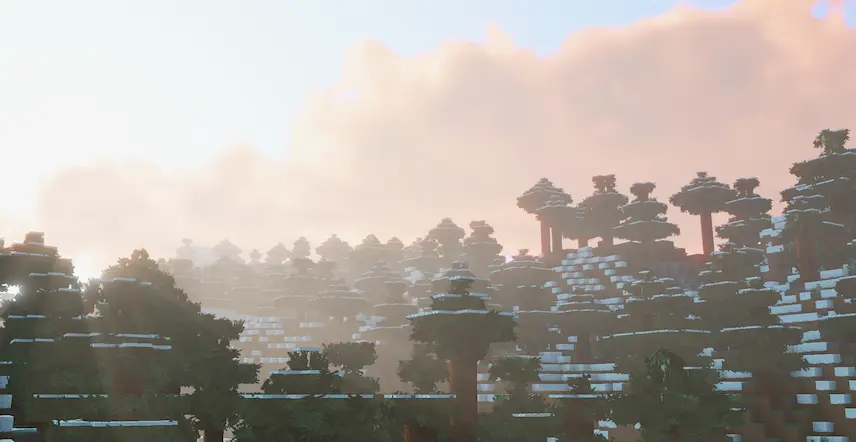
day night Rainy clouds Night Scene Rainy scene Sunset Scene
day
night
Rainy clouds
Night Scene
Rainy scene
Sunset Scene

Exposa Shaders (formerly known as Exposa Unique Shaders) is a versatile shaderpack designed to blend natural and fantasy visual styles, offering a unique and immersive Minecraft experience. Compatible with OptiFine and Iris, it’s recommended for Minecraft 1.17x and above. While it works well with AMD and NVIDIA GPUs, support for Intel and Apple devices is uncertain (Apple is likely unsupported due to technical limitations).

Key Features:

  • Rough reflections and water reflections for realistic surfaces.
  • Shadows, motion blur, and depth of field for cinematic effects.
  • Puddles and temporal anti-aliasing for enhanced detail.
  • HDR, bloom, and tonemapping for vibrant lighting.
  • Lightshafts and volumetric clouds for atmospheric depth.

Note that Nether and End support is currently limited. While the shaderpack is under an all rights reserved license, you can request permission to modify it by contacting the creator on Discord. Ready to transform your Minecraft world? Download Exposa Shaders today and enjoy a stunning blend of natural beauty and fantasy!
Fabric

  1. 1. Download, execute the Fabric installer, choose Client, select your Minecraft version, and click Install.
  2. 2. Download the Fabric API matching that Minecraft version.
  3. 3. Download Exposa or any additional Fabric-compatible mods you want.
  4. 4. Place the Fabric API and all mods into .minecraft/mods folder.
  5. 5. Open the Minecraft Launcher, select the new Fabric profile, and press Play. Enjoy!

Forge

  1. 1. Download, execute the Forge installer, choose Client, and click Install.
  2. 3. Download Exposa or any additional Forge-compatible mods you want.
  3. 4. Place all mods into .minecraft/mods folder.
  4. 5. Open the Minecraft Launcher, select the new Forge profile, and press Play. Enjoy!

NeoForge

  1. 1. Download, execute the NeoForge installer, choose Client, and click Install.
  2. 3. Download Exposa or any additional NeoForge-compatible mods you want.
  3. 4. Place all mods into .minecraft/mods folder.
  4. 5. Open the Minecraft Launcher, select the new NeoForge profile, and press Play. Enjoy!

Download Exposa Shaders

Type Game version File version Loaders Download
R Release
Exposa Shaders v5.0 File
R Release
Exposa Shaders v4.13
OptiFine Iris
File
R Release
Exposa Shaders v4.12
OptiFine Iris
File

Exposa Minecraft Shaders

3 files

Download