logo responsive
/

Fresh Ores and Ingots Minecraft Resource Pack

26.1.2, 1.21.11, 1.20.1

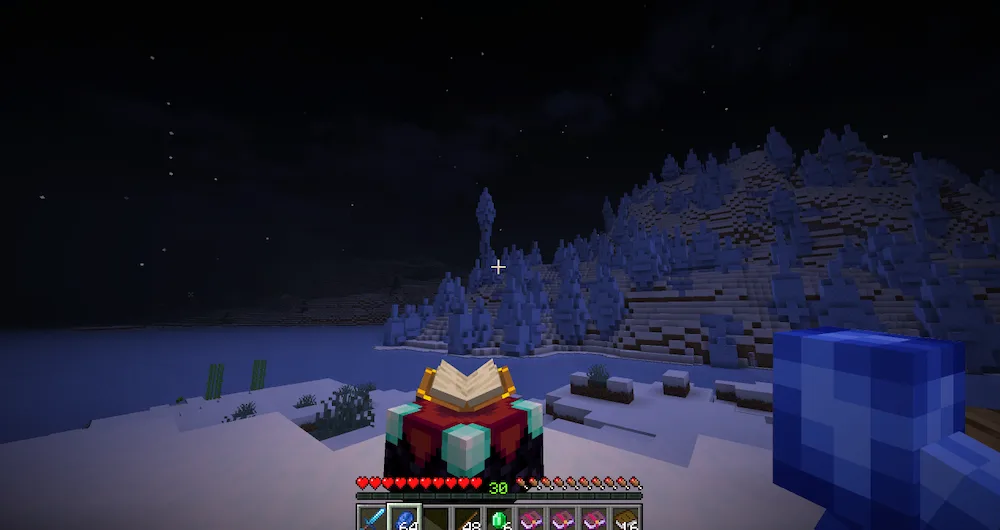
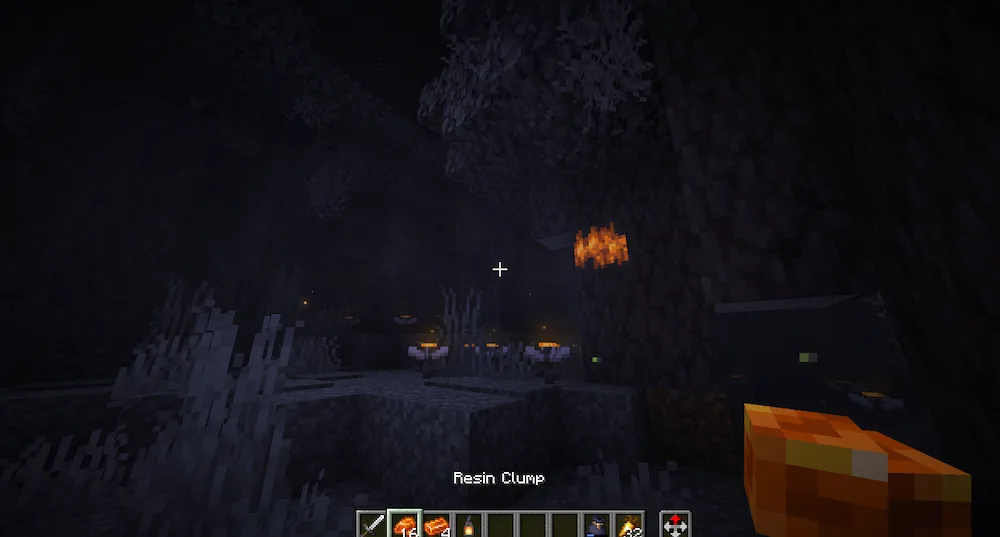
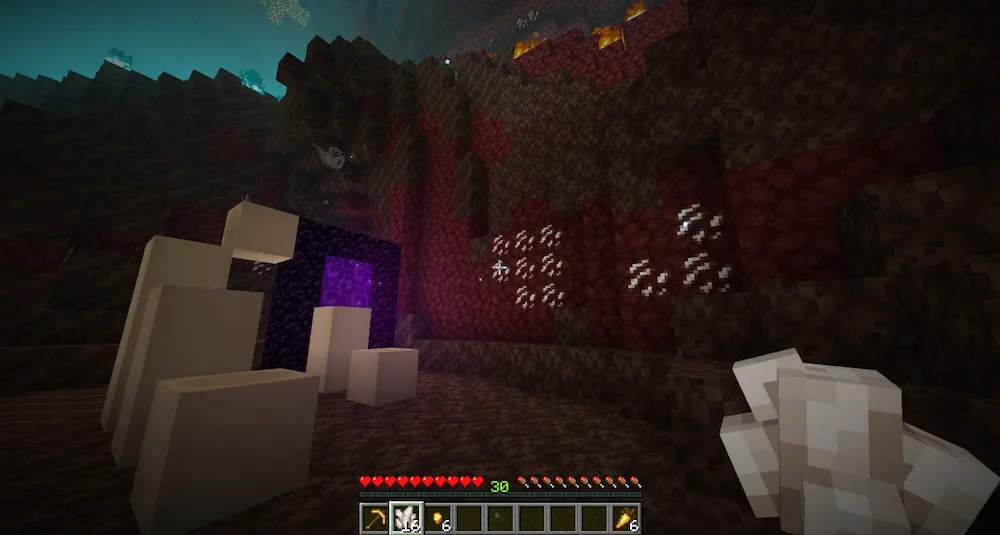
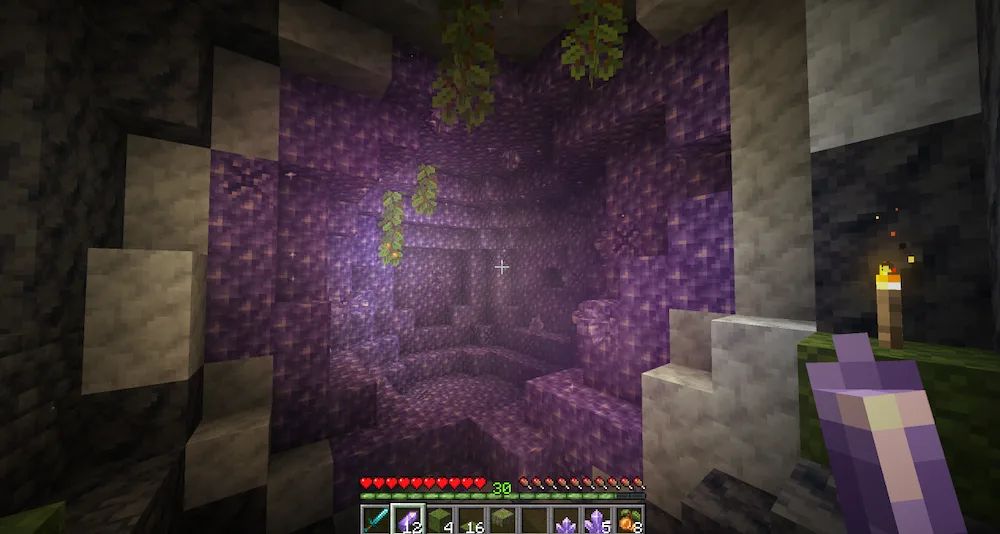
Emerald Copper Ingot Resin Clump Quartz Amethyst Shard Netherite Ingot Echo Shard Copper Ingot Nameable Variants
Emerald
Copper Ingot
Resin Clump
Quartz
Amethyst Shard
Netherite Ingot
Echo Shard
Copper Ingot
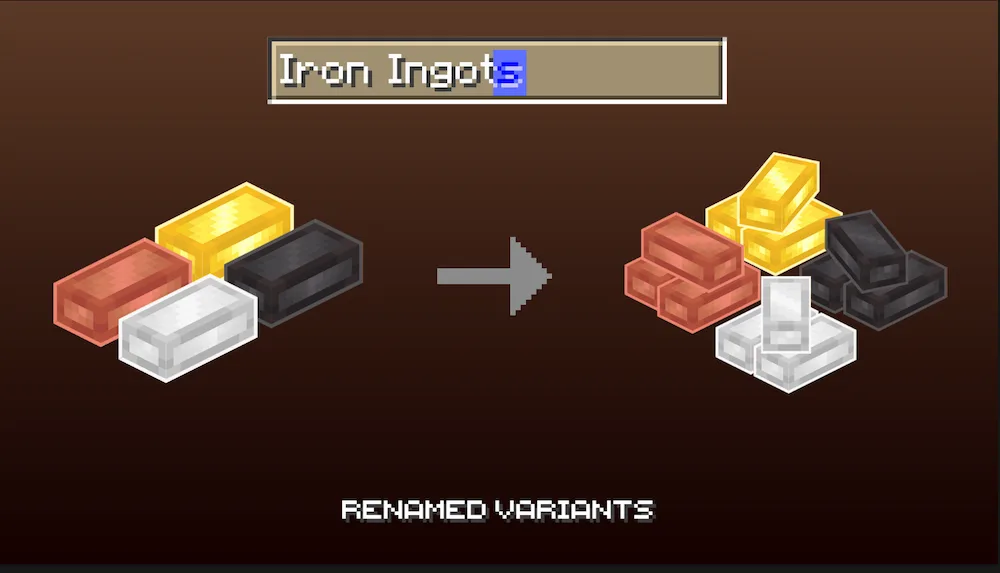
Nameable Variants

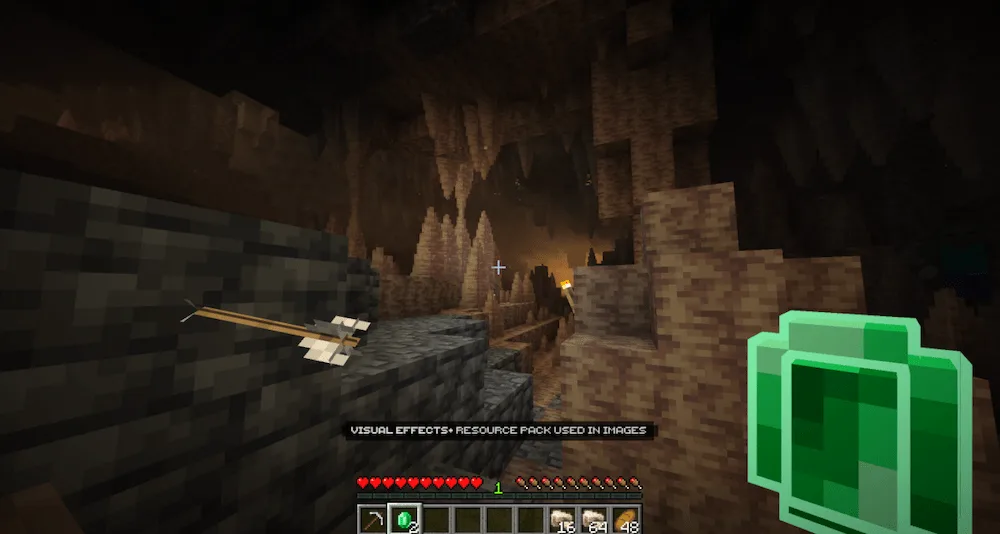
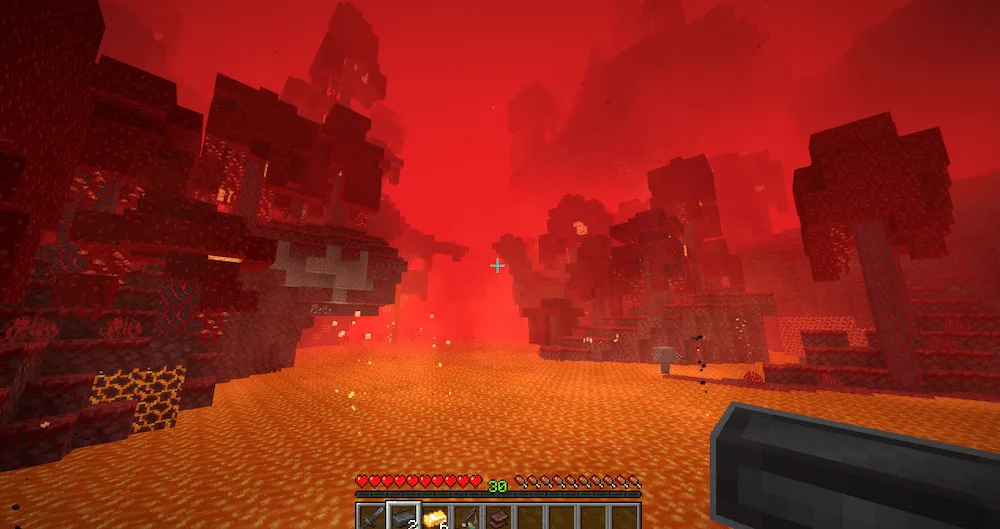
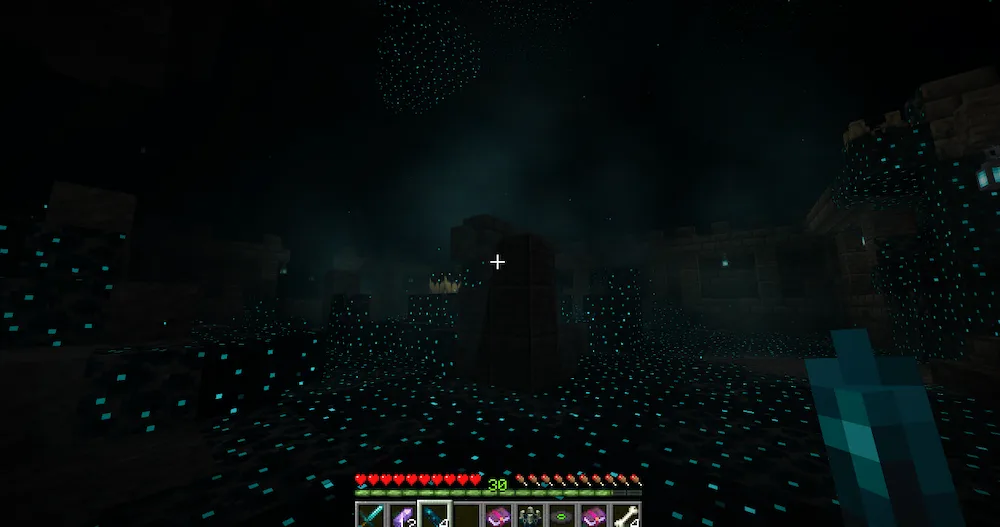
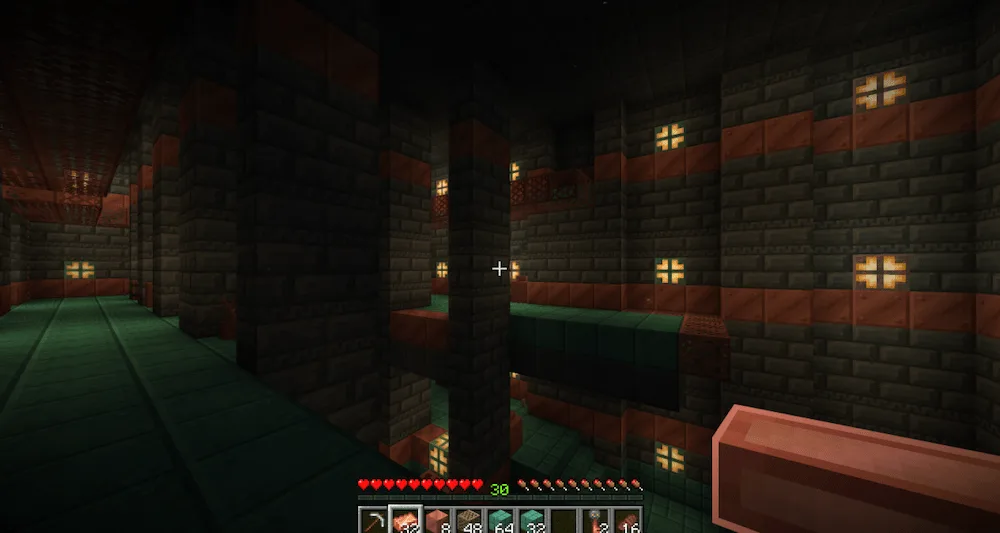
If you’re tired of the flat, boring textures of vanilla minerals, Fresh Ores and Ingots is exactly what you need. This resource pack changes the game by giving all your ores, ingots, and bricks a cool 3D look when they are placed in the world. The best part is that it keeps the inventory sprites in 2D, so your UI stays clean while your builds look way more detailed. It makes mining feel much more rewarding when you see those shiny blocks popping out in the caves.

Beyond just the basic textures, this pack adds some really fun features like nameable variants. You can actually get rubies or create stacked piles of ingots just by using an anvil to rename them. It adds a lot of personality to your storage rooms and treasure vaults without needing any complicated mods. It’s a simple way to make your Minecraft world feel more alive and modern while sticking to that classic blocky style we all love.

Fabric

  1. 1. Download, execute the Fabric installer, choose Client, select your Minecraft version, and click Install.
  2. 2. Download the Fabric API matching that Minecraft version.
  3. 3. Download Fresh Ores and Ingots or any additional Fabric-compatible mods you want.
  4. 4. Place the Fabric API and all mods into .minecraft/mods folder.
  5. 5. Open the Minecraft Launcher, select the new Fabric profile, and press Play. Enjoy!

Forge

  1. 1. Download, execute the Forge installer, choose Client, and click Install.
  2. 3. Download Fresh Ores and Ingots or any additional Forge-compatible mods you want.
  3. 4. Place all mods into .minecraft/mods folder.
  4. 5. Open the Minecraft Launcher, select the new Forge profile, and press Play. Enjoy!

NeoForge

  1. 1. Download, execute the NeoForge installer, choose Client, and click Install.
  2. 3. Download Fresh Ores and Ingots or any additional NeoForge-compatible mods you want.
  3. 4. Place all mods into .minecraft/mods folder.
  4. 5. Open the Minecraft Launcher, select the new NeoForge profile, and press Play. Enjoy!

Download Fresh Ores and Ingots Resource Pack

Type Game version File version Loaders Download
R Release
26.1.x v1.2.5 File
R Release
1.21.11 v1.2.5 File
R Release
1.21.10 v1.2.5 File
R Release
1.21.8 v1.2.5 File
R Release
1.21.5 v1.2.5 File
R Release
1.21.4 v1.2.5 File
R Release
1.21.1 v1.2.5 File
R Release
1.20.1 v1.2.5 File

Fresh Ores and Ingots Minecraft Resource Pack

8 files • 26.1.2, 1.21.11, 1.20.1

Download