logo responsive
/

Moog’s End Structures Minecraft Mod

1.21.11, 1.20.6, 1.19.4

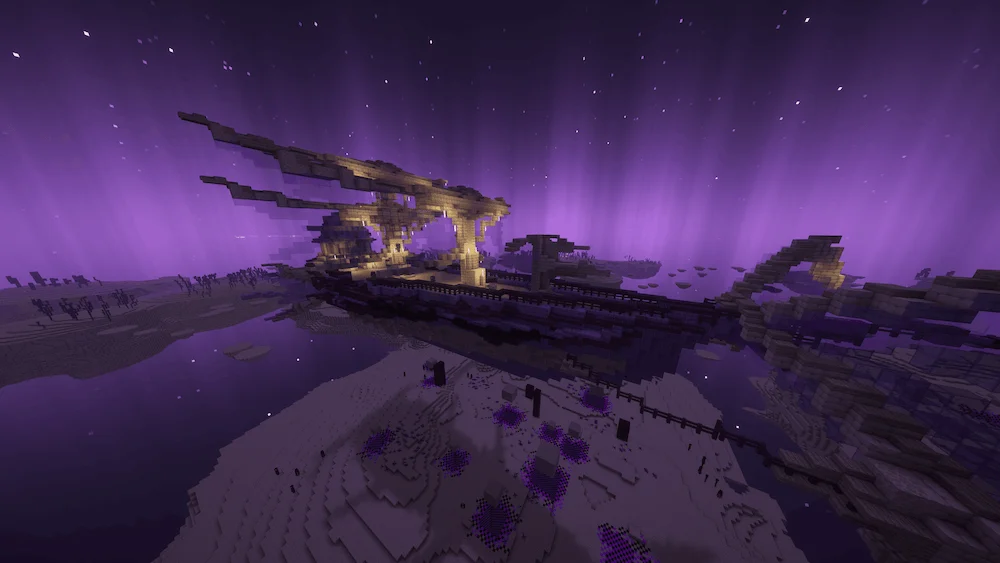
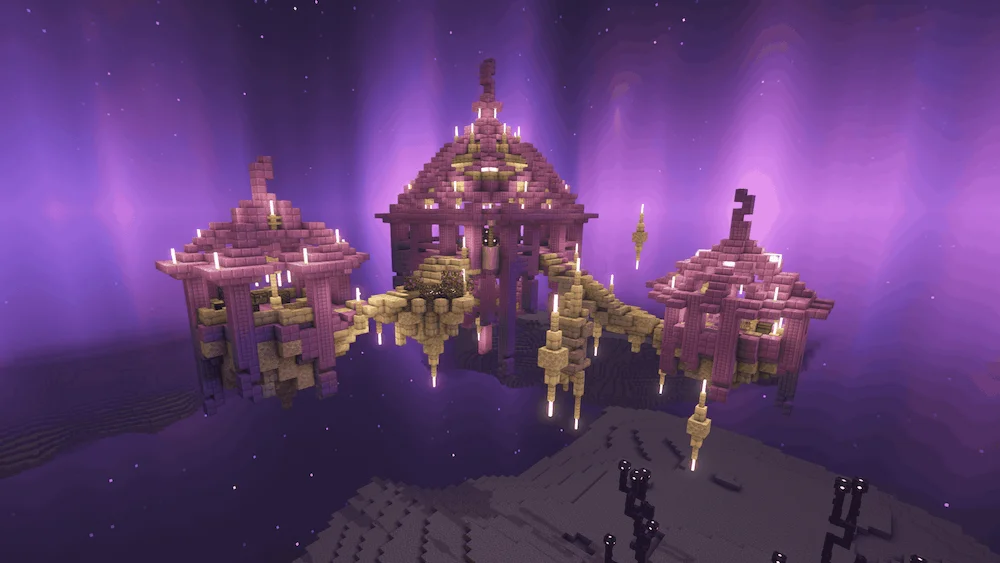
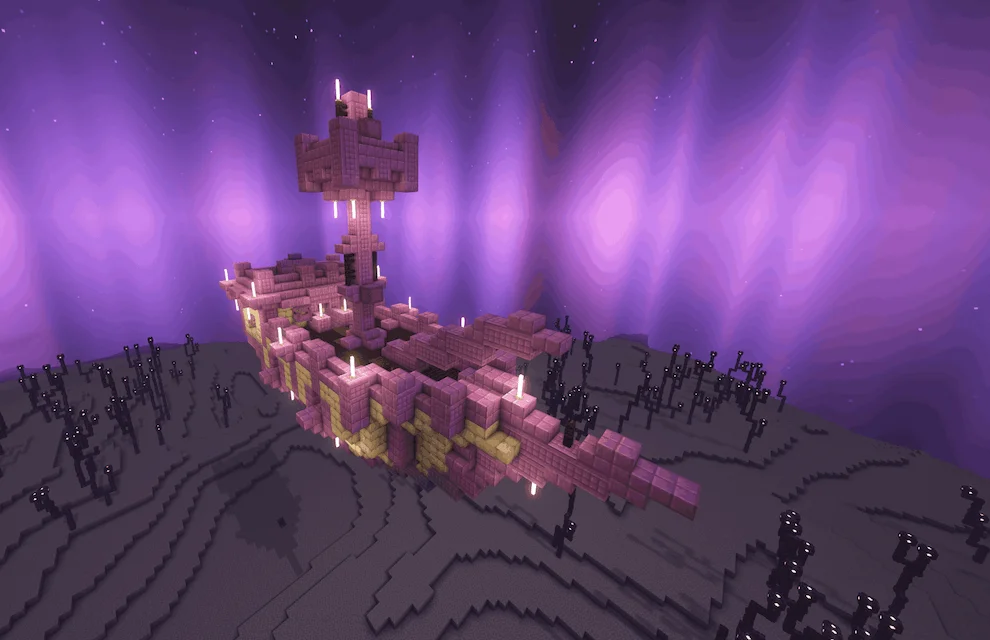
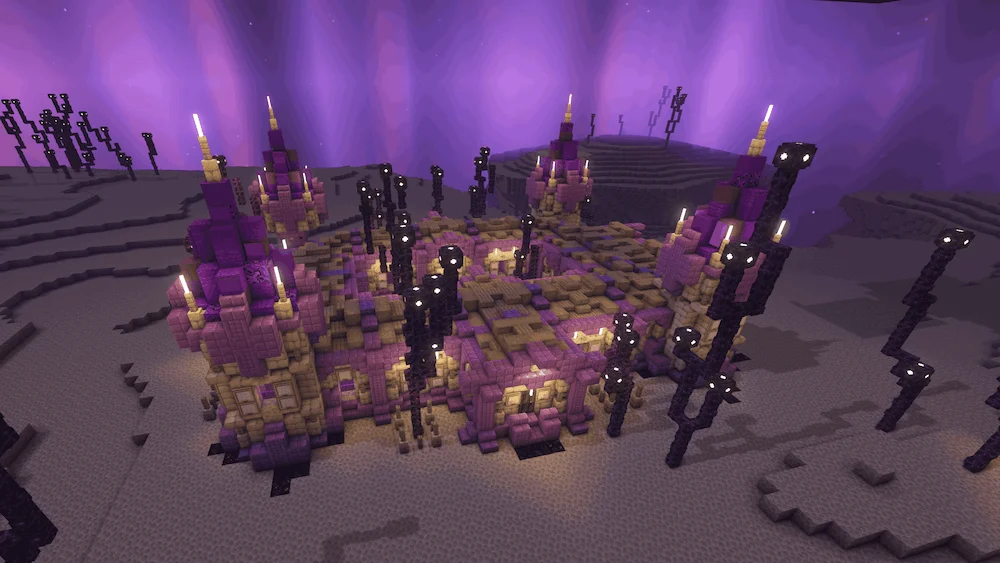
big end ship flying structure end ship dungeon tower inside ship ruined structure end estructure
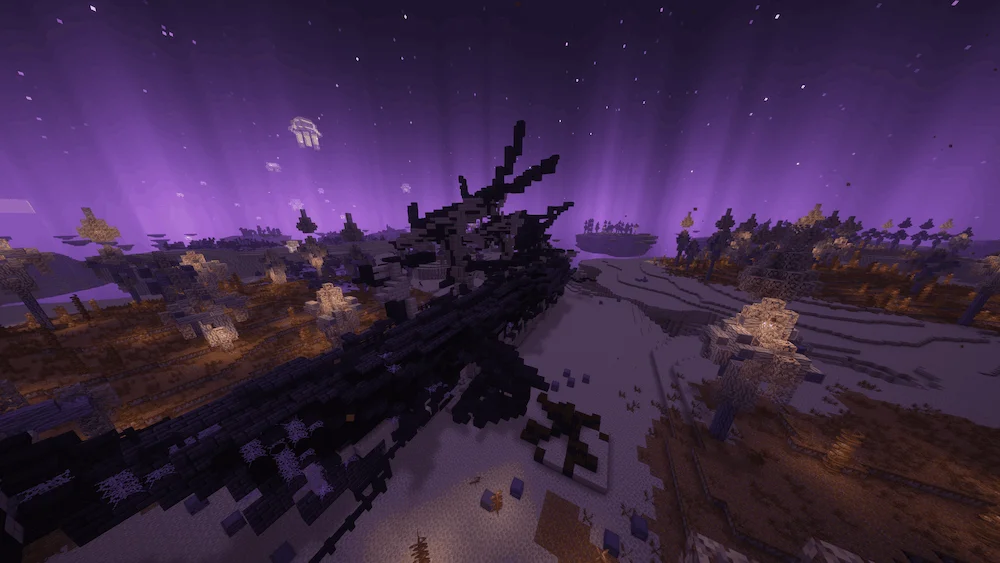
big end ship
flying structure
end ship
dungeon
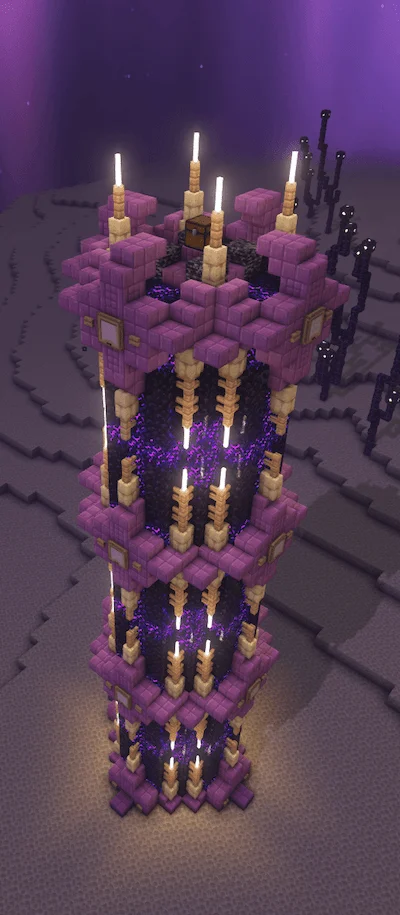
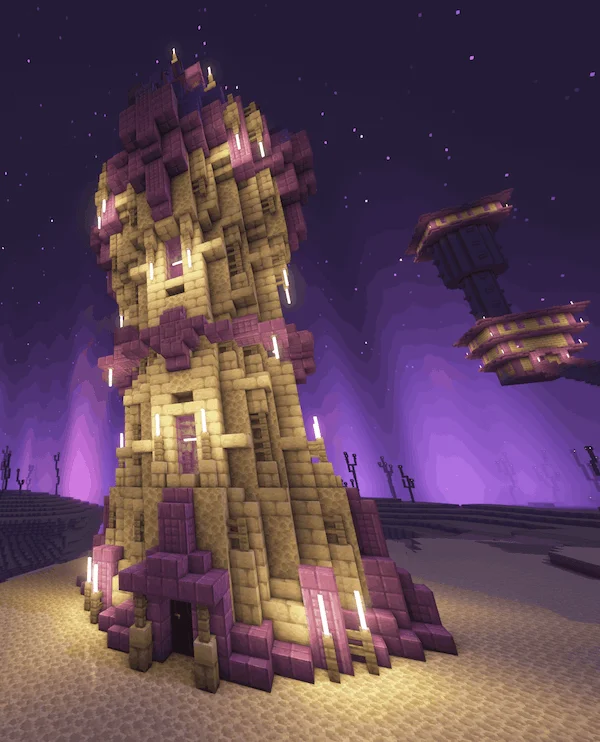
tower
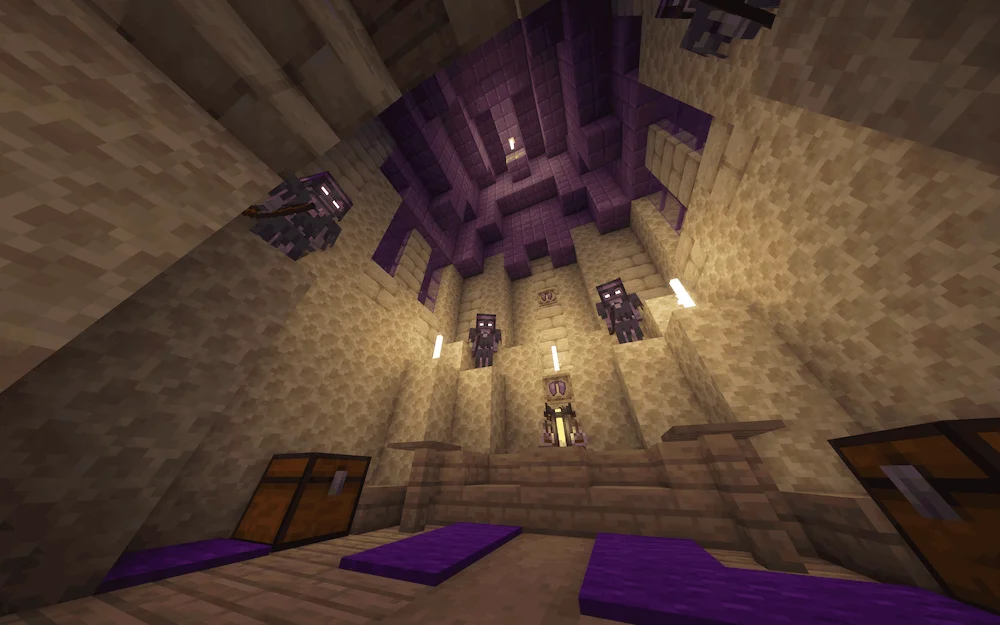
inside ship
ruined structure
end estructure

Moog’s End Structures is a mod that completely transforms the End dimension, making it far more exciting to explore. It adds a variety of new structures that feel natural within the game’s vanilla style, all carefully designed using original blocks and entities. As players venture deeper into the End, they’ll find mysterious buildings, powerful enemies, and rare loot that make every journey feel rewarding. The mod captures the essence of Minecraft’s original charm while expanding it with fresh and creative challenges.

Perfect for both casual adventurers and experienced players, Moog’s End Structures fits seamlessly into any modpack. It’s also fully compatible with Moog’s Voyager Structures, allowing you to combine both mods for an even richer exploration experience. With this Minecraft mod, the once-empty End becomes a vast and mysterious world filled with secrets and rewards, turning your endgame adventures into something truly unforgettable.

Fabric

  1. 1. Download, execute the Fabric installer, choose Client, select your Minecraft version, and click Install.
  2. 2. Download the Fabric API matching that Minecraft version.
  3. 3. Download Moog’s End Structures or any additional Fabric-compatible mods you want.
  4. 4. Place the Fabric API and all mods into .minecraft/mods folder.
  5. 5. Open the Minecraft Launcher, select the new Fabric profile, and press Play. Enjoy!

Forge

  1. 1. Download, execute the Forge installer, choose Client, and click Install.
  2. 3. Download Moog’s End Structures or any additional Forge-compatible mods you want.
  3. 4. Place all mods into .minecraft/mods folder.
  4. 5. Open the Minecraft Launcher, select the new Forge profile, and press Play. Enjoy!

NeoForge

  1. 1. Download, execute the NeoForge installer, choose Client, and click Install.
  2. 3. Download Moog’s End Structures or any additional NeoForge-compatible mods you want.
  3. 4. Place all mods into .minecraft/mods folder.
  4. 5. Open the Minecraft Launcher, select the new NeoForge profile, and press Play. Enjoy!

Download Moog’s End Structures Mod

Type Game version File version Loaders Download
R Release
1.21.x v2.0.1
Fabric NeoForge
File
R Release
1.20.6 v1.4.6
Fabric
File
R Release
1.20.6 v1.4.6
NeoForge
File
R Release
1.20.4 v1.4.6
Fabric
File
R Release
1.20.4 v1.4.6
Forge
File
R Release
1.20.4 v1.3.2
NeoForge
File
R Release
1.20.1 v1.4.6
Fabric
File
R Release
1.20.1 v1.4.6
Forge
File
R Release
1.19.4 v1.3.1
Fabric
File
R Release
1.19.4 v1.3.1
Forge
File
R Release
1.19.2 v1.3.1
Fabric
File
R Release
1.19.2 v1.3.1
Forge
File

Moog’s End Structures Minecraft Mod

12 files • 1.21.11, 1.20.6, 1.19.4

Download