
logo responsive
/

End Villager Trader Minecraft Mod

1.21.8, 1.20.6

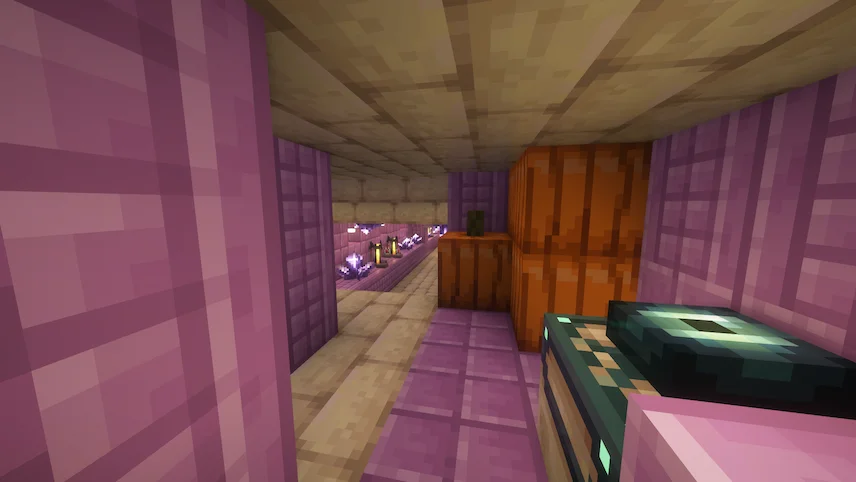
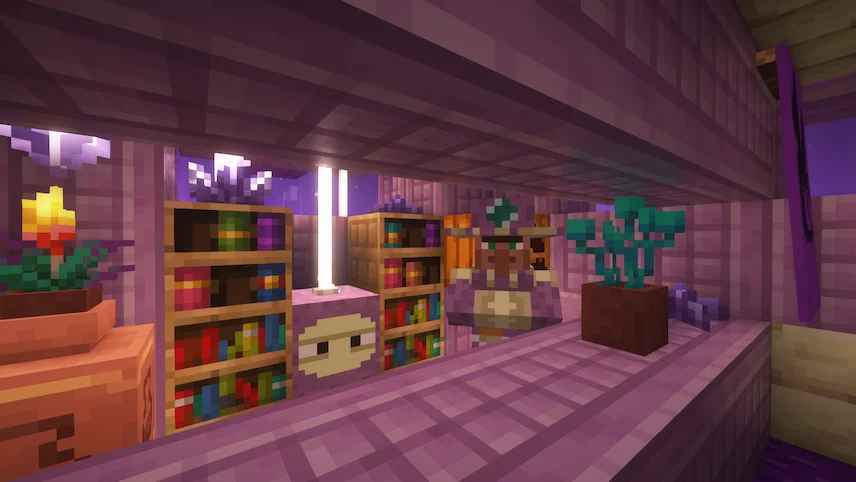
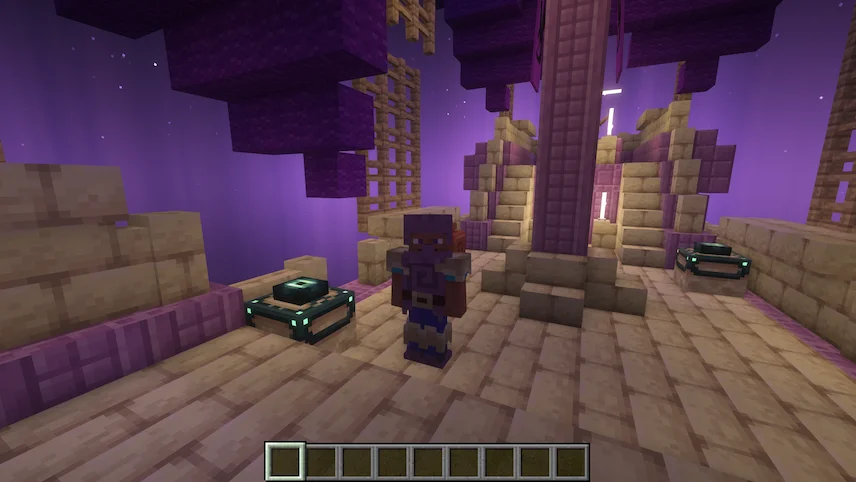
village end inside the ship end trader shulker armor
village end
inside the ship
end trader
shulker armor

End Villager Trader Mod brings a fresh reason to explore the skies of the End, adding a mysterious trader who lives aboard his floating ship. Instead of just wandering through empty islands, players now have the chance to discover this unique villager and trade for items that make End survival and exploration far more rewarding. It’s a perfect addition for anyone who feels the End needs more life and purpose beyond just battling the dragon and raiding cities.

What makes this mod stand out are the trader’s special deals and the brand-new Shulker Armor set. The armor matches diamond in strength but adds knockback resistance, and wearing the full set gives you Slow Falling, making Elytra flights and End travel much safer. You can also buy rockets for Elytra at higher trade levels and repair your armor with shulker shells, keeping it practical for long adventures. Whether you stumble upon his ship high above an End biome or summon him using his workstation, the End Villager Trader Mod turns the End into a place worth revisiting again and again.


Fabric

  1. 1. Download, execute the Fabric installer, choose Client, select your Minecraft version, and click Install.
  2. 2. Download the Fabric API matching that Minecraft version.
  3. 3. Download End Villager Trader or any additional Fabric-compatible mods you want.
  4. 4. Place the Fabric API and all mods into .minecraft/mods folder.
  5. 5. Open the Minecraft Launcher, select the new Fabric profile, and press Play. Enjoy!

Forge

  1. 1. Download, execute the Forge installer, choose Client, and click Install.
  2. 3. Download End Villager Trader or any additional Forge-compatible mods you want.
  3. 4. Place all mods into .minecraft/mods folder.
  4. 5. Open the Minecraft Launcher, select the new Forge profile, and press Play. Enjoy!

NeoForge

  1. 1. Download, execute the NeoForge installer, choose Client, and click Install.
  2. 3. Download End Villager Trader or any additional NeoForge-compatible mods you want.
  3. 4. Place all mods into .minecraft/mods folder.
  4. 5. Open the Minecraft Launcher, select the new NeoForge profile, and press Play. Enjoy!

Download End Villager Trader Mod

Type Game version File version Loaders Download
R Release
1.21.8 v1.0.1
NeoForge
File
R Release
1.21.4 v1.0.1
NeoForge
File
R Release
1.21.1 v1.0.1
NeoForge
File
R Release
1.20.6 v1.0.1
NeoForge
File
R Release
1.20.1 v1.0.1
Forge
File

End Villager Trader Minecraft Mod

5 files • 1.21.8, 1.20.6

Download