logo responsive
/

Security Craft Minecraft Mod

1.21.8, 1.20.6, 1.19.4, 1.18.2

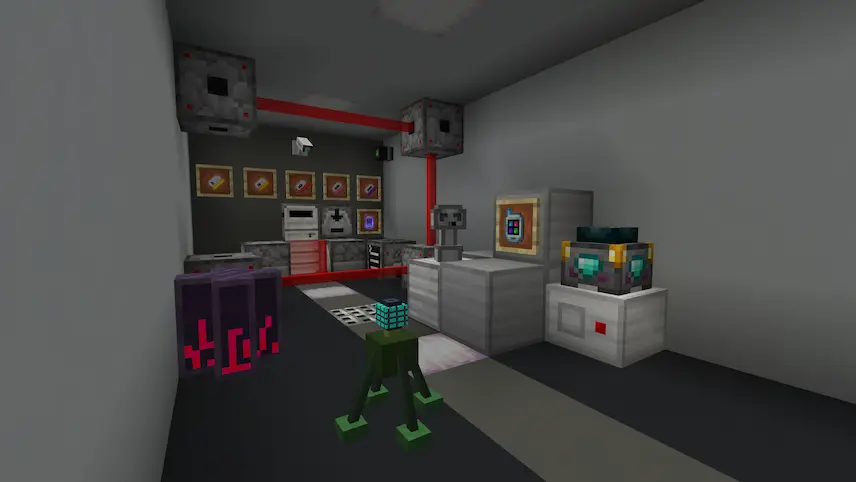
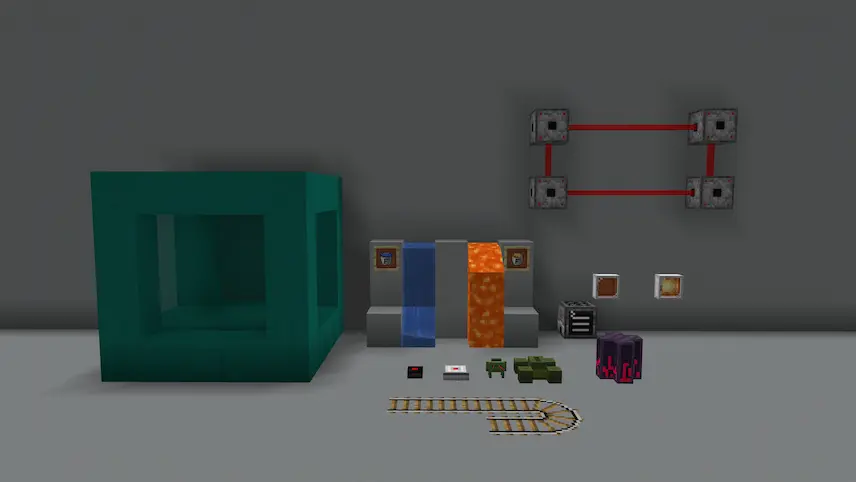
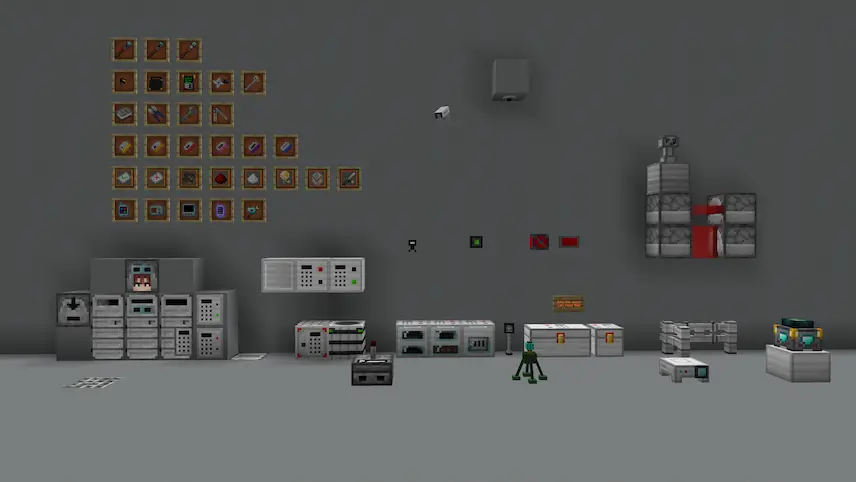
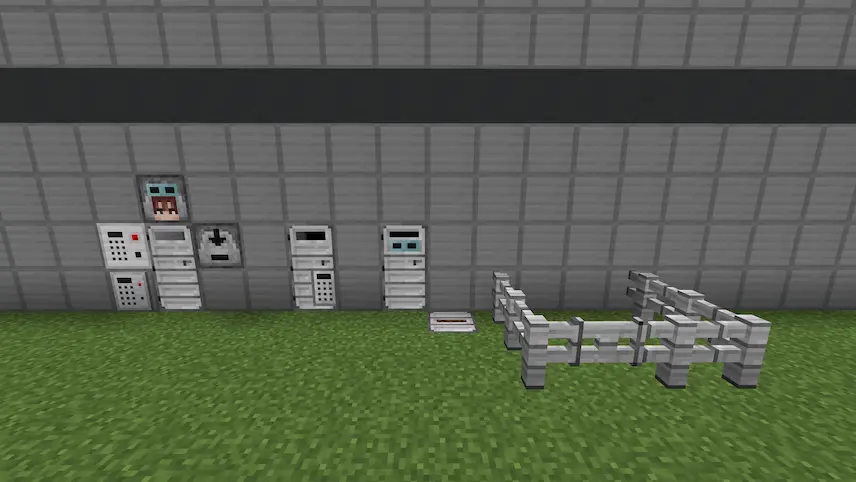
Some blocks used to securely store valuable items Some explosives of the mod Blocks on the left are vanilla, blocks on the right are reinforced Some blocks and items used as defense mechanisms some blocks some blocks of Security Craft reinforced doors and other entrances
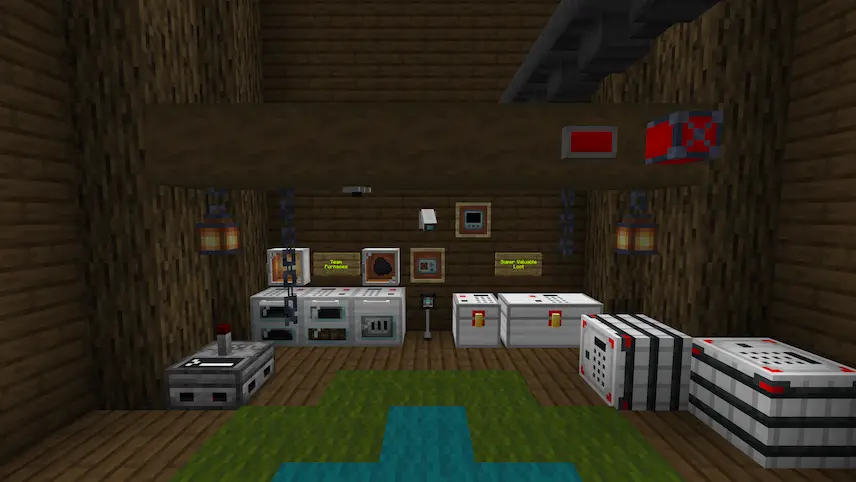
Some blocks used to securely store valuable items
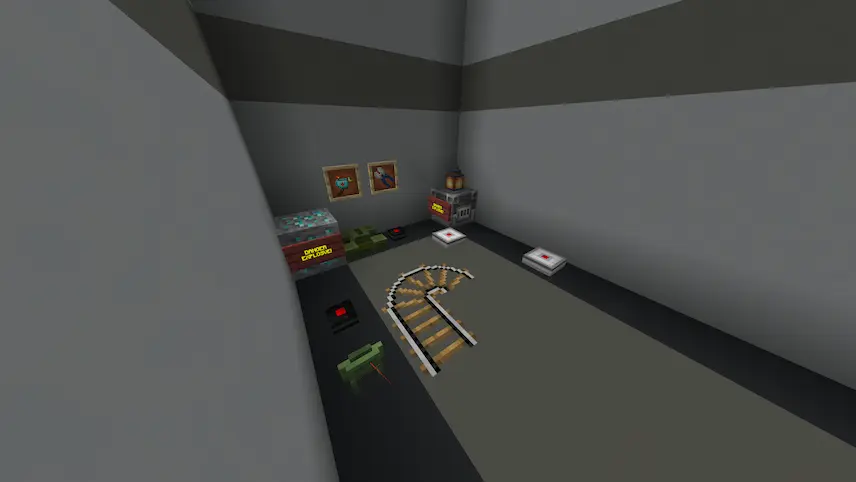
Some explosives of the mod
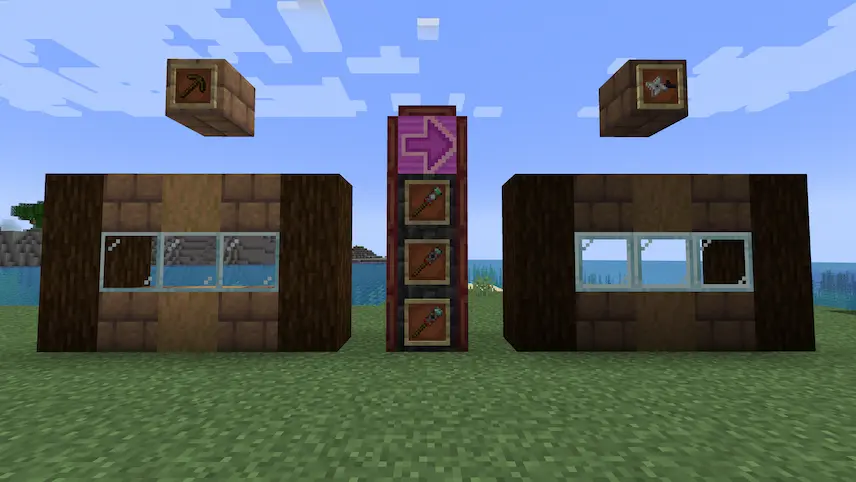
Blocks on the left are vanilla, blocks on the right are reinforced
Some blocks and items used as defense mechanisms
some blocks
some blocks of Security Craft
reinforced doors and other entrances

SecurityCraft is a Minecraft mod that adds high-tech security tools to your world, letting you defend your base from intruders, mobs, and griefing. You can reinforce blocks to make them unbreakable, with each block becoming “owned” by the player who placed it. Only the owner can break or interact with those blocks, unless configured otherwise. The mod also includes passcode-protected versions of chests, doors, and furnaces—perfect for protecting your loot—plus an optional codebreaker item that has a chance of opening locked blocks.

Beyond locks and reinforced blocks, SecurityCraft offers a wide range of defense tools for your base. Use laser tripwires that trigger traps or alarms, installed with whitelist and harm modules for added control. Set up cameras that let you view remote areas from anywhere, rift stabilizers to block teleporting items, and sentry turrets for automated defense. With passcards, inventory scanners, fake liquids, and explosive mines disguised as regular blocks, this Minecraft mod gives you everything you need to build a functional fortress with rich mechanics and options for creative defense setup.

Fabric

  1. 1. Download, execute the Fabric installer, choose Client, select your Minecraft version, and click Install.
  2. 2. Download the Fabric API matching that Minecraft version.
  3. 3. Download Security Craft or any additional Fabric-compatible mods you want.
  4. 4. Place the Fabric API and all mods into .minecraft/mods folder.
  5. 5. Open the Minecraft Launcher, select the new Fabric profile, and press Play. Enjoy!

Forge

  1. 1. Download, execute the Forge installer, choose Client, and click Install.
  2. 3. Download Security Craft or any additional Forge-compatible mods you want.
  3. 4. Place all mods into .minecraft/mods folder.
  4. 5. Open the Minecraft Launcher, select the new Forge profile, and press Play. Enjoy!

NeoForge

  1. 1. Download, execute the NeoForge installer, choose Client, and click Install.
  2. 3. Download Security Craft or any additional NeoForge-compatible mods you want.
  3. 4. Place all mods into .minecraft/mods folder.
  4. 5. Open the Minecraft Launcher, select the new NeoForge profile, and press Play. Enjoy!

Download Security Craft Mod

Type Game version File version Loaders Download
B Beta
1.21.8 v1.10
NeoForge
File
B Beta
1.21.7 v1.10
NeoForge
File
B Beta
1.21.6 v1.10
NeoForge
File
B Beta
1.21.5 v1.10
NeoForge
File
R Release
1.21.4 v1.10
NeoForge
File
R Release
1.21.1 v1.10
NeoForge
File
R Release
1.20.6 v1.10
NeoForge
File
R Release
1.20.1 v1.10.0.1
Forge
File
R Release
1.19.4 v1.10.0.1
Forge
File
R Release
1.19.2 v1.9.6.1
Forge
File
R Release
1.18.2 v1.10
Forge
File
R Release
1.17.1 v1.9.5
Forge
File
R Release
1.16.5 v1.10
Forge
File

Security Craft Minecraft Mod

13 files • 1.21.8, 1.20.6, 1.19.4, 1.18.2

Download