logo responsive
/

Block Pack Minecraft Mod

1.21.1, 1.20.1

Cyberpunk City Before After Japan Build Medieval Build WorkBench Underwater House
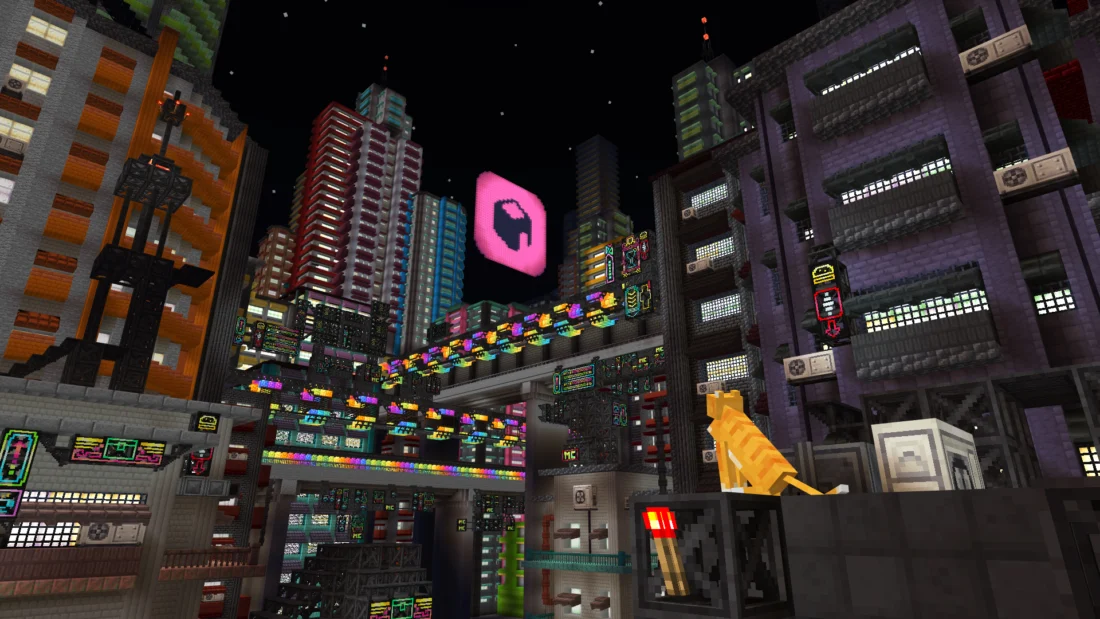
Cyberpunk City
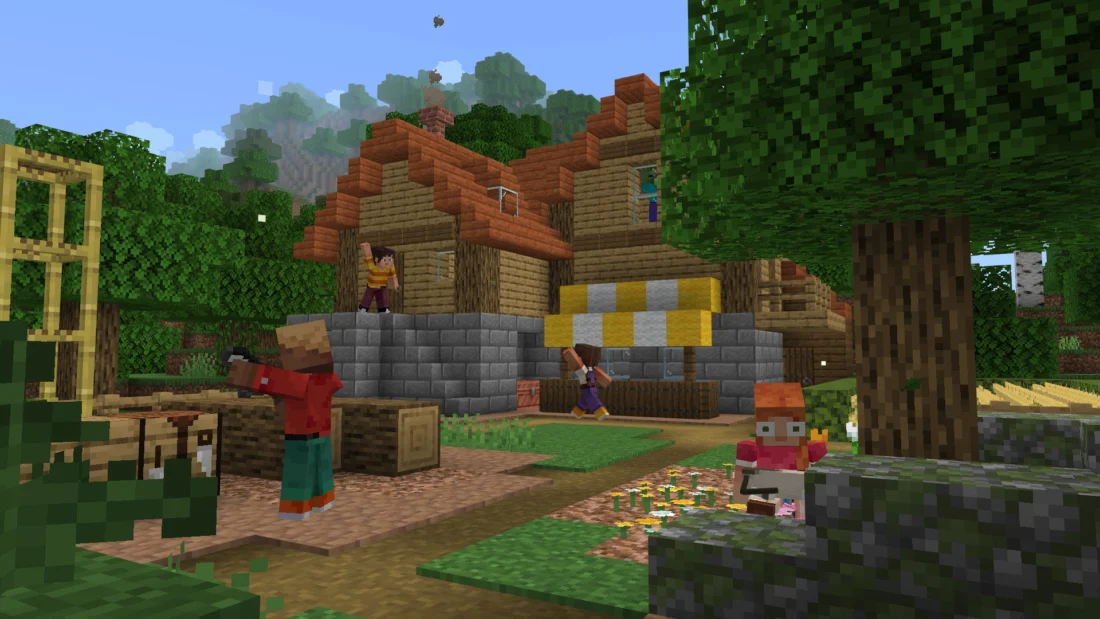
Before
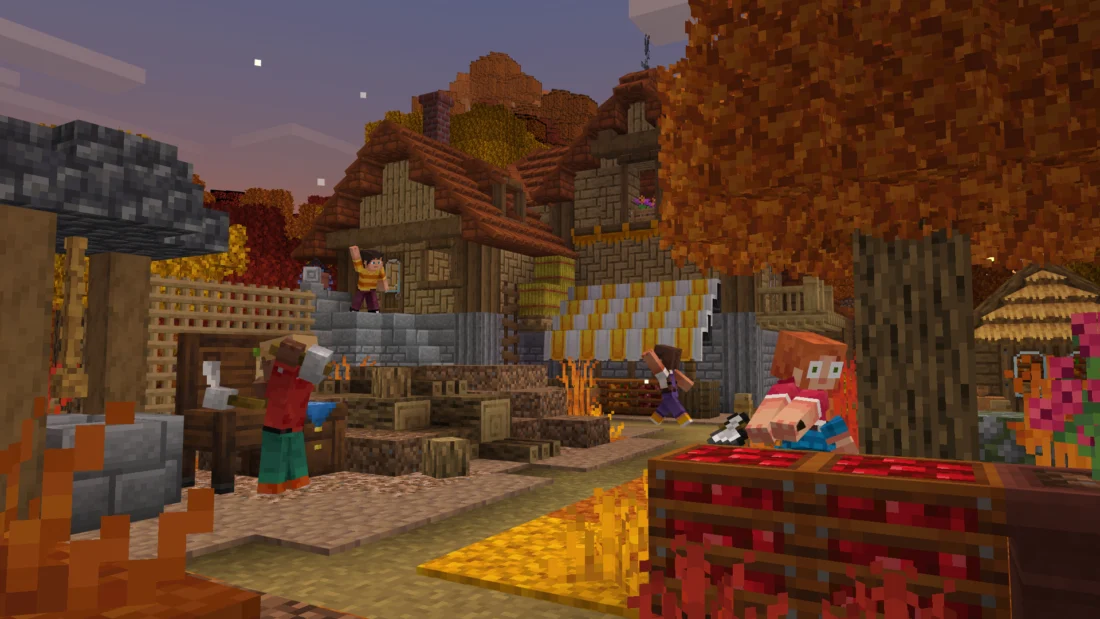
After
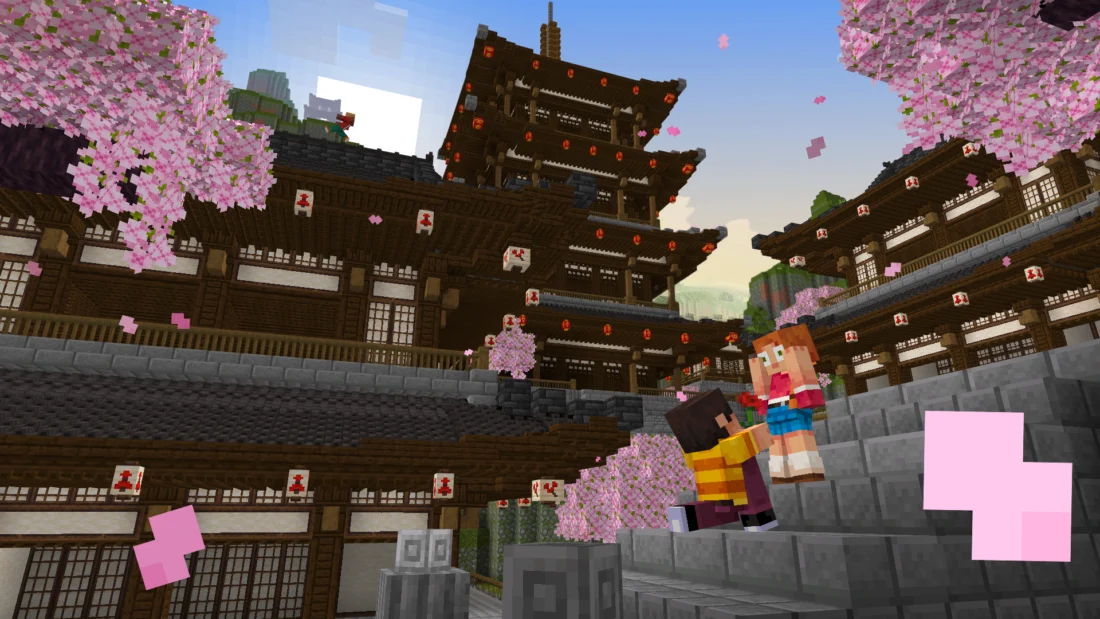
Japan Build
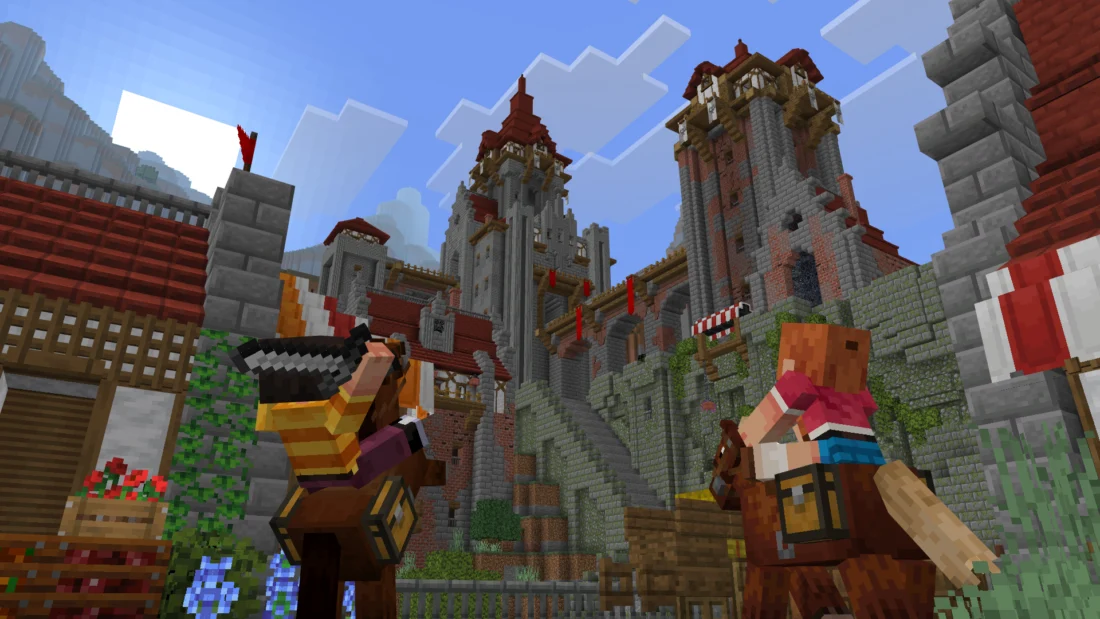
Medieval Build
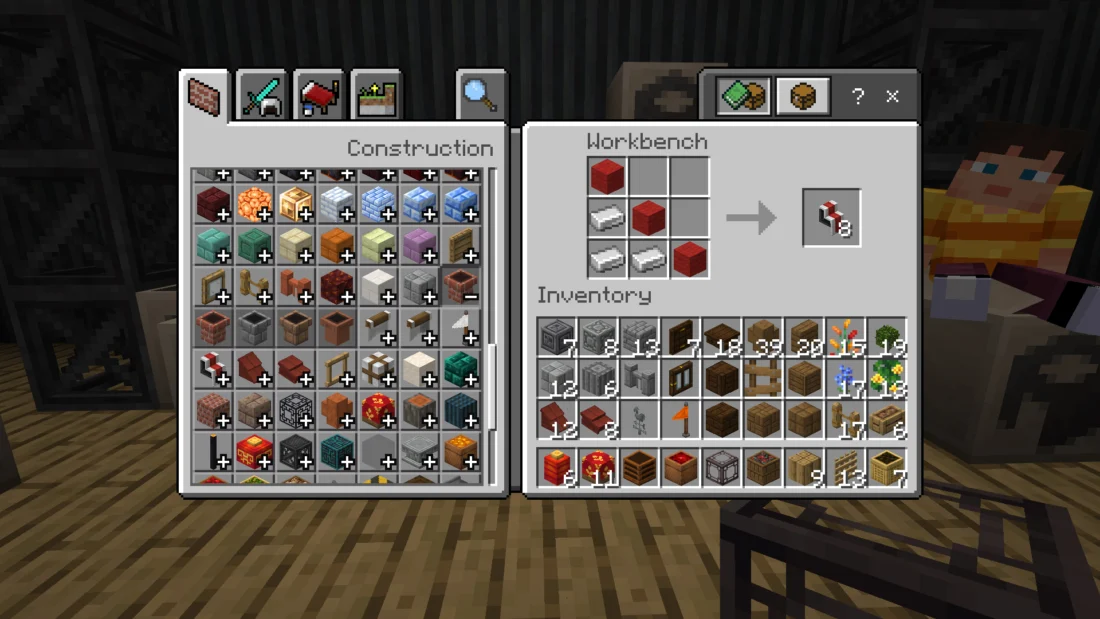
WorkBench
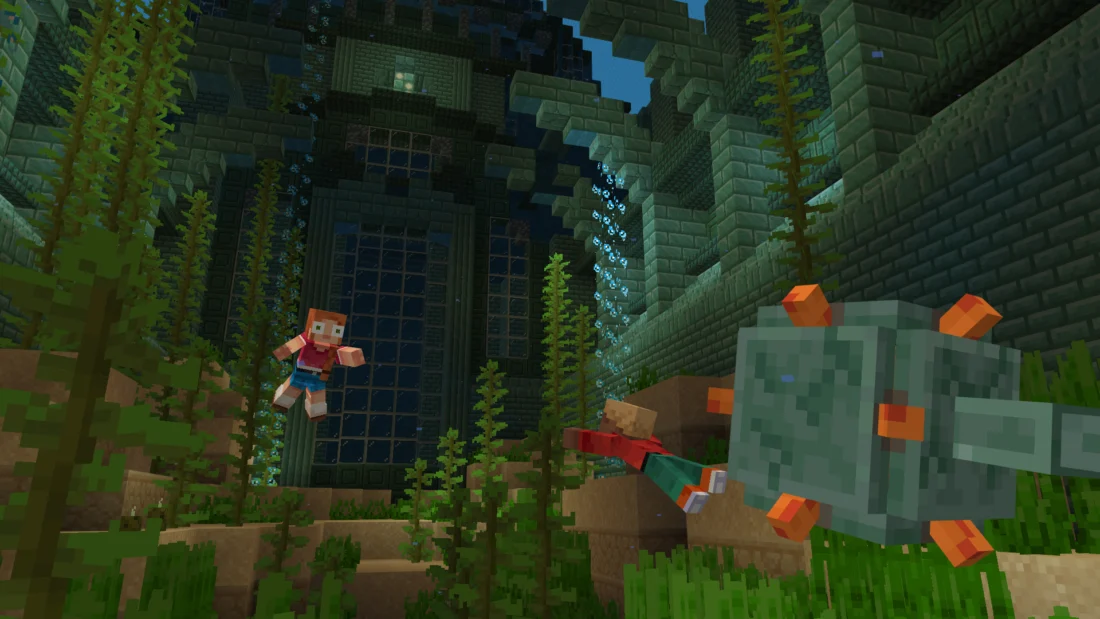
Underwater
House

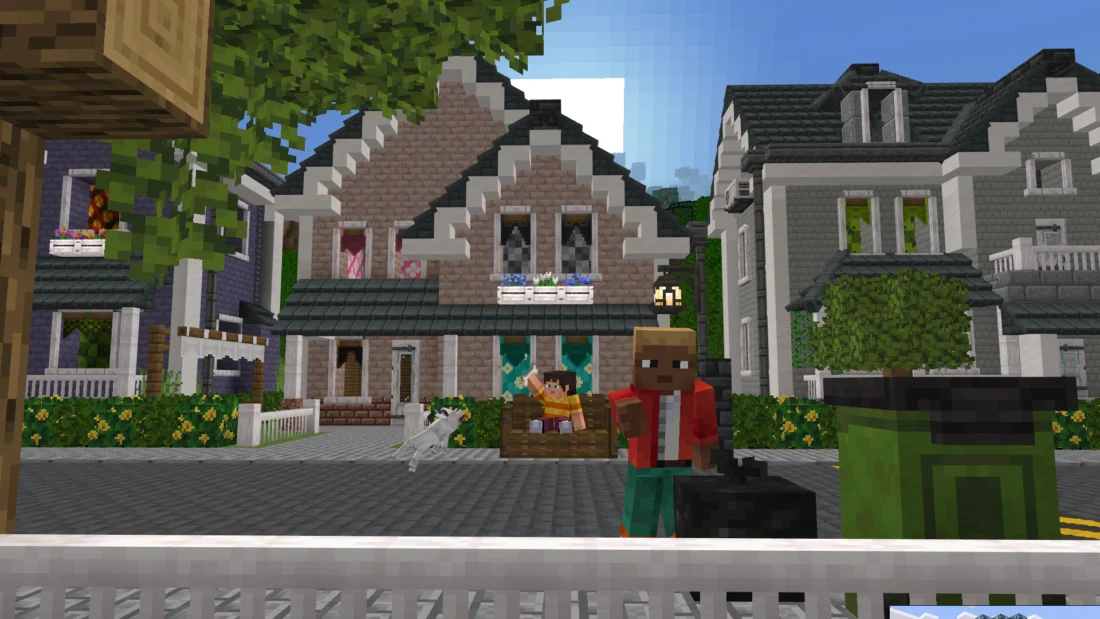
Block Pack adds over 1,200 building and decoration blocks to Minecraft, giving builders a huge variety of styles and shapes to work with. Create medieval villages, Japanese temples, Greek architecture, modern cities, cyberpunk builds, underwater structures, and much more, all while keeping a style that fits naturally into vanilla Minecraft.

The mod goes beyond decoration with functional blocks such as fillable crates, barrels, baskets, and sacks for storage, along with lanterns, hanging lamps, neon signs, string lights, candlesticks, and holograms. Air conditioners, chimneys, vents, gutters, and weather vanes can also add life to your builds. A dedicated Workbench handles the mod’s recipes without filling the vanilla crafting table, while the Wrench lets you change block states and variants directly in the world. Block Pack also supports JEI, EMI, Jade, and Chipped.


Fabric

  1. 1. Download, execute the Fabric installer, choose Client, select your Minecraft version, and click Install.
  2. 2. Download the Fabric API matching that Minecraft version.
  3. 3. Download Block Pack or any additional Fabric-compatible mods you want.
  4. 4. Place the Fabric API and all mods into .minecraft/mods folder.
  5. 5. Open the Minecraft Launcher, select the new Fabric profile, and press Play. Enjoy!

Forge

  1. 1. Download, execute the Forge installer, choose Client, and click Install.
  2. 3. Download Block Pack or any additional Forge-compatible mods you want.
  3. 4. Place all mods into .minecraft/mods folder.
  4. 5. Open the Minecraft Launcher, select the new Forge profile, and press Play. Enjoy!

NeoForge

  1. 1. Download, execute the NeoForge installer, choose Client, and click Install.
  2. 3. Download Block Pack or any additional NeoForge-compatible mods you want.
  3. 4. Place all mods into .minecraft/mods folder.
  4. 5. Open the Minecraft Launcher, select the new NeoForge profile, and press Play. Enjoy!

Download Block Pack Mod

Type Game version File version Loaders Download
R Release
1.21.1 v1.1.2
Fabric
File
R Release
1.21.1 v1.1.2
NeoForge
File
R Release
1.20.1 v1.1.2
Fabric
File
R Release
1.20.1 v1.1.2
Forge
File

Block Pack Minecraft Mod

4 files • 1.21.1, 1.20.1

Download