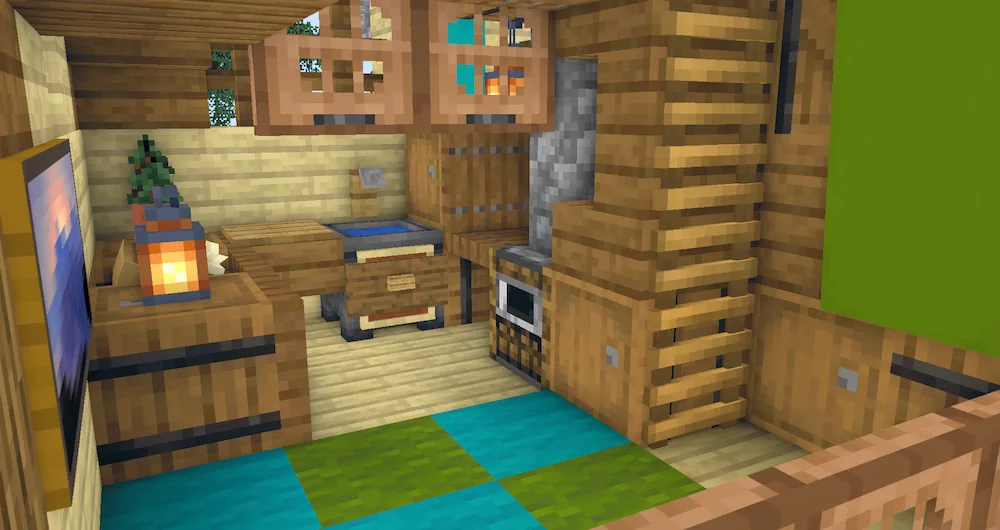
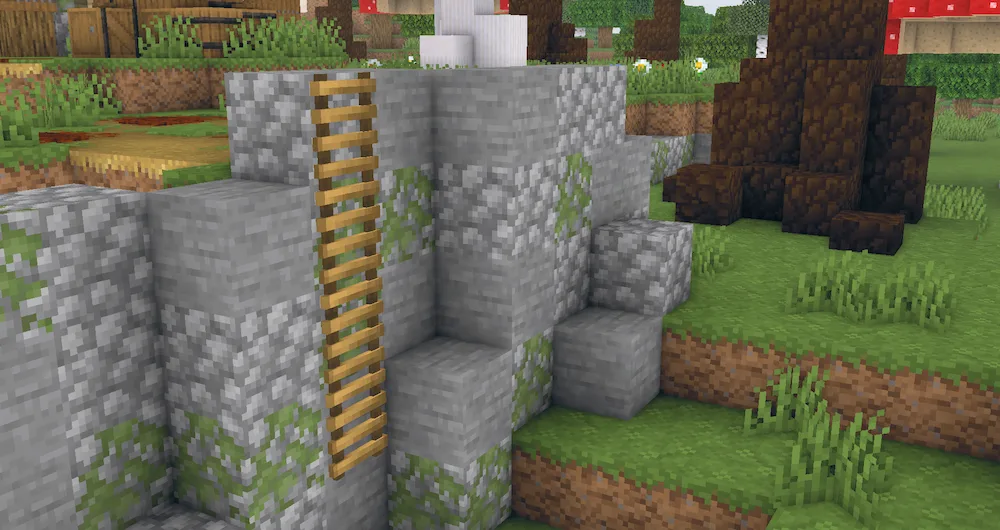
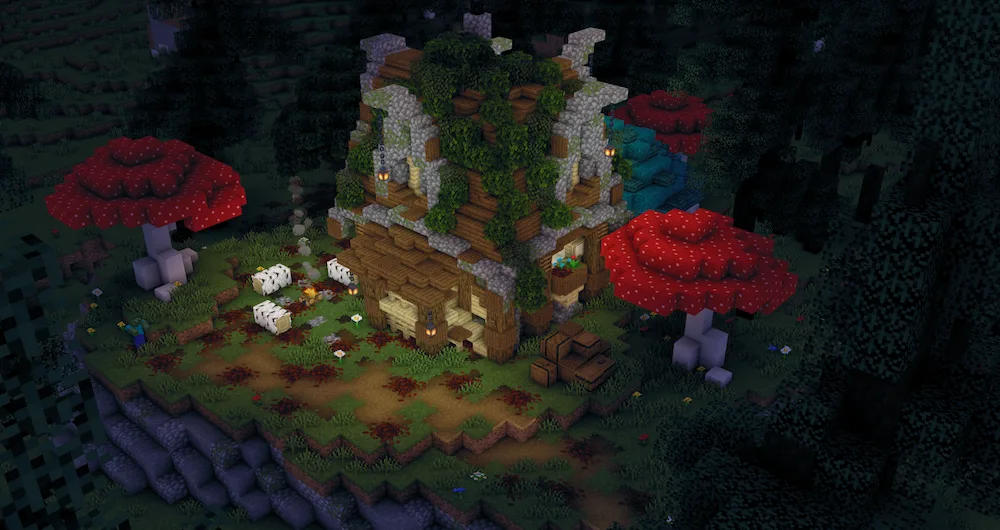
Tea Shaders is a great pick if you want a cozy, refreshed look for your world without actually melting your computer. It’s super lightweight and stays pretty close to the original Minecraft vibe, but it adds those “must-have” effects like waving grass, leaves, and water that make everything feel less static. One of the coolest parts is the customizable watercolor and biome-specific fog, especially in the swamps, which makes exploring different areas feel way more unique.
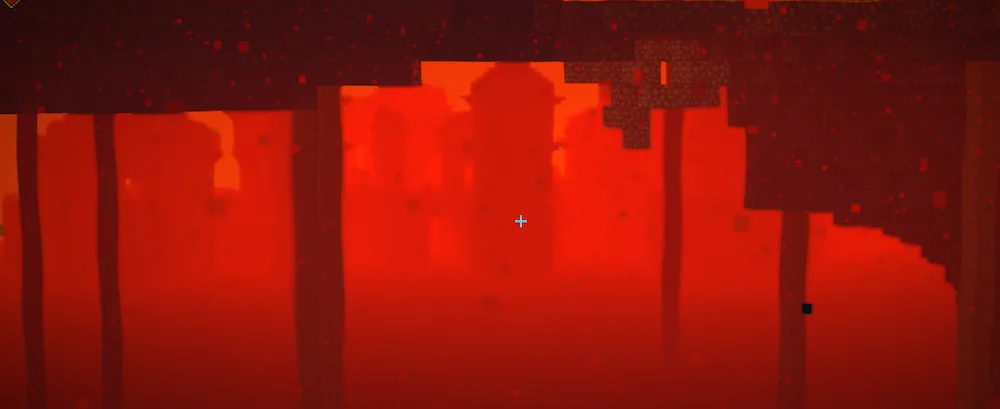
Even though it’s simple, it still packs high-end features like HDR, depth of field, and heat refraction for the Nether. You can even mess with the cel-shading if you want more of a stylized, comic-book look. It’s perfect for players on low-end PCs or laptops who still want clear, vibrant graphics and smooth gameplay. If you want a solid FPS boost but still want your game to look cinematic, you should definitely give these a shot.




 Tags
Tags