logo responsive
/

MmmMmmMmmMmm (Target Dummy) Minecraft Mod

1.21.1, 1.20.1

damage dungeons skin spooky dummy boss mmmmmmm works with mods
damage
dungeons skin
spooky
dummy boss
mmmmmmm
works with mods

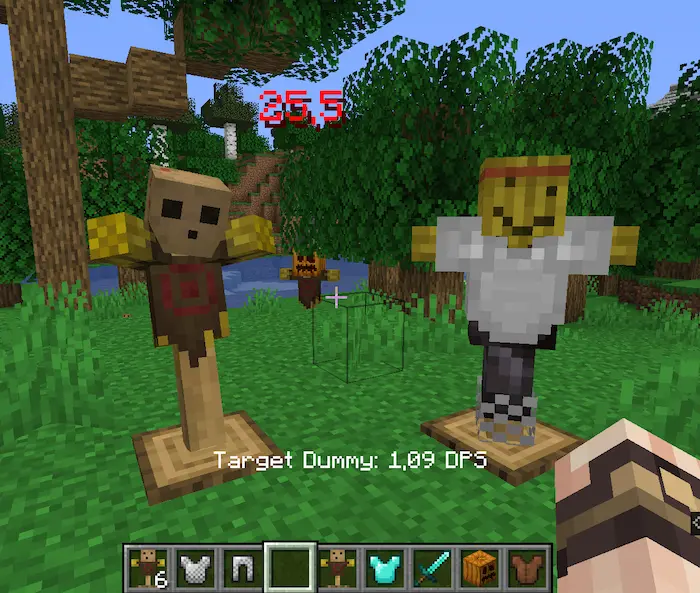
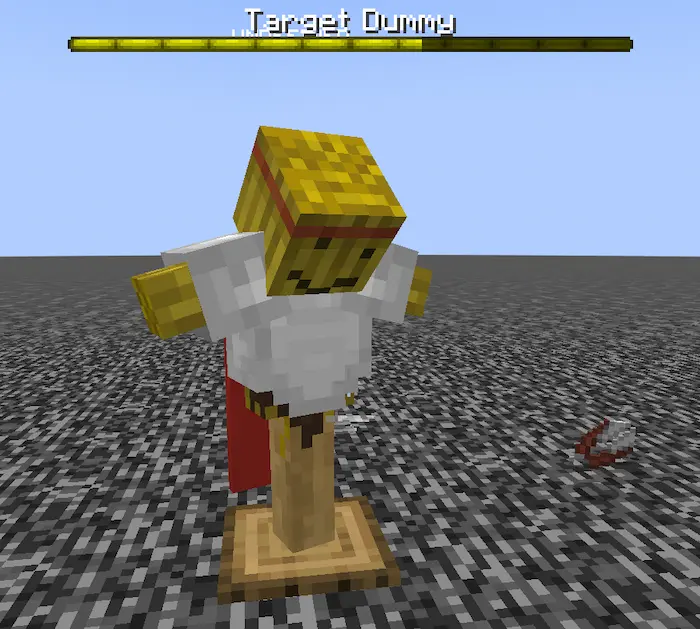
Target Dummy is a simple Minecraft mod that adds a single, fun item: a Target Dummy. Once you place the dummy in your world, it stands still and waits for you to attack. When you hit it, the dummy wiggles and displays large damage numbers, letting you see exactly how much damage each weapon or enchantment does in real time. This makes it easy to test new swords, axes, or custom enchantments without worrying about mobs fleeing or fighting back.

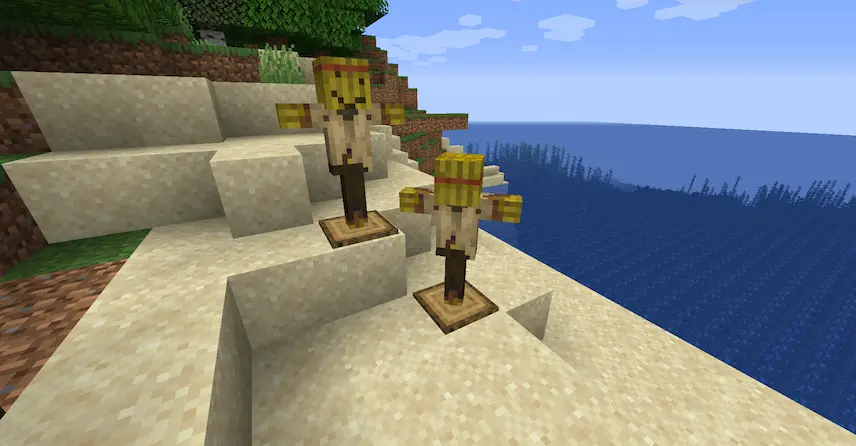
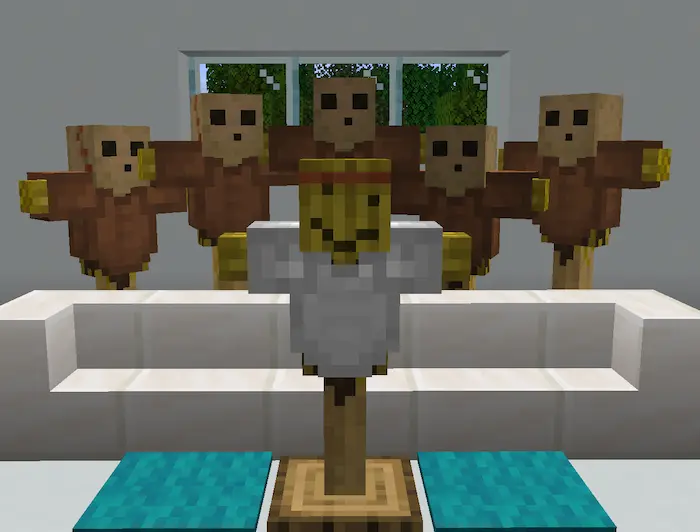
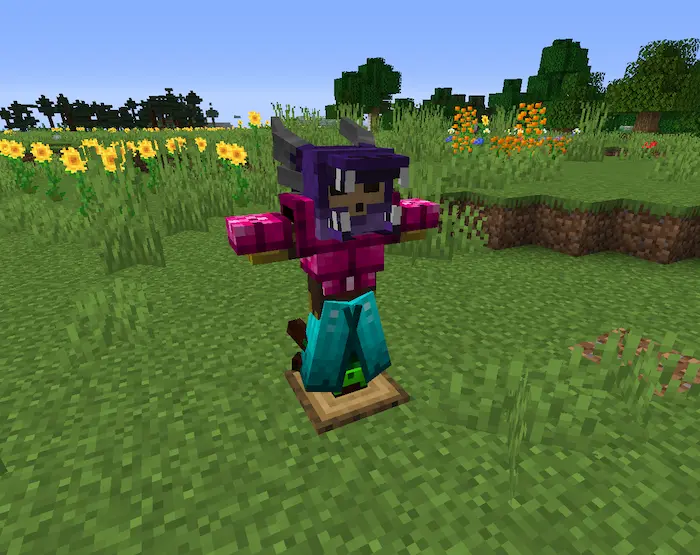
Beyond just showing damage values, the Target Dummy can be dressed up by equipping it with armor or named tags, which pleases the dummy and lowers the displayed numbers for a bit of humor. By letting you fine-tune your gear and measure DPS against a static target, this Minecraft mod enhances gameplay for anyone who loves optimizing weapons or trying out new builds. Whether you’re experimenting on a creative map download or gearing up for a big survival fight, the Target Dummy helps you make informed choices and sharpen your combat skills.


Fabric

  1. 1. Download, execute the Fabric installer, choose Client, select your Minecraft version, and click Install.
  2. 2. Download the Fabric API matching that Minecraft version.
  3. 3. Download MmmMmmMmmMmm (Target Dummy) or any additional Fabric-compatible mods you want.
  4. 4. Place the Fabric API and all mods into .minecraft/mods folder.
  5. 5. Open the Minecraft Launcher, select the new Fabric profile, and press Play. Enjoy!

Forge

  1. 1. Download, execute the Forge installer, choose Client, and click Install.
  2. 3. Download MmmMmmMmmMmm (Target Dummy) or any additional Forge-compatible mods you want.
  3. 4. Place all mods into .minecraft/mods folder.
  4. 5. Open the Minecraft Launcher, select the new Forge profile, and press Play. Enjoy!

NeoForge

  1. 1. Download, execute the NeoForge installer, choose Client, and click Install.
  2. 3. Download MmmMmmMmmMmm (Target Dummy) or any additional NeoForge-compatible mods you want.
  3. 4. Place all mods into .minecraft/mods folder.
  4. 5. Open the Minecraft Launcher, select the new NeoForge profile, and press Play. Enjoy!

Download MmmMmmMmmMmm (Target Dummy) Mod

Type Game version File version Loaders Download
R Release
1.21.1 v2.0.9
Fabric
File
R Release
1.21.1 v2.0.9
NeoForge
File
R Release
1.20.1 v2.0.8
Fabric
File
R Release
1.20.1 v2.0.9
Forge
File
R Release
1.19.4 v1.7.8
Fabric
File
R Release
1.19.4 v1.7.8
Forge
File
R Release
1.19.2 v1.7.1
Fabric
File
R Release
1.19.2 v1.7.1
Forge
File
R Release
1.18.2 v1.5.2
Fabric
File
R Release
1.18.2 v1.5.2
Forge
File
R Release
1.17.1 v1.5.0
Fabric
File
R Release
1.17.1 v1.5.0
Forge
File
R Release
1.16.5 v1.3.3
Forge
File
R Release
1.12.2 v2.0.4
Forge
File

MmmMmmMmmMmm (Target Dummy) Minecraft Mod

14 files • 1.21.1, 1.20.1

Download