logo responsive
/

Stardew Fishing Minecraft Mod

26.2, 26.1.2, 1.21.11, 1.20.1, 1.19.2

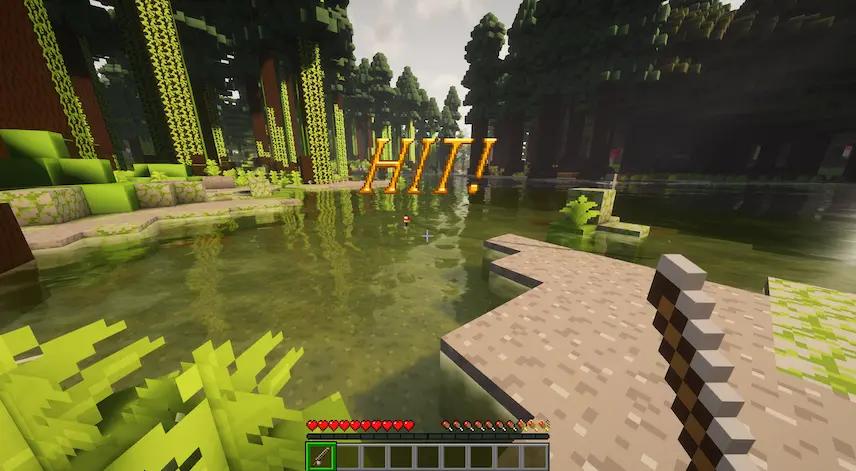
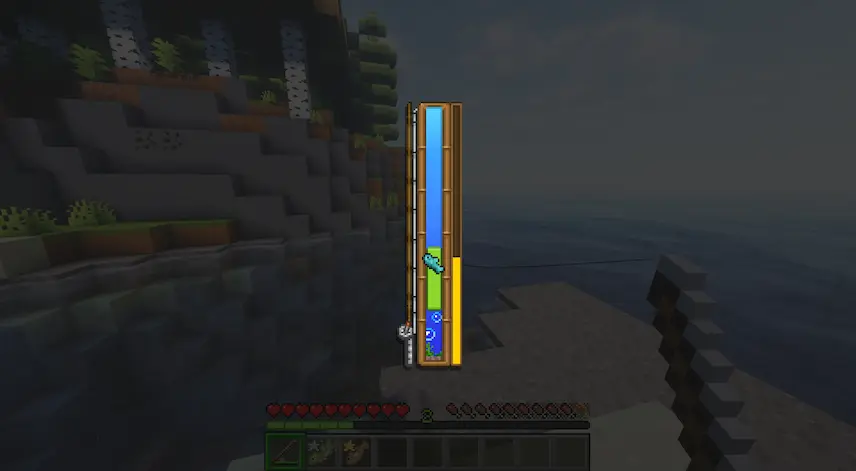
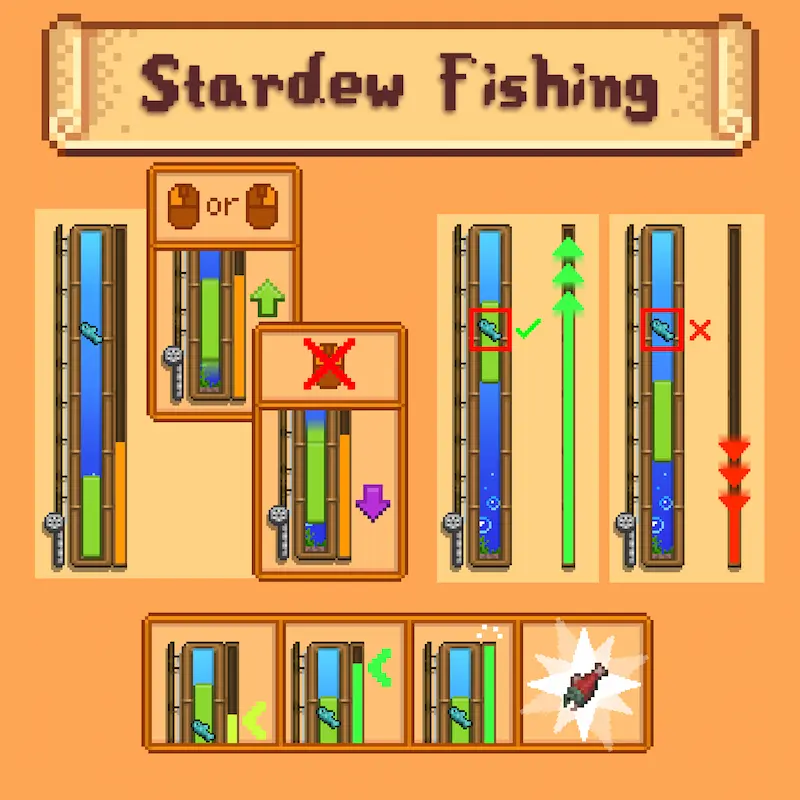
hit minigame fishing guide to how the minigame works
hit
minigame fishing
guide to how the minigame works

Stardew Fishing mod brings a whole new fishing experience to Minecraft by adding a fun minigame inspired by Stardew Valley. Instead of the usual right-click to catch fish, this Minecraft mod lets you control a green bobber bar to keep it aligned with the fish. The more precise you are, the faster you fill the progress bar and land the catch. This adds skill and excitement to fishing, turning a simple action into an engaging challenge.

Catching fish with high accuracy also gives more experience, and if you have the Quality Food mod installed, it boosts the quality of the fish too. You can even discover rare Treasure Chests while fishing, with Golden Treasure Chests offering even more valuable loot. The mod supports extra items like Bobbers, which provide unique effects—such as making the bar larger, slowing fish escape, revealing fish types, and improving treasure chances. Whether you’re a casual player or a fishing fan, this is a Minecraft mod that turns fishing into one of the most rewarding and interactive parts of the game.


Fabric

  1. 1. Download, execute the Fabric installer, choose Client, select your Minecraft version, and click Install.
  2. 2. Download the Fabric API matching that Minecraft version.
  3. 3. Download Stardew Fishing or any additional Fabric-compatible mods you want.
  4. 4. Place the Fabric API and all mods into .minecraft/mods folder.
  5. 5. Open the Minecraft Launcher, select the new Fabric profile, and press Play. Enjoy!

Forge

  1. 1. Download, execute the Forge installer, choose Client, and click Install.
  2. 3. Download Stardew Fishing or any additional Forge-compatible mods you want.
  3. 4. Place all mods into .minecraft/mods folder.
  4. 5. Open the Minecraft Launcher, select the new Forge profile, and press Play. Enjoy!

NeoForge

  1. 1. Download, execute the NeoForge installer, choose Client, and click Install.
  2. 3. Download Stardew Fishing or any additional NeoForge-compatible mods you want.
  3. 4. Place all mods into .minecraft/mods folder.
  4. 5. Open the Minecraft Launcher, select the new NeoForge profile, and press Play. Enjoy!

Download Stardew Fishing Mod

Type Game version File version Loaders Download
R Release
26.2 v3.7
NeoForge
File
R Release
26.1.2 v3.7
NeoForge
File
R Release
1.21.11 v3.7
NeoForge
File
R Release
1.21.1 v3.7
NeoForge
File
R Release
1.20.1 v3.7
Forge
File
R Release
1.19.2 v1.3
Forge
File

Stardew Fishing Minecraft Mod

6 files • 26.2, 26.1.2, 1.21.11, 1.20.1, 1.19.2

Download