

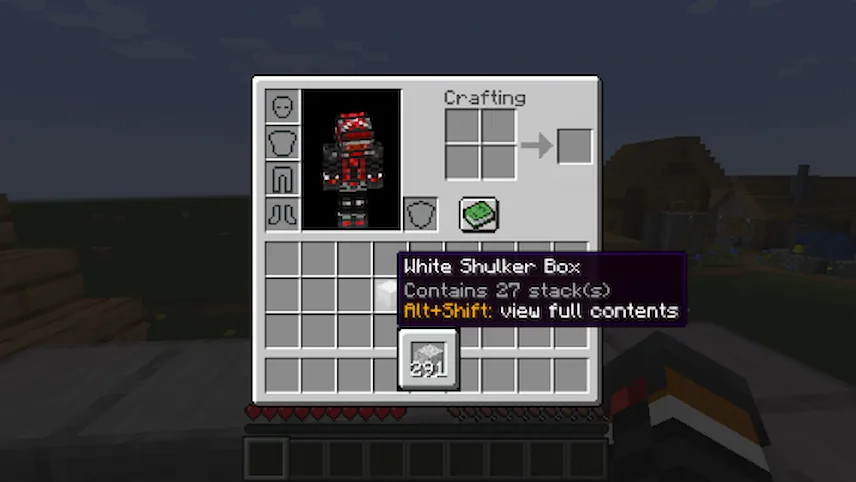
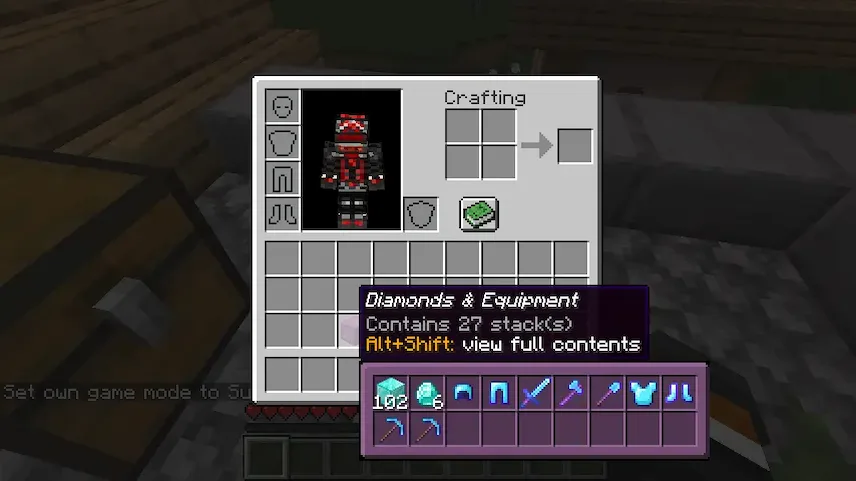
Shulker Box Tooltip mod is one of those “how did I ever live without this?” tools. Instead of having to place down a shulker box every time you forget what’s inside, you can just hover over it in your inventory and press Shift to see a quick preview. It saves a ton of time, especially when you are working on big projects and have dozens of boxes filled with different materials.
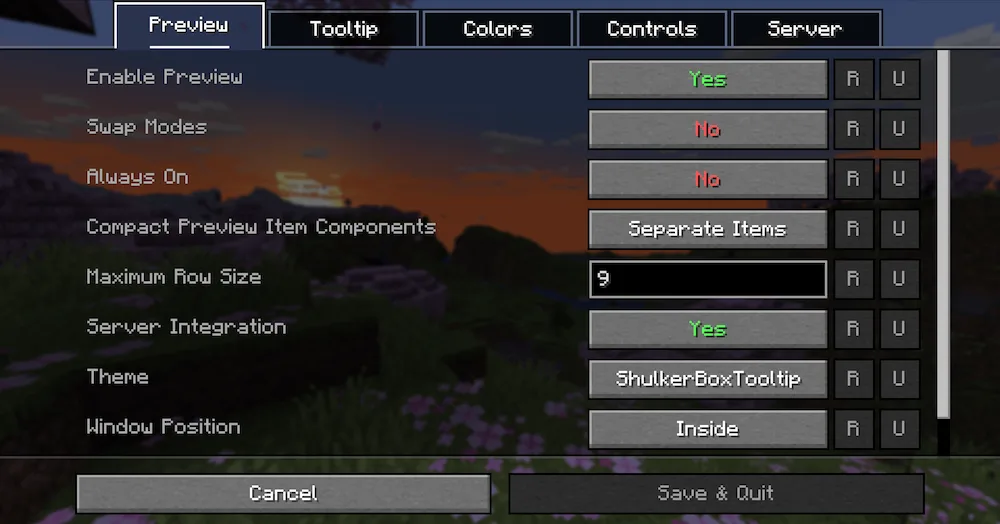
The mod is really smart about how it shows you your items. If you want to see exactly where everything is placed inside the box, you can hold Alt + Shift for a full grid preview. It doesn’t just work for shulker boxes, either—it works for chests, furnaces, and barrels too! The preview window even changes its color to match the color of the shulker box you are looking at, which is a nice touch. You can customize everything, from the colors to the hotkeys, through the in-game config menu.





 Tags
Tags