

logo responsive
/

Shroomcraft Minecraft Mod

26.2, 26.1.2, 1.21.11

new woods and bloques mushroom variants more blocks, items and decoration
new woods and bloques
mushroom variants
more blocks, items and decoration

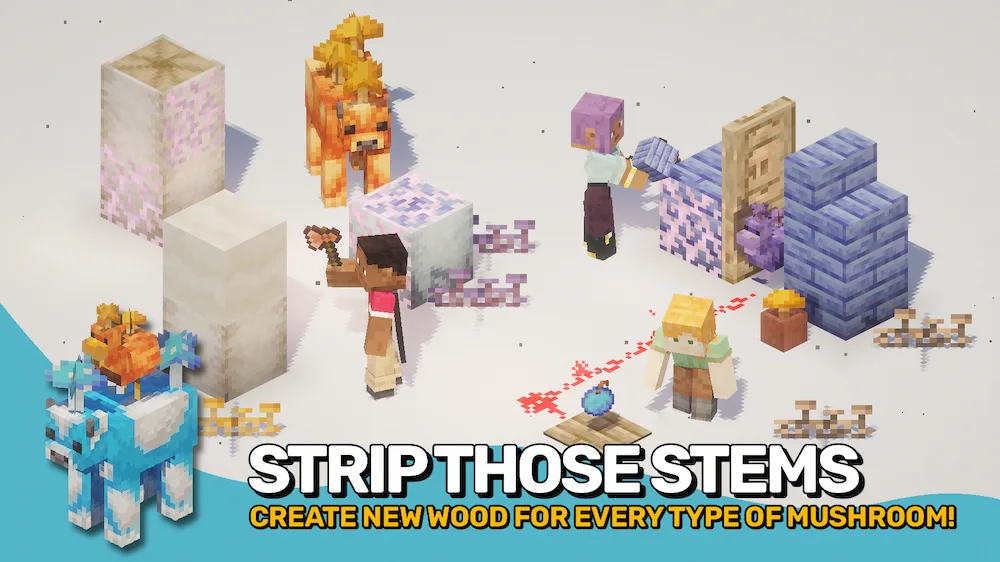
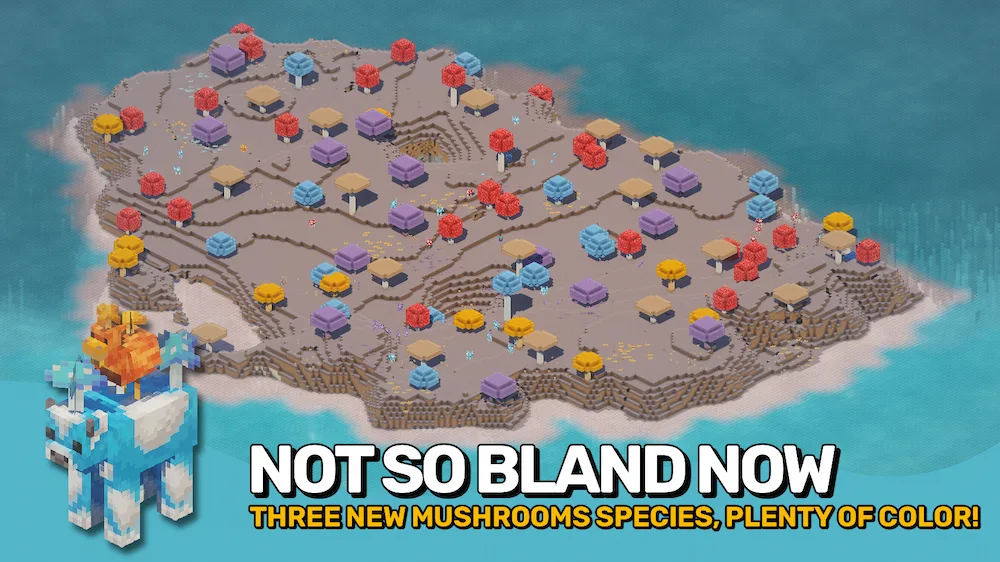
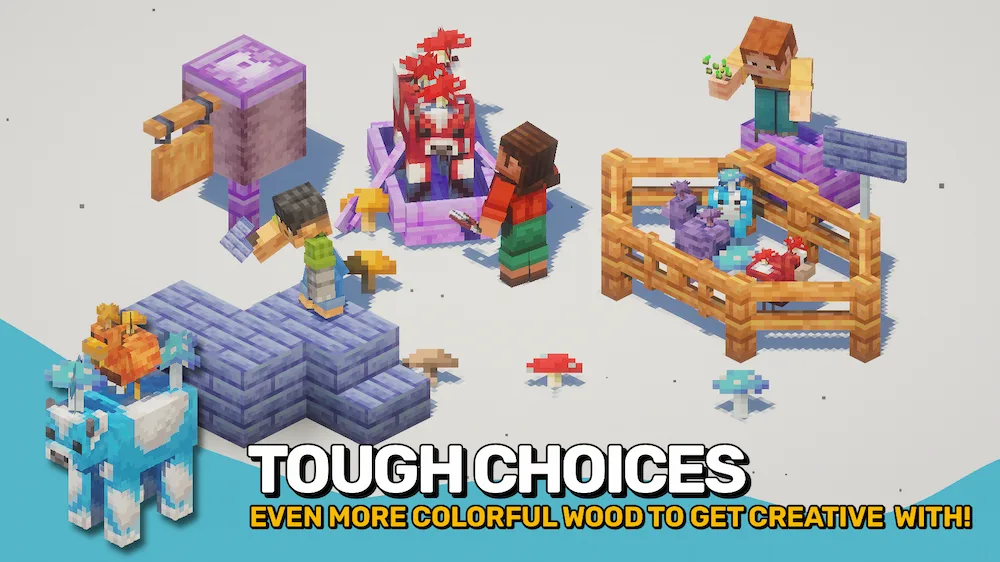
Shroomcraft expands Minecraft’s Mushroom Islands with new fungi, vegetation, creatures, and building blocks. The mod adds orange, purple, and blue mushrooms alongside the classic varieties, each with its own wood set, decorations, and sprouts. Glowing mycelial growth also adds atmosphere to underground areas, while spores can be used to grow tiny mushrooms or craft throwable Mushroom Bombs.

The Mushroom Islands become much more lively with colorful Mooshroom variants, Cluckshrooms with mushrooms growing on their backs, and the new Shroomfin fish found in nearby waters. With its expanded mushroom blocks, unique creatures, and decorative features, Shroomcraft is a great Minecraft mod for players who want to make Mushroom Islands more interesting and give their builds a wider variety of colors and materials.


Fabric

  1. 1. Download, execute the Fabric installer, choose Client, select your Minecraft version, and click Install.
  2. 2. Download the Fabric API matching that Minecraft version.
  3. 3. Download Shroomcraft or any additional Fabric-compatible mods you want.
  4. 4. Place the Fabric API and all mods into .minecraft/mods folder.
  5. 5. Open the Minecraft Launcher, select the new Fabric profile, and press Play. Enjoy!

Forge

  1. 1. Download, execute the Forge installer, choose Client, and click Install.
  2. 3. Download Shroomcraft or any additional Forge-compatible mods you want.
  3. 4. Place all mods into .minecraft/mods folder.
  4. 5. Open the Minecraft Launcher, select the new Forge profile, and press Play. Enjoy!

NeoForge

  1. 1. Download, execute the NeoForge installer, choose Client, and click Install.
  2. 3. Download Shroomcraft or any additional NeoForge-compatible mods you want.
  3. 4. Place all mods into .minecraft/mods folder.
  4. 5. Open the Minecraft Launcher, select the new NeoForge profile, and press Play. Enjoy!

Download Shroomcraft Mod

Type Game version File version Loaders Download
R Release
26.2 v26.2.2
Fabric
File
R Release
26.2 v26.2.2
NeoForge
File
R Release
26.1.2 v26.1.1
Fabric
File
R Release
26.1.2 v26.1.1
NeoForge
File
R Release
1.21.11 v21.11.1
Fabric
File
R Release
1.21.11 v21.11.1
NeoForge
File
R Release
1.21.10 v21.10.2
Fabric
File
R Release
1.21.10 v21.10.2
NeoForge
File
R Release
1.21.8 v21.8.1
Fabric
File
R Release
1.21.8 v21.8.1
NeoForge
File
R Release
1.21.5 v21.5.1
Fabric
File
R Release
1.21.5 v21.5.1
NeoForge
File
R Release
1.21.4 v21.4.2
Fabric
File
R Release
1.21.4 v21.4.2
NeoForge
File
R Release
1.21.1 v21.1.0
Fabric
File
R Release
1.21.1 v21.1.0
NeoForge
File

Shroomcraft Minecraft Mod

16 files • 26.2, 26.1.2, 1.21.11

Download



