logo responsive
/

Relics Minecraft Mod

1.21.1, 1.20.1, 1.19.2, 1.18.2

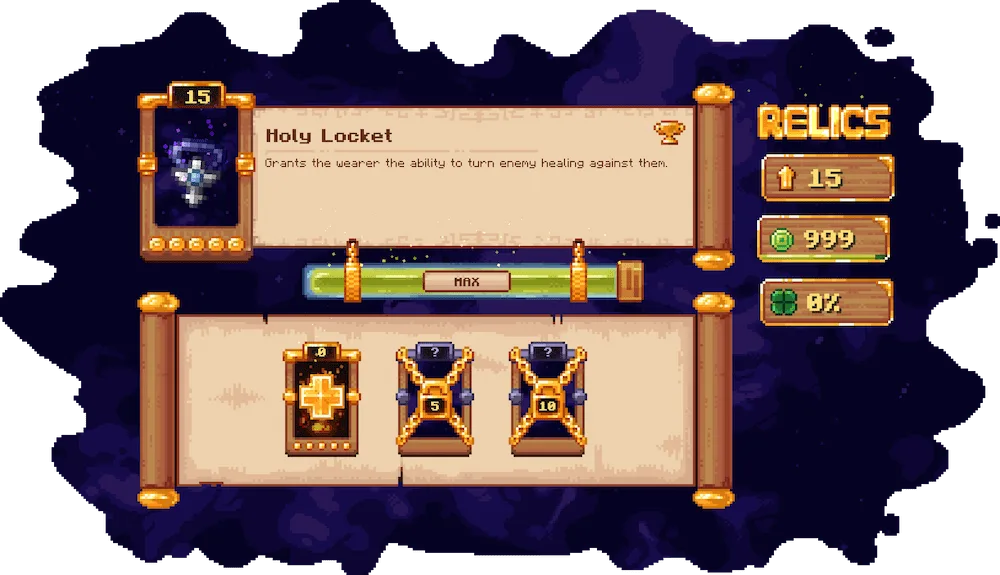
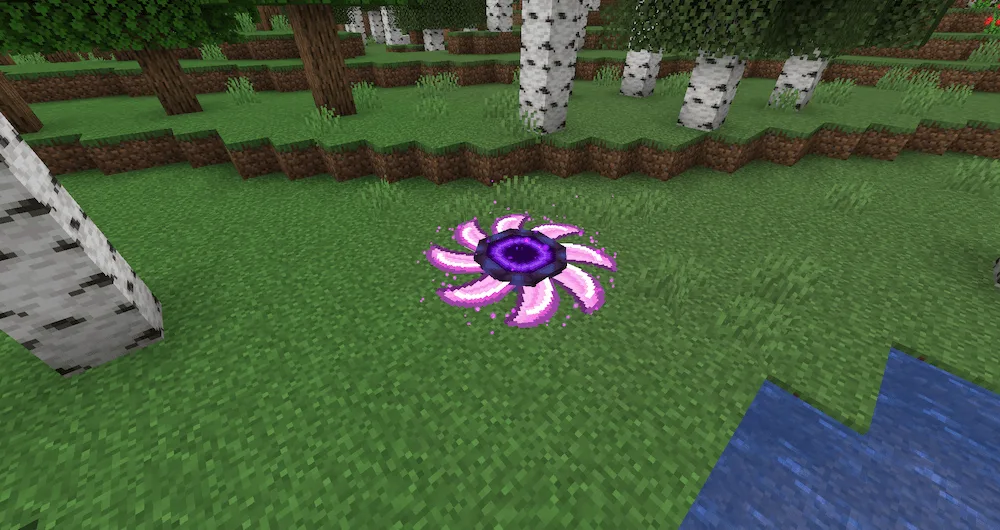
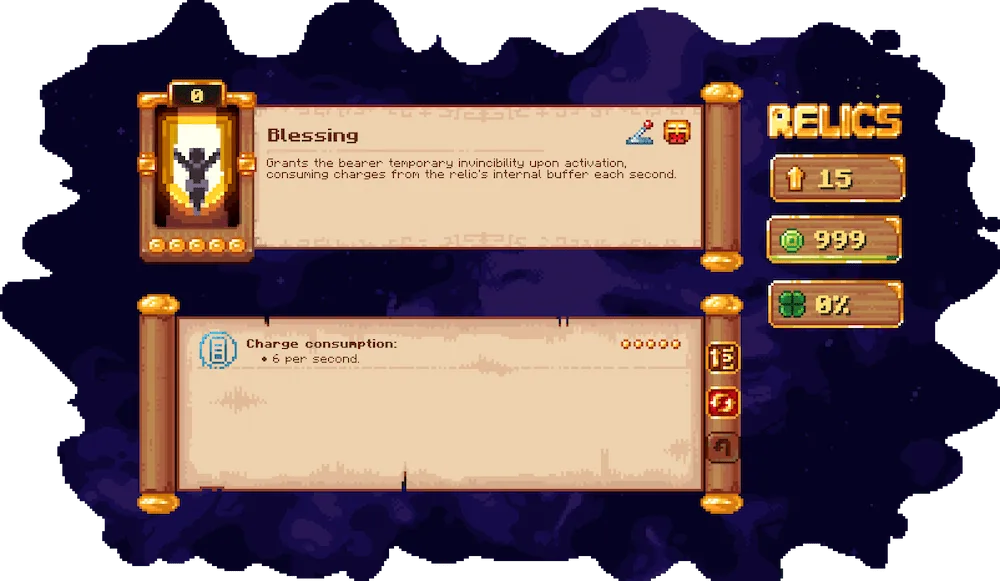
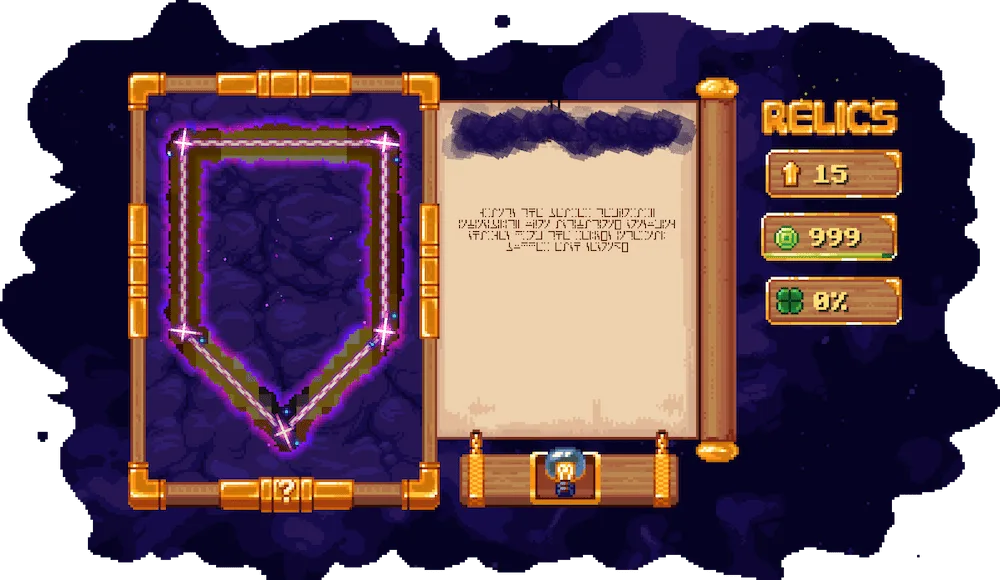
Relic description screen Shadow Glaive ability Ability description screen Ability research screen Blazing Flask ability Space Dissector ability
Relic description screen
Shadow Glaive ability
Ability description screen
Ability research screen
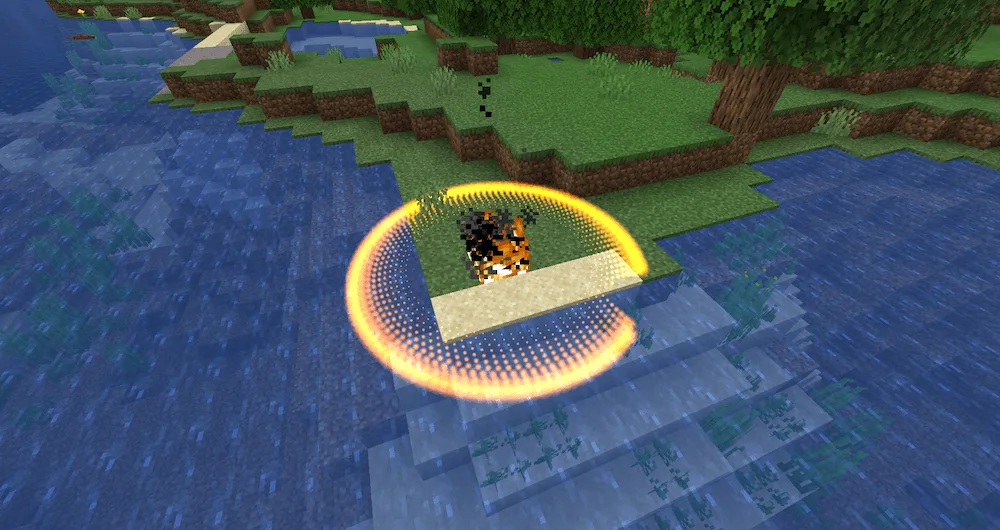
Blazing Flask ability
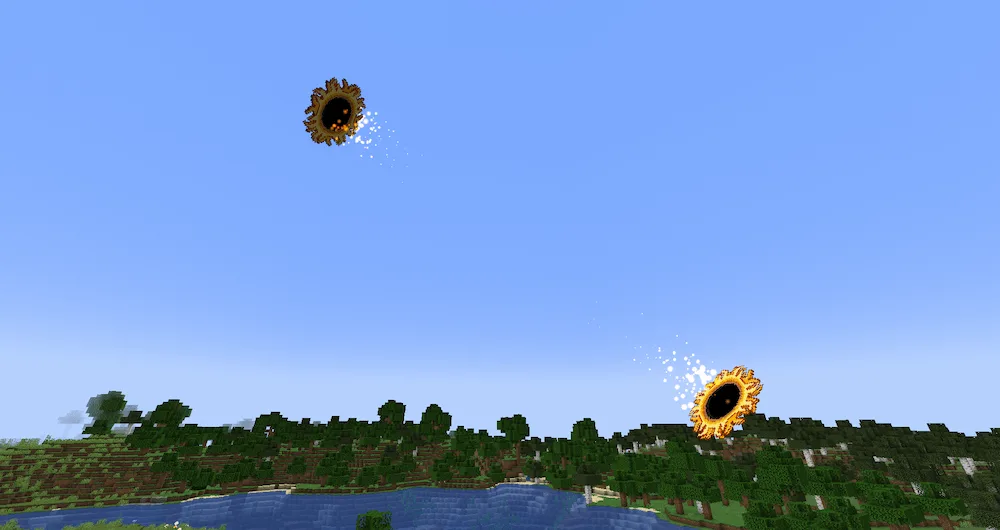
Space Dissector ability

Ready to add some serious depth and variety to your Minecraft experience? The Relics mod introduces dozens of awesome, one-of-a-kind items with super complex mechanics. These aren’t just simple tools; each relic has the potential to unlock huge power, whether you use it alone or combine it with items from other mods. We designed this mod to fit perfectly into any modpack, so whether you stick close to vanilla or have health bars in the thousands, Relics just works and keeps things balanced!

Minecraft eventually runs out of content, but this mod makes the fun last way longer! With 25 unique relics to find, you’ll dive into an awesome MMO-like system featuring randomized stats and a powerful leveling system. No two relics will ever feel the same, giving you the freedom to customize and tailor them exactly how you want. Mix and match different relics to create virtually endless combos—it’s time to find your perfect build and conquer your world!


Fabric

  1. 1. Download, execute the Fabric installer, choose Client, select your Minecraft version, and click Install.
  2. 2. Download the Fabric API matching that Minecraft version.
  3. 3. Download Relics or any additional Fabric-compatible mods you want.
  4. 4. Place the Fabric API and all mods into .minecraft/mods folder.
  5. 5. Open the Minecraft Launcher, select the new Fabric profile, and press Play. Enjoy!

Forge

  1. 1. Download, execute the Forge installer, choose Client, and click Install.
  2. 3. Download Relics or any additional Forge-compatible mods you want.
  3. 4. Place all mods into .minecraft/mods folder.
  4. 5. Open the Minecraft Launcher, select the new Forge profile, and press Play. Enjoy!

NeoForge

  1. 1. Download, execute the NeoForge installer, choose Client, and click Install.
  2. 3. Download Relics or any additional NeoForge-compatible mods you want.
  3. 4. Place all mods into .minecraft/mods folder.
  4. 5. Open the Minecraft Launcher, select the new NeoForge profile, and press Play. Enjoy!

Download Relics Mod

Type Game version File version Loaders Download
R Release
1.21.1 v0.10.7.6
NeoForge
File
R Release
1.20.1 v0.8.0.11
Forge
File
R Release
1.19.2 v0.6.2.5
Forge
File
R Release
1.18.2 v0.6.2.4
Forge
File
R Release
1.16.5 v0.3.4.4
Forge
File

Relics Minecraft Mod

5 files • 1.21.1, 1.20.1, 1.19.2, 1.18.2

Download