logo responsive
/

Red’s More Structures Minecraft Mod

1.21.10, 1.20.1, 1.19.4

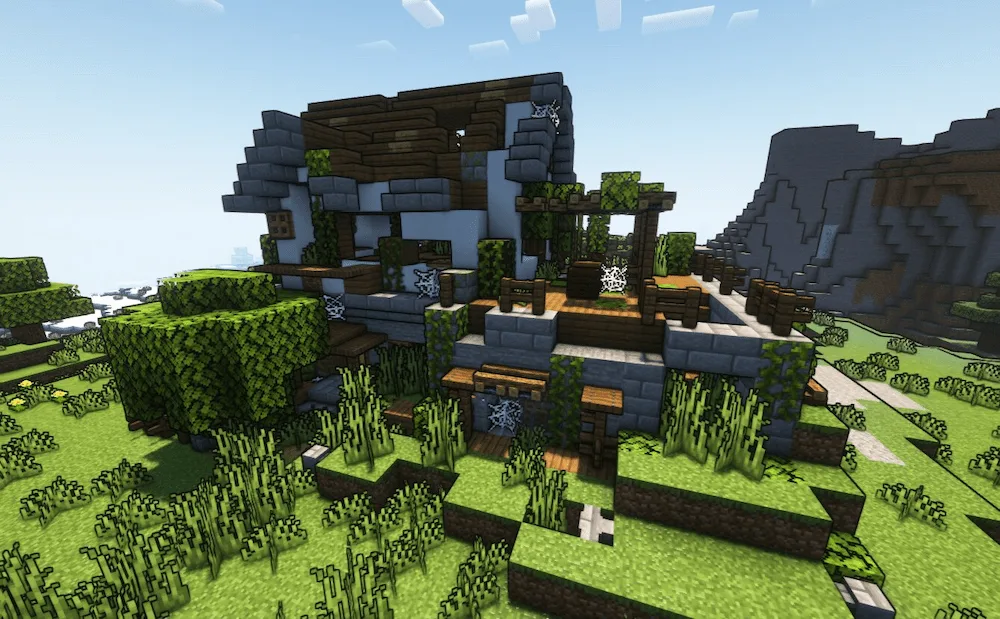
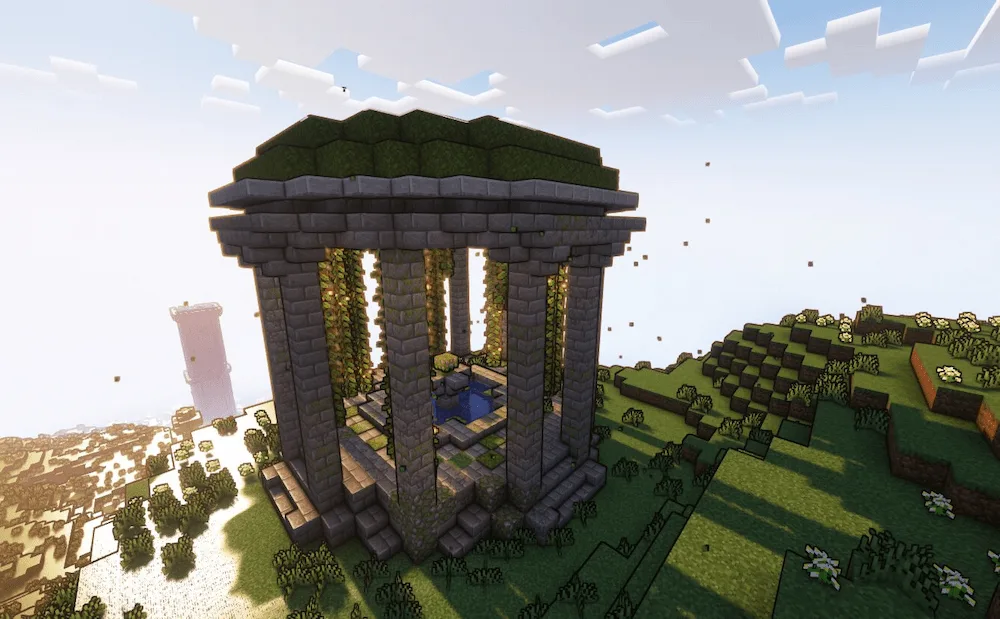
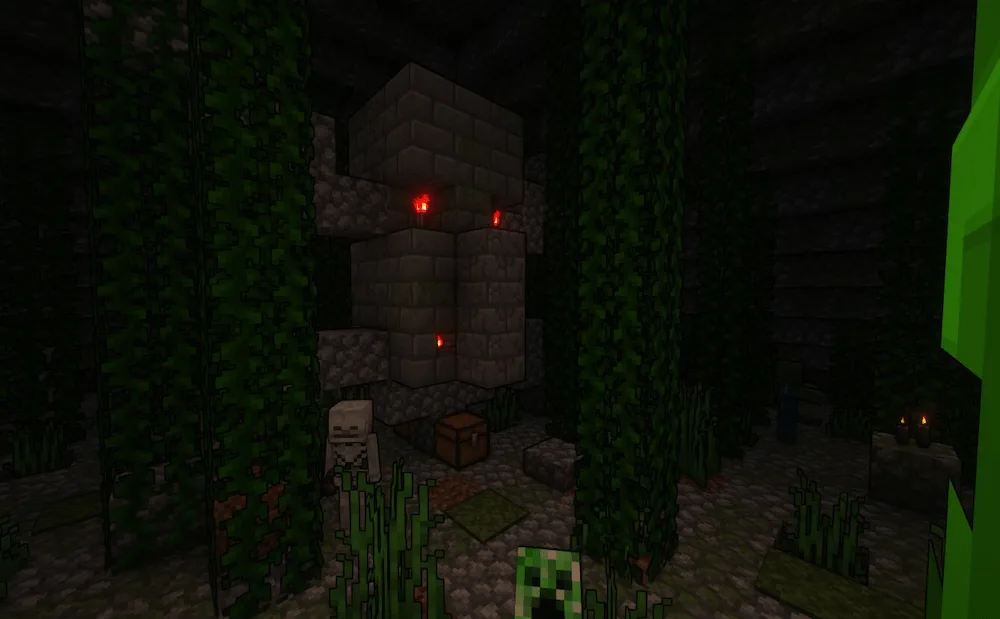
Desert Patheon Big Oracle Herobrine Statue Desert Pyramid Will spawn in snow biomes, containing a chest with Class B loot. Large tower with loot big house Will spawn in Meadow, Sunflower Plain, and FlowerForest biomes. It has a Class B loot barrel. Jungle Pyramid Inside Jungle Pyramid Small statue
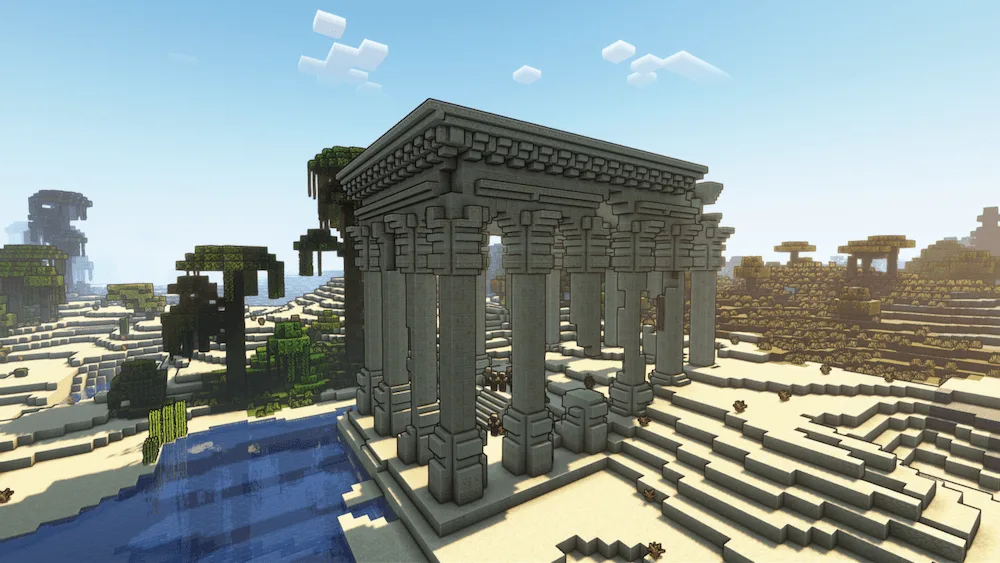
Desert Patheon
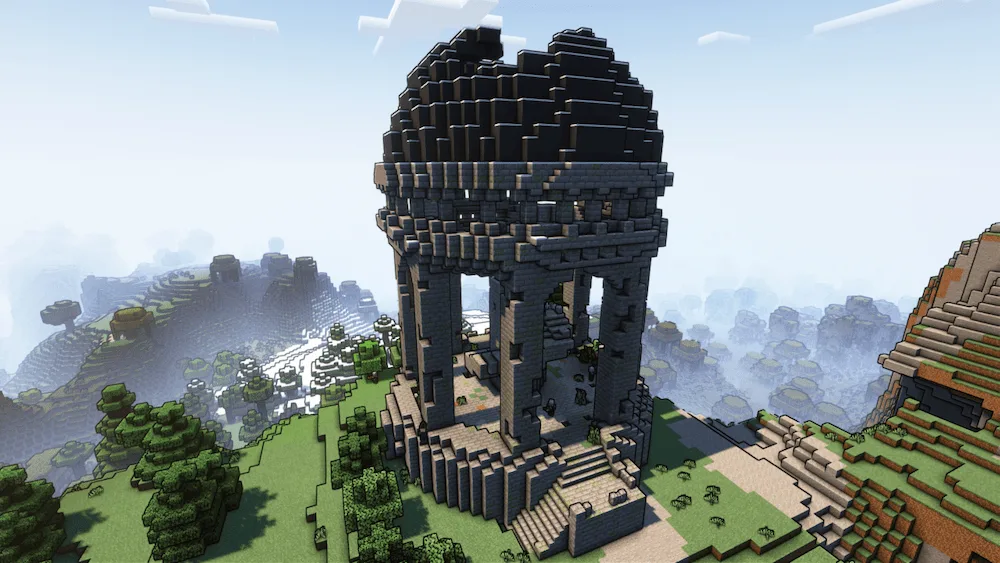
Big Oracle
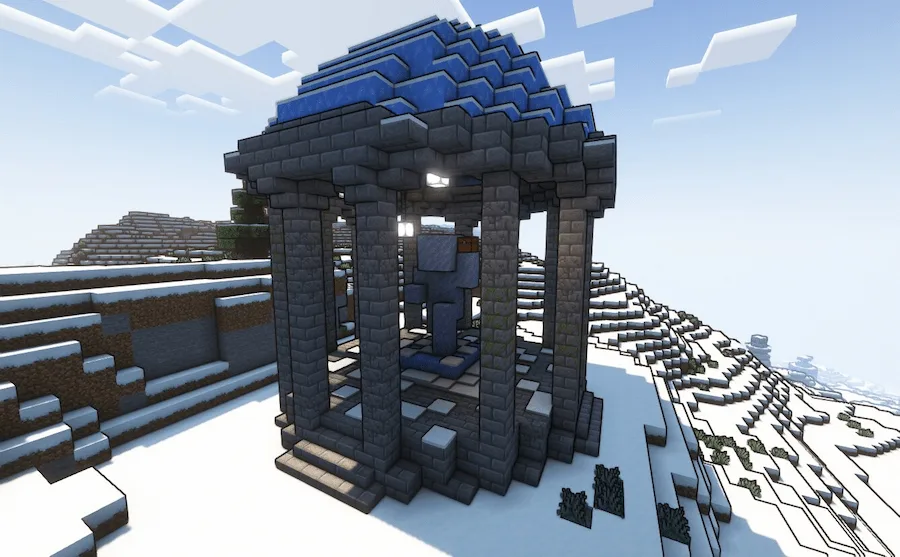
Herobrine Statue
Desert Pyramid
Will spawn in snow biomes, containing a chest with Class B loot.
Large tower with loot
big house
Will spawn in Meadow, Sunflower Plain, and FlowerForest biomes. It has a Class B loot barrel.
Jungle Pyramid
Inside Jungle Pyramid
Small statue

Ready to make your Minecraft world a lot more exciting? Then you need to check out Red’s More Structures. This mod drops a bunch of brand-new places into your game, giving you awesome spots to explore and raid. Every structure you find is packed with loot, so get ready for some sweet treasure! Just watch out, though, because some of these new areas also come with enemies who are definitely not happy to see you.

Heads up: this is the first version of the mod, so it’s still getting polished up. You might notice that sometimes the new structures spawn really close together or maybe way too far apart. The creator is testing things out, but don’t let that stop you.

Fabric

  1. 1. Download, execute the Fabric installer, choose Client, select your Minecraft version, and click Install.
  2. 2. Download the Fabric API matching that Minecraft version.
  3. 3. Download Red’s More Structures or any additional Fabric-compatible mods you want.
  4. 4. Place the Fabric API and all mods into .minecraft/mods folder.
  5. 5. Open the Minecraft Launcher, select the new Fabric profile, and press Play. Enjoy!

Forge

  1. 1. Download, execute the Forge installer, choose Client, and click Install.
  2. 3. Download Red’s More Structures or any additional Forge-compatible mods you want.
  3. 4. Place all mods into .minecraft/mods folder.
  4. 5. Open the Minecraft Launcher, select the new Forge profile, and press Play. Enjoy!

NeoForge

  1. 1. Download, execute the NeoForge installer, choose Client, and click Install.
  2. 3. Download Red’s More Structures or any additional NeoForge-compatible mods you want.
  3. 4. Place all mods into .minecraft/mods folder.
  4. 5. Open the Minecraft Launcher, select the new NeoForge profile, and press Play. Enjoy!

Download Red’s More Structures Mod

Type Game version File version Loaders Download
R Release
1.21.x v1.1.0
Forge Fabric NeoForge
File
R Release
1.20.1 v1.0.8
Forge Fabric
File
R Release
1.19.x v1.0.7
Forge Fabric
File

Red’s More Structures Minecraft Mod

3 files • 1.21.10, 1.20.1, 1.19.4

Download