logo responsive
/

ProjectJJK Minecraft Mod

1.21.1, 1.20.4

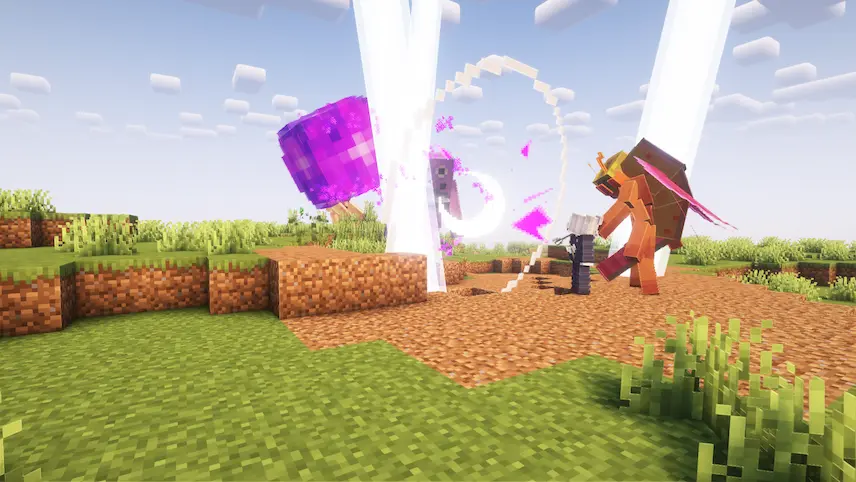
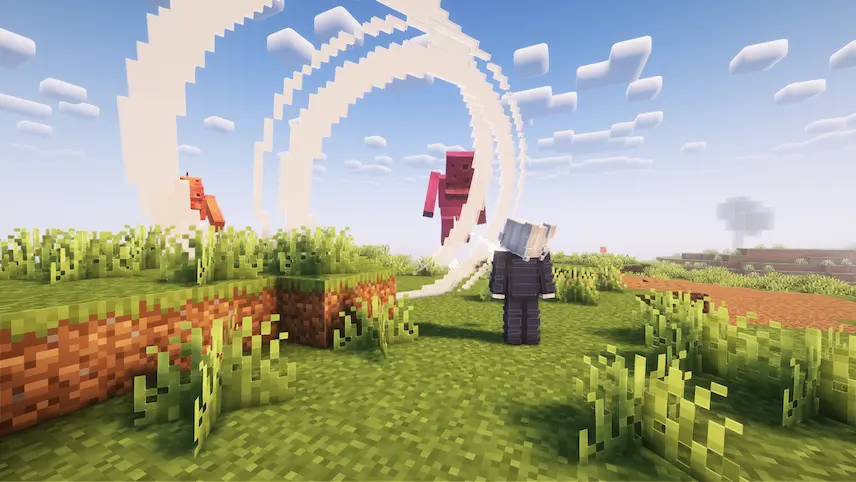
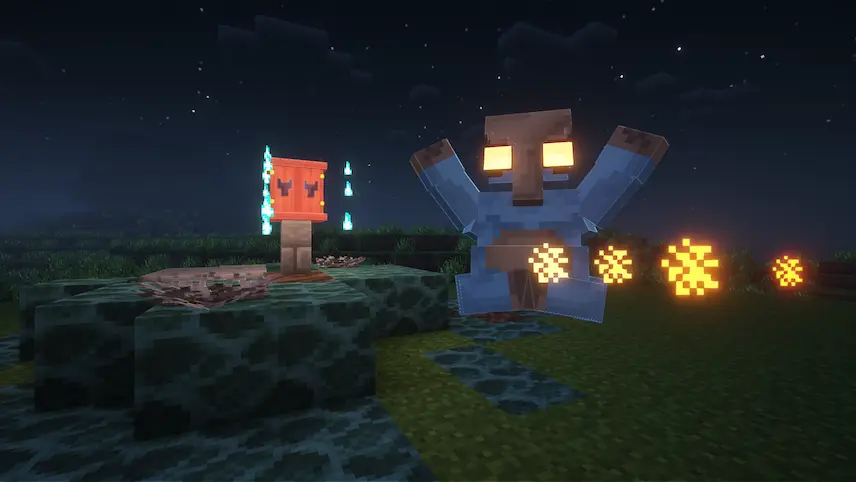
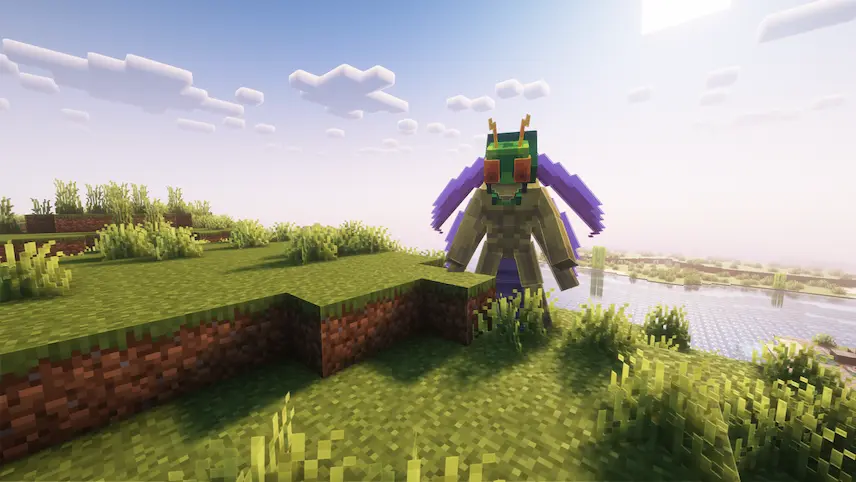
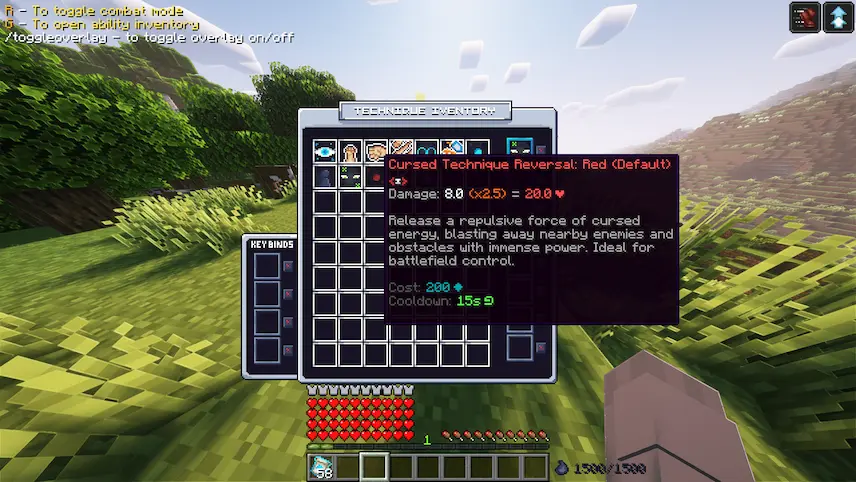
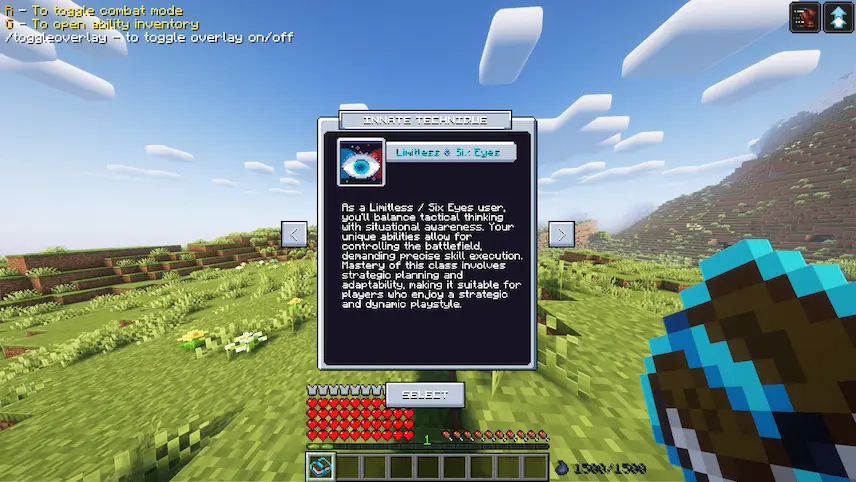
Purple Cursed Speech Cursed Spirit Ko-Guy mob Technique Inventory Technique Selection
Purple
Cursed Speech
Cursed Spirit
Ko-Guy mob
Technique Inventory
Technique Selection

ProjectJJK is a Minecraft mod that brings the exciting world of Jujutsu Kaisen into your game. As you explore, you can learn one of three cursed techniques—Limitless, Cursed Speech, or Boogie Woogie—each with its own unique powers. The mod also adds a rank up system where you fight cursed spirits, earn new ranks, and unlock stronger skills. This blend of anime action and classic Minecraft makes every adventure feel fresh and full of surprises.

Beyond combat, ProjectJJK offers ritual boxes that cleanse areas of negative energy and cursed doors that open only with special keys, giving you more goals to pursue in your world. The ability customization lets you mix and match skills, so you can create a combat style that matches how you like to play. With ongoing updates adding new features and improvements, this Minecraft mod keeps growing, giving you more ways to test your skill and explore the magic of Jujutsu Kaisen in a blocky world.

Fabric

  1. 1. Download, execute the Fabric installer, choose Client, select your Minecraft version, and click Install.
  2. 2. Download the Fabric API matching that Minecraft version.
  3. 3. Download ProjectJJK or any additional Fabric-compatible mods you want.
  4. 4. Place the Fabric API and all mods into .minecraft/mods folder.
  5. 5. Open the Minecraft Launcher, select the new Fabric profile, and press Play. Enjoy!

Forge

  1. 1. Download, execute the Forge installer, choose Client, and click Install.
  2. 3. Download ProjectJJK or any additional Forge-compatible mods you want.
  3. 4. Place all mods into .minecraft/mods folder.
  4. 5. Open the Minecraft Launcher, select the new Forge profile, and press Play. Enjoy!

NeoForge

  1. 1. Download, execute the NeoForge installer, choose Client, and click Install.
  2. 3. Download ProjectJJK or any additional NeoForge-compatible mods you want.
  3. 4. Place all mods into .minecraft/mods folder.
  4. 5. Open the Minecraft Launcher, select the new NeoForge profile, and press Play. Enjoy!

Download ProjectJJK Mod

Type Game version File version Loaders Download
B Beta
1.21.1 v1.2.0
Fabric
File
R Release
1.20.4 v1.1.2
Fabric
File

ProjectJJK Minecraft Mod

2 files • 1.21.1, 1.20.4

Download