




logo responsive
/

Foolish Minecraft Mod

1.20.1

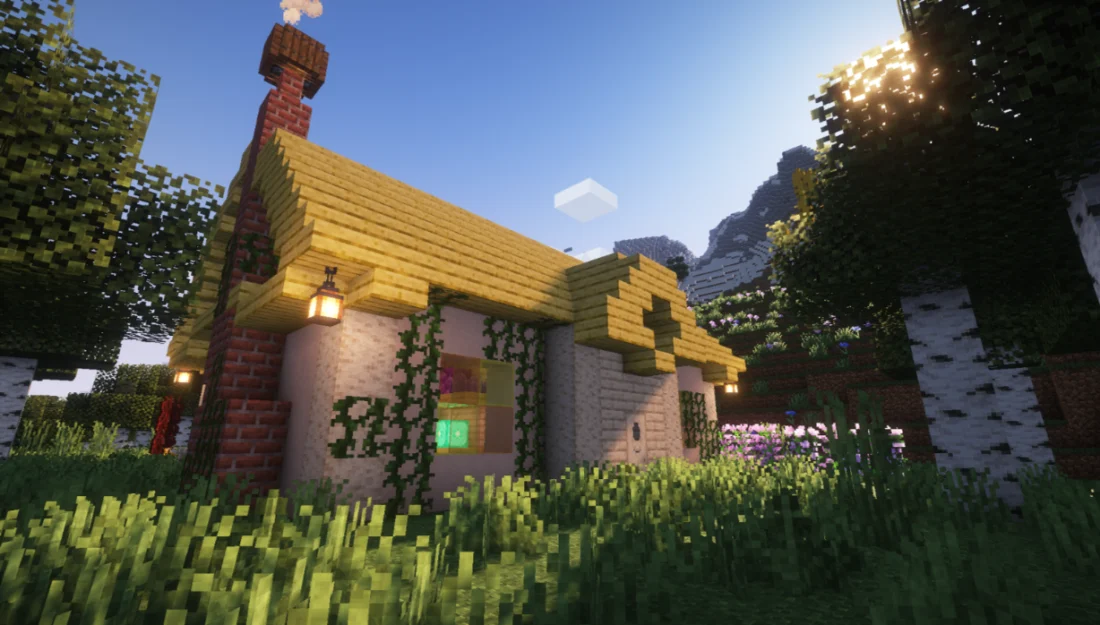
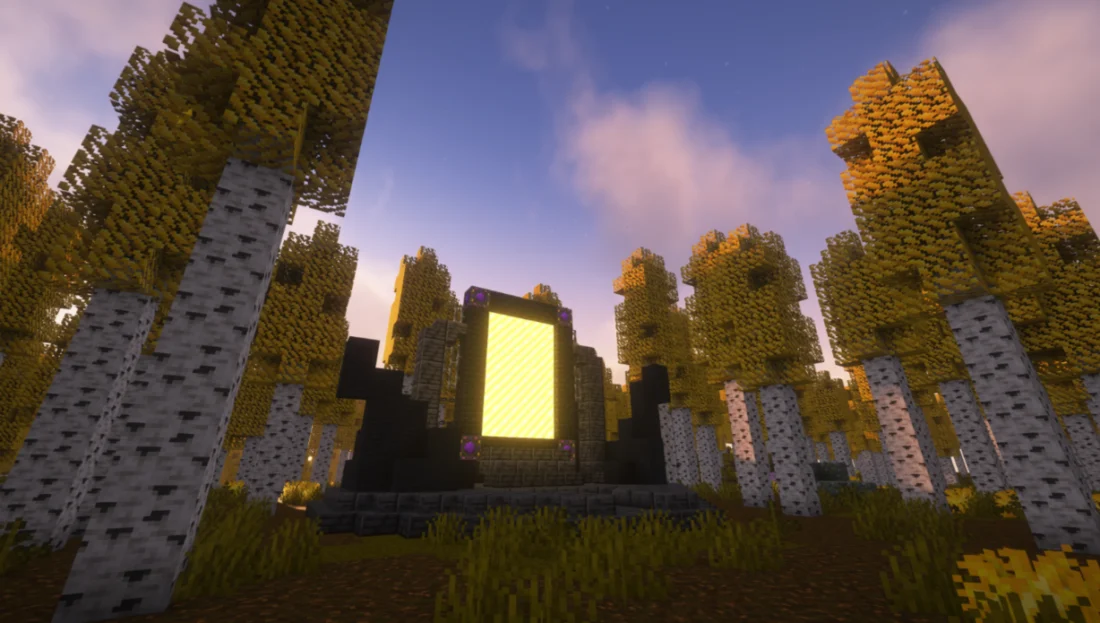
Explorer's House Stellar Portal + Aspen Forest Sacilite Bloom Scarlet Fields Storm Jungle + Thunder Tower
Explorer's House
Stellar Portal + Aspen Forest
Sacilite Bloom
Scarlet Fields
Storm Jungle + Thunder Tower

Foolish is a large Minecraft mod focused on exploration, side quests, and discovering unusual new content. It adds over 100 fully animated mobs, new biomes, unique weapons, structures, and an entire new dimension called the Stellar Hollow. The mod expands all three vanilla dimensions, with new creatures and content found throughout the Overworld, Nether, and End.

The Stellar Hollow is one of the main features of the mod, offering a mysterious world formed from the ruins of a forgotten galaxy. Its biomes range from strange variations of familiar Overworld environments to completely unusual landscapes. To enter the dimension, you’ll need to find an Explorer’s Cabin and obtain a Stellar Lighter, then use it to activate a Stellar Portal found in several Overworld biomes.

Across the Stellar Hollow, you’ll discover eight different gemstones hidden throughout its biomes. Each gemstone is protected by a powerful boss, and collecting them allows you to craft powerful weapons with unique abilities. With its huge variety of mobs, dimensions, biomes, structures, weapons, and secrets, Foolish adds plenty of new things to explore and discover in Minecraft.


Fabric

  1. 1. Download, execute the Fabric installer, choose Client, select your Minecraft version, and click Install.
  2. 2. Download the Fabric API matching that Minecraft version.
  3. 3. Download Foolish or any additional Fabric-compatible mods you want.
  4. 4. Place the Fabric API and all mods into .minecraft/mods folder.
  5. 5. Open the Minecraft Launcher, select the new Fabric profile, and press Play. Enjoy!

Forge

  1. 1. Download, execute the Forge installer, choose Client, and click Install.
  2. 3. Download Foolish or any additional Forge-compatible mods you want.
  3. 4. Place all mods into .minecraft/mods folder.
  4. 5. Open the Minecraft Launcher, select the new Forge profile, and press Play. Enjoy!

NeoForge

  1. 1. Download, execute the NeoForge installer, choose Client, and click Install.
  2. 3. Download Foolish or any additional NeoForge-compatible mods you want.
  3. 4. Place all mods into .minecraft/mods folder.
  4. 5. Open the Minecraft Launcher, select the new NeoForge profile, and press Play. Enjoy!

Download Foolish Mod

Type Game version File version Loaders Download
R Release
1.20.1 v1.3.0.1
Forge
File

Foolish Minecraft Mod

1 file • 1.20.1

Download



