logo responsive
/

Caverns & Chasms Minecraft Mod

1.20.1

Peepers Necromium Gear Tether Potions & Spinel Large & Blunt Arrows Copper Golems Toolboxes armors Amethyst Building Blocks Cobblestone Bricks & Tiles Glares
Peepers
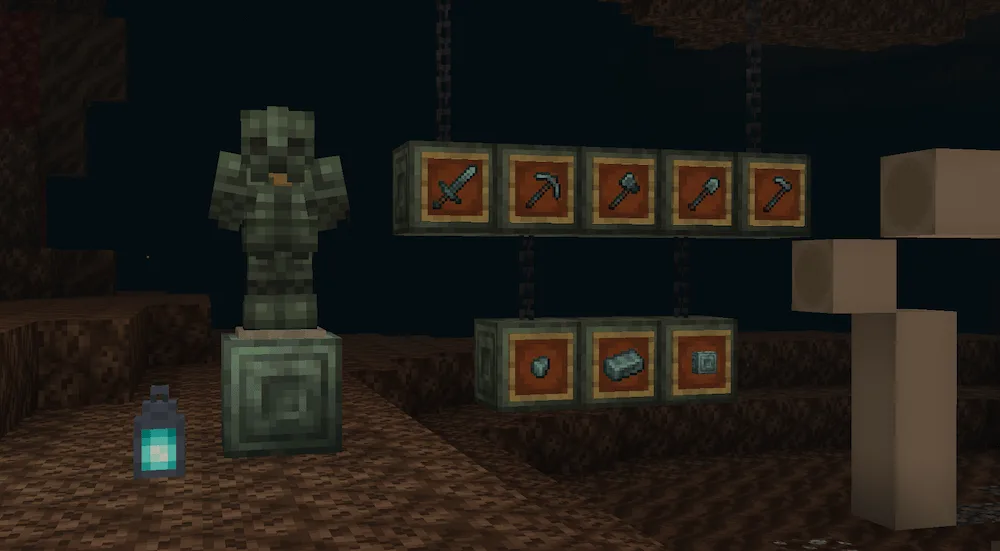
Necromium Gear
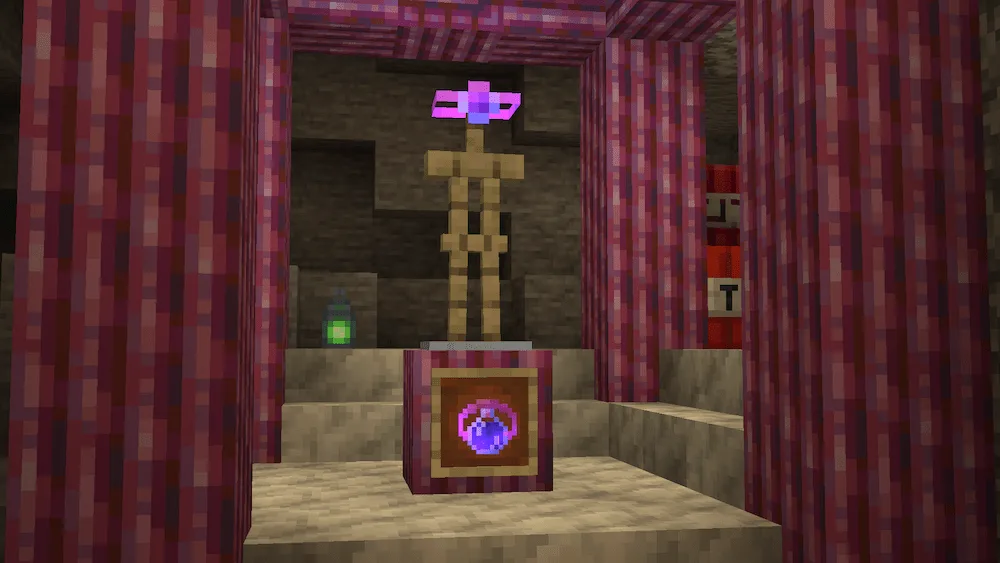
Tether Potions & Spinel
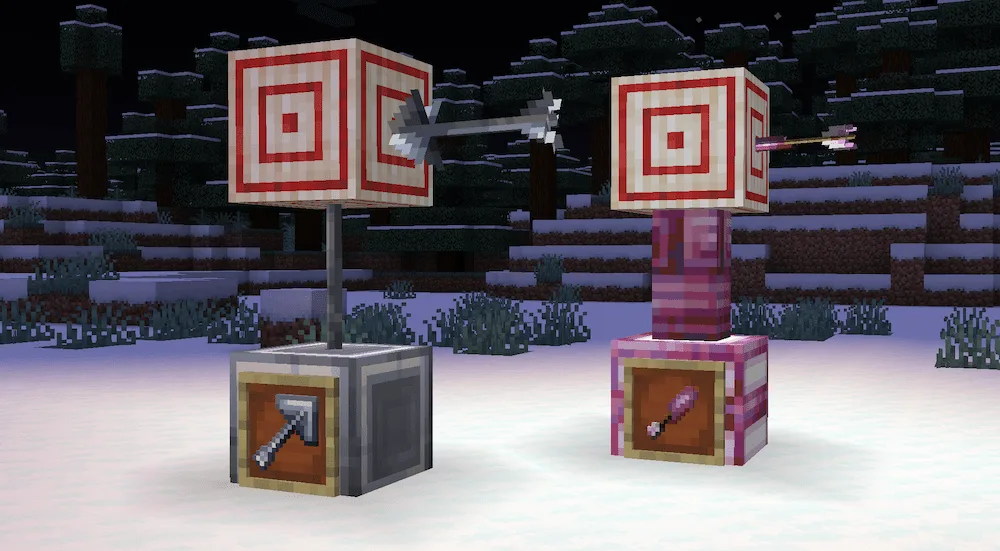
Large & Blunt Arrows
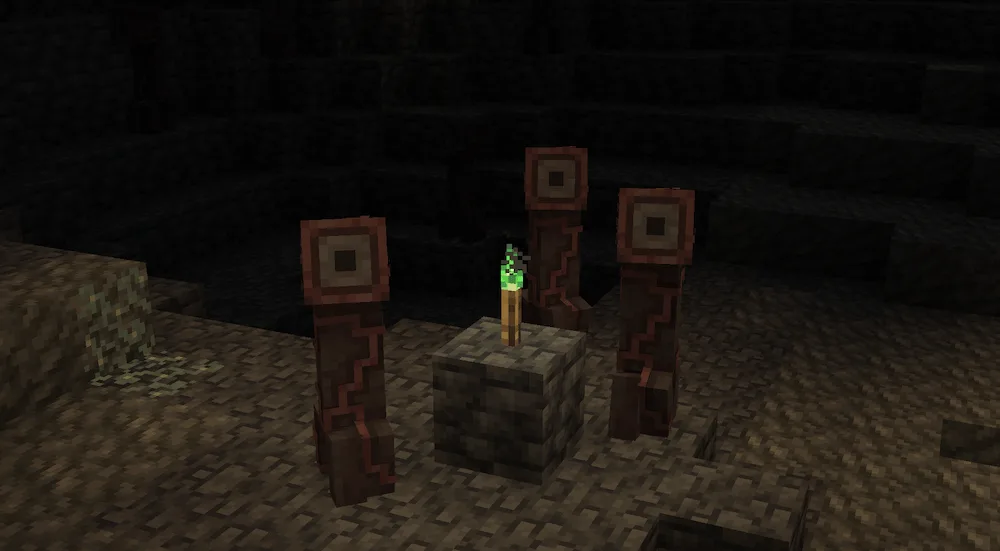
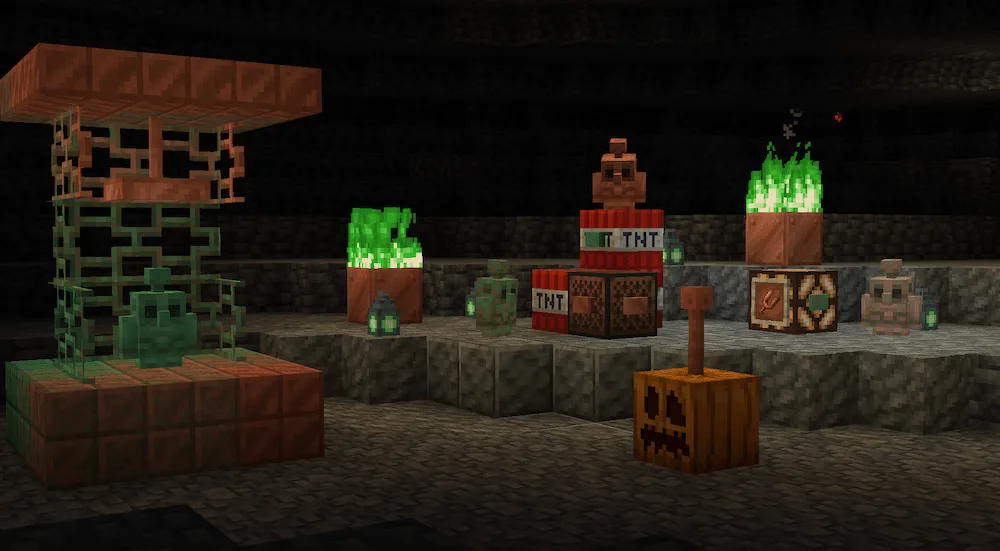
Copper Golems
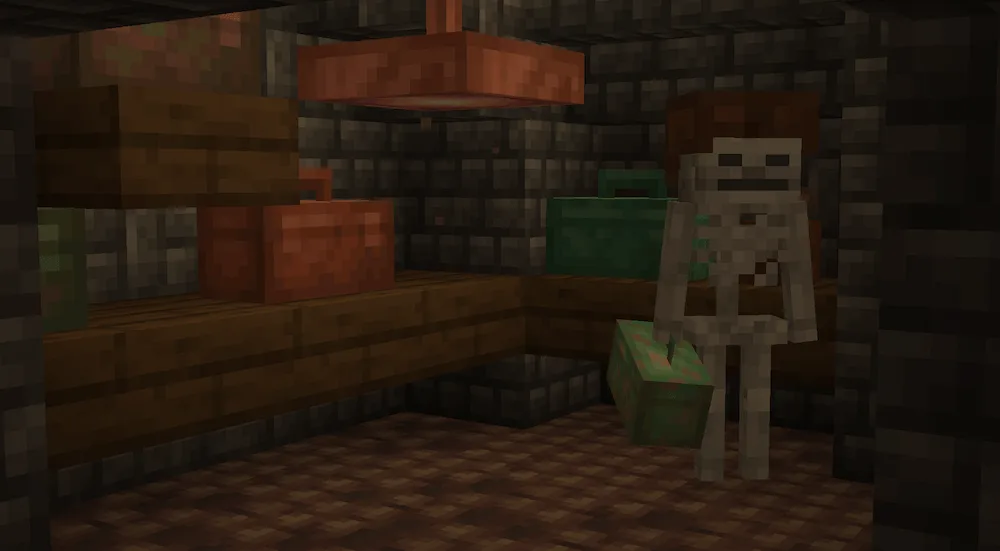
Toolboxes
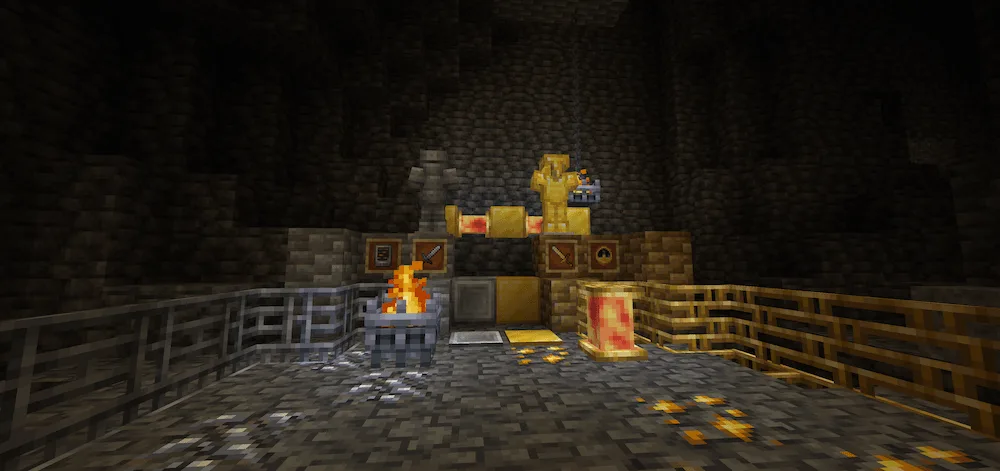
armors
Amethyst Building Blocks
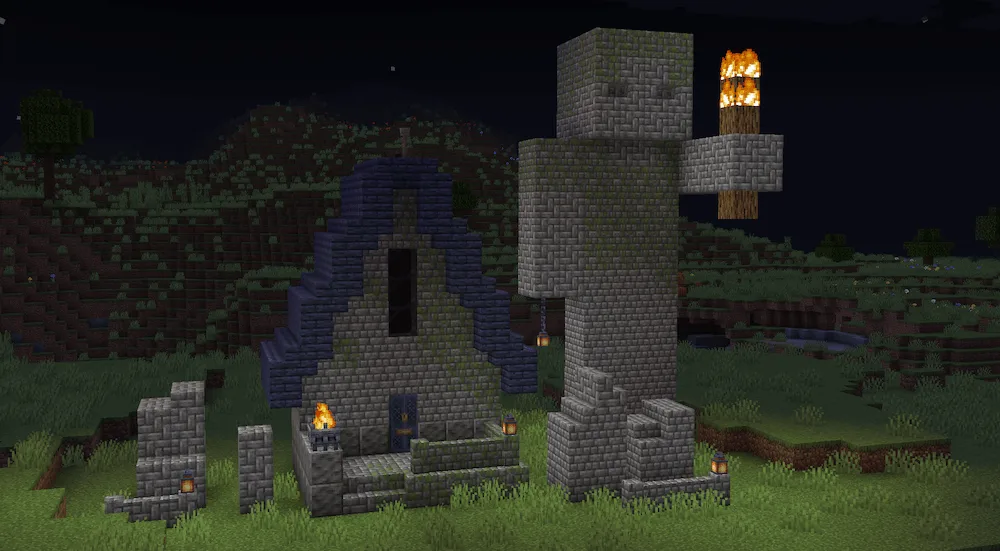
Cobblestone Bricks & Tiles
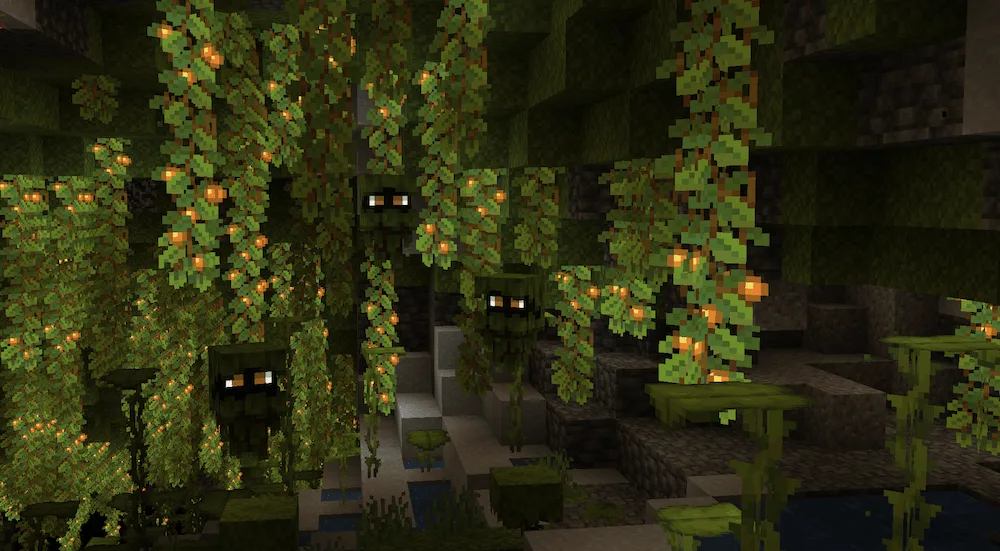
Glares

Ready to completely transform your Minecraft underground? Caverns & Chasms mod is all about bringing new experiences to the world beneath the surface. Now when you go mining, you’ll start finding new resources scattered in the stone, like Silver and Spinel ores. Keep an eye out for Rocky Dirt and the crumbling Fragile Stone blocks, as these often signal where the good loot is hiding.

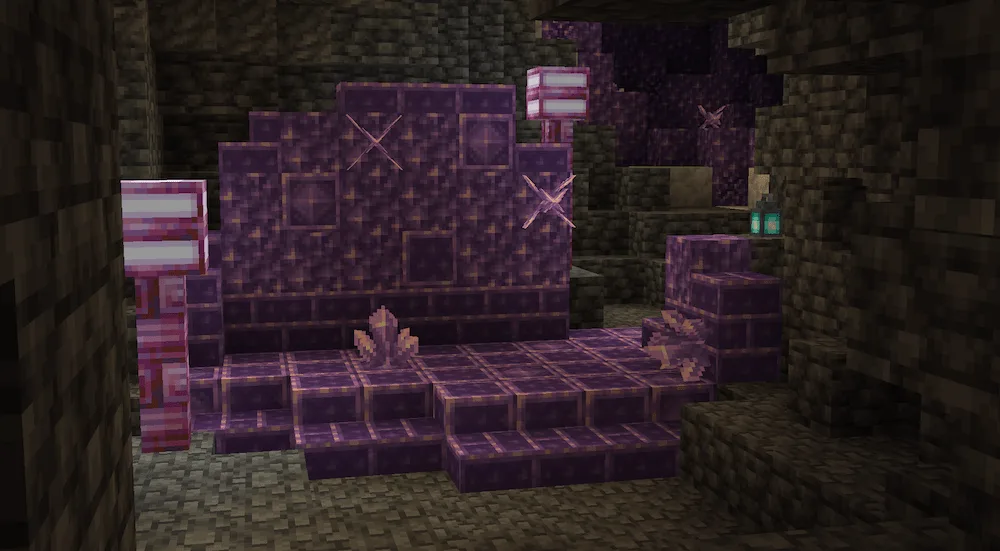
The caves also feel way more alive, but also more dangerous, thanks to the ton of new creatures this mod adds. You’ll have to watch out for brand-new hostile mobs like the scary Deepers, Peepers, and Mimes. Luckily, you might also find some friendly faces, like Glares and Copper Golems, to help you out. Plus, if you love building, the mod introduces tons of new block sets, including cool new Cobblestone, Amethyst, and Lapis Lazuli building blocks, along with a brand-new set for Azalea wood. This mod makes caving an entirely new adventure.


Fabric

  1. 1. Download, execute the Fabric installer, choose Client, select your Minecraft version, and click Install.
  2. 2. Download the Fabric API matching that Minecraft version.
  3. 3. Download Caverns & Chasms or any additional Fabric-compatible mods you want.
  4. 4. Place the Fabric API and all mods into .minecraft/mods folder.
  5. 5. Open the Minecraft Launcher, select the new Fabric profile, and press Play. Enjoy!

Forge

  1. 1. Download, execute the Forge installer, choose Client, and click Install.
  2. 3. Download Caverns & Chasms or any additional Forge-compatible mods you want.
  3. 4. Place all mods into .minecraft/mods folder.
  4. 5. Open the Minecraft Launcher, select the new Forge profile, and press Play. Enjoy!

NeoForge

  1. 1. Download, execute the NeoForge installer, choose Client, and click Install.
  2. 3. Download Caverns & Chasms or any additional NeoForge-compatible mods you want.
  3. 4. Place all mods into .minecraft/mods folder.
  4. 5. Open the Minecraft Launcher, select the new NeoForge profile, and press Play. Enjoy!

Download Caverns & Chasms Mod

Type Game version File version Loaders Download
R Release
1.20.1 v2.0.0
Forge
File

Caverns & Chasms Minecraft Mod

1 file • 1.20.1

Download