 Tags
Tags
If you are playing Minecraft on a laptop that sounds like a jet engine or a PC that struggles to load a single cow, you probably think shaders are a dream. We have all been there, watching YouTubers with their crazy realistic water while we play on 20 FPS. But it is 2026, and things have changed. You do not need a $2,000 rig to make your game look stunning.
Potato shaders are specifically made for low-end hardware. They focus on giving you better lighting, pretty skies, and clean water without making your computer explode. Whether you are using a school laptop or an old desktop, these packs are optimized to keep your game smooth and lag-free while giving you that aesthetic vibe everyone wants for their survival world.
Table of Contents
- 1 1. MakeUp Ultra Fast – The King of Customization
- 2 2. BVSF – The Speed Demon
- 3 3. I Like Vanilla – Clean and Crisp
- 4 4. Blocky – The World Explorer
- 5 5. Mello – Smooth and Reflective
- 6 6. Potato – The Ultimate Lag Killer
- 7 7. Best Vanilla – Subtle Upgrades
- 8 8. Tea – Cozy and Stylish
- 9 9. LITE – Retro and Fast
- 10 10. Mellow – The Modern Vibe
- 11 Frequently Asked Questions (FAQ)
1. MakeUp Ultra Fast – The King of Customization
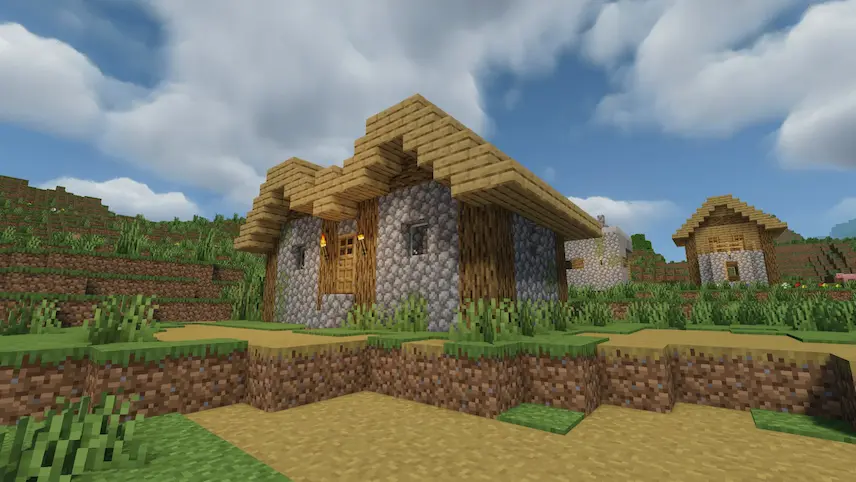
If you want your game to look crisp without your laptop catching fire, MakeUp Ultra Fast is a lifesaver. This pack is all about choice. It comes with cool features like wavy water, shadows, and better clouds, but the best part is that everything is optional. You can toggle off the heavy stuff to keep your FPS high.
- Performance: 10/10
- Top Feature: Modular settings (Toggle everything).
- Ideal for: Laptops with integrated graphics.
2. BVSF – The Speed Demon
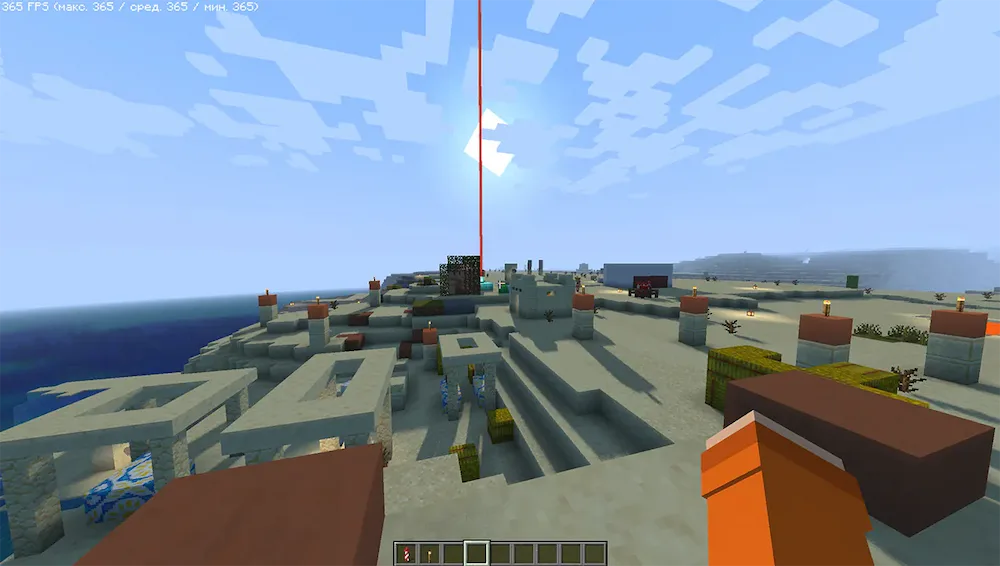
If your PC acts like it is about to give up when you turn on shaders, BVSF is exactly what you need. It cuts out heavy effects like depth of field to keep your game running incredibly fast. You can get hundreds of FPS even on older gear while making the lighting look way more natural and polished.
- Performance: 9.5/10
- Top Feature: Extreme FPS optimization.
- Ideal for: Competitive players and old desktops.
3. I Like Vanilla – Clean and Crisp
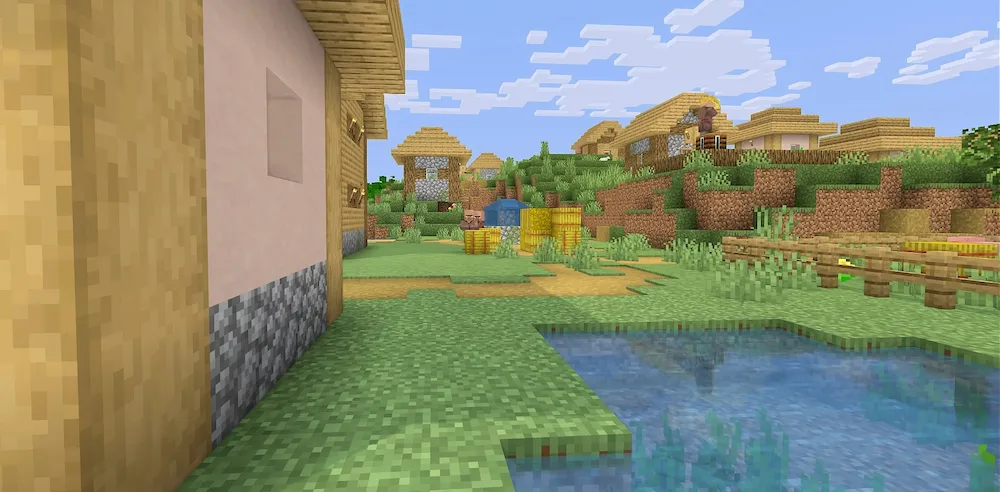
If you love the classic look but want it to feel premium, I Like Vanilla is the one. It doesn’t try to turn your game into a movie; it just makes everything look clean. It fixes jagged edges and keeps the lighting smooth so you won’t get blinded by crazy glares while you play.
- Performance: 9/10
- Top Feature: Sharp anti-aliasing and smooth lighting.
- Ideal for: Players who want a polished “Default” look.
4. Blocky – The World Explorer

Blocky Shaders adds awesome details like waving leaves and colored shadows without melting your GPU. It even supports massive landscapes if you use mods like Distant Horizons. It is perfect for exploring huge mountains with a natural, foggy atmosphere that feels alive.
- Performance: 8.5/10
- Top Feature: Colored shadows and waving plants.
- Ideal for: Exploration and big render distances.
5. Mello – Smooth and Reflective
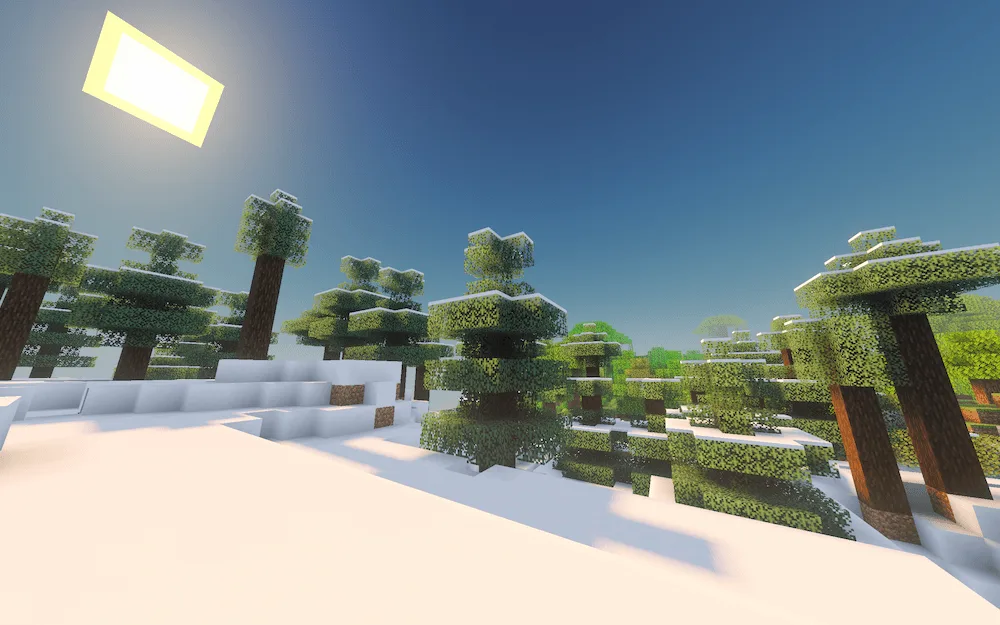
If you want your world to look pretty without a massive frame rate hit, Mello Shaders is a solid pick. It uses efficient code to give you realistic water, shadows, and cool light reflections. If an effect slows you down, you can just tweak the settings or turn it off completely.
- Performance: 8/10
- Top Feature: Realistic water and block reflections.
- Ideal for: Mid-range laptops and budget PCs.
6. Potato – The Ultimate Lag Killer

Living up to its name, Potato Shaders is the best choice if your hardware is seriously struggling. It is built to be as lightweight as possible while making Minecraft look 10x better. You get bloom and better water effects without the usual lag that comes with other packs.
- Performance: 10/10
- Top Feature: High frames on ancient hardware.
- Ideal for: PCs that usually can’t run shaders.
7. Best Vanilla – Subtle Upgrades
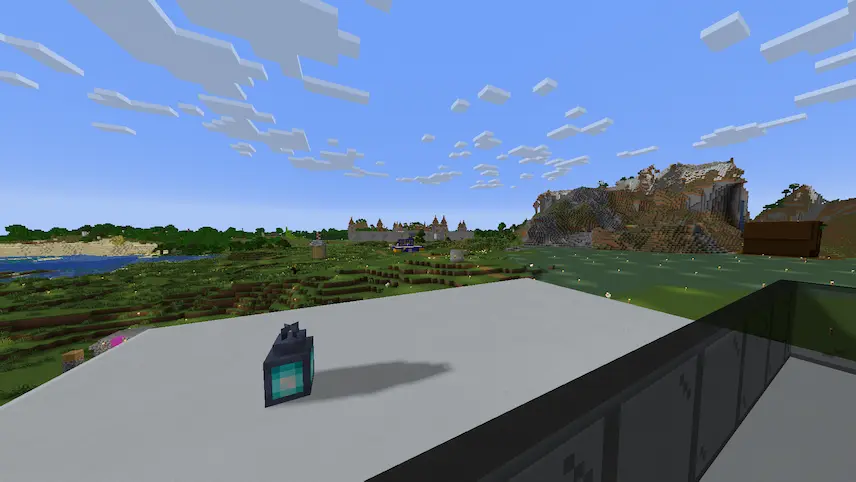
For fans of the original vibe, Best Vanilla Shaders adds subtle upgrades like realistic shadows and smooth day-to-night transitions. It is super lightweight, so your FPS stays high. It works well with other mods, making it great for a cozy survival world that looks fresh but familiar.
- Performance: 9/10
- Top Feature: Natural day/night lighting.
- Ideal for: Cozy survival and modpacks.
8. Tea – Cozy and Stylish
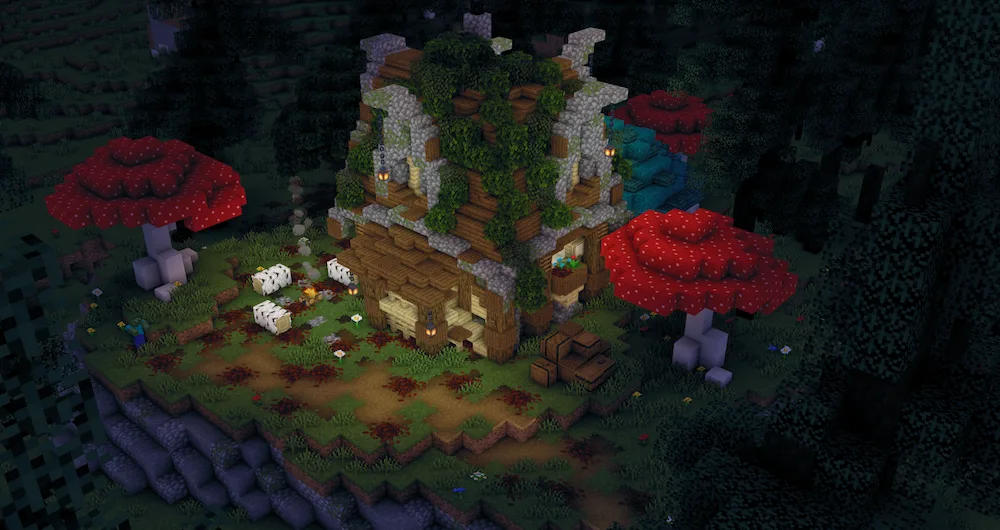
Tea Shaders is super lightweight and adds must-have effects like waving grass. One of the coolest parts is the biome-specific fog, which makes swamps and forests feel unique. It even has a cel-shading mode if you want a comic-book look while keeping things smooth.
- Performance: 9/10
- Top Feature: Biome-specific fog and cel-shading.
- Ideal for: Stylized graphics and atmospheric play.
9. LITE – Retro and Fast
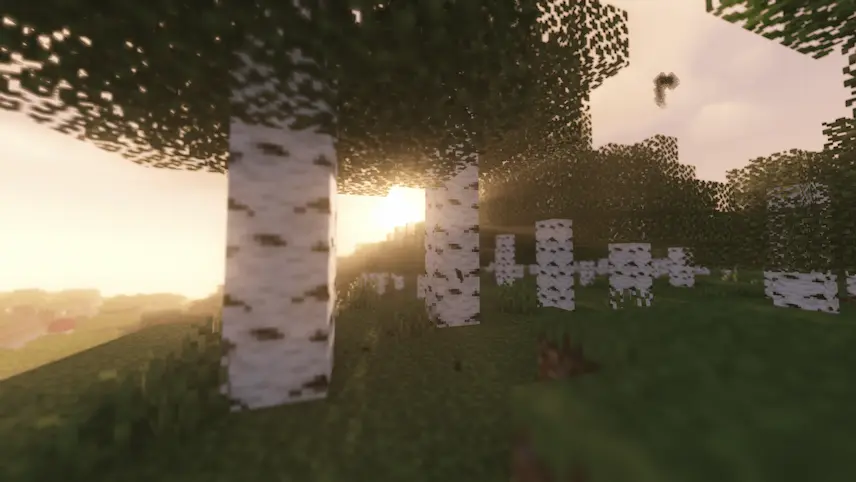
If you want something even more streamlined than MakeUp, LITE Shaders is your best bet. It gives you crisp shadows and a soft glow without dragging down your FPS. It even has “retro” options like a PS1 pixel filter if you want a nostalgic vibe for your world.
- Performance: 9.5/10
- Top Feature: Retro filters and soft glow.
- Ideal for: Nostalgic vibes and maximum speed.
10. Mellow – The Modern Vibe
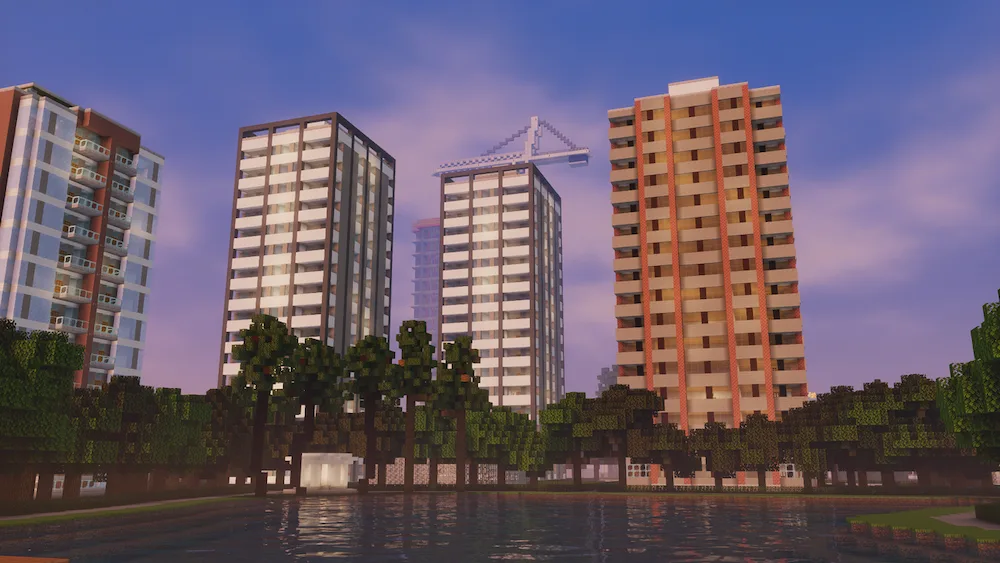
Last on the list, Mellow Shaders is a great choice for modern features without the lag. It adds vibey touches like wavy plants, realistic clouds, and handheld lights for cave exploring. It is designed to run smooth on most modern gear without turning your game into a slideshow.
- Performance: 8.5/10
- Top Feature: Handheld lighting and ambient fog.
- Ideal for: Immersive cave exploring.
Frequently Asked Questions (FAQ)
Can I run shaders on a PC with 4GB of RAM?
Yes. Shaders like Potato Shaders or MakeUp Ultra Fast are designed to use very little video memory. Just make sure to allocate at least 2GB of RAM to Minecraft in your launcher settings.
Do I need Optifine or Iris for these shaders?
Most of these packs work with both, but for 2026, we recommend Iris Shaders + Sodium. It provides much better performance on low-end hardware compared to the older Optifine.
Which is the lightest shader on this list?
The Potato Shader is specifically built for hardware that struggles with basic lighting, making it the lightest option available for players with very old PCs.
Check out more Minecraft Mod Recommendations here!