logo responsive
/

Alan’s Unified UI Minecraft Mod

1.21.10 – 1.21.1

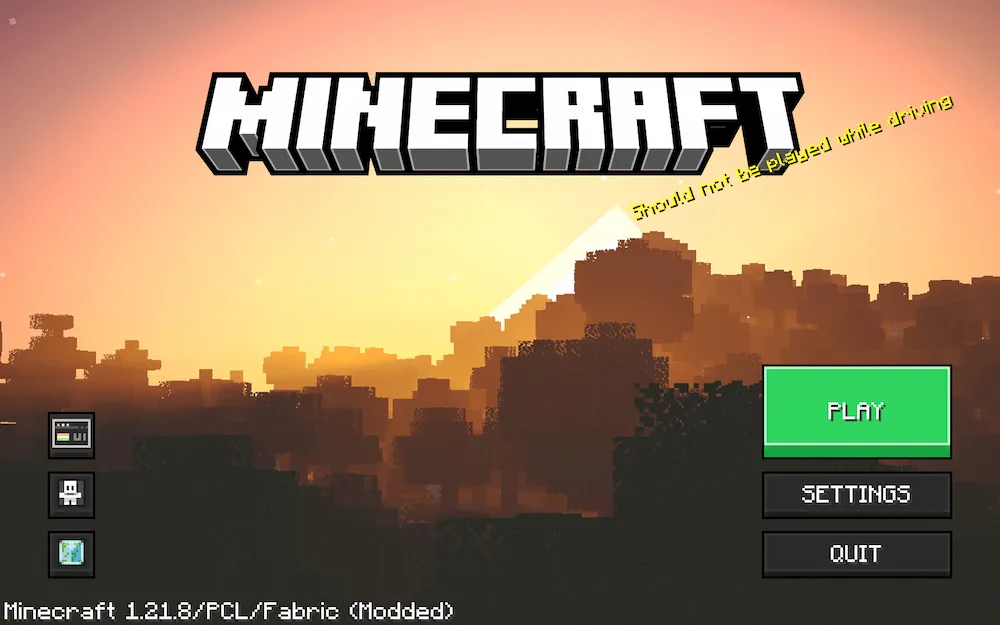
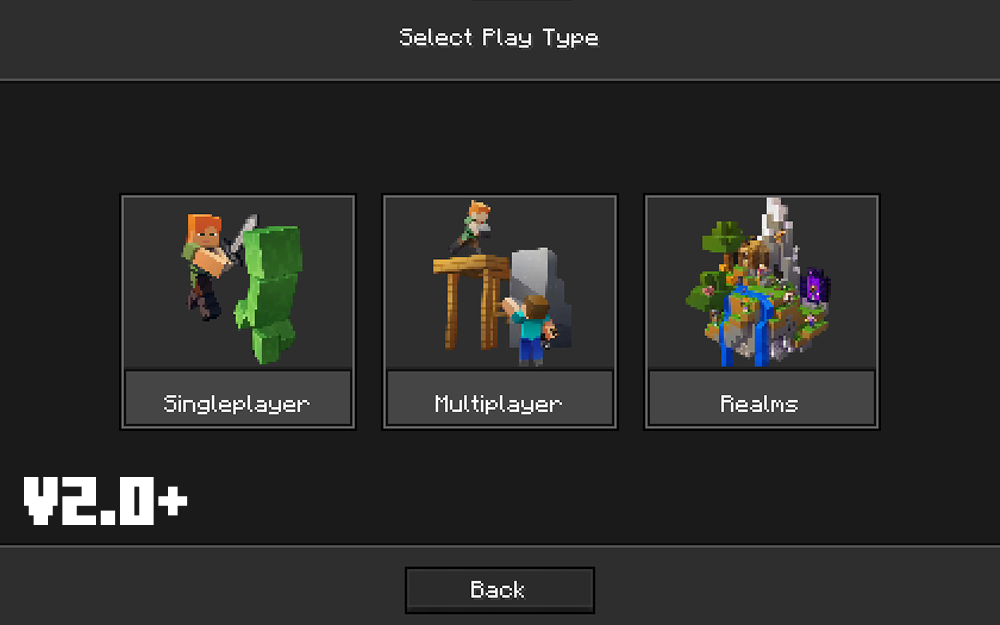
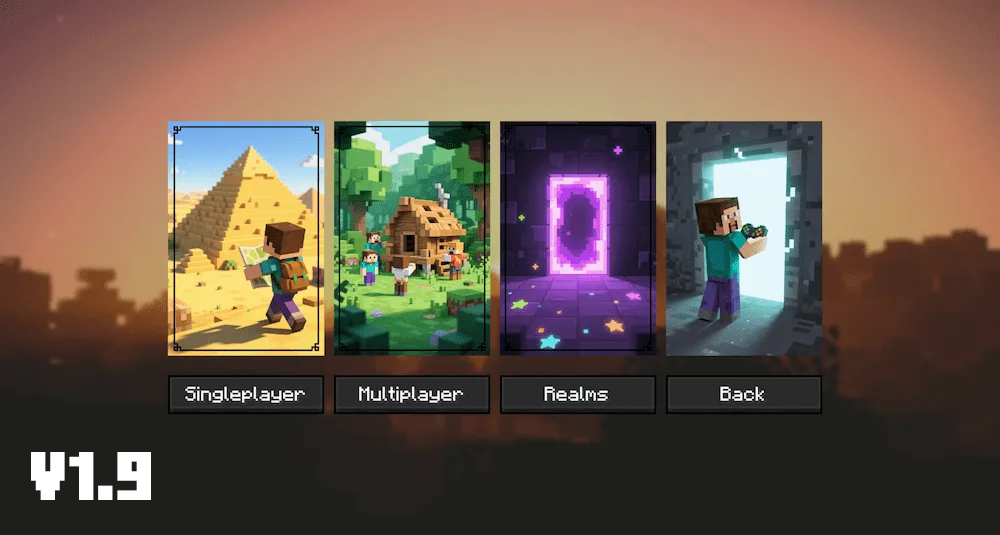
gome screen select mode v2.0 select mode v1.9
gome screen
select mode v2.0
select mode v1.9

Tired of the same old Minecraft menus? Alan’s Unified UI is here to give your game a total visual upgrade! This project is all about making the game’s interfaces look super modern and clean, creating a cohesive and elegant design that feels fresh and polished. Say goodbye to the blocky old menus and hello to a smooth, new visual experience!

The mod’s first awesome achievement is the New Main Menu. It’s a carefully redesigned interface that feels fluid and modern, setting the perfect tone every time you launch the game. This is just the beginning, too! The creator is already working hard on other core screens, like the World Selection and the various Options menus, to bring this modern look to the entire game. If you love sleek visuals and want to bring some contemporary style to your Minecraft adventures, make sure to try out this evolving UI mod!


Fabric

  1. 1. Download, execute the Fabric installer, choose Client, select your Minecraft version, and click Install.
  2. 2. Download the Fabric API matching that Minecraft version.
  3. 3. Download Alan’s Unified UI or any additional Fabric-compatible mods you want.
  4. 4. Place the Fabric API and all mods into .minecraft/mods folder.
  5. 5. Open the Minecraft Launcher, select the new Fabric profile, and press Play. Enjoy!

Forge

  1. 1. Download, execute the Forge installer, choose Client, and click Install.
  2. 3. Download Alan’s Unified UI or any additional Forge-compatible mods you want.
  3. 4. Place all mods into .minecraft/mods folder.
  4. 5. Open the Minecraft Launcher, select the new Forge profile, and press Play. Enjoy!

NeoForge

  1. 1. Download, execute the NeoForge installer, choose Client, and click Install.
  2. 3. Download Alan’s Unified UI or any additional NeoForge-compatible mods you want.
  3. 4. Place all mods into .minecraft/mods folder.
  4. 5. Open the Minecraft Launcher, select the new NeoForge profile, and press Play. Enjoy!

Download Alan’s Unified UI Mod

Type Game version File version Loaders Download
A Alpha
1.21.10 v0.2.1
Fabric
File
A Alpha
1.21.9 v0.2.1
Fabric
File
A Alpha
1.21.8 v0.2.1
Fabric
File
A Alpha
1.21.8 v0.1.9.7
Fabric
File
A Alpha
1.21.1 v0.1.9
Fabric
File

Alan’s Unified UI Minecraft Mod

5 files • 1.21.10 – 1.21.1

Download