logo responsive
/

TaCZ: Refabricated Minecraft Mod

1.21.1, 1.20.1

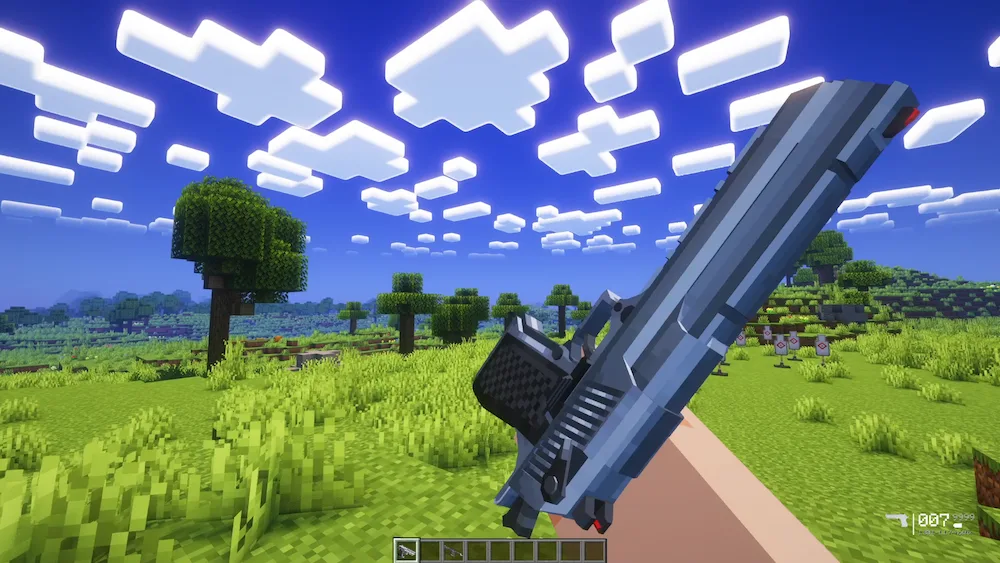
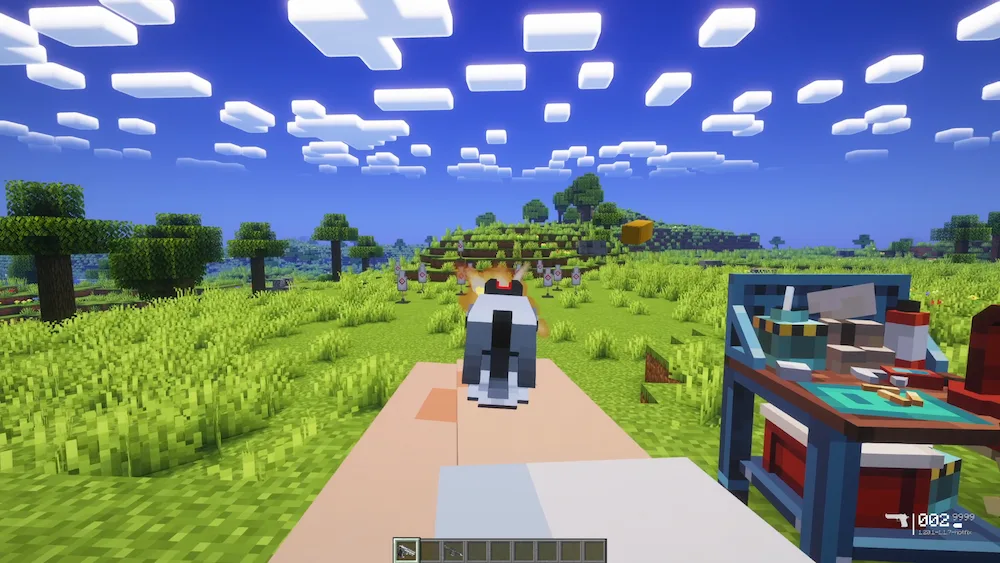
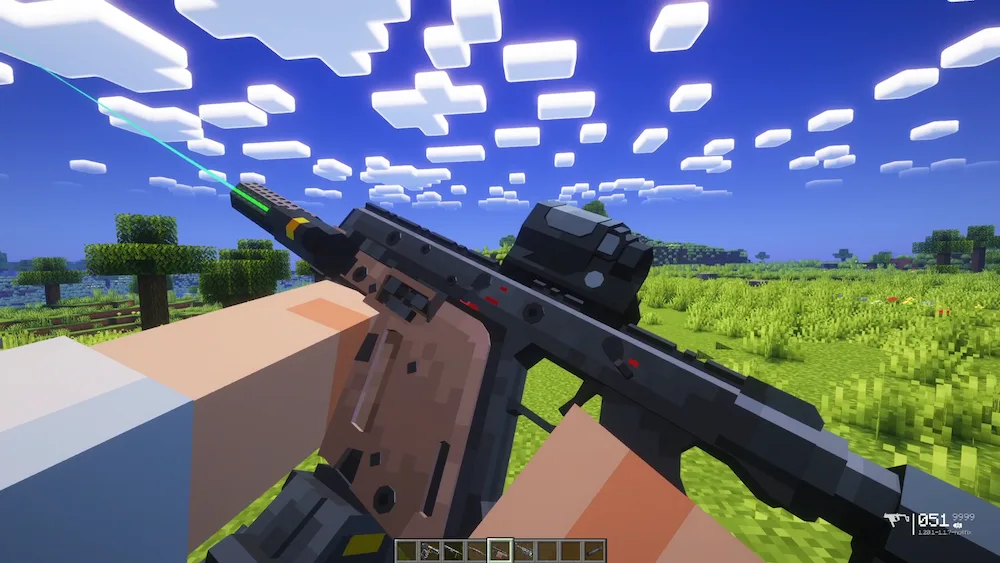
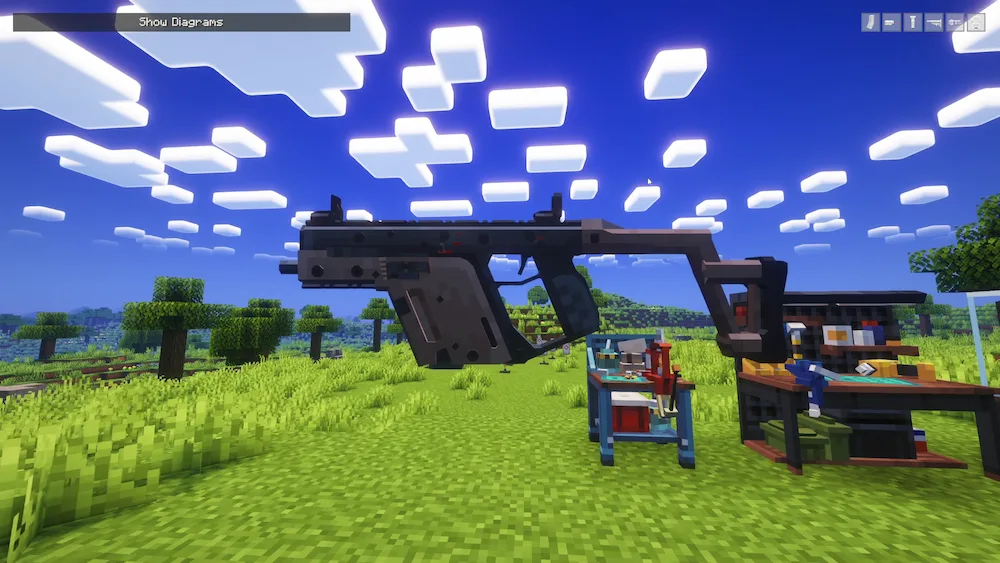
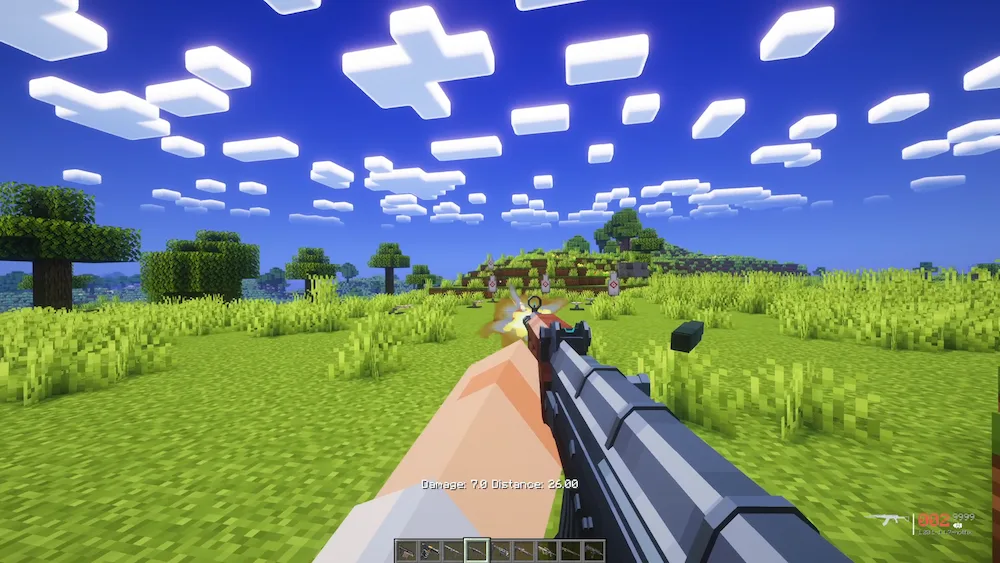
inspect weapon deagle vector with gadgets gadgets UI ak47 in Minecraft uzi in Minecraft
inspect weapon
deagle
vector with gadgets
gadgets UI
ak47 in Minecraft
uzi in Minecraft

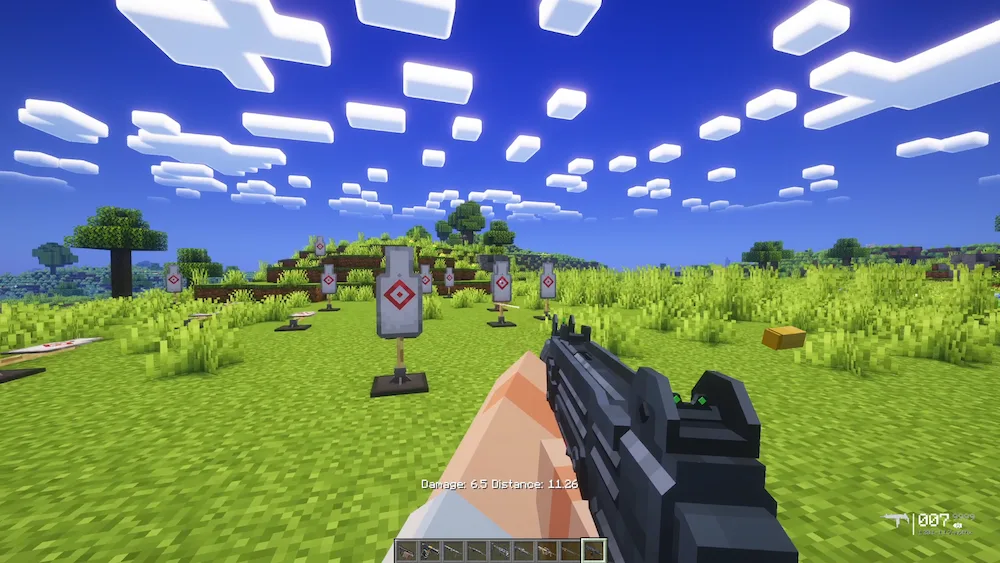
If you’re a Fabric user who has been jealous of the high-quality gun mods on Forge, TaCZ: Refabricated is the answer to your prayers. This is an unofficial Fabric port of the legendary Timeless and Classics Zero (TaCZ), which is widely considered one of the most immersive FPS experiences ever built for Minecraft. It’s not just a simple “point and click” mod; it features a complete rewrite of the original code, offering incredibly sophisticated shooting mechanics, realistic maneuvering, and even custom “inspect” animations for your firearms.

The mod is famous for its high-fidelity models and deep customization. You can modify your guns with various attachments—like scopes, muzzles, and grips—entirely within a survival-friendly crafting system. Because this version is a port, it brings all that “modern FPS” polish to the Fabric loader, making it a perfect fit for performance-heavy modpacks. Just keep in mind that it is still technically experimental, so while it’s packed with features, you might run into the occasional bug as the developers continue to refine the port.
Fabric

  1. 1. Download, execute the Fabric installer, choose Client, select your Minecraft version, and click Install.
  2. 2. Download the Fabric API matching that Minecraft version.
  3. 3. Download TaCZ: Refabricated or any additional Fabric-compatible mods you want.
  4. 4. Place the Fabric API and all mods into .minecraft/mods folder.
  5. 5. Open the Minecraft Launcher, select the new Fabric profile, and press Play. Enjoy!

Forge

  1. 1. Download, execute the Forge installer, choose Client, and click Install.
  2. 3. Download TaCZ: Refabricated or any additional Forge-compatible mods you want.
  3. 4. Place all mods into .minecraft/mods folder.
  4. 5. Open the Minecraft Launcher, select the new Forge profile, and press Play. Enjoy!

NeoForge

  1. 1. Download, execute the NeoForge installer, choose Client, and click Install.
  2. 3. Download TaCZ: Refabricated or any additional NeoForge-compatible mods you want.
  3. 4. Place all mods into .minecraft/mods folder.
  4. 5. Open the Minecraft Launcher, select the new NeoForge profile, and press Play. Enjoy!

Download TaCZ: Refabricated Mod

Type Game version File version Loaders Download
B Beta
1.21.1 v1.1.7
Fabric
File
B Beta
1.20.1 v1.1.7
Fabric
File

TaCZ: Refabricated Minecraft Mod

2 files • 1.21.1, 1.20.1

Download