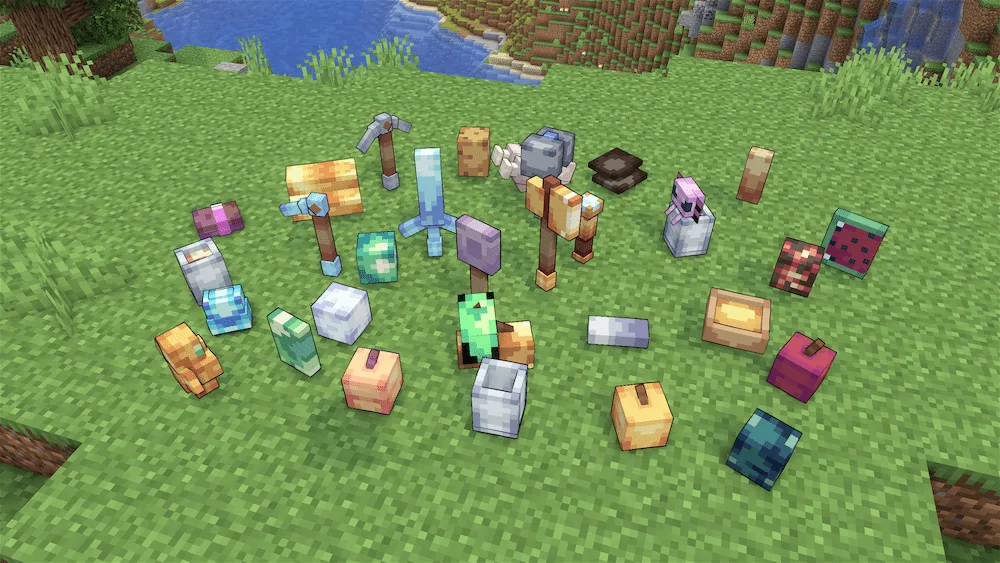
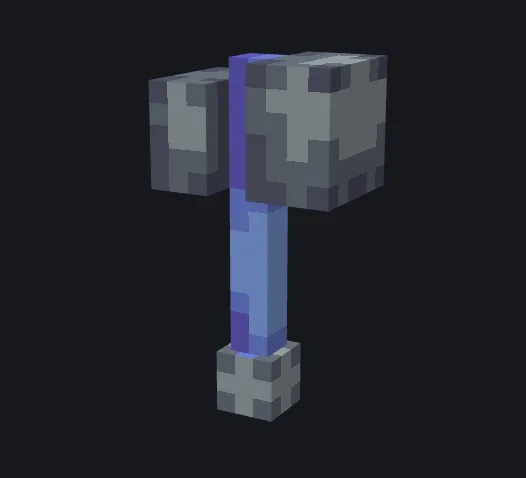
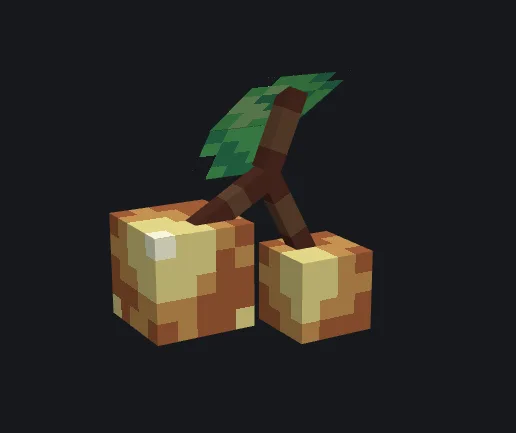
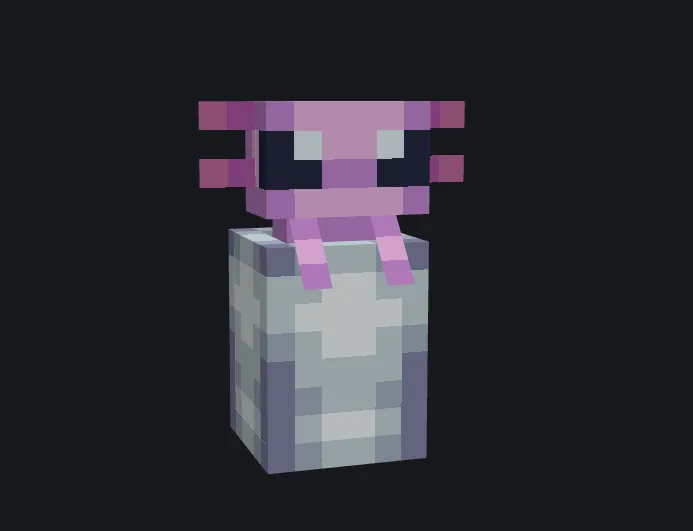
If you’ve ever felt like the items in your inventory look a bit too much like flat stickers, the 3D Textures: Renewed pack is exactly what you need. This project started as a cool YouTube series where the creator challenged themselves to turn every single Minecraft texture into a 3D model, and the result is honestly impressive. It covers everything from your tools and weapons to the food you eat, giving every item a bulky, realistic shape that makes them pop out in your hand. It’s a great way to make your gear feel more like actual objects instead of just 2D sprites.
The pack is super fun to play with because it adds a ton of personality to the small details you usually ignore. Holding a loaf of bread or a pickaxe feels totally different when they have actual depth and thickness. The creator clearly put a lot of work into making sure the new models still feel like they belong in the game, so it doesn’t ruin that classic Minecraft vibe. If you’re looking for a fresh visual upgrade that makes your survival world feel more modern and polished, this is a solid pick for your resource pack folder.





 Tags
Tags