logo responsive
/

Flashlight Minecraft Shaders

Flashlight in the darkness Pathway Carnival
Flashlight in the darkness
Pathway
Carnival

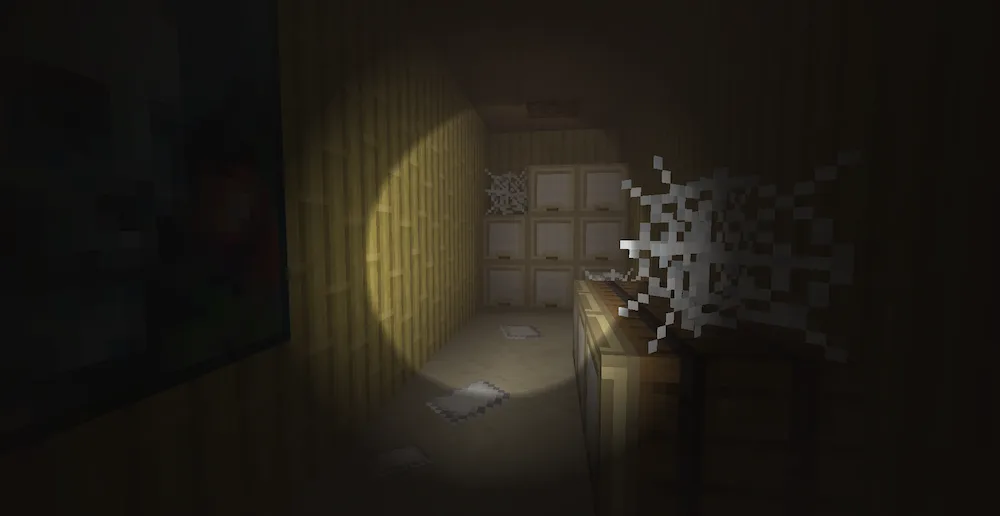
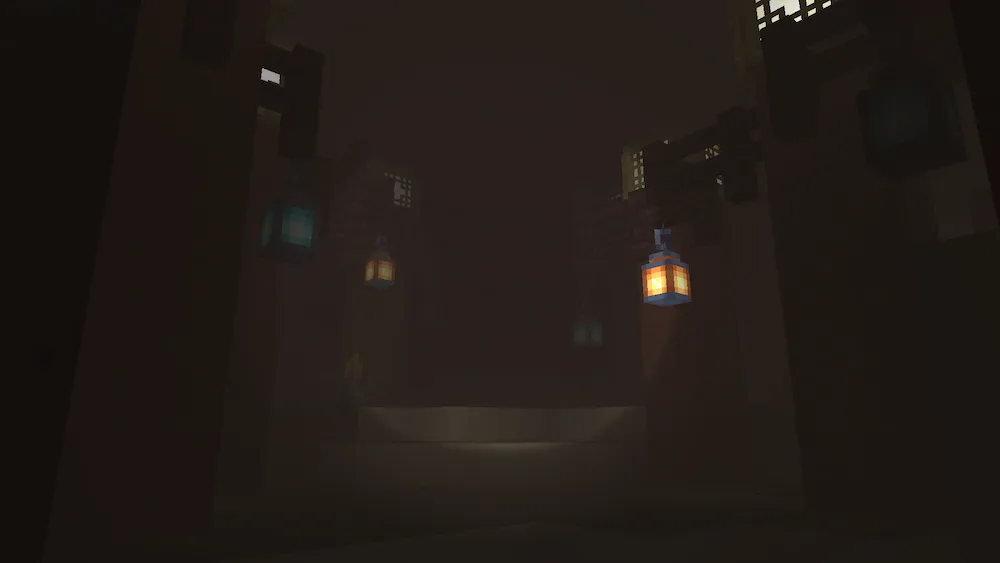
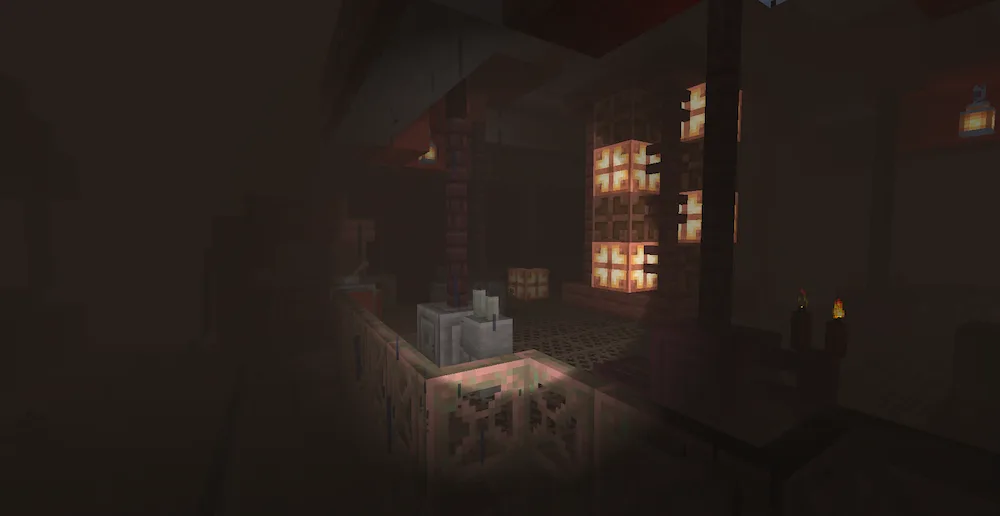
Flashlight Shader is a specialized, atmospheric utility designed to transform Minecraft into a tense, survival-horror experience. Unlike traditional shaders that aim for beauty or realism, this pack is built for mood and mechanical challenge.

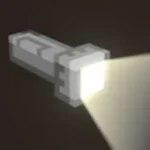
It works by stripping away all natural light and enveloping the entire world in a thick, “suffocating” brown fog that limits your vision to just a few blocks in front of you. To navigate, the shader provides a dynamic flashlight effect that projects a focused beam of light in the direction your character is looking.
  1. 2. Download OptiFine or Iris Shaders for your Minecraft version.
  2. 1. Download Flashlight shaders.
  3. 2. Open your Minecraft folder and place the shader pack ZIP into .minecraft/shaderpacks folder.
  4. 4. Launch Minecraft, go to Options → Video Settings → Shaders, select your pack, and click Done. Enjoy your new visuals!

Download Flashlight Shaders

Type Game version File version Loaders Download
R Release
Flashlight Shaders v1.0
OptiFine Iris
File

Flashlight Minecraft Shaders

1 file

Download