logo responsive
/

Pocket Repose Minecraft Mod

1.20.1

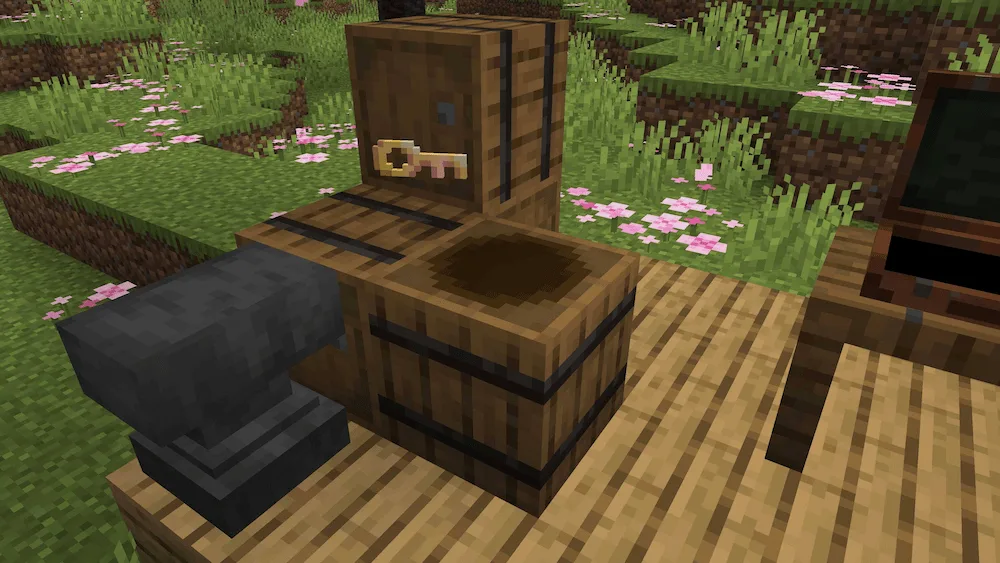
Hide your secrets and suitcases within the Secret Barrel Block! Crafted with a suitcase, slimeball, and barrel. The default pocket dimension. Interact with a repaired key then sneak to enter your own pocket dimension. Rename a broken key to create a pocket dimension. Colors!
Hide your secrets and suitcases within the Secret Barrel Block! Crafted with a suitcase, slimeball, and barrel.
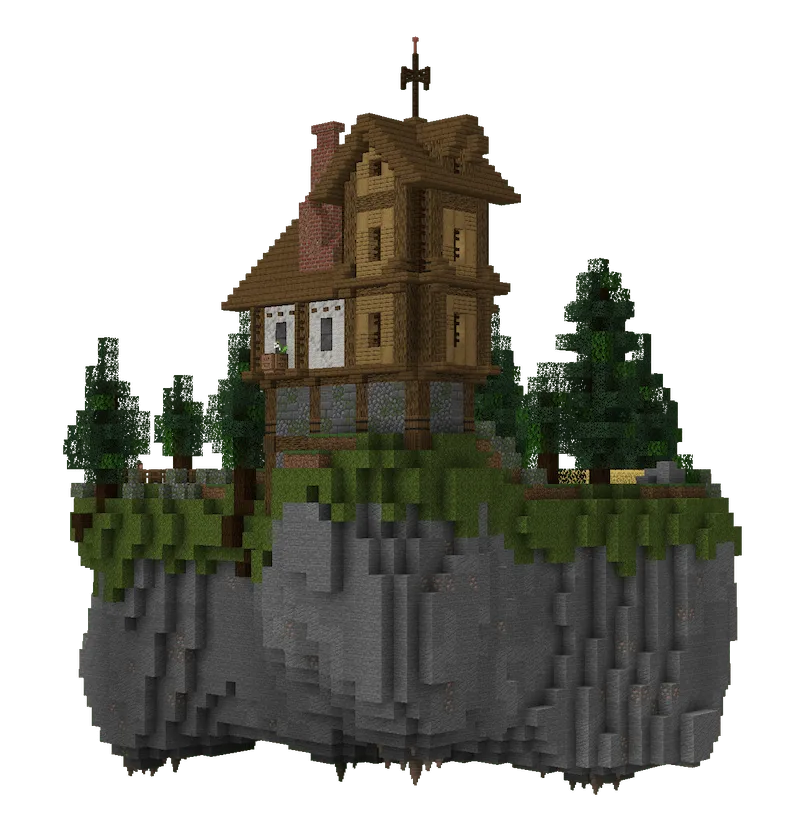
The default pocket dimension.
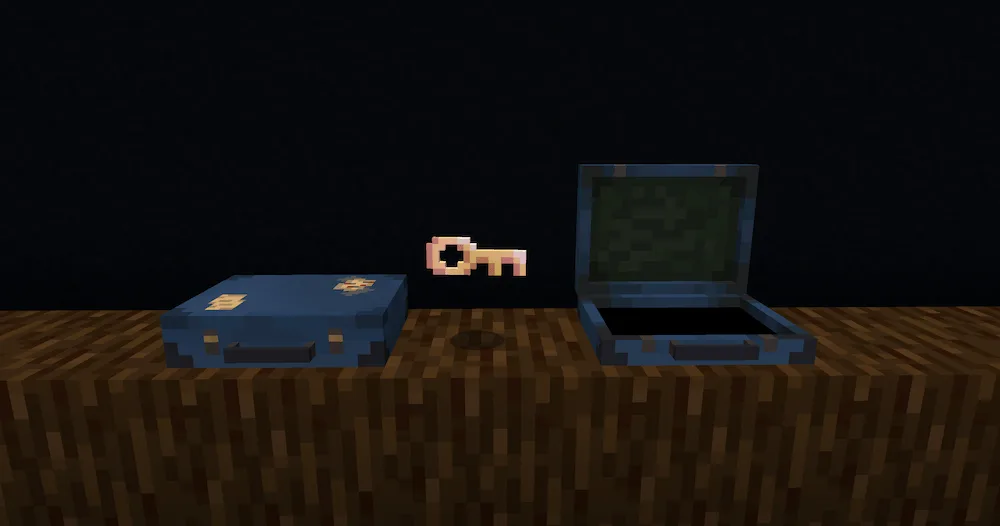
Interact with a repaired key then sneak to enter your own pocket dimension.
Rename a broken key to create a pocket dimension.
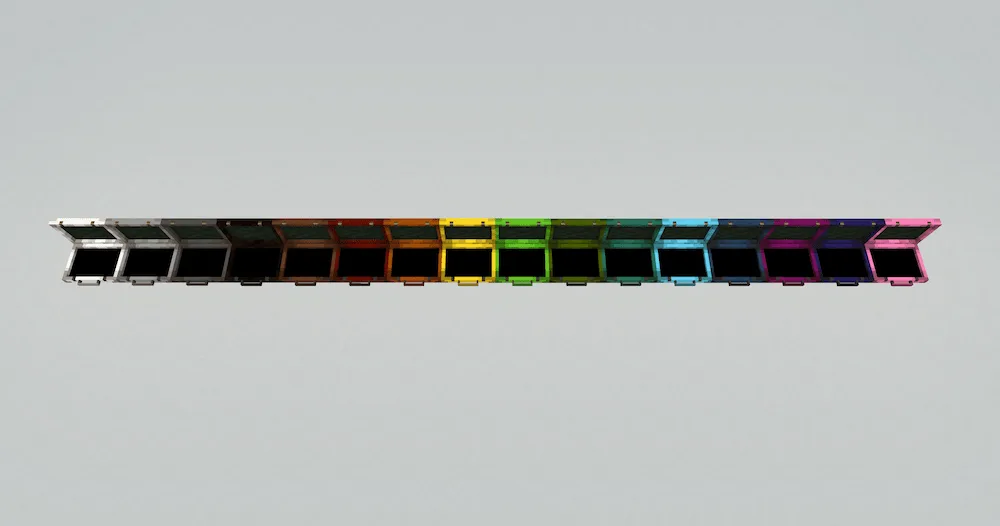
Colors!

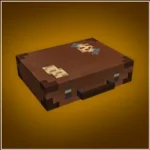
Ever wish you could bring your whole base with you? Say hello to the Pocket Repose Mod! This awesome mod adds the Traveler’s Suitcase block, and guess what? It’s bigger on the inside, like a secret pocket dimension you can jump right into! Just fix up a Keystone to bind your dimension to it, then sneak on an open suitcase to go straight to your personal, private world. You can build anything you want in there and even share the Keystone name with friends so they can visit you!

This Pocket Dimension is totally safe—no annoying mobs will spawn there, so it’s the perfect spot to chill or build that massive farm you always wanted. Want to bring some pets or mobs along? Easy! Just right-click any creature with your suitcase to Capture Creatures and bring them inside. You can even use a lead to move them around once they are there. It’s the ultimate private island, ready to travel whenever you are!


Fabric

  1. 1. Download, execute the Fabric installer, choose Client, select your Minecraft version, and click Install.
  2. 2. Download the Fabric API matching that Minecraft version.
  3. 3. Download Pocket Repose or any additional Fabric-compatible mods you want.
  4. 4. Place the Fabric API and all mods into .minecraft/mods folder.
  5. 5. Open the Minecraft Launcher, select the new Fabric profile, and press Play. Enjoy!

Forge

  1. 1. Download, execute the Forge installer, choose Client, and click Install.
  2. 3. Download Pocket Repose or any additional Forge-compatible mods you want.
  3. 4. Place all mods into .minecraft/mods folder.
  4. 5. Open the Minecraft Launcher, select the new Forge profile, and press Play. Enjoy!

NeoForge

  1. 1. Download, execute the NeoForge installer, choose Client, and click Install.
  2. 3. Download Pocket Repose or any additional NeoForge-compatible mods you want.
  3. 4. Place all mods into .minecraft/mods folder.
  4. 5. Open the Minecraft Launcher, select the new NeoForge profile, and press Play. Enjoy!

Download Pocket Repose Mod

Type Game version File version Loaders Download
R Release
1.20.1 v1.2.7
Forge
File

Pocket Repose Minecraft Mod

1 file • 1.20.1

Download