

logo responsive
/

Moog’s Soaring Structures Minecraft Mod

1.21.8, 1.20.6

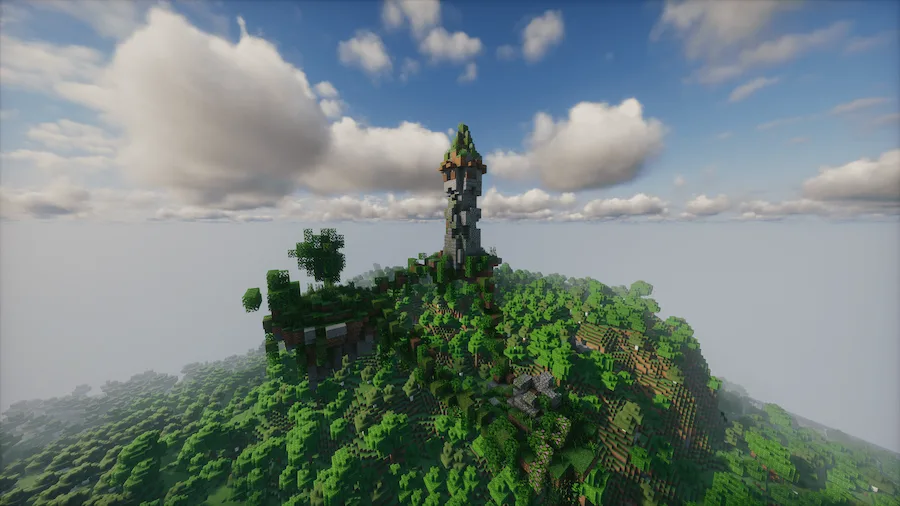
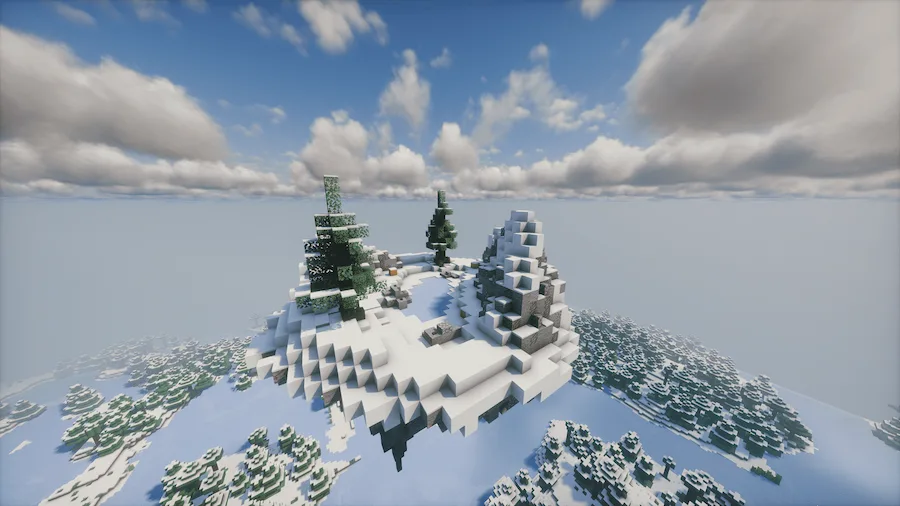
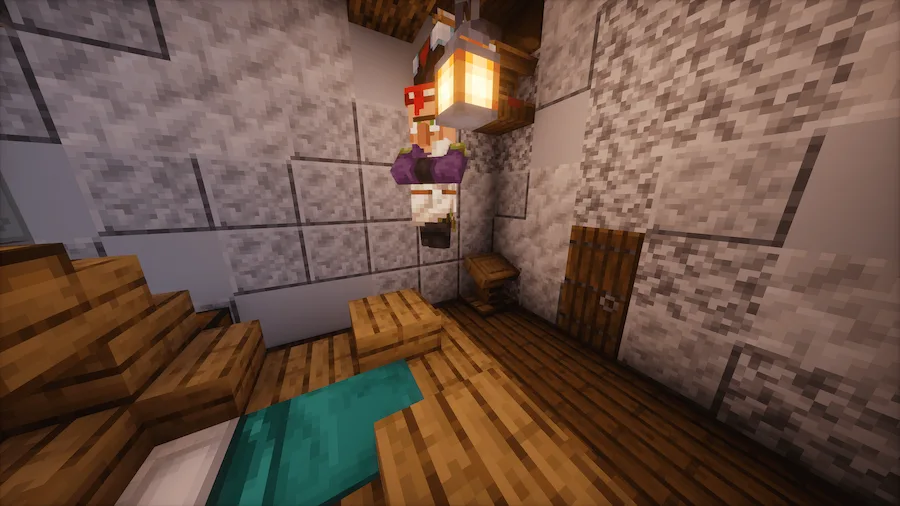
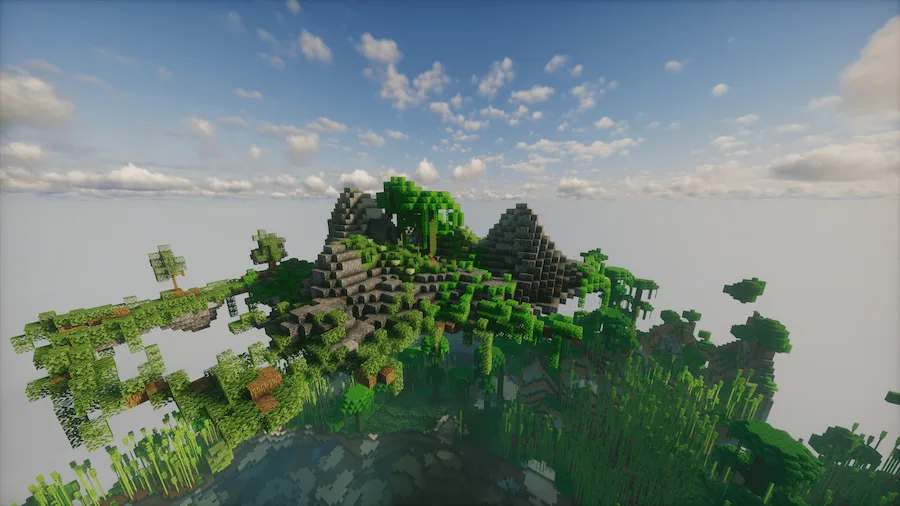
tower island cherry island ice island villager ruin portal jungle island desert island birch forest island castle
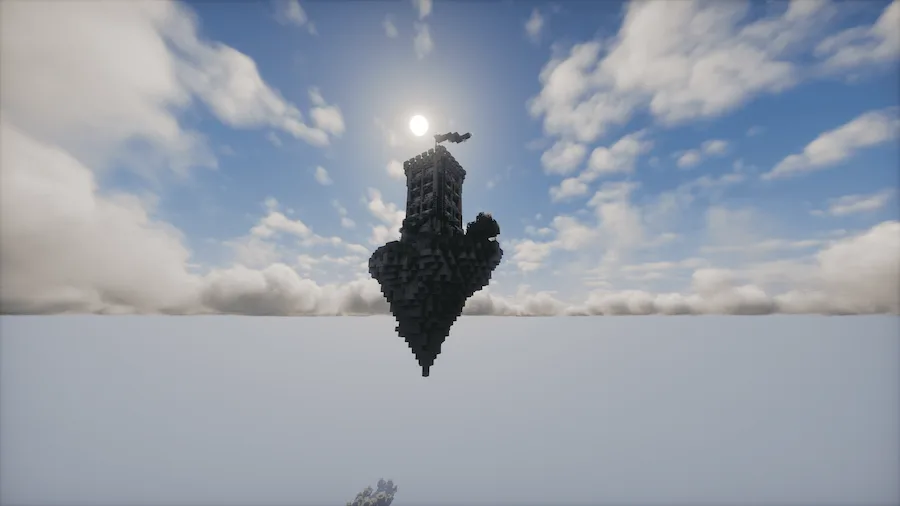
tower island
cherry island
ice island
villager
ruin portal
jungle island
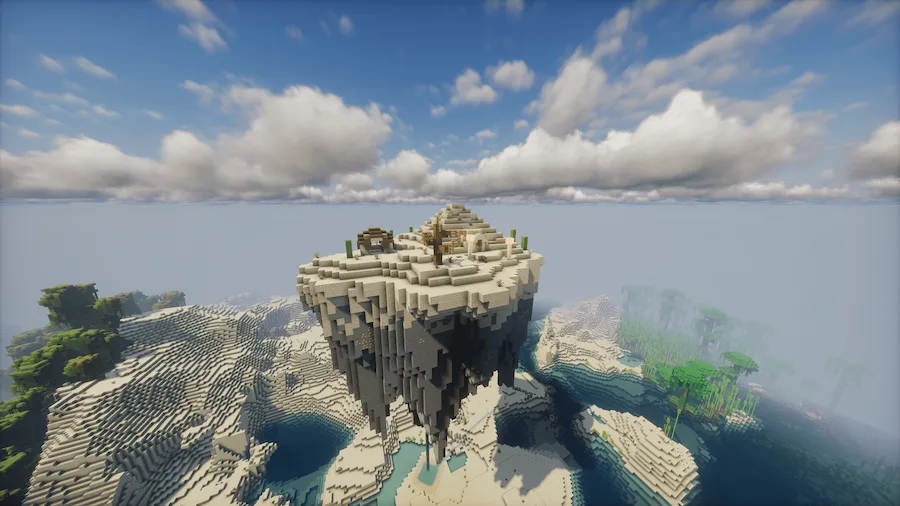
desert island
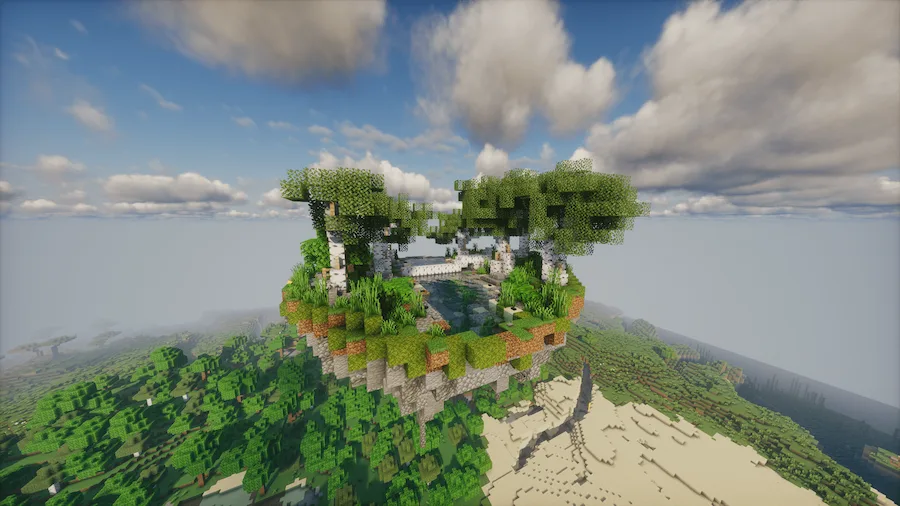
birch forest island
castle

Moogs Soaring Structures is a Minecraft mod that fills the skies with floating islands and unique buildings to explore. Each island is made with vanilla blocks and entities, so everything feels natural while still adding fresh adventures to your world. As you explore these new structures, you will come across loot, enemies, and even villagers, making every island feel alive and rewarding.

This mod is perfect for players who want more variety and excitement in their Minecraft worlds. With so many islands to find, each with its own surprises, Moogs Soaring Structures makes exploration more fun and gives you new goals to chase. Whether you are searching for treasure or battling enemies high above the ground, this Minecraft mod brings endless new adventures to your gameplay.


Fabric

  1. 1. Download, execute the Fabric installer, choose Client, select your Minecraft version, and click Install.
  2. 2. Download the Fabric API matching that Minecraft version.
  3. 3. Download Moog’s Soaring Structures or any additional Fabric-compatible mods you want.
  4. 4. Place the Fabric API and all mods into .minecraft/mods folder.
  5. 5. Open the Minecraft Launcher, select the new Fabric profile, and press Play. Enjoy!

Forge

  1. 1. Download, execute the Forge installer, choose Client, and click Install.
  2. 3. Download Moog’s Soaring Structures or any additional Forge-compatible mods you want.
  3. 4. Place all mods into .minecraft/mods folder.
  4. 5. Open the Minecraft Launcher, select the new Forge profile, and press Play. Enjoy!

NeoForge

  1. 1. Download, execute the NeoForge installer, choose Client, and click Install.
  2. 3. Download Moog’s Soaring Structures or any additional NeoForge-compatible mods you want.
  3. 4. Place all mods into .minecraft/mods folder.
  4. 5. Open the Minecraft Launcher, select the new NeoForge profile, and press Play. Enjoy!

Download Moog’s Soaring Structures Mod

Type Game version File version Loaders Download
R Release
1.21.8 v1.3.6
Fabric
File
R Release
1.21.8 v1.3.6
NeoForge
File
R Release
1.21.7 v1.3.6
Fabric
File
R Release
1.21.7 v1.3.6
NeoForge
File
R Release
1.21.6 v1.3.6
Fabric
File
R Release
1.21.6 v1.3.6
NeoForge
File
R Release
1.21.5 v1.3.6
Fabric
File
R Release
1.21.5 v1.3.6
NeoForge
File
R Release
1.21.4 v1.3.5
Fabric
File
R Release
1.21.4 v1.3.5
NeoForge
File
R Release
1.21.1 v1.3.5
Fabric
File
R Release
1.21.1 v1.3.5
NeoForge
File
R Release
1.20.6 v1.2.7
Fabric
File
R Release
1.20.6 v1.2.7
NeoForge
File
R Release
1.20.4 v1.2.7
Fabric
File
R Release
1.20.4 v1.2.7
Forge
File
R Release
1.20.4 v1.2.7
NeoForge
File
R Release
1.20.1 v1.2.7
Fabric
File
R Release
1.20.1 v1.2.7
Forge
File

Moog’s Soaring Structures Minecraft Mod

19 files • 1.21.8, 1.20.6

Download