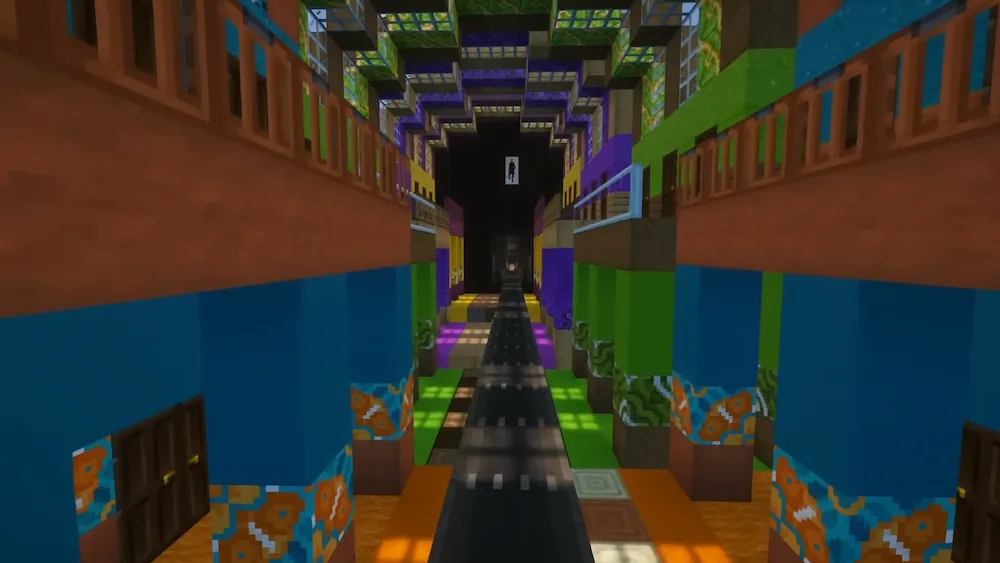
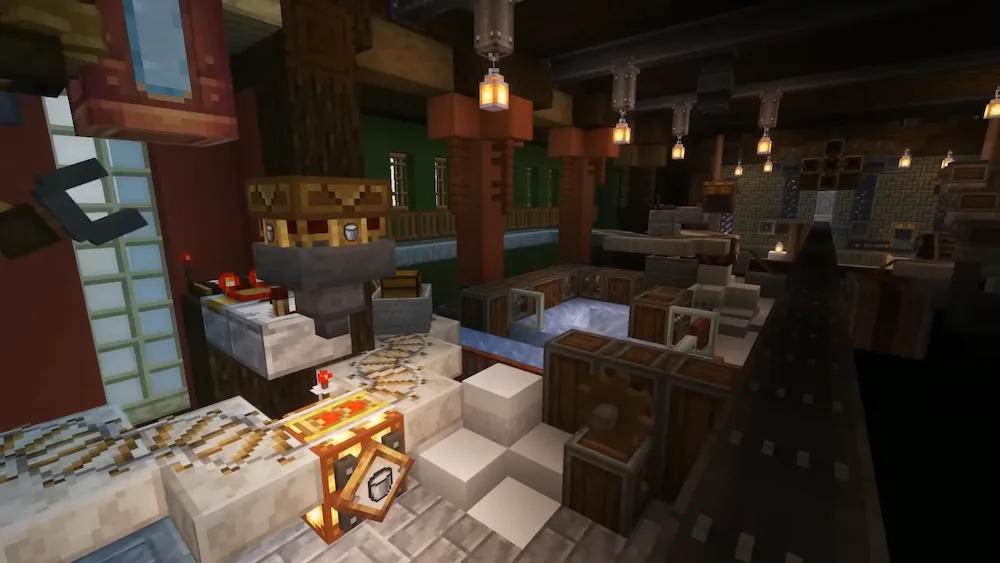
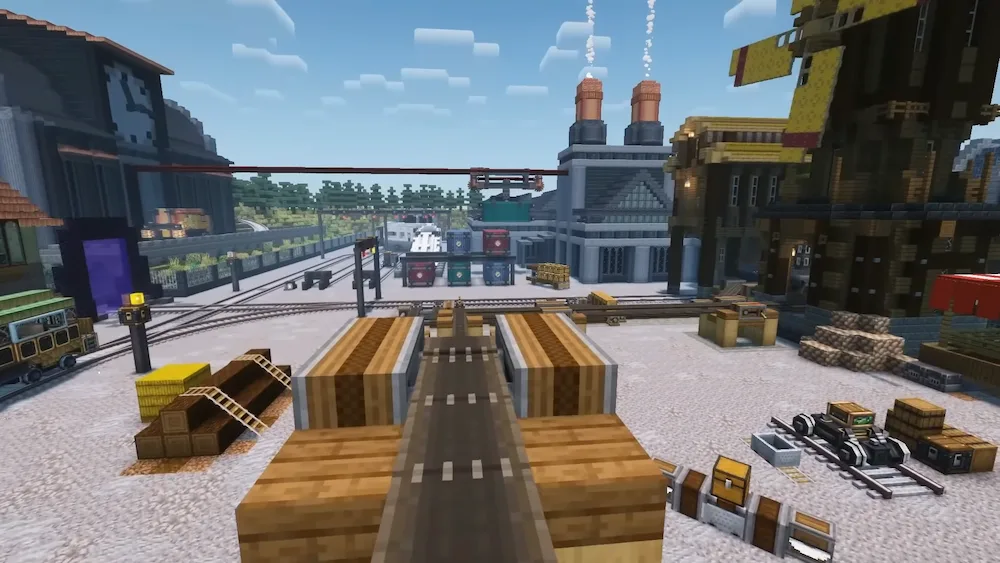
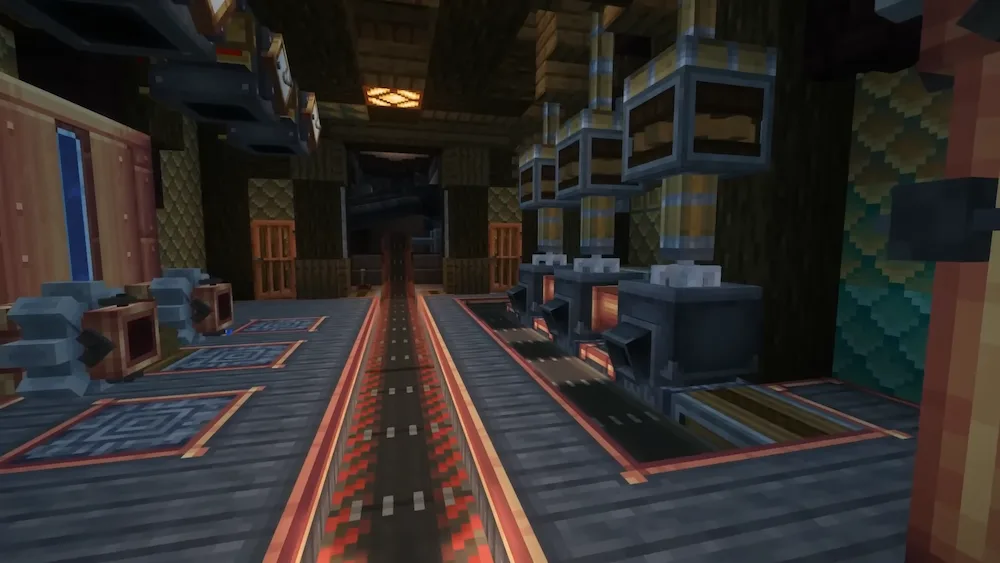
Create Fabric is one of the most impressive automation mods available for Minecraft, bringing complex machinery, engineering systems, and creative problem-solving to the Fabric ecosystem. Rather than relying on simple machine interfaces, the mod encourages players to build fully visible mechanical systems using gears, shafts, belts, cogwheels, and countless other moving components. Every machine operates directly in the world, creating factories, farms, and production lines that feel dynamic, immersive, and satisfying to watch.
What makes Create Fabric stand out is its unique combination of automation and creativity. Players can design everything from simple resource-processing setups to massive industrial facilities, automated farms, transportation networks, and decorative mechanical builds. Because the entire system is based on interconnected moving parts, every project feels like a custom engineering challenge rather than a collection of isolated machines.
To help players learn its mechanics, Create Fabric includes Ponder, an integrated tutorial system that provides animated demonstrations for blocks, machines, and contraptions directly in-game. This makes even advanced automation systems easier to understand and experiment with. For the best experience, it is recommended to use a recipe viewer such as JEI, REI, or EMI, as the mod introduces a large number of new crafting recipes and components.
Whether you enjoy technical Minecraft, large-scale automation, or creative engineering projects, Create Fabric offers endless possibilities for building efficient machines and stunning mechanical creations. It is an essential mod for players who want to transform their Minecraft world into a living network of factories, moving contraptions, and automated systems.






 Tags
Tags