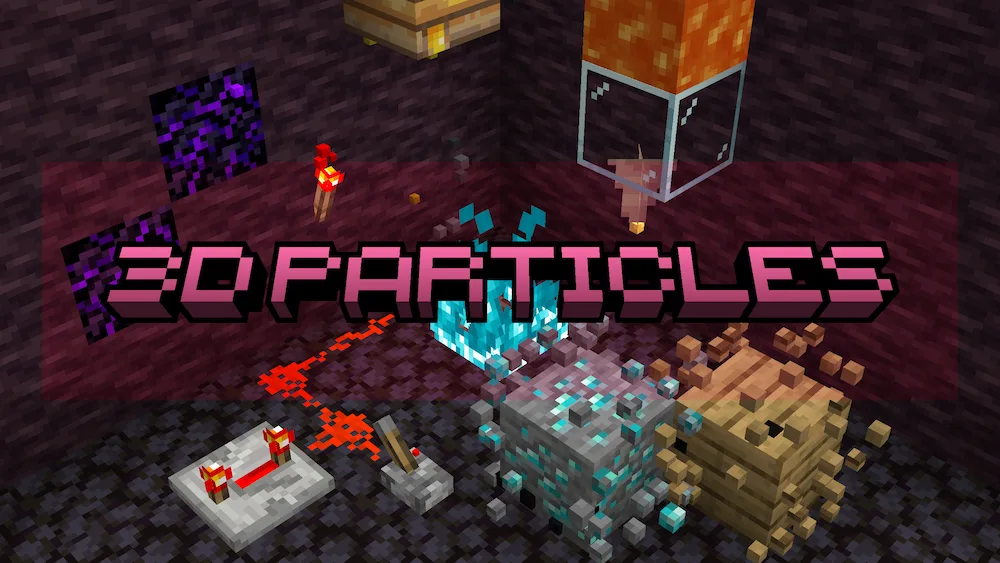
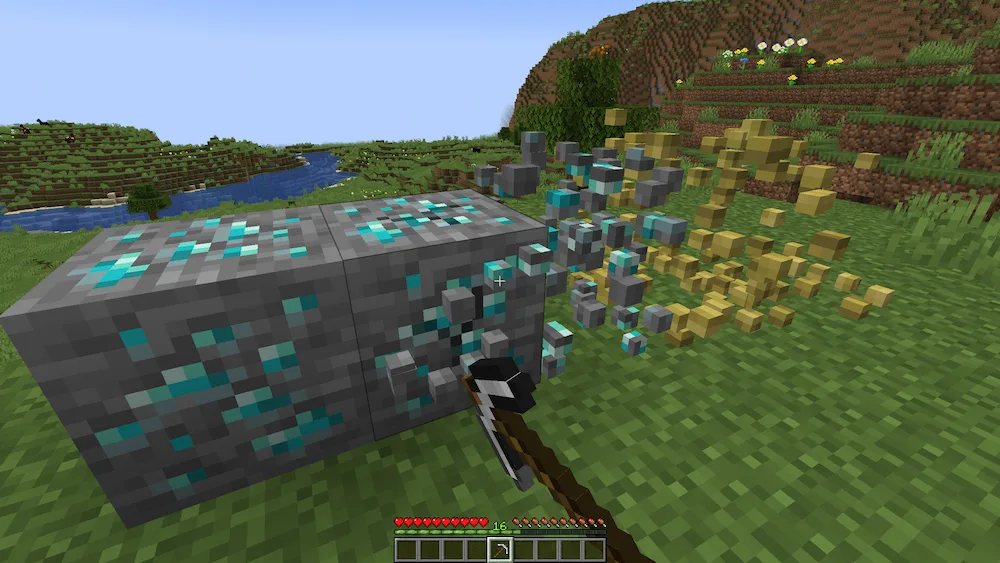
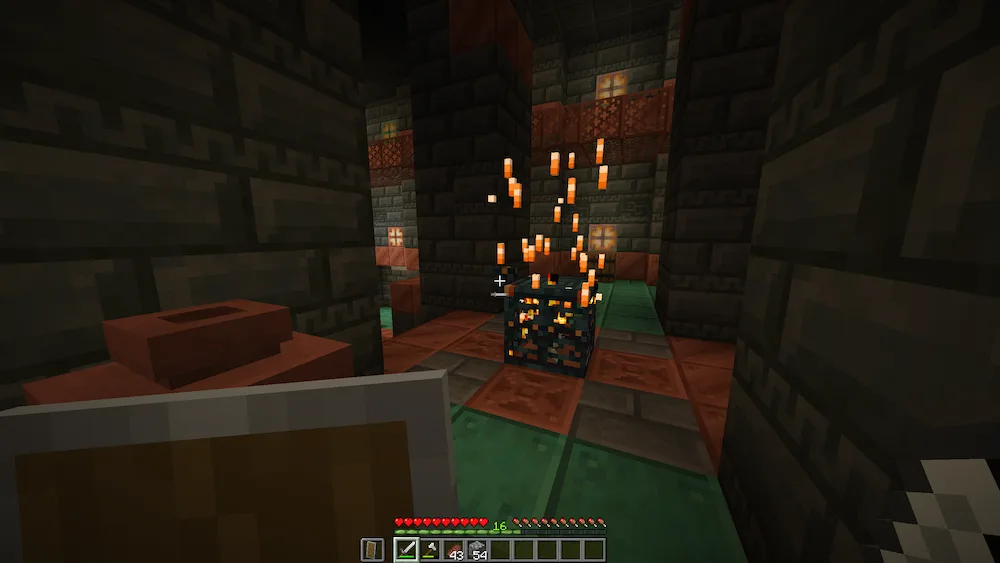
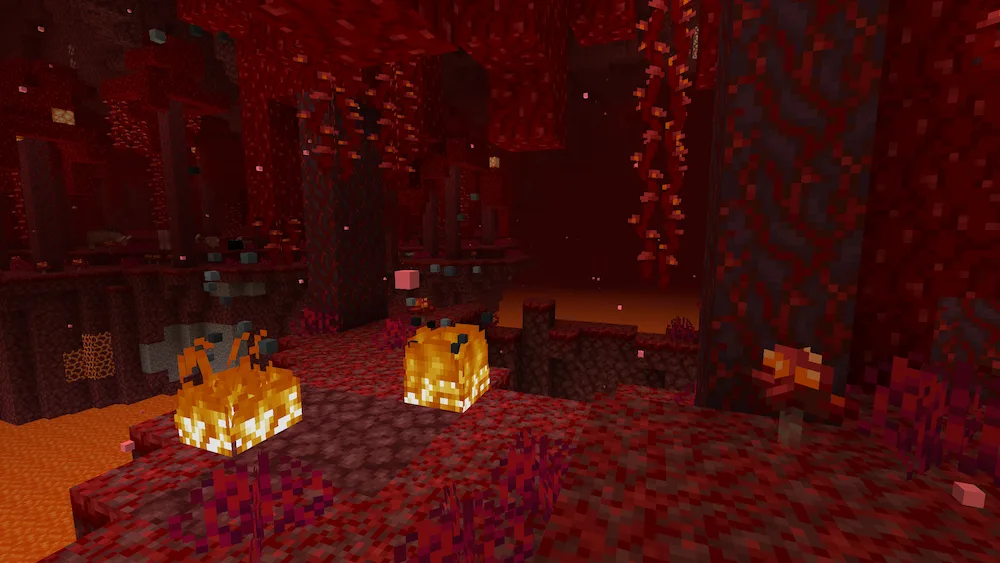
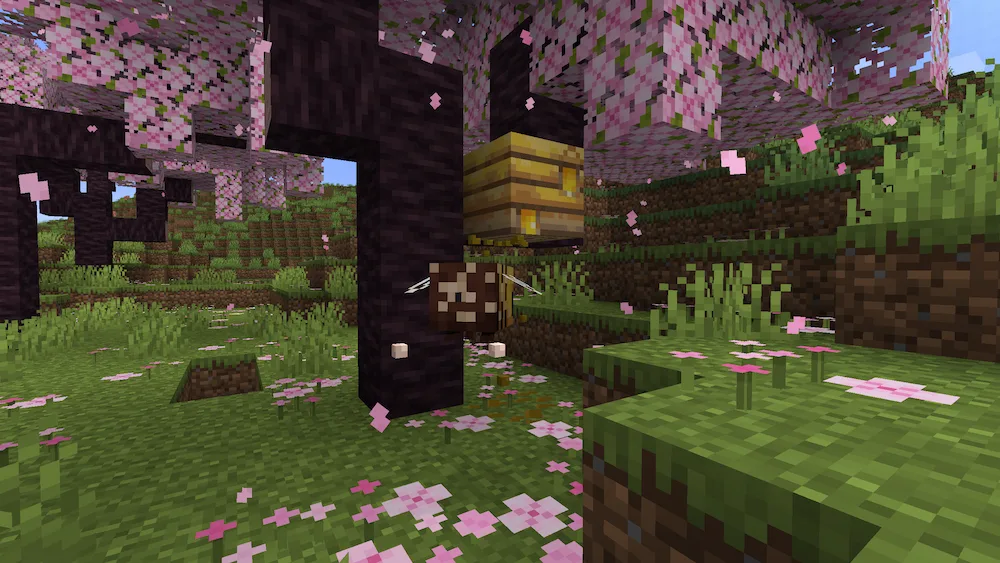
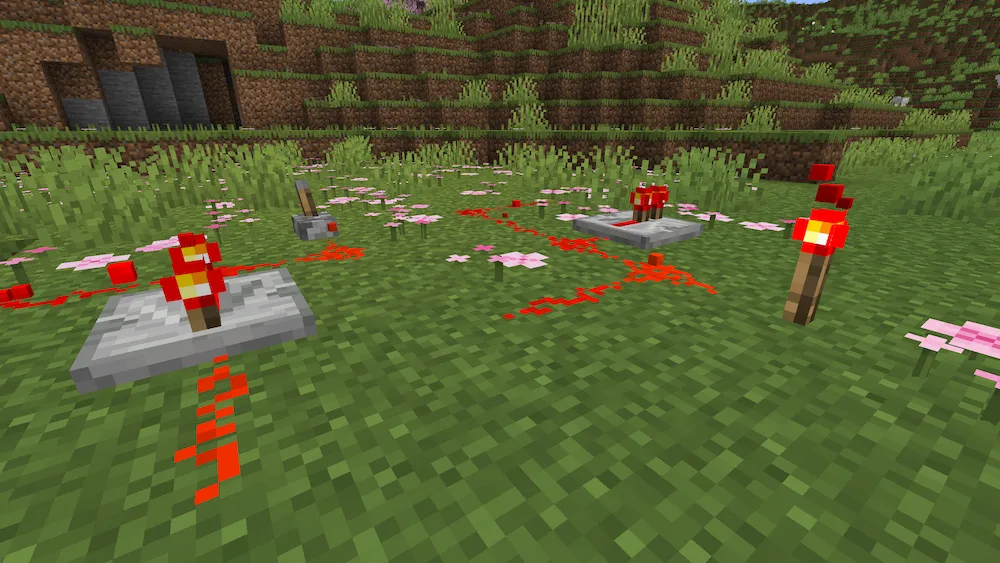
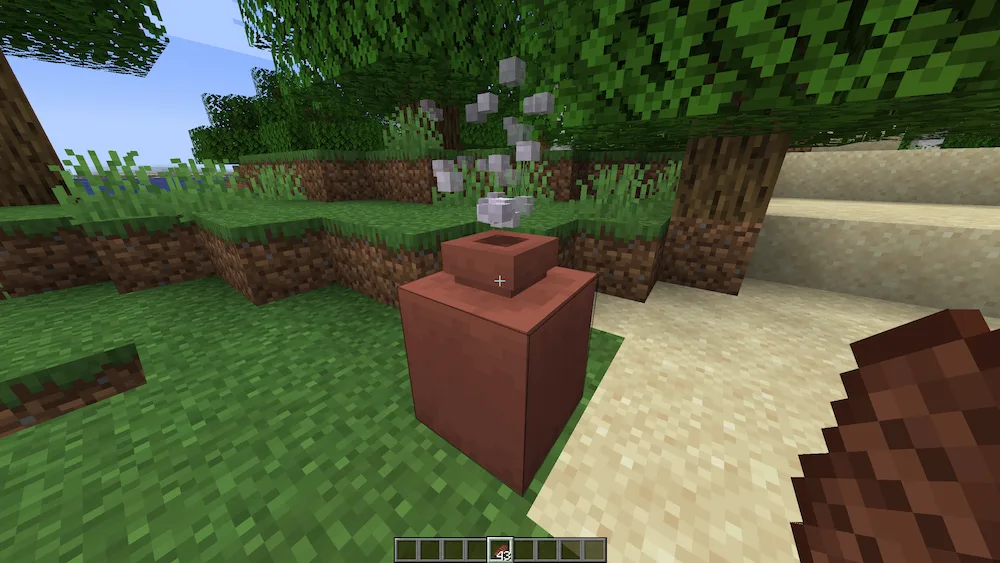
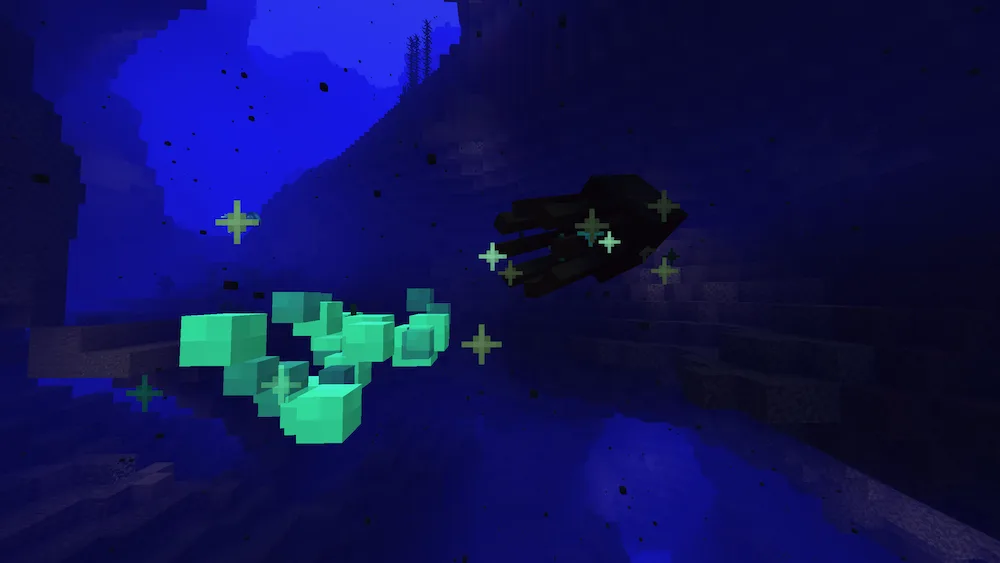
If you’ve ever noticed how breaking blocks in Minecraft looks a bit flat, the 3D Particles resource pack is here to fix that. This pack is a refreshed version of the classic DartCats mod, updated to work with the latest game versions like 1.21.5. It turns 33 different types of particles into actual 3D objects, so when you break a block or hit a mob, the little bits flying around actually have depth. They even use the same lighting as entities, meaning they’ll glow or darken naturally depending on where you are, making the whole game feel way more physical and polished.
This pack is great for adding that extra layer of detail to your survival world or creative builds. It’s designed to be super smooth, though you should keep an eye on your settings if you use other particle mods. While it works perfectly with things like Sodium and Nvidium, it’s important to remember that it won’t work if you have shaders turned on, since shaders take over the particle system entirely. If you want a more “heavy” and realistic feel to your block-breaking, this is a must-have for your resource pack list.
| Name | Compatibility | Notes |
|---|---|---|
| Vanilla | ✅ | Works perfectly out of the box. |
| Sodium | ✅ | No issues, great for performance. |
| Nvidium | ✅ | Fully supported. |
| Iris (Shaders OFF) | ✅ | Works as long as shaders are inactive. |
| Iris (Shaders ON) | ❌ | Shaders override these vanilla particles. |
| Optifine (Shaders OFF) | ✅ | Works fine. |
| Optifine (Shaders ON) | ❌ | Shaders override these vanilla particles. |
| Particle Interactions | 🟧 | Must disable “Pixel consistent” setting. |


 Tags
Tags