logo responsive
/

Unusual Prehistory 2 Minecraft Mod

1.20.1

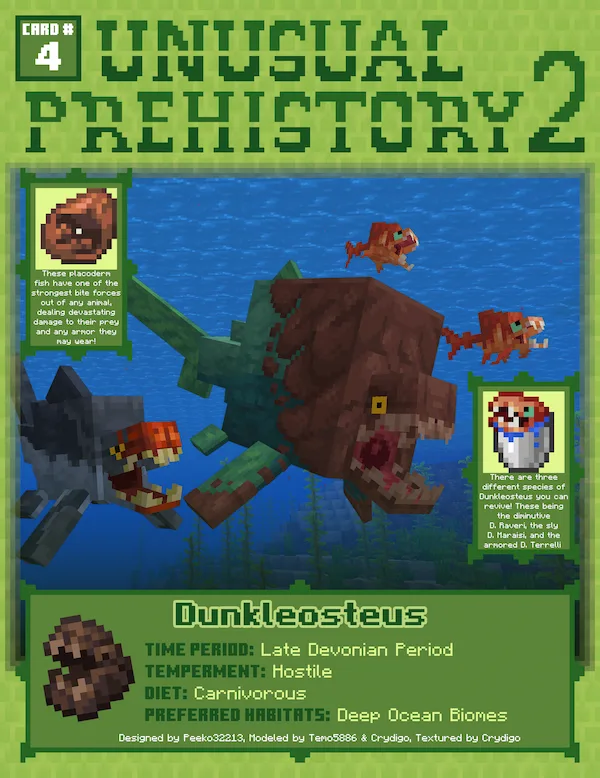
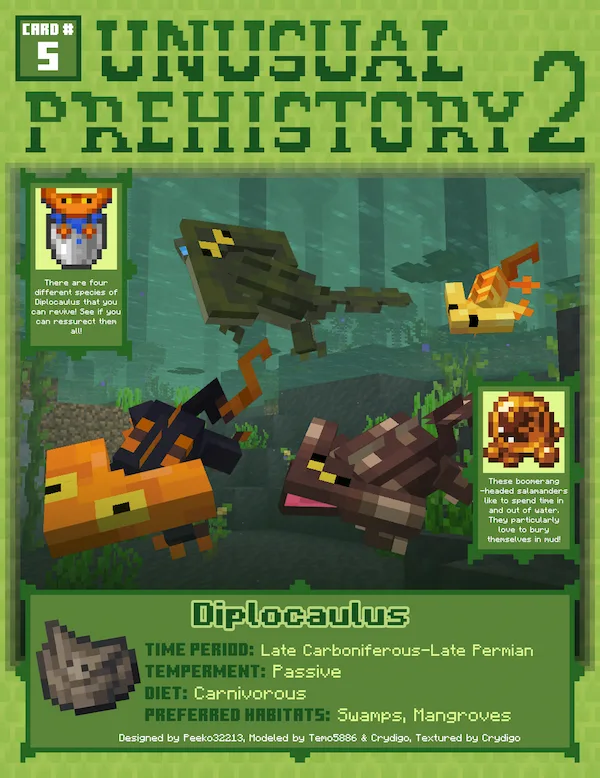
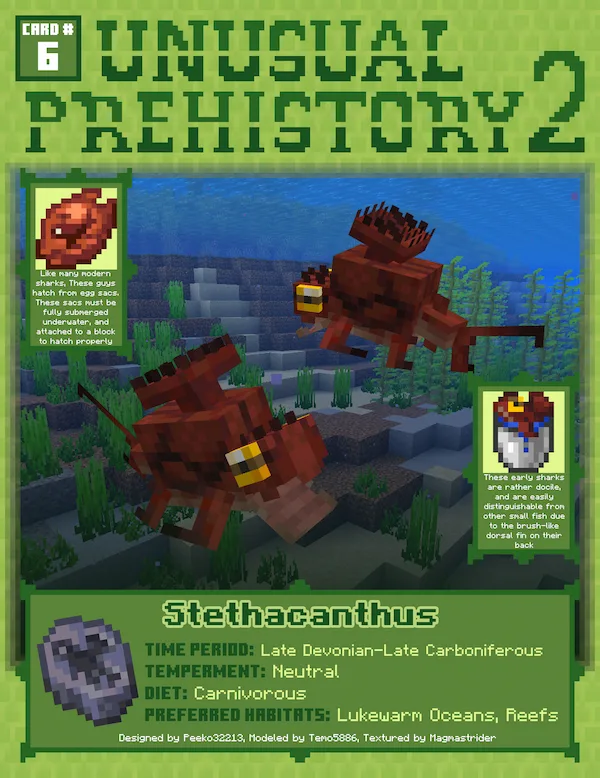
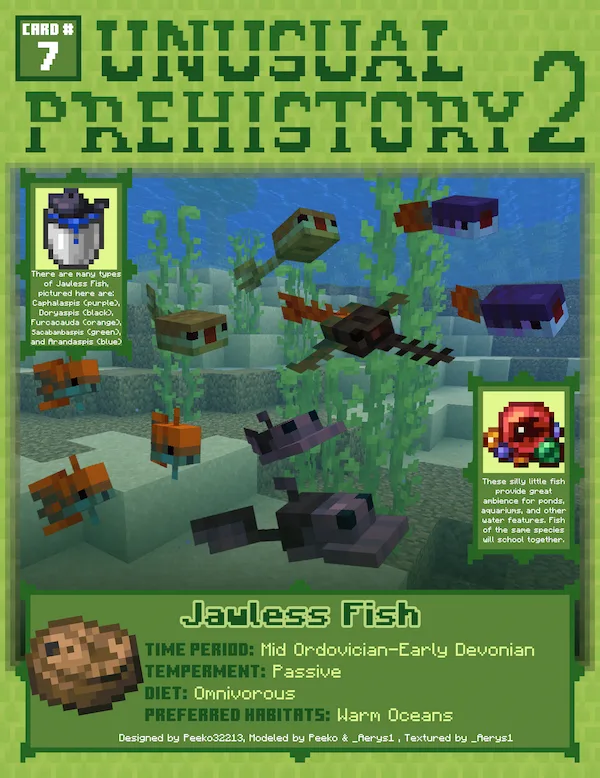
Majungasaurus Kentrosaurus Kimmeridgebrachypteraeschnidium Dunkleosteus Diplocaulus Stethacanthus Jawless Fish Telecrex Megalania Talpanas Carnotaurus Dromaeosaurus Onchopristis
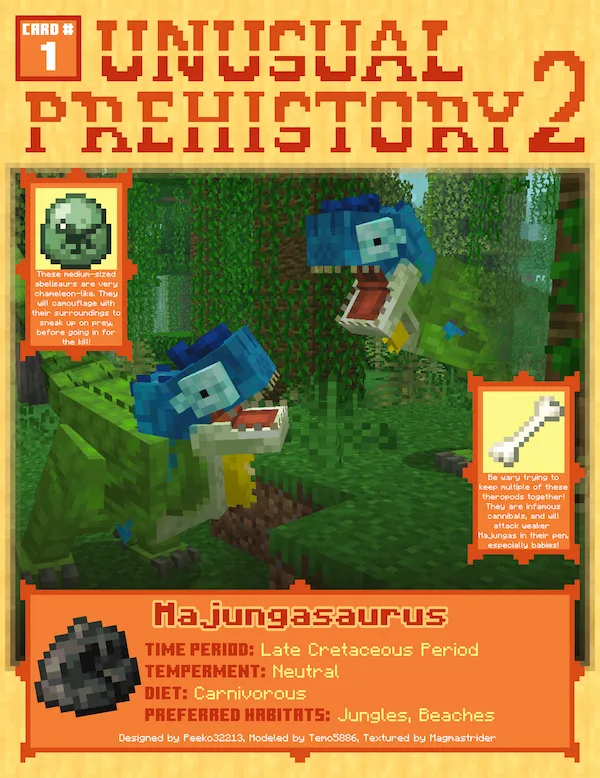
Majungasaurus
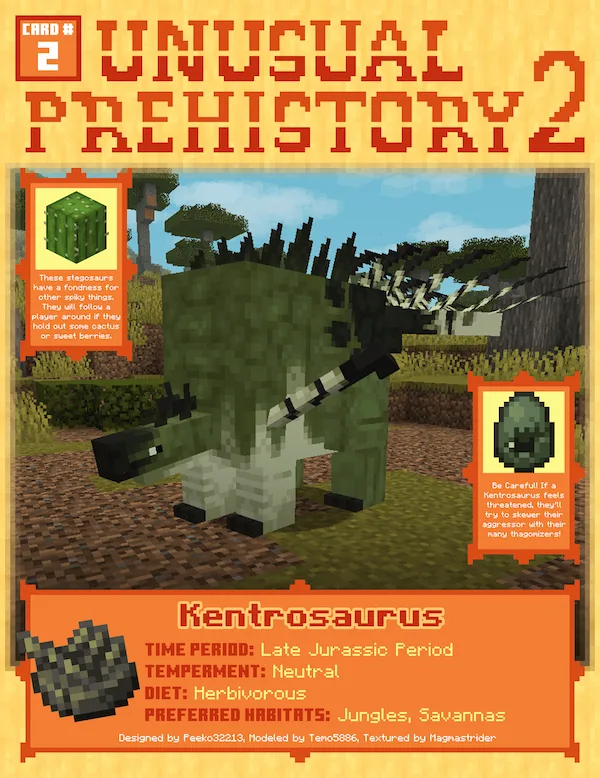
Kentrosaurus
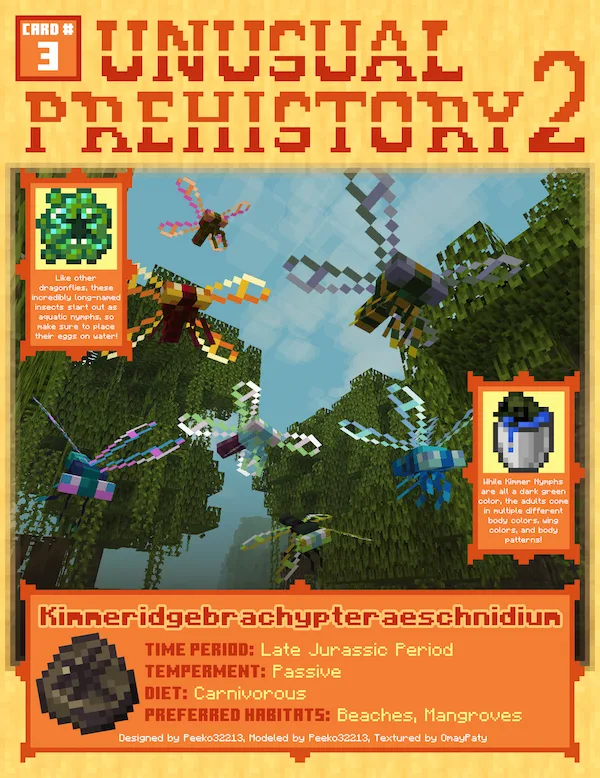
Kimmeridgebrachypteraeschnidium
Dunkleosteus
Diplocaulus
Stethacanthus
Jawless Fish
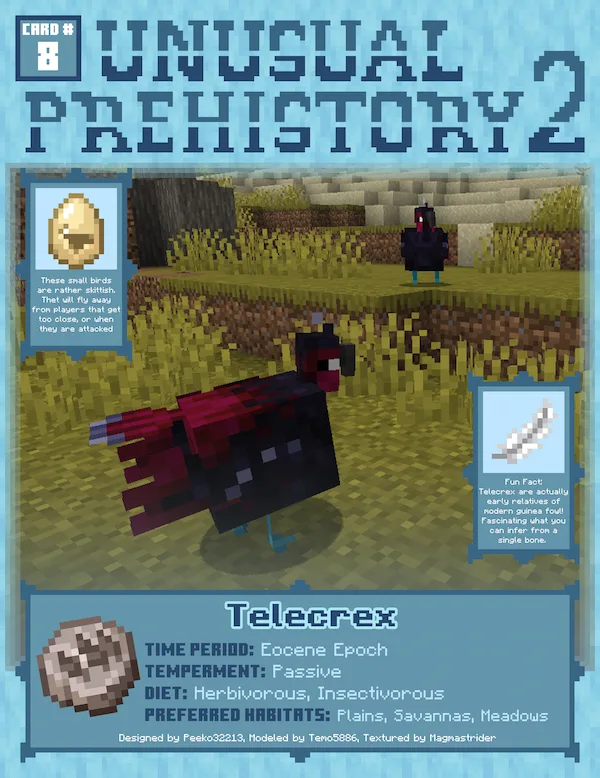
Telecrex
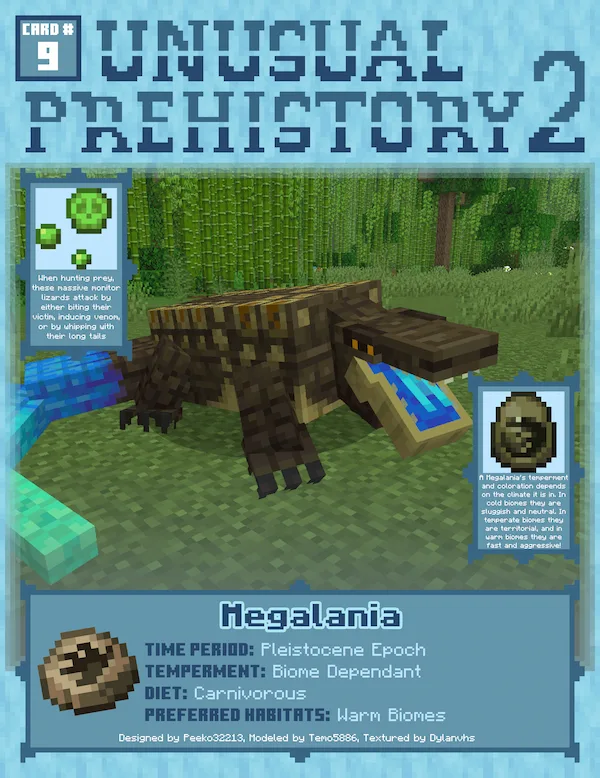
Megalania
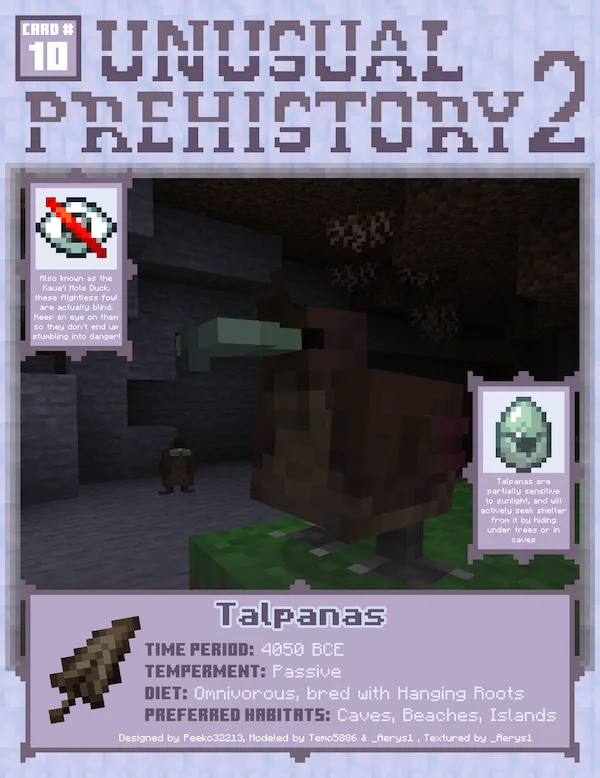
Talpanas
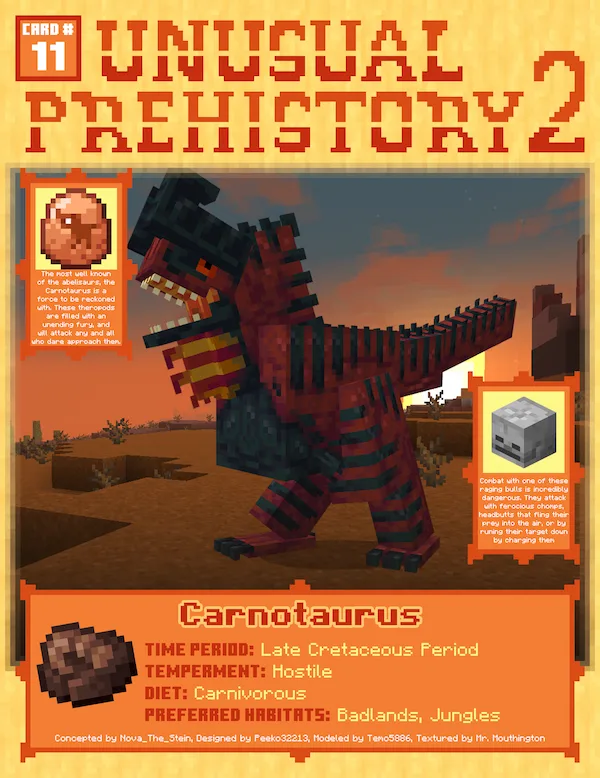
Carnotaurus
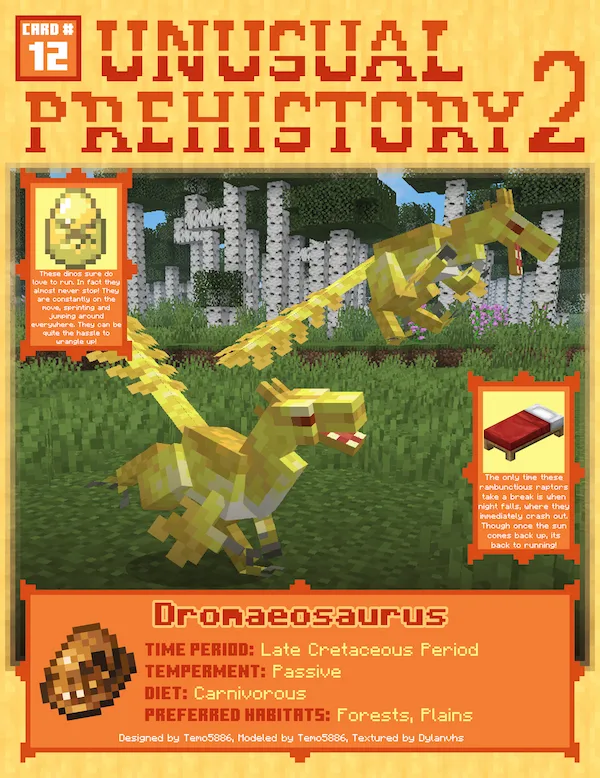
Dromaeosaurus
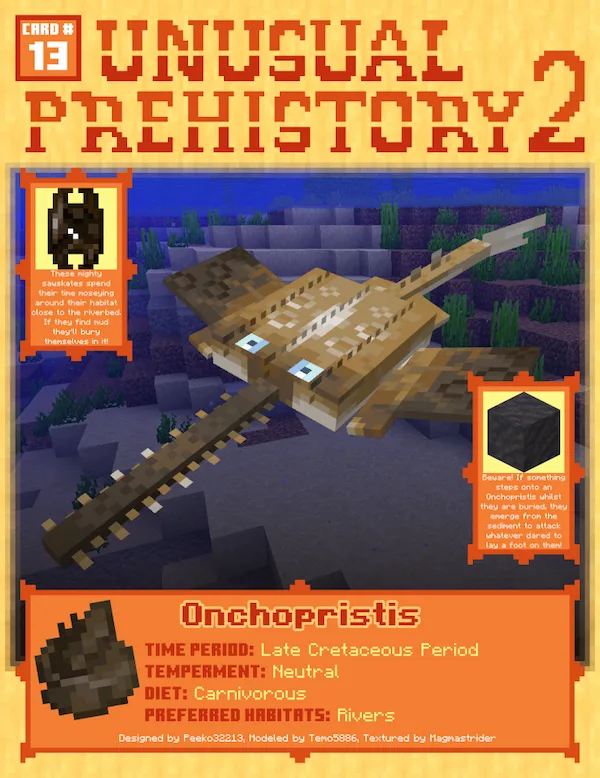
Onchopristis

Unusual Prehistory 2 is a total remake of the original mod that lets you play as a mad scientist and bring ancient life back to your world. Instead of just finding spawns, you have to go on a real scavenger hunt through mineshafts, temples, and dungeons to find fossil maps and machine parts. Once you track down a buried fossil site, you’ll use a brush to dig up remains from suspicious blocks, just like an actual archaeologist. It is a super rewarding process because you have to build your own tech, like the transmogrifier, and fuel it with organic ooze to finally hatch your prehistoric pets.

This mod doesn’t just focus on the famous dinosaurs; it brings in some really unique, lesser-known creatures like the Dunkleosteus, Majungasaurus, and even ancient plants that look amazing in any garden. Each animal has its own personality and realistic AI, so they actually feel like living parts of your world rather than just static mobs. Whether you want to build a massive Jurassic-style park or just want a weird ancient fish as a pet, this mod gives you all the tools to revive a lost world. It is a huge upgrade from the first version and definitely adds a lot of depth to your exploration.


Fabric

  1. 1. Download, execute the Fabric installer, choose Client, select your Minecraft version, and click Install.
  2. 2. Download the Fabric API matching that Minecraft version.
  3. 3. Download Unusual Prehistory 2 or any additional Fabric-compatible mods you want.
  4. 4. Place the Fabric API and all mods into .minecraft/mods folder.
  5. 5. Open the Minecraft Launcher, select the new Fabric profile, and press Play. Enjoy!

Forge

  1. 1. Download, execute the Forge installer, choose Client, and click Install.
  2. 3. Download Unusual Prehistory 2 or any additional Forge-compatible mods you want.
  3. 4. Place all mods into .minecraft/mods folder.
  4. 5. Open the Minecraft Launcher, select the new Forge profile, and press Play. Enjoy!

NeoForge

  1. 1. Download, execute the NeoForge installer, choose Client, and click Install.
  2. 3. Download Unusual Prehistory 2 or any additional NeoForge-compatible mods you want.
  3. 4. Place all mods into .minecraft/mods folder.
  4. 5. Open the Minecraft Launcher, select the new NeoForge profile, and press Play. Enjoy!

Download Unusual Prehistory 2 Mod

Type Game version File version Loaders Download
R Release
1.20.1 v1.2.3
Forge
File

Unusual Prehistory 2 Minecraft Mod

1 file • 1.20.1

Download