logo responsive
/

Underwater Village Minecraft Mod

1.21.8, 1.20.1

village under water temple marine temple new structure Heart of the Sea tower ruins marine structure
village under water
temple
marine temple new structure
Heart of the Sea
tower
ruins
marine structure

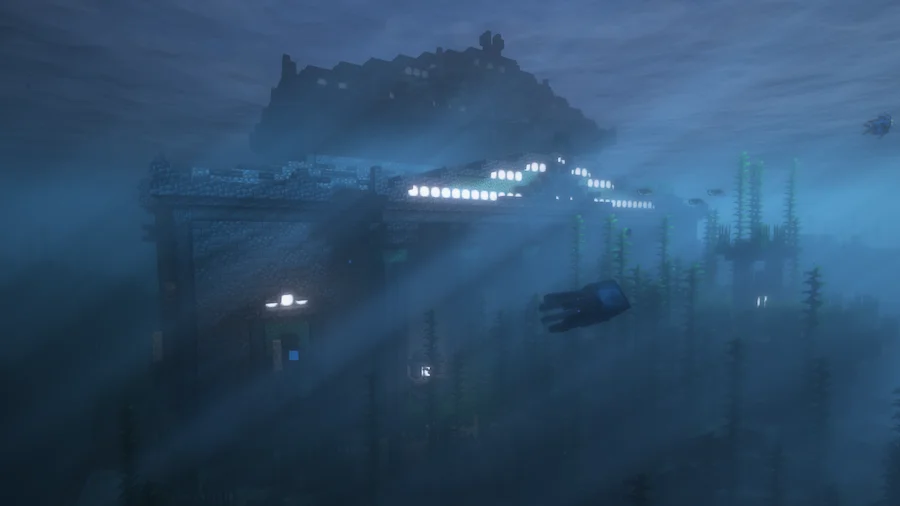
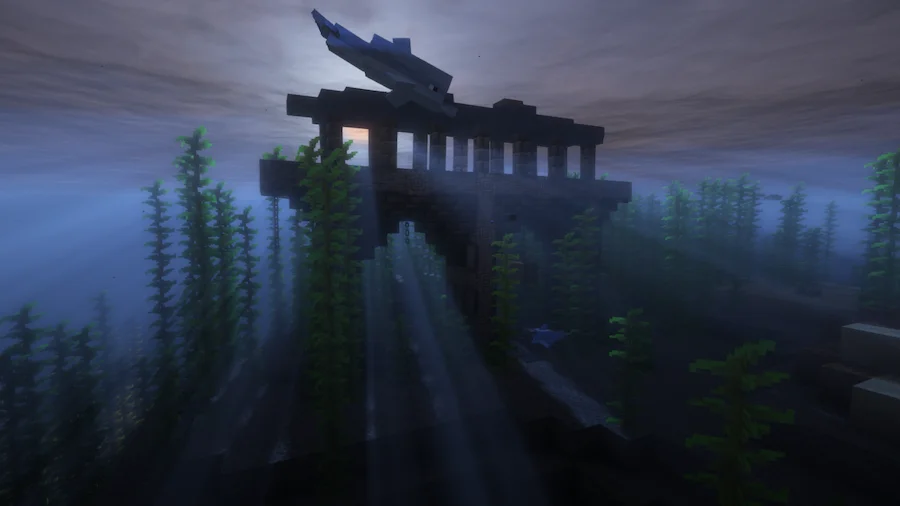
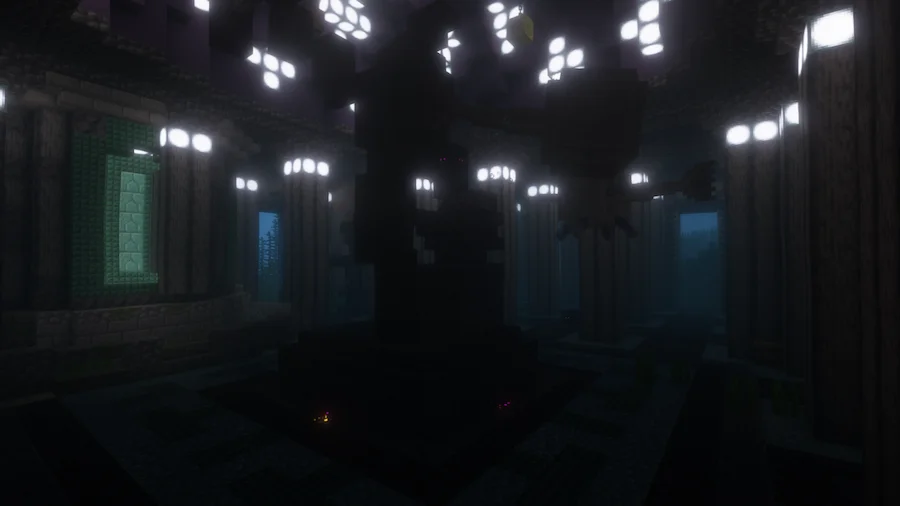
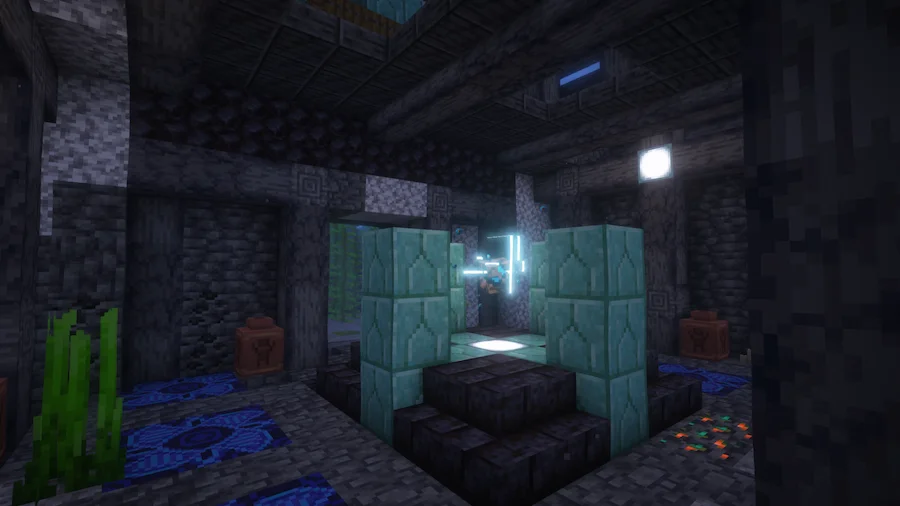
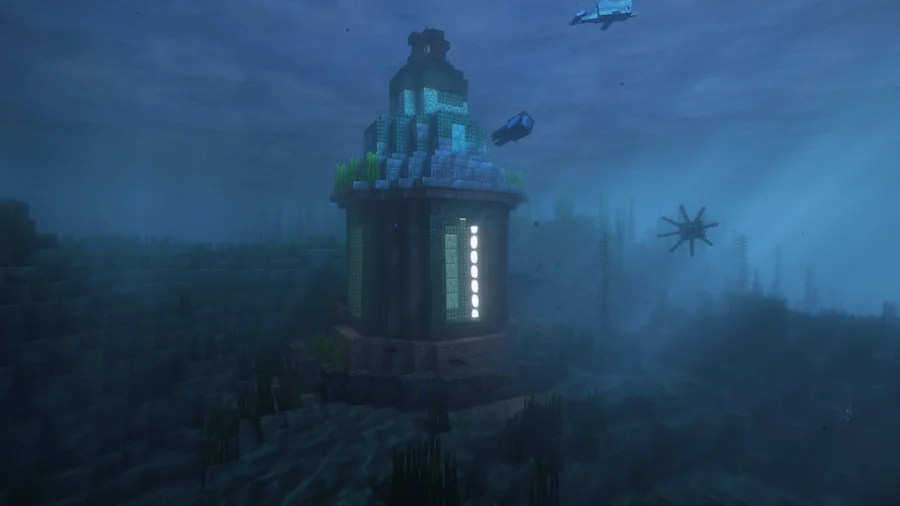
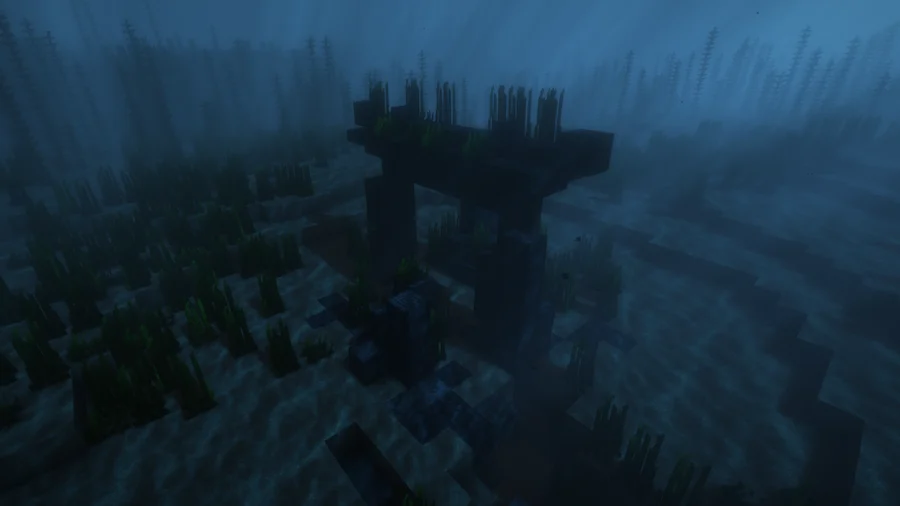
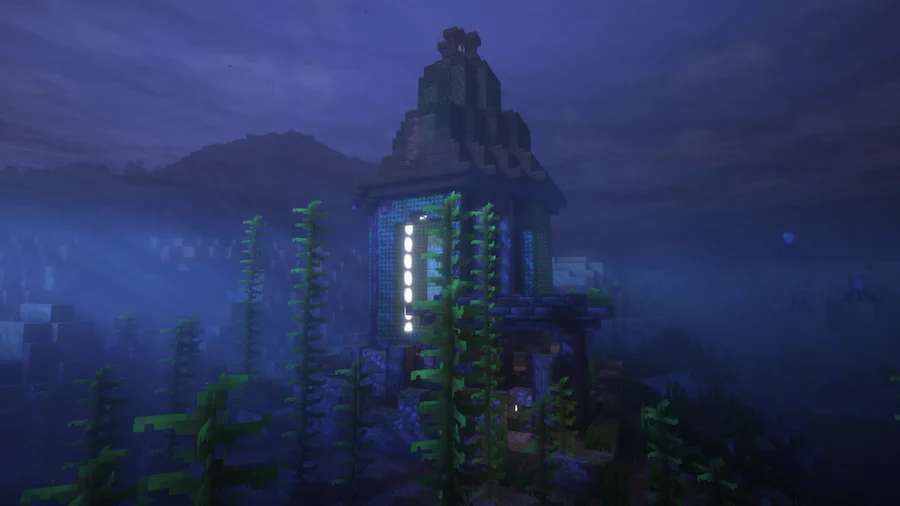
Underwater Village Mod brings life and adventure to Minecraft’s oceans by filling them with new structures and hidden surprises. Instead of swimming through empty waters, you will now discover village-like settlements and dungeons beneath the surface. These additions make exploring the ocean far more exciting and rewarding, giving you reasons to dive deeper and uncover what lies below.

All of the structures are designed to be fully vanilla friendly, meaning they fit naturally into the world without breaking immersion. With over a dozen new structures already included and more planned for future updates, this Minecraft mod makes underwater exploration feel fresh and engaging. Whether you are searching for loot, building near the ocean, or simply looking for a richer survival experience, this mod transforms the sea into a place full of possibilities.


Fabric

  1. 1. Download, execute the Fabric installer, choose Client, select your Minecraft version, and click Install.
  2. 2. Download the Fabric API matching that Minecraft version.
  3. 3. Download Underwater Village or any additional Fabric-compatible mods you want.
  4. 4. Place the Fabric API and all mods into .minecraft/mods folder.
  5. 5. Open the Minecraft Launcher, select the new Fabric profile, and press Play. Enjoy!

Forge

  1. 1. Download, execute the Forge installer, choose Client, and click Install.
  2. 3. Download Underwater Village or any additional Forge-compatible mods you want.
  3. 4. Place all mods into .minecraft/mods folder.
  4. 5. Open the Minecraft Launcher, select the new Forge profile, and press Play. Enjoy!

NeoForge

  1. 1. Download, execute the NeoForge installer, choose Client, and click Install.
  2. 3. Download Underwater Village or any additional NeoForge-compatible mods you want.
  3. 4. Place all mods into .minecraft/mods folder.
  4. 5. Open the Minecraft Launcher, select the new NeoForge profile, and press Play. Enjoy!

Download Underwater Village Mod

Type Game version File version Loaders Download
R Release
1.21.8 v1.0.2
NeoForge
File
R Release
1.21.4 v1.0.2
NeoForge
File
R Release
1.21.1 v1.0.2
NeoForge
File
R Release
1.20.1 v1.0.2
Forge
File

Underwater Village Minecraft Mod

4 files • 1.21.8, 1.20.1

Download