logo responsive
/

[TaCZ] Timeless and Classics Zero Minecraft Mod

1.20.1, 1.19.2

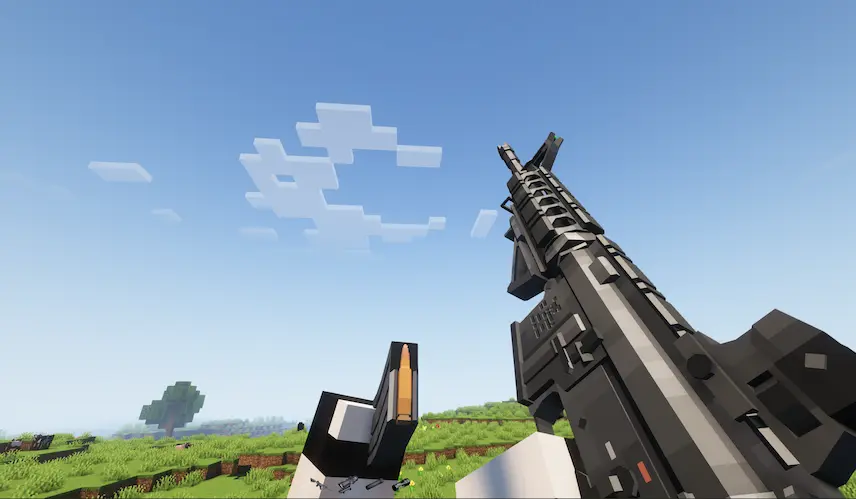
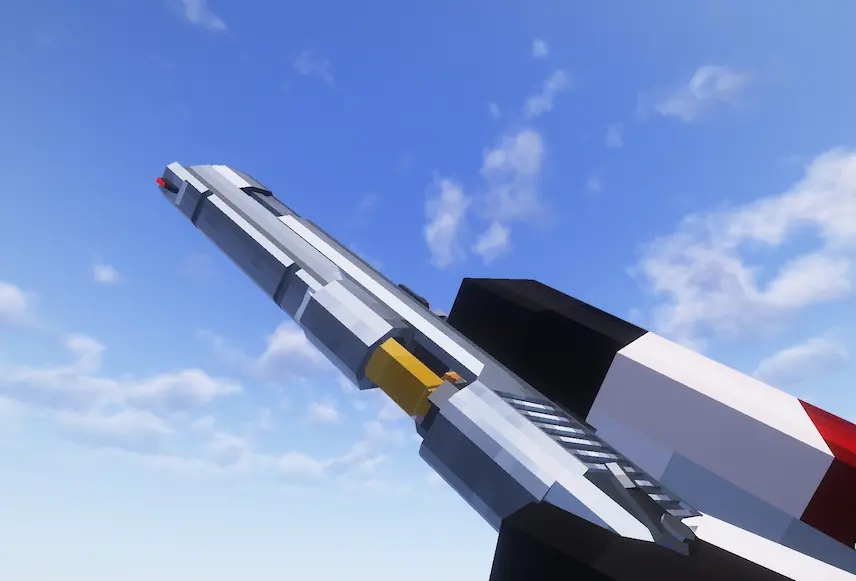
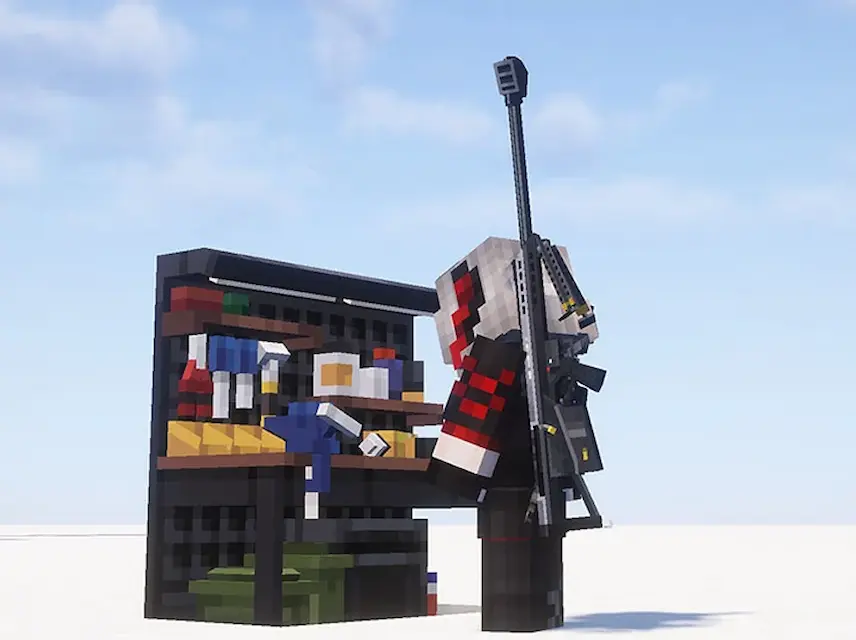
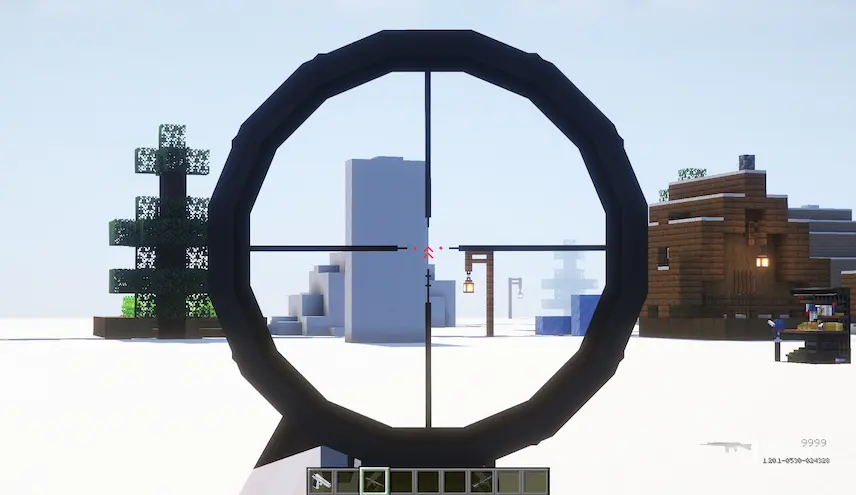
reloading M4A1 Inspection Deagle workbench scope
reloading
M4A1 Inspection
Deagle
workbench
scope

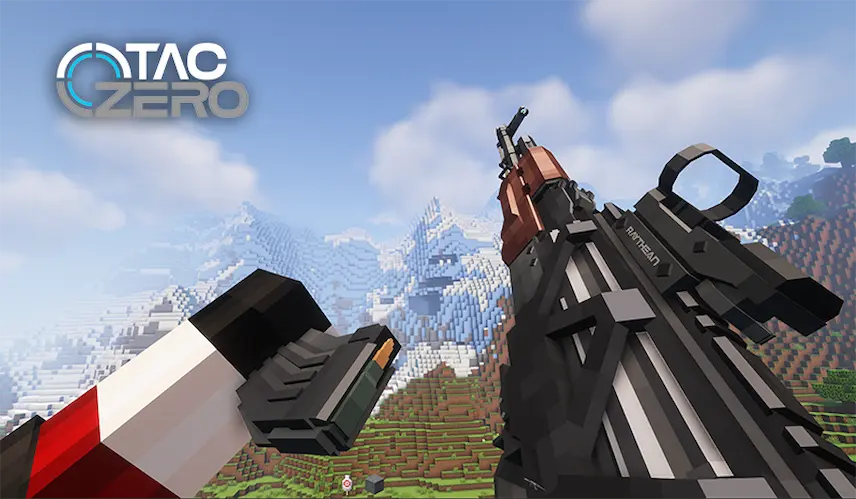
Timeless and Classics Zero is a Minecraft mod that brings an immersive first-person shooter experience to your world. It features detailed shooting, reloading, and inspection animations for each weapon, making every gun feel unique and satisfying to use. The mod includes a survival-friendly crafting system through special workbenches, allowing players to create and customize guns using attachments through an intuitive interface. This makes it easy to tailor your weapons to suit your playstyle without losing the core Minecraft survival feel.

Designed with performance and compatibility in mind, this Minecraft mod uses LOD optimization to keep visuals sharp without lag, and it works smoothly with most Minecraft shaders. Players can tweak gun data through config files and even create their own custom gun packs without needing to code. With a clean UI, high-quality models, and strong support for customization, Timeless and Classics Zero adds depth and polish to Minecraft combat, making it perfect for players looking to level up their gameplay with advanced firearms.


Fabric

  1. 1. Download, execute the Fabric installer, choose Client, select your Minecraft version, and click Install.
  2. 2. Download the Fabric API matching that Minecraft version.
  3. 3. Download [TaCZ] Timeless and Classics Zero or any additional Fabric-compatible mods you want.
  4. 4. Place the Fabric API and all mods into .minecraft/mods folder.
  5. 5. Open the Minecraft Launcher, select the new Fabric profile, and press Play. Enjoy!

Forge

  1. 1. Download, execute the Forge installer, choose Client, and click Install.
  2. 3. Download [TaCZ] Timeless and Classics Zero or any additional Forge-compatible mods you want.
  3. 4. Place all mods into .minecraft/mods folder.
  4. 5. Open the Minecraft Launcher, select the new Forge profile, and press Play. Enjoy!

NeoForge

  1. 1. Download, execute the NeoForge installer, choose Client, and click Install.
  2. 3. Download [TaCZ] Timeless and Classics Zero or any additional NeoForge-compatible mods you want.
  3. 4. Place all mods into .minecraft/mods folder.
  4. 5. Open the Minecraft Launcher, select the new NeoForge profile, and press Play. Enjoy!

Download [TaCZ] Timeless and Classics Zero Mod

Type Game version File version Loaders Download
R Release
1.20.1 v1.1.7
Forge
File
R Release
1.19.2 v1.1.4
Forge
File
R Release
1.18.2 v1.1.4
Forge
File

[TaCZ] Timeless and Classics Zero Minecraft Mod

3 files • 1.20.1, 1.19.2

Download