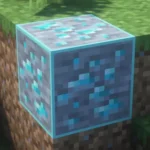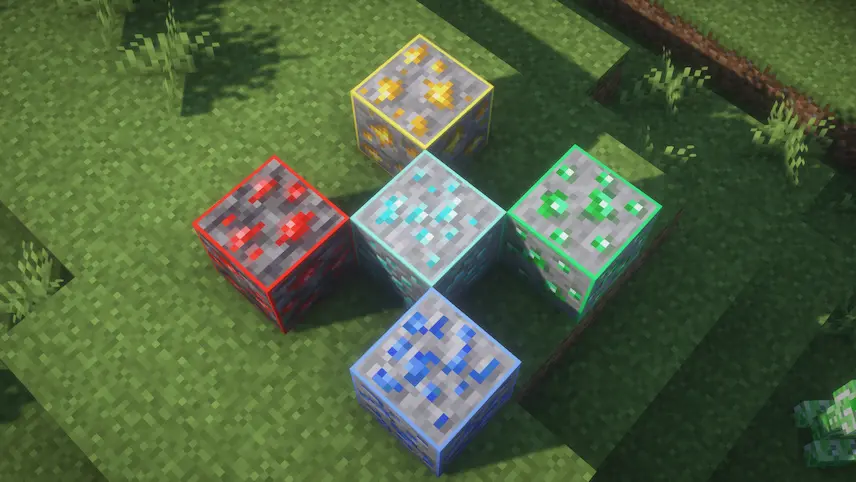
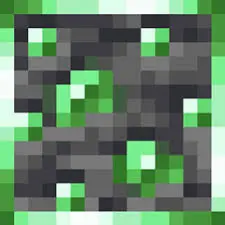
Outlined Ores is a Minecraft resource pack that makes finding diamond ore easier and more enchanting by adding glowing outlines around each vein. Instead of scanning every block for the right pattern, you’ll see a vibrant glow highlighting diamond ore as you mine or explore caves. This minimalistic design stays true to the game’s default textures, simply giving each ore a subtle magical shimmer that pops against the stone background.
By improving ore visibility without straying from vanilla aesthetics, Outlined Ores enhances survival gameplay and cave exploration. You’ll spend less time digging blind and more time collecting diamonds for tools and armor. The pack’s gentle glowing effects also add a touch of wonder to every mining session, making your hunt for precious resources feel like a magical adventure.


 Tags
Tags