

logo responsive
/

Fish ‘N’ Ships Minecraft Mod

1.21.1, 1.20.1

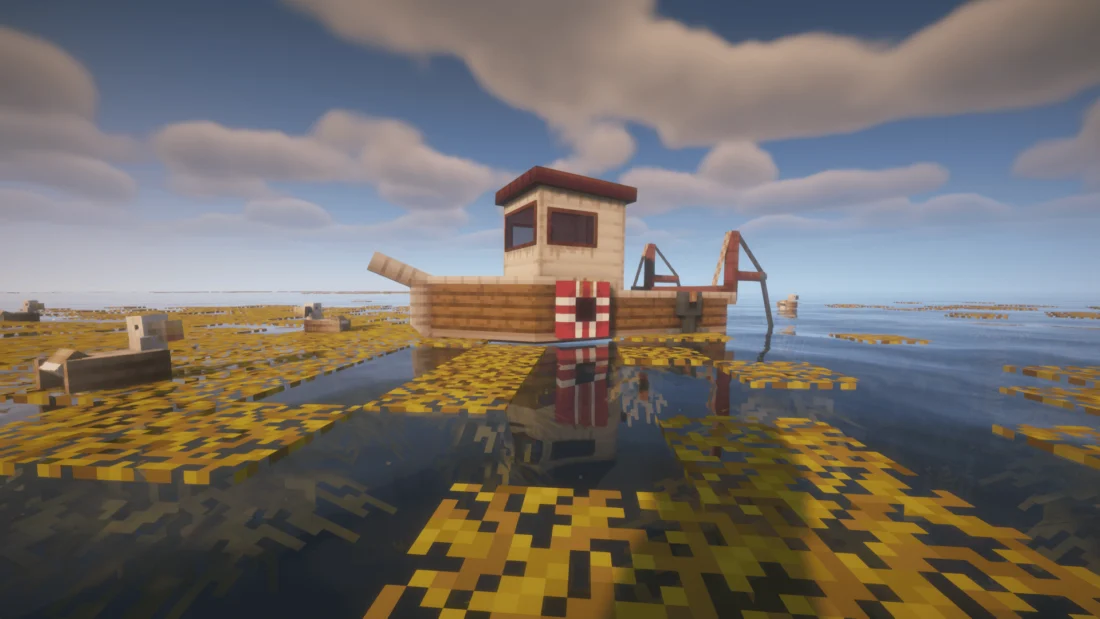
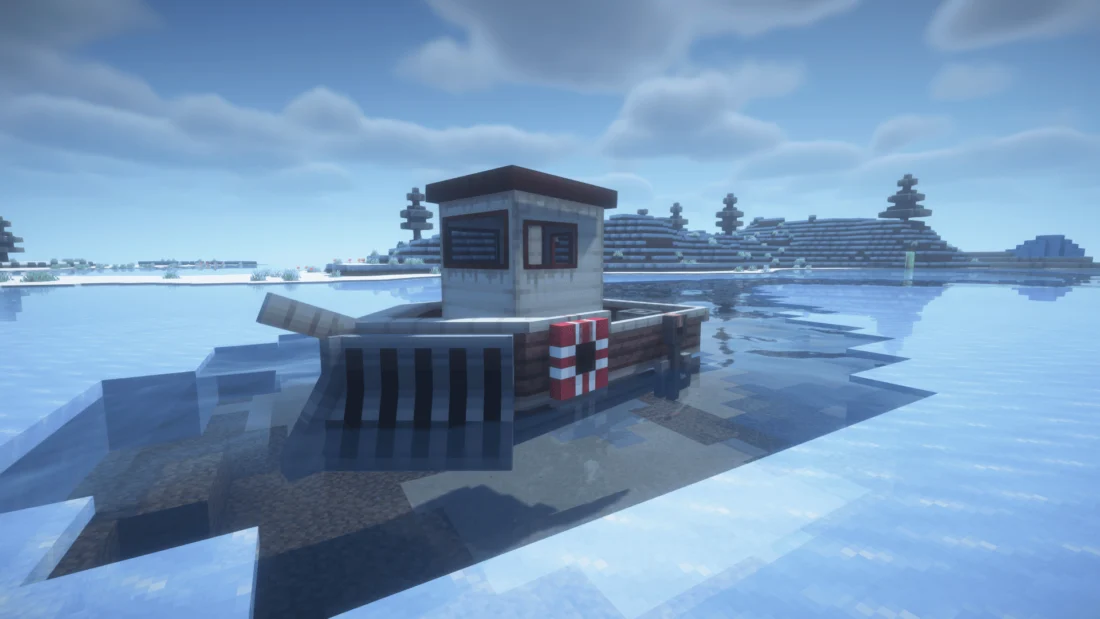
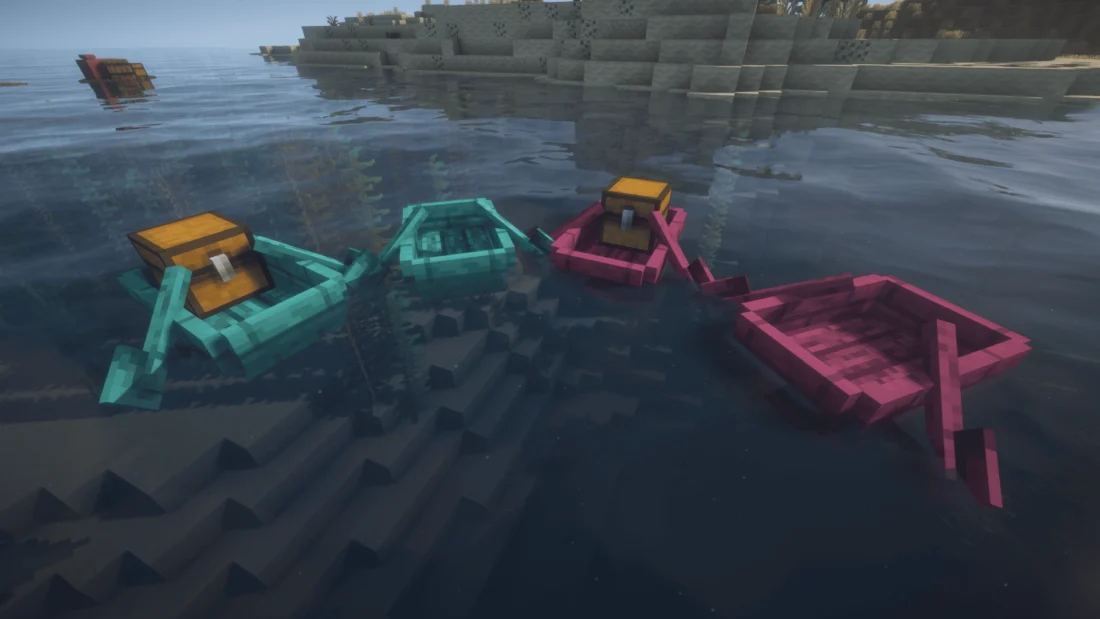
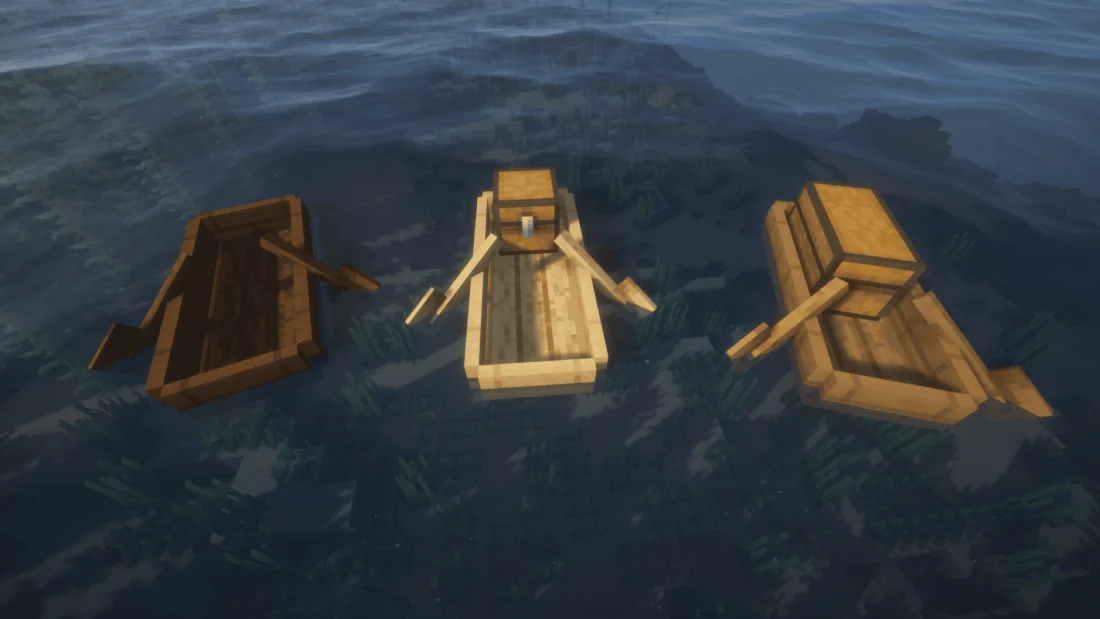
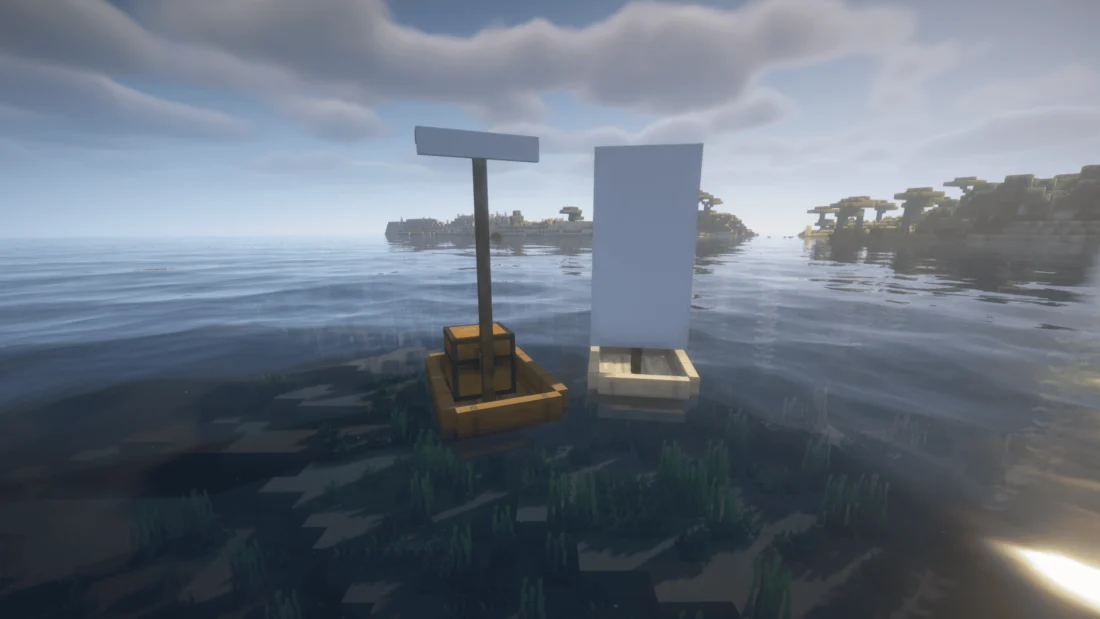
A ship with a trawling net attached A ship with an icebreaker attached Crimson and Warped boats Canoes Sailboats
A ship with a trawling net attached
A ship with an icebreaker attached
Crimson and Warped boats
Canoes
Sailboats

If you love exploring oceans and rivers in Minecraft, the Fish ‘N’ Ships mod gives your water travel a total upgrade. The default wooden boats get boring pretty fast, but this mod introduces a bunch of awesome new watercraft tailored for any adventure. You can jump into a fast sailboat that moves automatically using its sail, craft a wide raft to pull your friends behind you, or build a huge three-person canoe to carry extra chests and pets. It makes traveling across huge biomes way more fun and way less tedious.

The best part of this mod is definitely the actual Ship, which acts like a mobile base on the water. It needs fuel to move around, gives you built-in storage, and lets you attach cool upgrades to fit your travel plans. You can slap an Icebreaker on the front to smash through frozen oceans without getting stuck, or throw a Trawling Net on the back to automatically catch fish while you sail. It is an awesome addition for anyone who wants a proper naval experience in survival mode.


Fabric

  1. 1. Download, execute the Fabric installer, choose Client, select your Minecraft version, and click Install.
  2. 2. Download the Fabric API matching that Minecraft version.
  3. 3. Download Fish ‘N’ Ships or any additional Fabric-compatible mods you want.
  4. 4. Place the Fabric API and all mods into .minecraft/mods folder.
  5. 5. Open the Minecraft Launcher, select the new Fabric profile, and press Play. Enjoy!

Forge

  1. 1. Download, execute the Forge installer, choose Client, and click Install.
  2. 3. Download Fish ‘N’ Ships or any additional Forge-compatible mods you want.
  3. 4. Place all mods into .minecraft/mods folder.
  4. 5. Open the Minecraft Launcher, select the new Forge profile, and press Play. Enjoy!

NeoForge

  1. 1. Download, execute the NeoForge installer, choose Client, and click Install.
  2. 3. Download Fish ‘N’ Ships or any additional NeoForge-compatible mods you want.
  3. 4. Place all mods into .minecraft/mods folder.
  4. 5. Open the Minecraft Launcher, select the new NeoForge profile, and press Play. Enjoy!

Download Fish ‘N’ Ships Mod

Type Game version File version Loaders Download
R Release
1.21.1 v1.0.0
Fabric
File
R Release
1.21.1 v1.0.0
NeoForge
File
R Release
1.20.1 v1.0.0
Fabric
File
R Release
1.20.1 v1.0.0
Forge
File

Fish ‘N’ Ships Minecraft Mod

4 files • 1.21.1, 1.20.1

Download



