logo responsive
/

Exposure Minecraft Mod

1.21.1, 1.20.1, 1.19.2

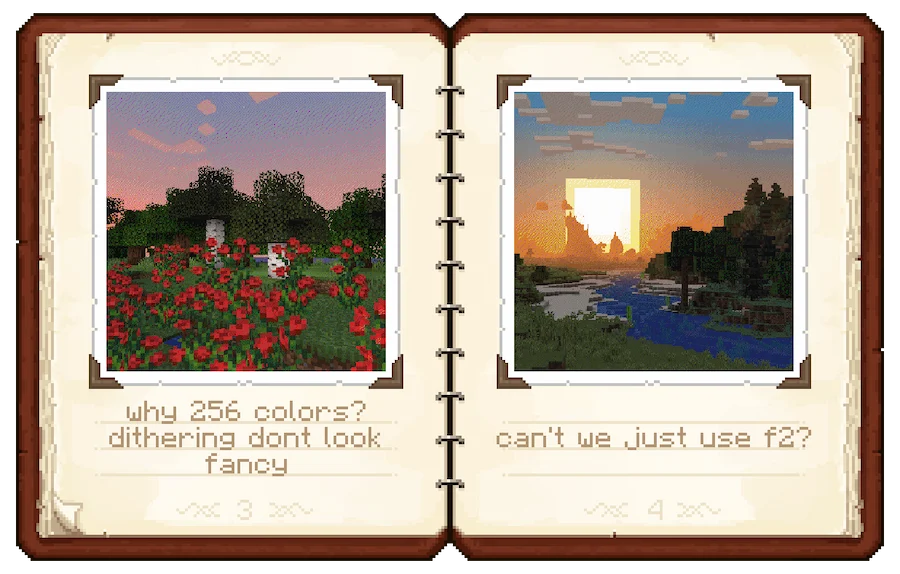
camera ui color photo album selfie photo 3 photo 2 photo 1
camera ui
color photo
album
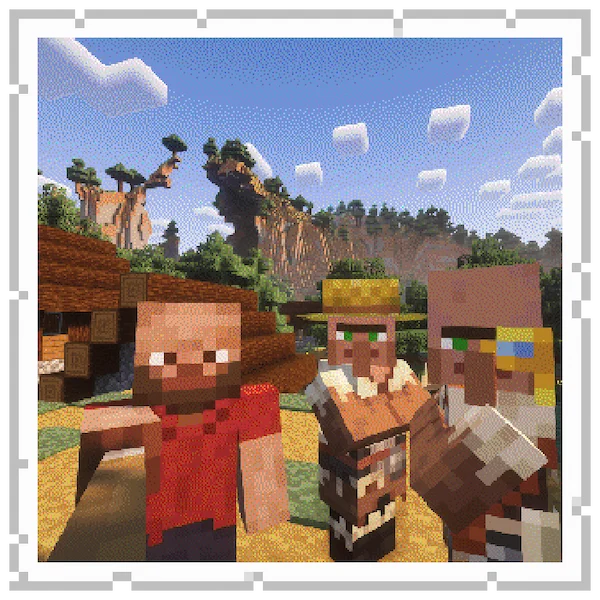
selfie
photo 3
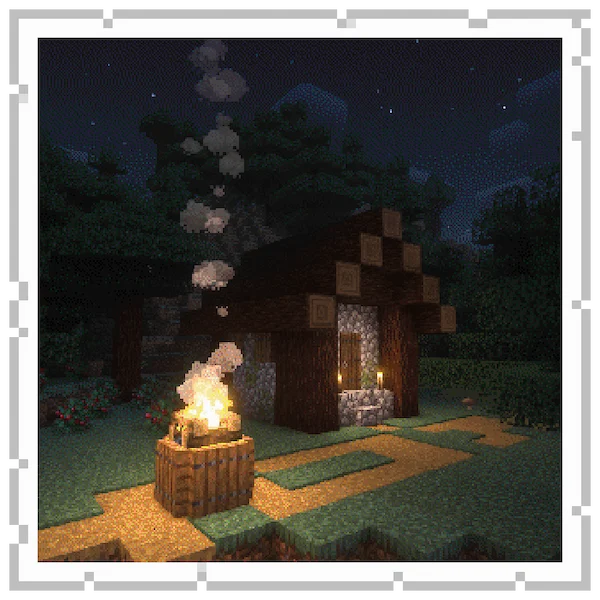
photo 2
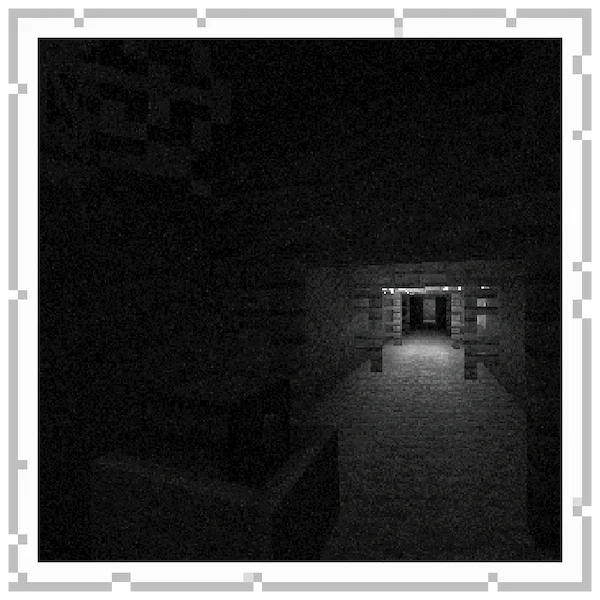
photo 1

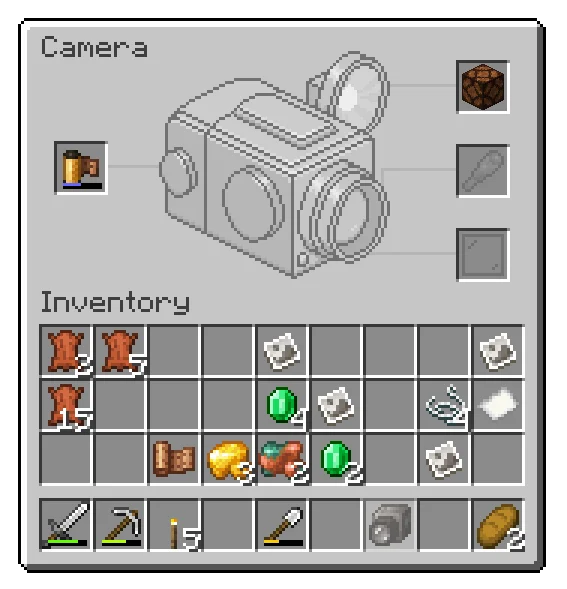
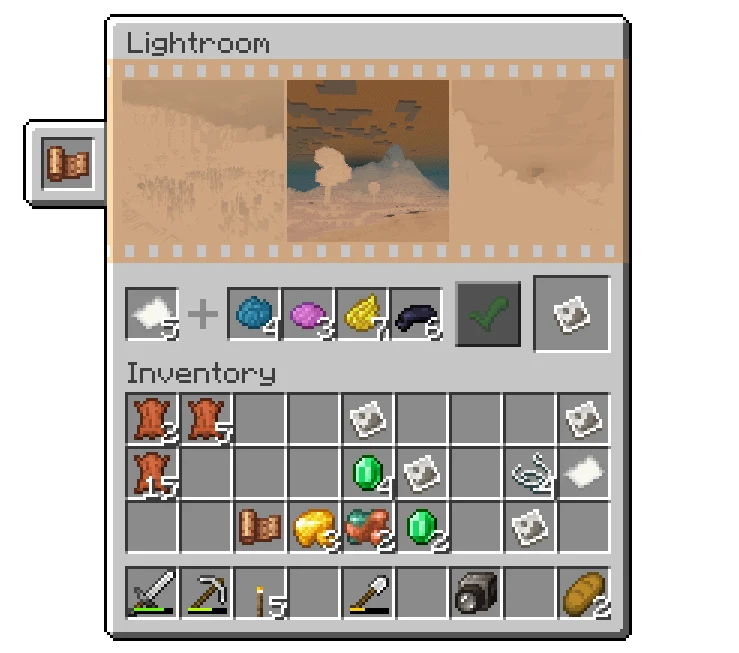
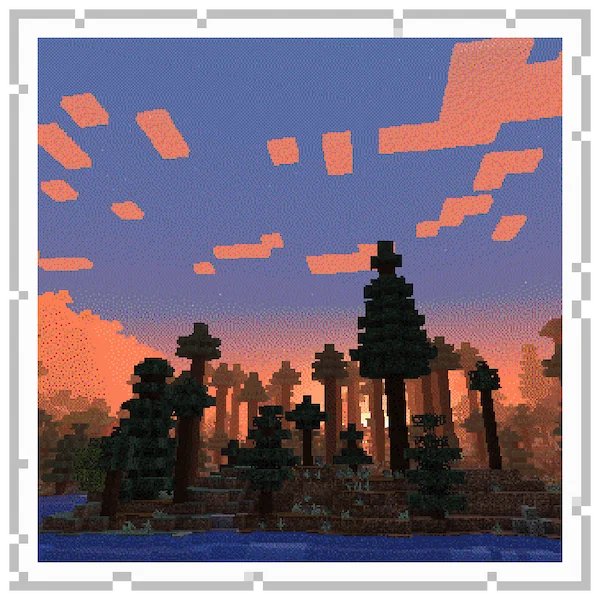
Exposure is a Minecraft mod that turns your game into a film-like photography experience full of process and style. You get a real working camera: load a film roll, look through the viewfinder, adjust settings like shutter speed or focal length, and take a shot. There’s also an attachments system (like flash or lens upgrades), and filters you can use to change how your photos look. Once you shoot, you need to develop the film and then print the picture using a Lightroom block.

What makes Exposure special is how immersive it feels—you can preview negatives before printing, hang photographs, even find photos in loot chests. It gives you a reason to explore, set up scenic moments, and cherish captured memories in your world. If you enjoy building, photography, or decorating, this Minecraft mod adds a creative tool that lets you save moments in a beautiful way.

Fabric

  1. 1. Download, execute the Fabric installer, choose Client, select your Minecraft version, and click Install.
  2. 2. Download the Fabric API matching that Minecraft version.
  3. 3. Download Exposure or any additional Fabric-compatible mods you want.
  4. 4. Place the Fabric API and all mods into .minecraft/mods folder.
  5. 5. Open the Minecraft Launcher, select the new Fabric profile, and press Play. Enjoy!

Forge

  1. 1. Download, execute the Forge installer, choose Client, and click Install.
  2. 3. Download Exposure or any additional Forge-compatible mods you want.
  3. 4. Place all mods into .minecraft/mods folder.
  4. 5. Open the Minecraft Launcher, select the new Forge profile, and press Play. Enjoy!

NeoForge

  1. 1. Download, execute the NeoForge installer, choose Client, and click Install.
  2. 3. Download Exposure or any additional NeoForge-compatible mods you want.
  3. 4. Place all mods into .minecraft/mods folder.
  4. 5. Open the Minecraft Launcher, select the new NeoForge profile, and press Play. Enjoy!

Download Exposure Mod

Type Game version File version Loaders Download
R Release
1.21.1 v1.9.10
Fabric
File
R Release
1.21.1 v1.9.10
NeoForge
File
R Release
1.20.1 v1.7.16
Fabric
File
R Release
1.20.1 v1.7.16
Forge
File
R Release
1.19.2 v1.6.0
Fabric
File
R Release
1.19.2 v1.6.0
Forge
File

Exposure Minecraft Mod

6 files • 1.21.1, 1.20.1, 1.19.2

Download