logo responsive
/

Dungeons And Combat Minecraft Mod

1.20.1

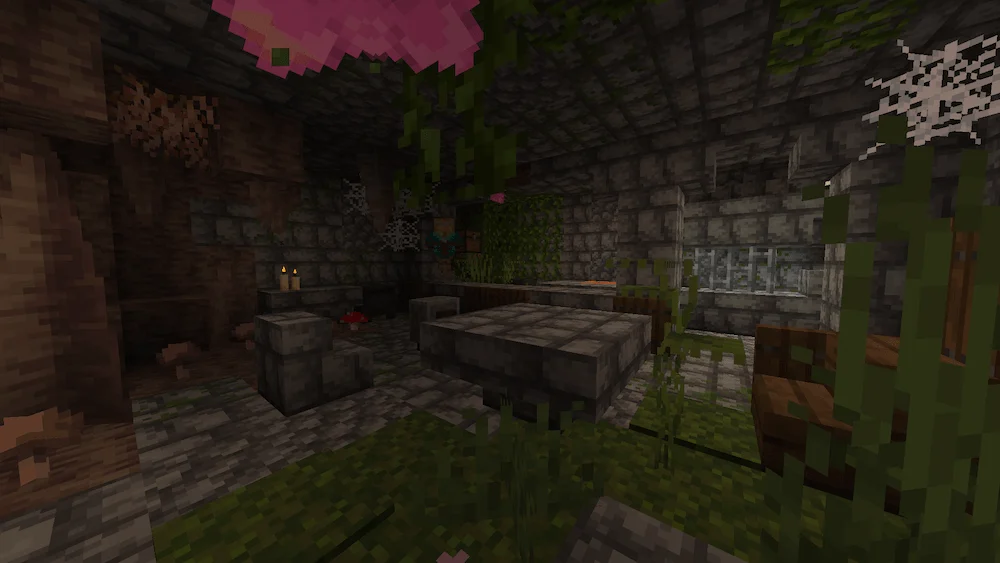
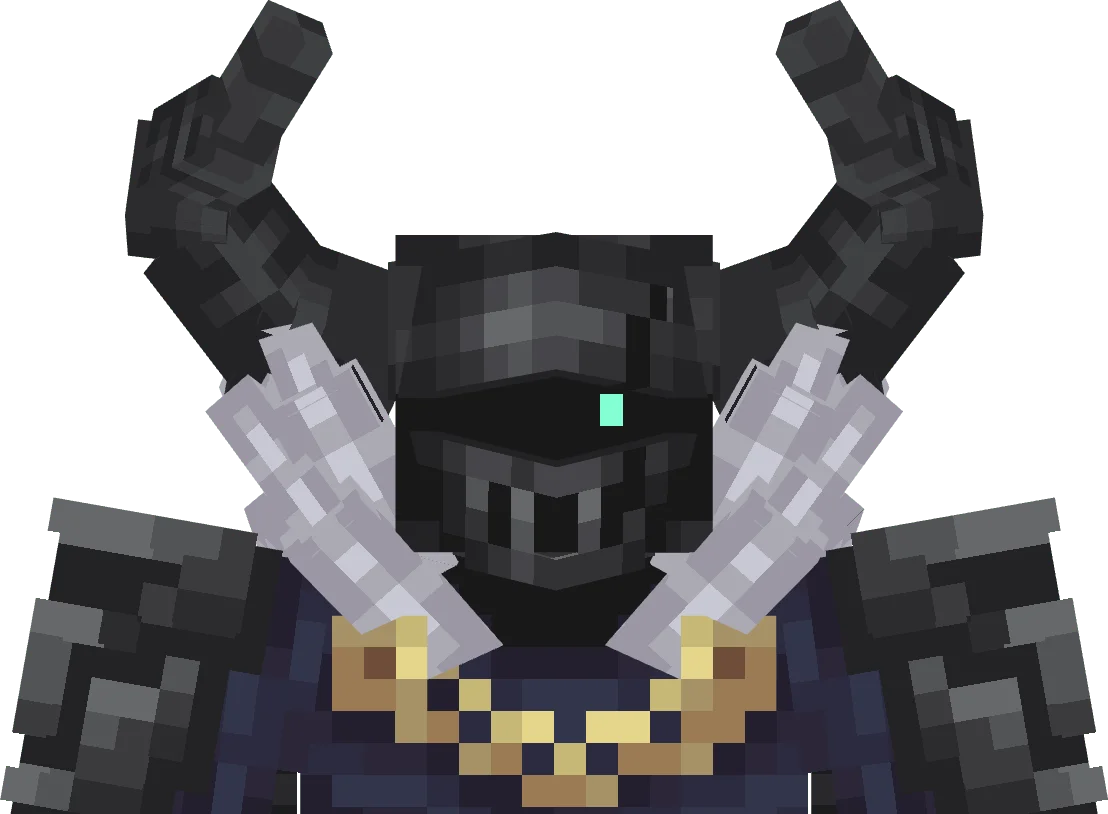
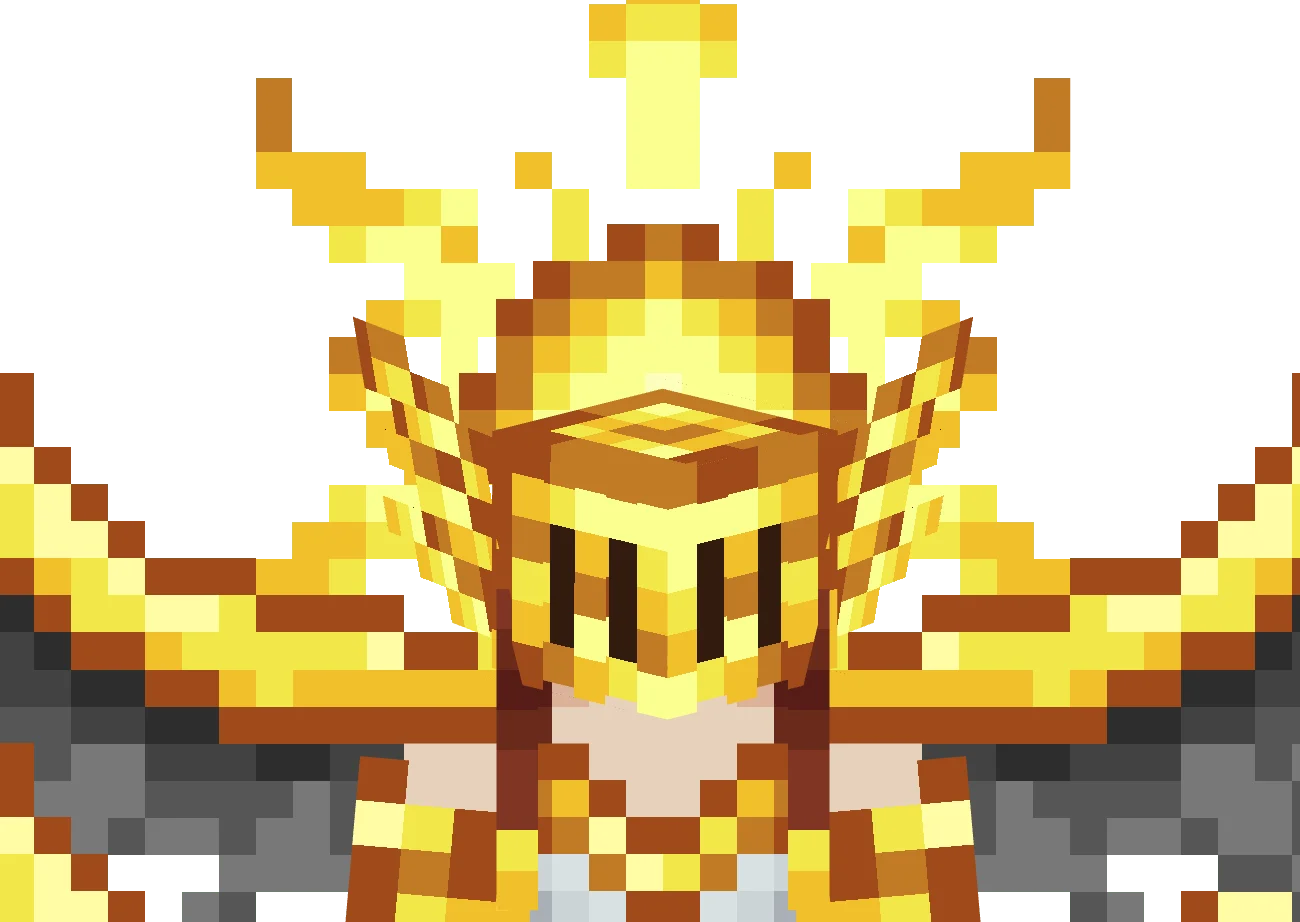
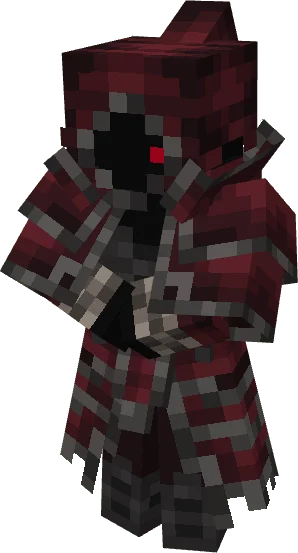
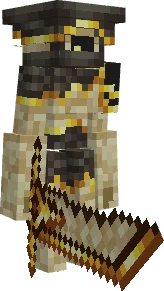
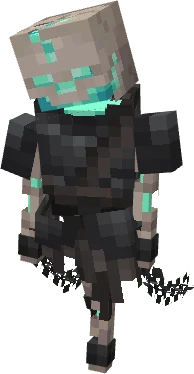
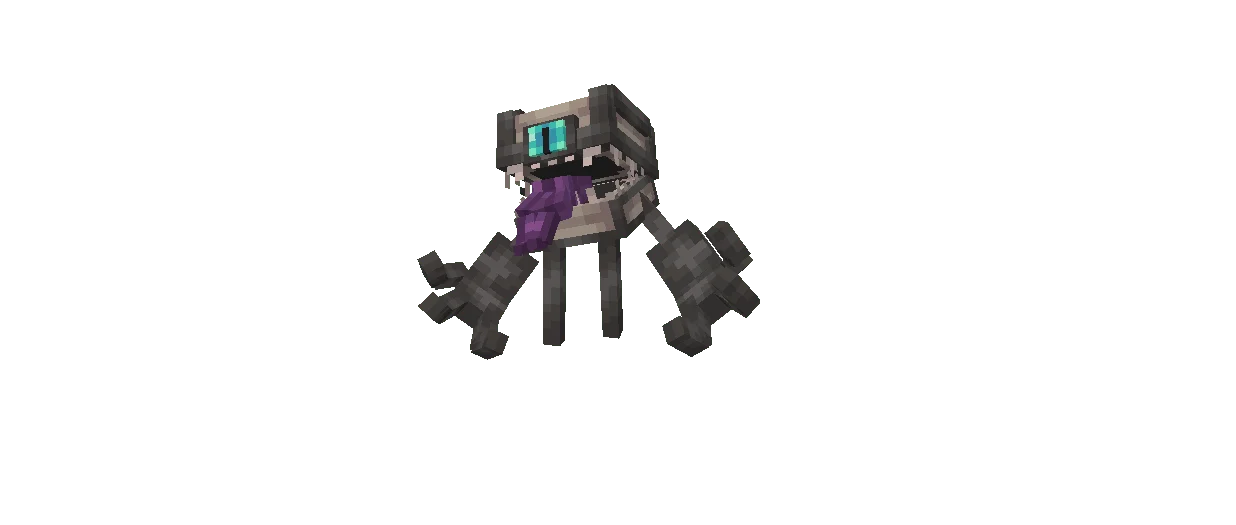
Blacksmith Zone Kamath boss Sunleia boss bloodymancer Sandstone Golem - boss Chained skull mimic
Blacksmith Zone
Kamath boss
Sunleia boss
bloodymancer
Sandstone Golem - boss
Chained
skull mimic

Dungeons and Combat is a Minecraft mod that brings an RPG experience to your world through new themed structures, enemies, and progression systems. As you explore, you’ll encounter mysterious factions like the Followers of Eldrich, the Bloody Cult, the Children of the Sun, and the Beings of Blaze, each guarding their own powerful mini boss. These new dungeons are scattered across the Overworld and the Nether, offering challenging battles and valuable rewards for brave adventurers.

The mod also introduces a class system that adds more depth to your character. While it doesn’t change core gameplay, each class defines your attributes and grants unique passive abilities that enhance your playstyle. Deep within caves, players can discover new materials to craft impressive 3D armor sets and weapons. Every material offers Light, Medium, and Heavy weapon variants, each with distinct strengths and tradeoffs. Dungeons and Combat Mod completely reimagines how exploration and fighting feel in Minecraft, turning every adventure into a test of skill and strategy.
Fabric

  1. 1. Download, execute the Fabric installer, choose Client, select your Minecraft version, and click Install.
  2. 2. Download the Fabric API matching that Minecraft version.
  3. 3. Download Dungeons And Combat or any additional Fabric-compatible mods you want.
  4. 4. Place the Fabric API and all mods into .minecraft/mods folder.
  5. 5. Open the Minecraft Launcher, select the new Fabric profile, and press Play. Enjoy!

Forge

  1. 1. Download, execute the Forge installer, choose Client, and click Install.
  2. 3. Download Dungeons And Combat or any additional Forge-compatible mods you want.
  3. 4. Place all mods into .minecraft/mods folder.
  4. 5. Open the Minecraft Launcher, select the new Forge profile, and press Play. Enjoy!

NeoForge

  1. 1. Download, execute the NeoForge installer, choose Client, and click Install.
  2. 3. Download Dungeons And Combat or any additional NeoForge-compatible mods you want.
  3. 4. Place all mods into .minecraft/mods folder.
  4. 5. Open the Minecraft Launcher, select the new NeoForge profile, and press Play. Enjoy!

Download Dungeons And Combat Mod

Type Game version File version Loaders Download
R Release
1.20.1 v1.2.3
Forge
File

Dungeons And Combat Minecraft Mod

1 file • 1.20.1

Download