logo responsive
/

Darker Depths Minecraft Mod

1.20.1, 1.19.2

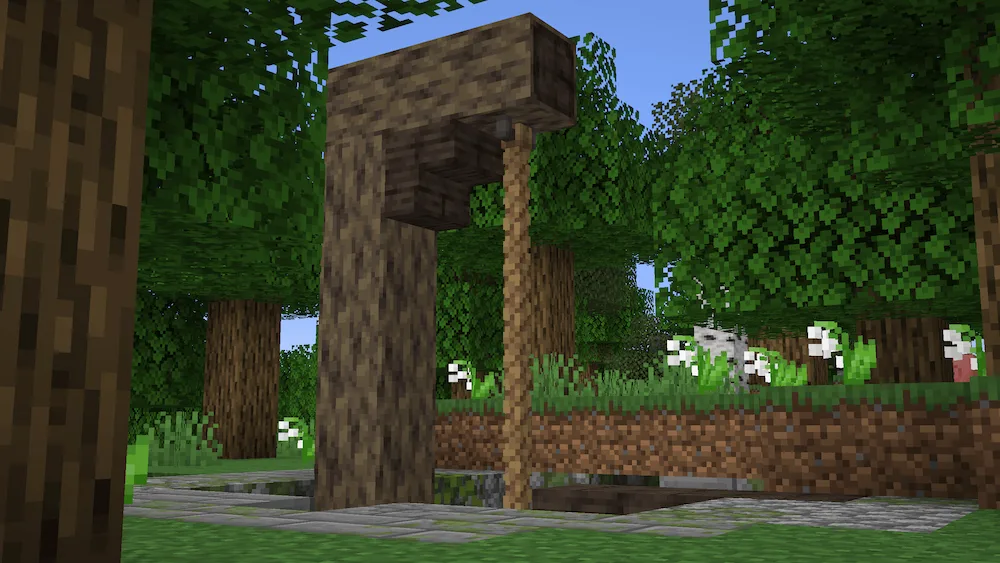
Forest Rope Mine Rope Glowshroom Cavern Void Soul Void Soul Knight in the Catacombs Sandy Catacombs Molten Cavern Desert Rope Mine
Forest Rope Mine
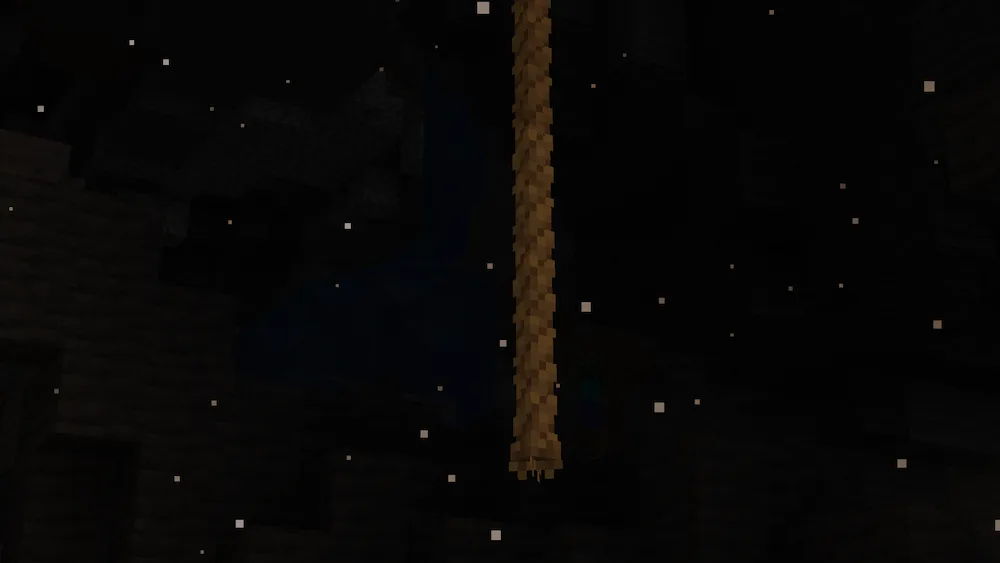
Rope
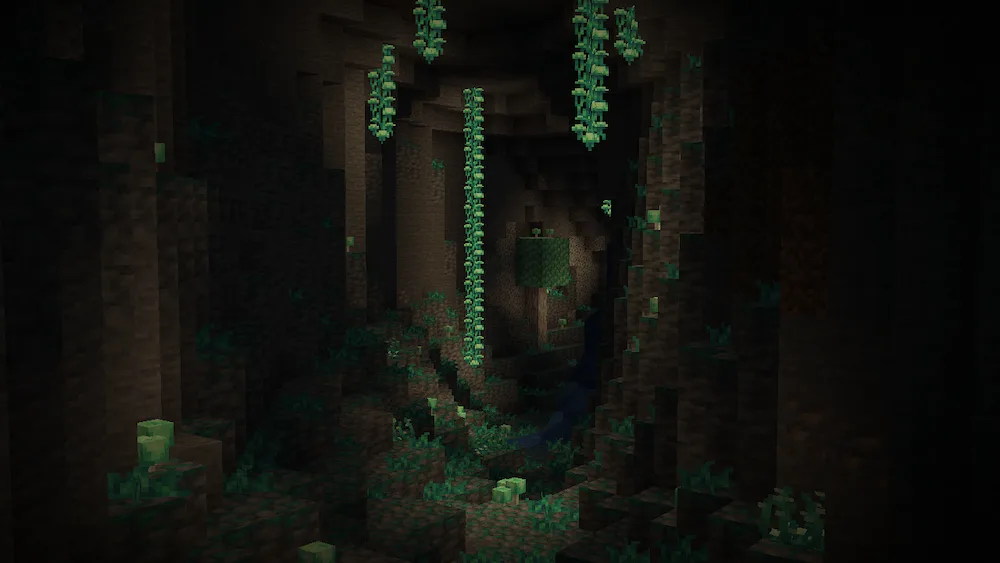
Glowshroom Cavern
Void Soul
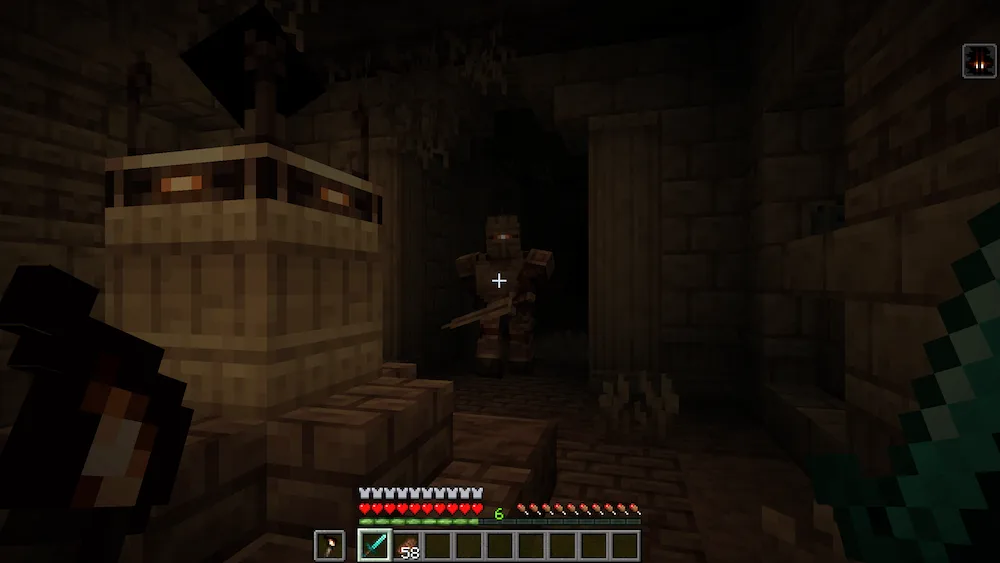
Void Soul Knight in the Catacombs
Sandy Catacombs
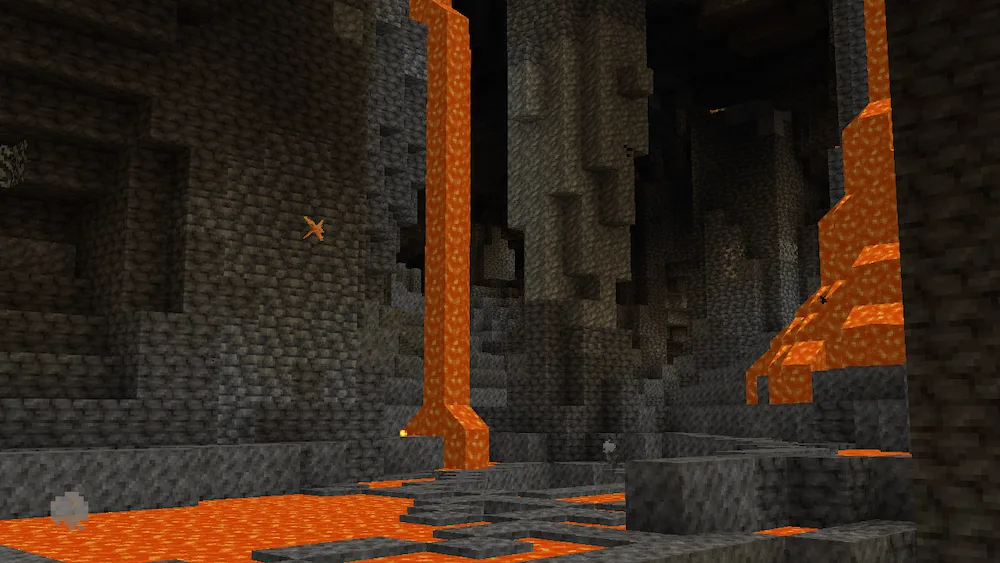
Molten Cavern
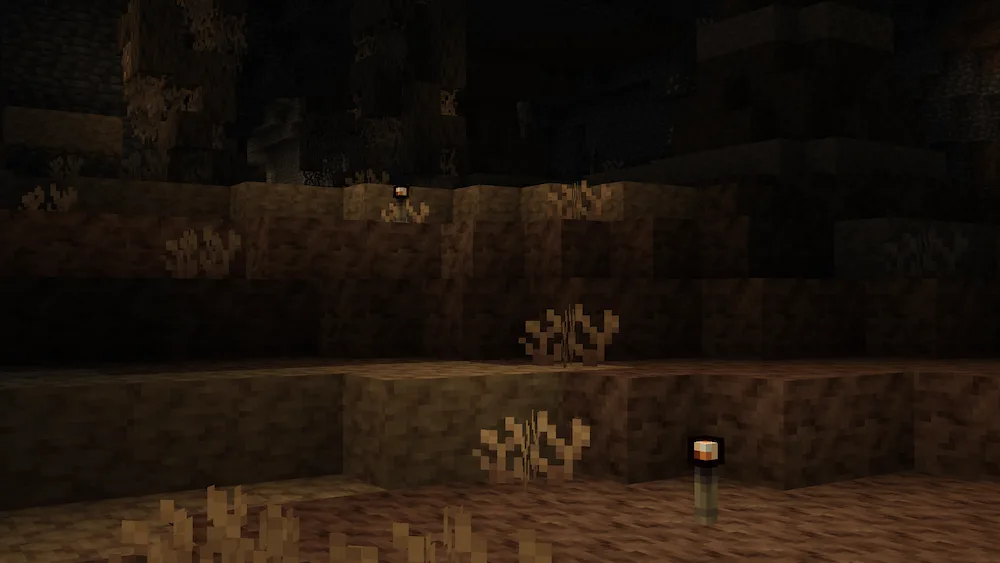
Desert Rope Mine

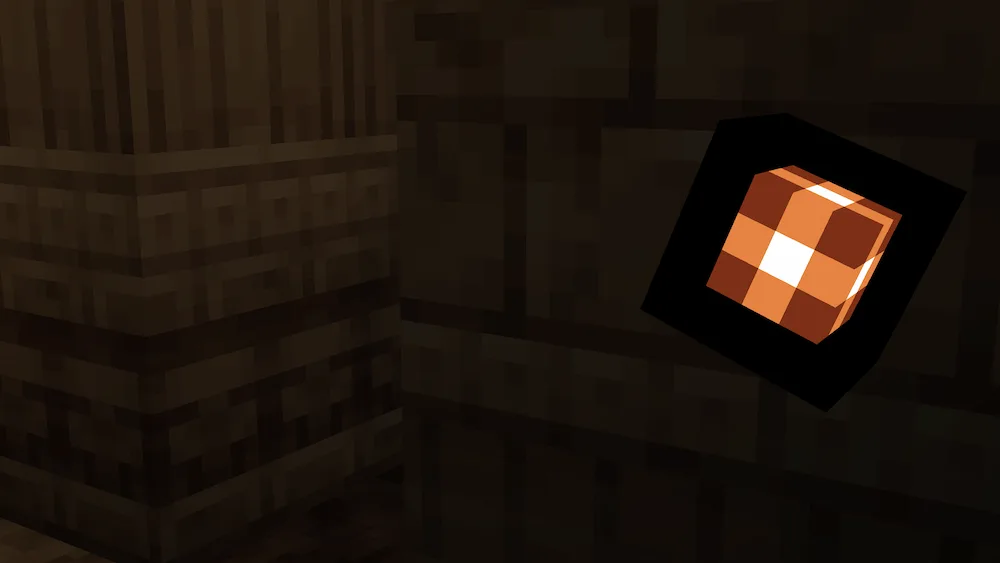
Want to make the underground a lot more interesting and dangerous? The Darker Depths mod is a massive expansion that brings three huge, unique biomes to your world. Explore the glowing Glowshroom Forest, where you can find giant fungi and a new mob called the Glowshroom Monster. If you find a Glowshroom Cap, you can wear it for some light and a Haste effect, which is super useful for mining.

Next, you can dive into the spooky Sandy Catacombs, a desolate place filled with petrified roots and a terrifying new type of mob: Void Soul mobs. When you kill these, they turn into a vulnerable orb you can capture in a jar. These Catacombs also hide structures full of secrets, special loot, and Forsaken Bronze, a metal that lets you craft items like the powerful Death Anchor and Stiletto. Finally, brave the Molten Cavern, a raging hot area where you can find rare Living Crystals. You can reawaken these crystals with a diamond and then feed them Melons to grow powerful Crystal Melons—eating one will supercharge your tools for five minutes, making them unbreakable and boosting your combat stats.


Fabric

  1. 1. Download, execute the Fabric installer, choose Client, select your Minecraft version, and click Install.
  2. 2. Download the Fabric API matching that Minecraft version.
  3. 3. Download Darker Depths or any additional Fabric-compatible mods you want.
  4. 4. Place the Fabric API and all mods into .minecraft/mods folder.
  5. 5. Open the Minecraft Launcher, select the new Fabric profile, and press Play. Enjoy!

Forge

  1. 1. Download, execute the Forge installer, choose Client, and click Install.
  2. 3. Download Darker Depths or any additional Forge-compatible mods you want.
  3. 4. Place all mods into .minecraft/mods folder.
  4. 5. Open the Minecraft Launcher, select the new Forge profile, and press Play. Enjoy!

NeoForge

  1. 1. Download, execute the NeoForge installer, choose Client, and click Install.
  2. 3. Download Darker Depths or any additional NeoForge-compatible mods you want.
  3. 4. Place all mods into .minecraft/mods folder.
  4. 5. Open the Minecraft Launcher, select the new NeoForge profile, and press Play. Enjoy!

Download Darker Depths Mod

Type Game version File version Loaders Download
R Release
1.20.1 v2.0.6
Forge
File
R Release
1.19.2 v1.0.0
Forge
File
R Release
1.18.2 v1.0.6
Forge
File

Darker Depths Minecraft Mod

3 files • 1.20.1, 1.19.2

Download