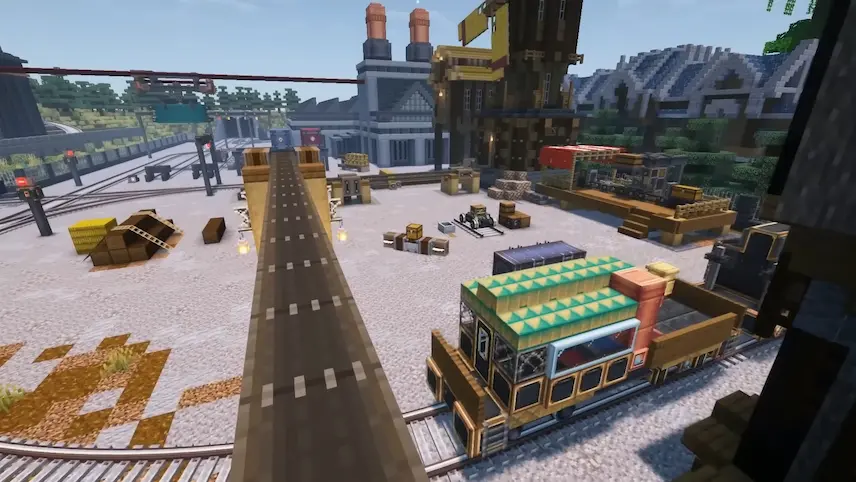
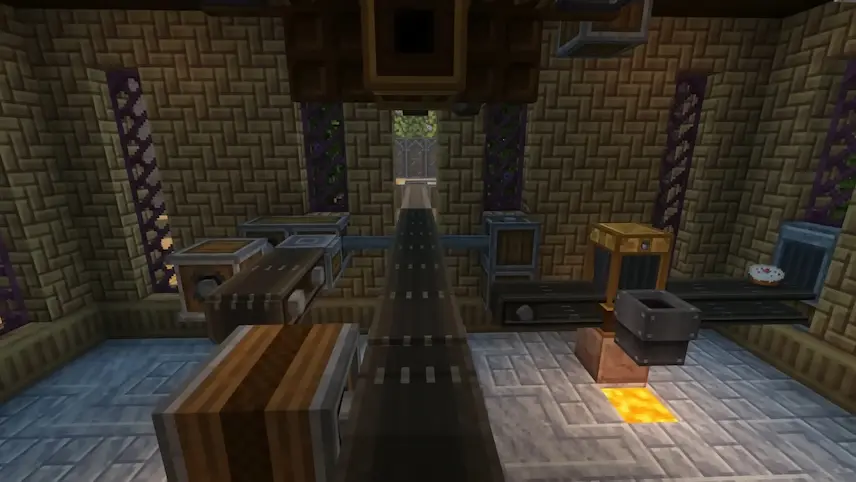
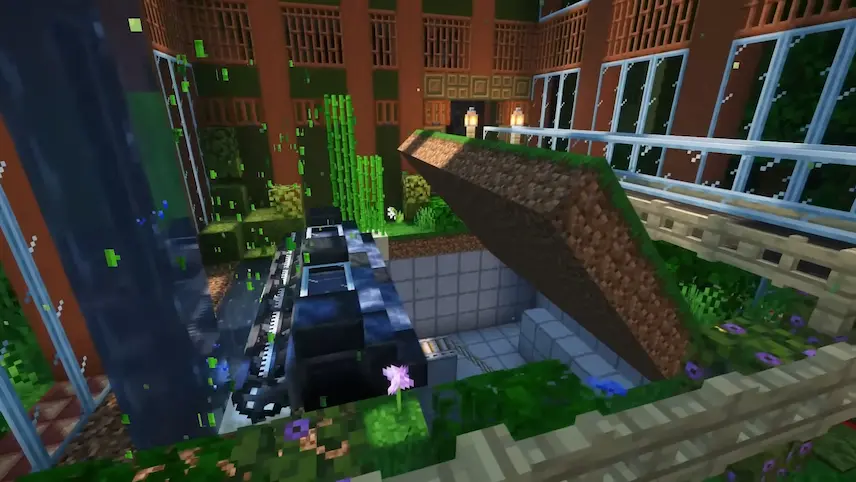
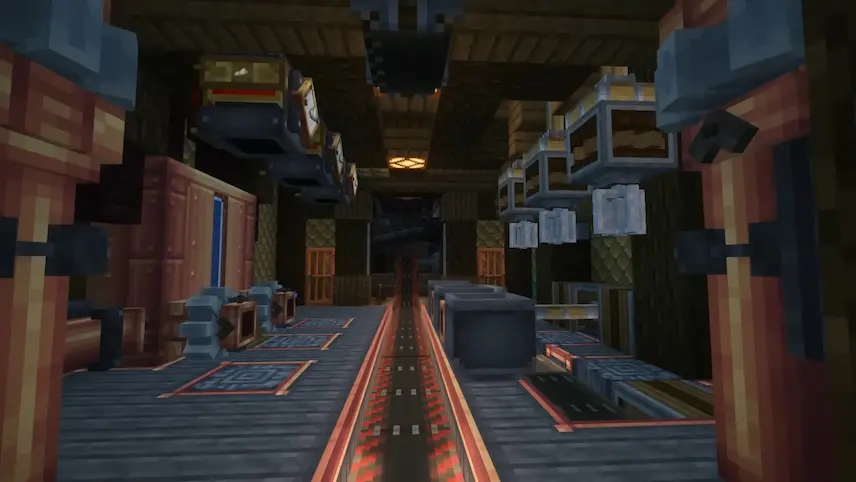
Create is one of the most popular and innovative technology mods for Minecraft, combining automation, engineering, and creativity into a single immersive experience. Instead of relying on traditional machine interfaces, Create encourages players to build their own mechanical systems using rotating shafts, gears, belts, pulleys, and countless other moving components. Every contraption is fully animated, making factories, farms, and industrial builds feel alive and interactive.
One of Create’s greatest strengths is its open-ended design philosophy. Whether you want to automate resource gathering, construct massive production lines, design moving vehicles, or simply create decorative mechanical builds, the mod provides the tools to bring your ideas to life. Its unique focus on visual machinery and player-driven engineering sets it apart from many other automation mods, offering a more hands-on and creative approach to technical gameplay.
The mod also includes Ponder, an integrated tutorial system that provides detailed animated demonstrations for blocks, machines, and mechanics directly inside the game. This makes learning Create significantly easier, even for players who are new to automation mods. For the best experience, many players also pair it with JEI, which helps manage the large number of recipes and components available.
Available for Forge and NeoForge, Create continues to be one of the best Minecraft automation mods for players who enjoy building complex machines, efficient factories, and impressive moving structures. If you are looking for a mod that combines technical depth with creativity and stunning visual design, Create is an essential addition to any Minecraft world.






 Tags
Tags