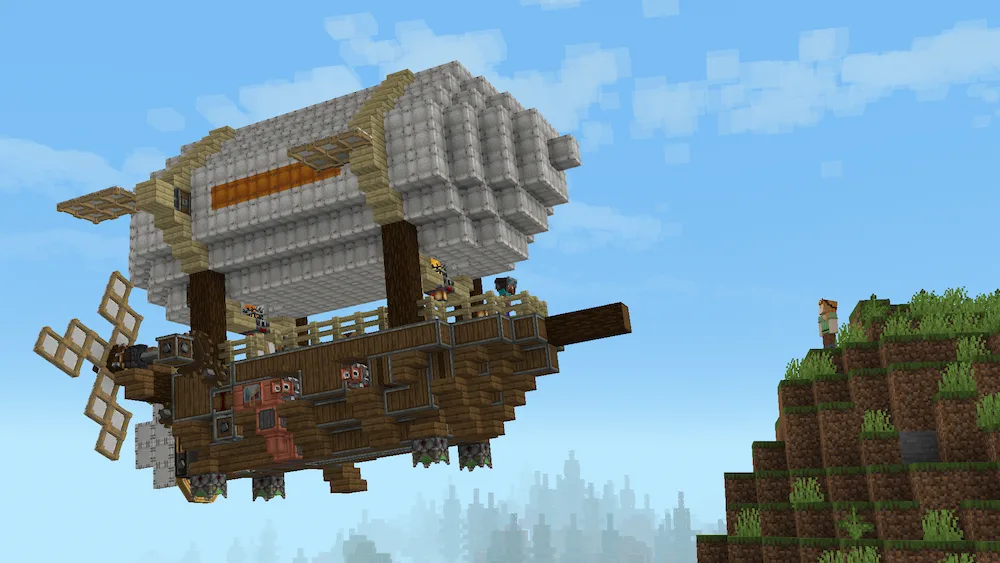
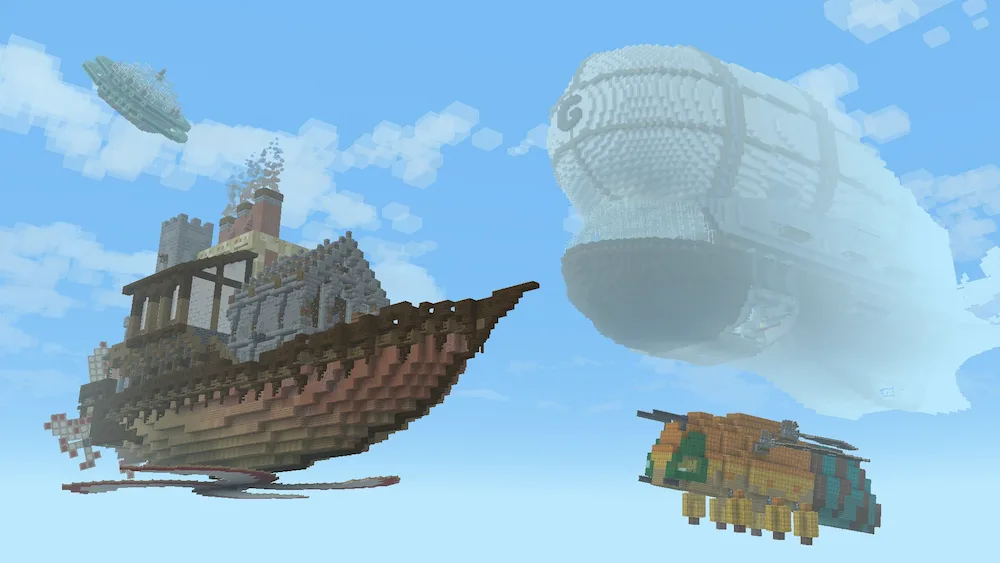
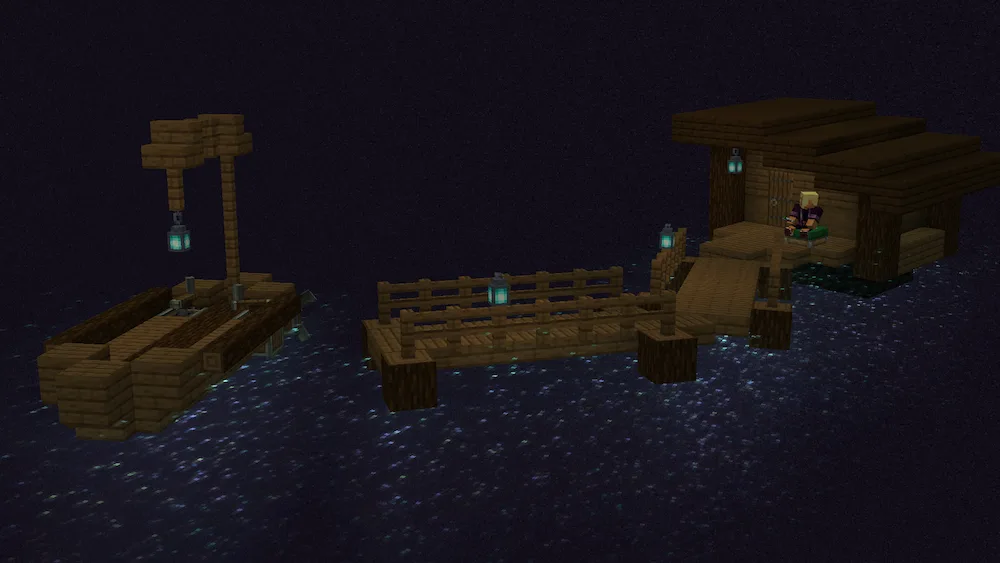
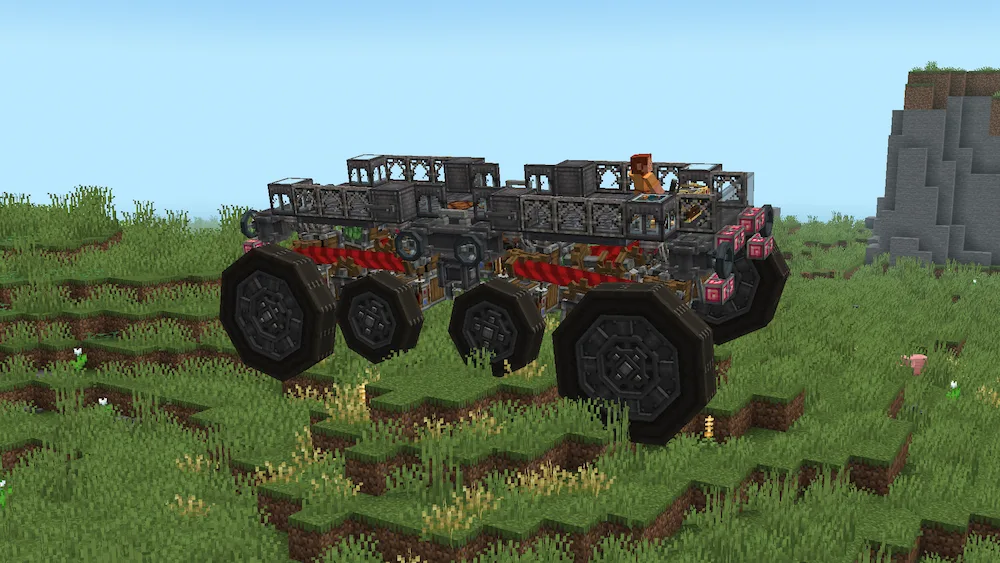
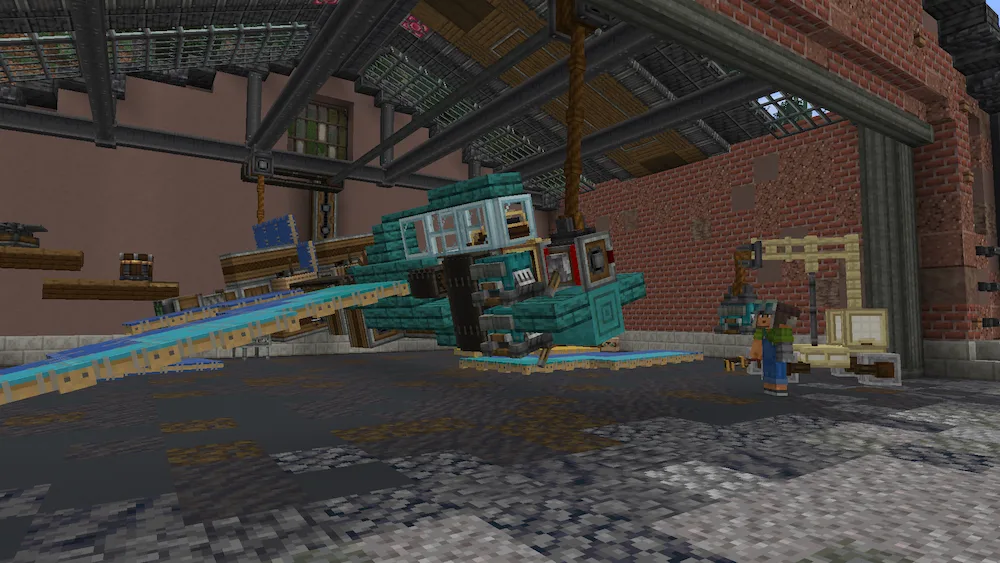
Create Aeronautics is an ambitious addon for the Create mod that transforms static contraptions into fully functional vehicles powered by real-time physics. Using the advanced Sable library, the mod allows entire structures to become dynamic moving entities, making it possible to build and control airships, airplanes, drones, hot-air balloons, cars, trucks, and countless other custom machines. Instead of being limited to stationary automation, players can take their engineering projects beyond the workshop and into the skies, roads, and open world.
The mod expands Create’s mechanical systems with new components specifically designed for vehicle construction and movement. Through its Simulated module, players gain access to the core tools, redstone components, and systems required to assemble complex moving contraptions. The Aeronautics module introduces propellers, buoyancy mechanics, floating rocks, and other technologies that make flight possible, while Offroad adds wheel-based mechanics for creating land vehicles capable of traversing different types of terrain.
One of the most impressive aspects of Create Aeronautics is that vehicles remain interactive while moving. Machines, blocks, and components continue functioning as part of the structure, creating opportunities for advanced engineering projects, mobile bases, automated transport systems, and large-scale mechanical creations. This makes the addon a perfect choice for players who enjoy technical Minecraft, automation, and creative vehicle design.
Because the mod relies on advanced rendering and physics systems, some visual issues may occur when using Iris Shaders. However, for players looking to push Create beyond traditional factories and automation, Create Aeronautics delivers one of the most exciting vehicle-building experiences currently available in Minecraft.






 Tags
Tags