logo responsive
/

Confluence: Otherworld Minecraft Mod

1.21.1

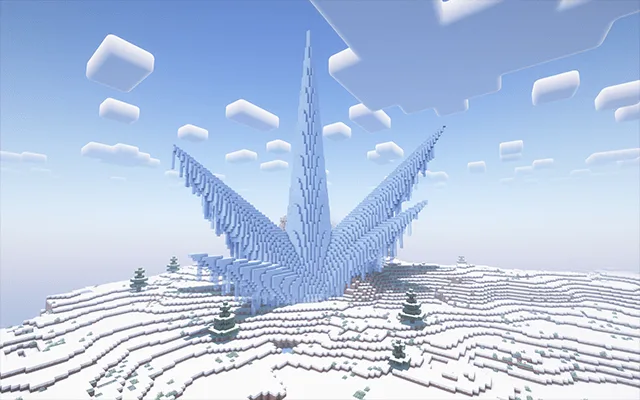
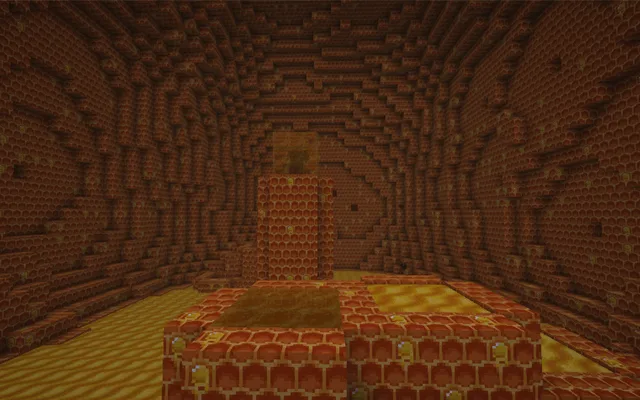
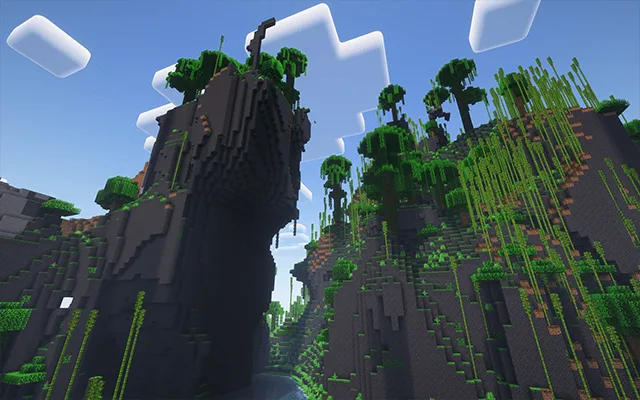
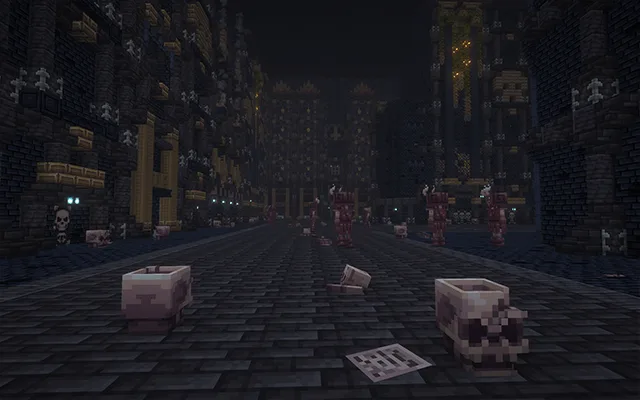
The Crimson The Corruption Sky Village Ores Glowing Mushroom Functional blocks Ash Forest all Armors Sky Islands Shimmer Lake Ice Thorn Queen Bee Hive Jungle Dungeon
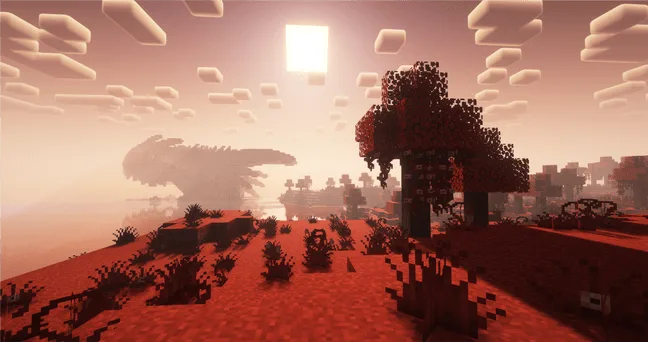
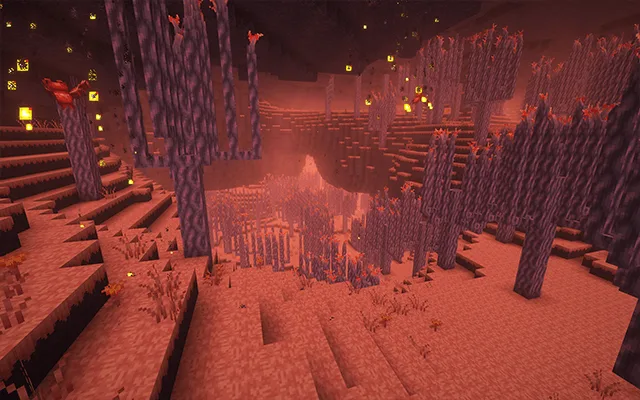
The Crimson
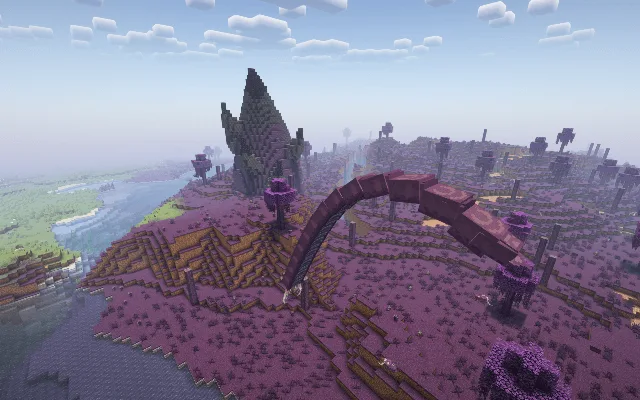
The Corruption
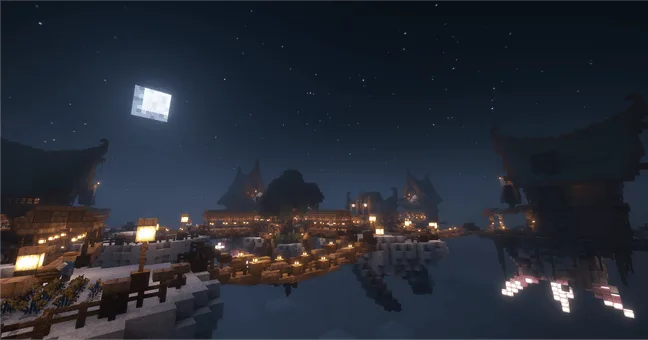
Sky Village
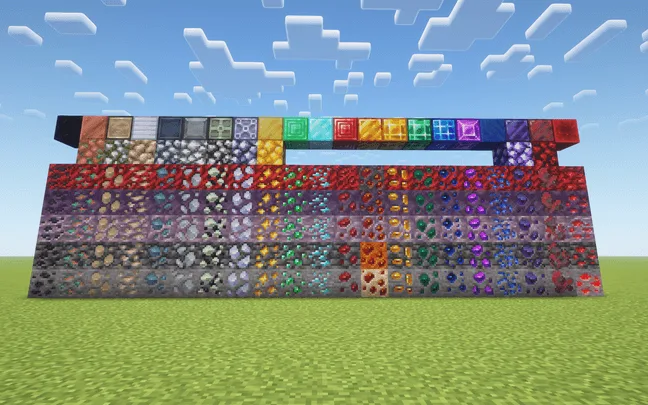
Ores
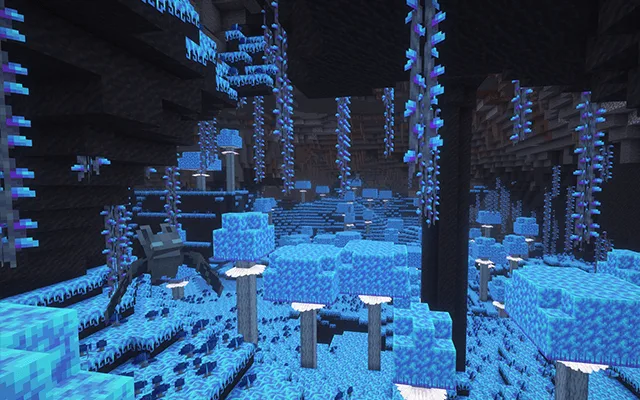
Glowing Mushroom
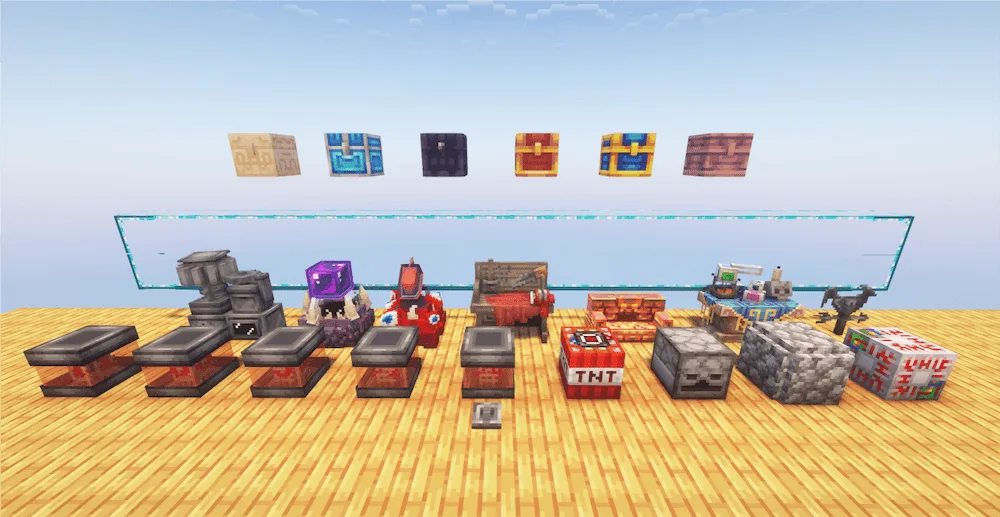
Functional blocks
Ash Forest
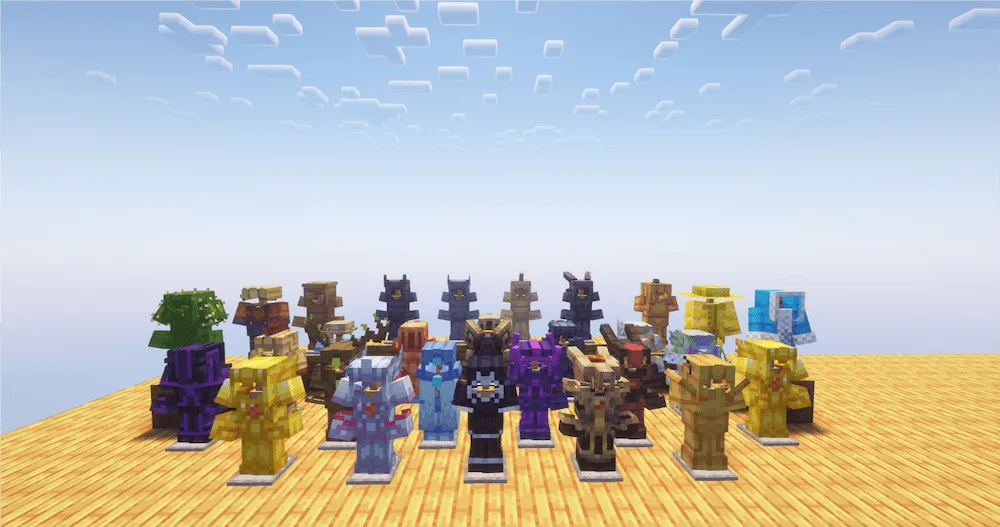
all Armors
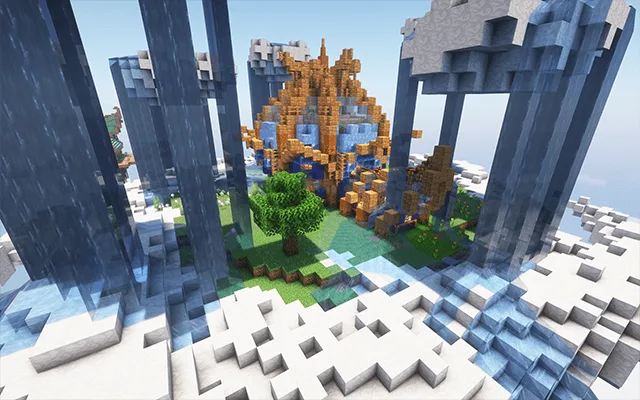
Sky Islands
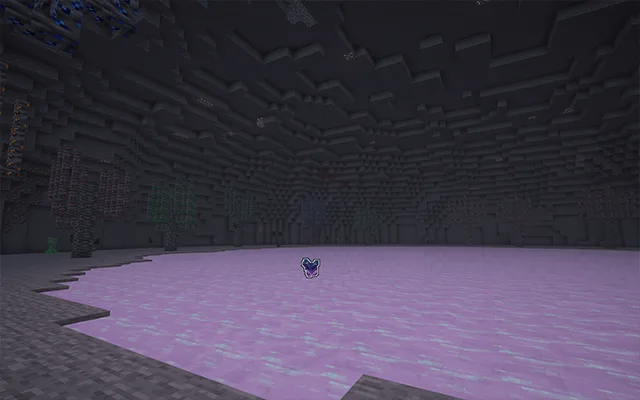
Shimmer Lake
Ice Thorn
Queen Bee Hive
Jungle
Dungeon

Ready for a massive new adventure that mixes two of the best sandbox games ever? The Confluence: Otherworld mod is a huge project developed as a recreation of Terraria right inside Minecraft, but it also adapts and expands upon those ideas. This isn’t just a simple copy; the mod takes classic Terraria elements and makes them fit smoothly into the 3D world of Minecraft, giving you a brand-new, enormous adventure experience.

The mod is packed with content, including new Blocks, powerful Weapons and Armor, cool Accessories, and useful Tools. You’ll also find classic Terraria mechanics integrated into the game, like using various Workbenches for crafting, interacting with NPCs, fighting challenging Bosses, and even messing around with Wiring and Shimmer Transformation. The goal is to keep the core feeling of both games while giving you tons of new stuff to explore and master.

Fabric

  1. 1. Download, execute the Fabric installer, choose Client, select your Minecraft version, and click Install.
  2. 2. Download the Fabric API matching that Minecraft version.
  3. 3. Download Confluence: Otherworld or any additional Fabric-compatible mods you want.
  4. 4. Place the Fabric API and all mods into .minecraft/mods folder.
  5. 5. Open the Minecraft Launcher, select the new Fabric profile, and press Play. Enjoy!

Forge

  1. 1. Download, execute the Forge installer, choose Client, and click Install.
  2. 3. Download Confluence: Otherworld or any additional Forge-compatible mods you want.
  3. 4. Place all mods into .minecraft/mods folder.
  4. 5. Open the Minecraft Launcher, select the new Forge profile, and press Play. Enjoy!

NeoForge

  1. 1. Download, execute the NeoForge installer, choose Client, and click Install.
  2. 3. Download Confluence: Otherworld or any additional NeoForge-compatible mods you want.
  3. 4. Place all mods into .minecraft/mods folder.
  4. 5. Open the Minecraft Launcher, select the new NeoForge profile, and press Play. Enjoy!

Download Confluence: Otherworld Mod

Type Game version File version Loaders Download
R Release
1.21.1 v1.1.5
NeoForge
File

Confluence: Otherworld Minecraft Mod

1 file • 1.21.1

Download