logo responsive
/

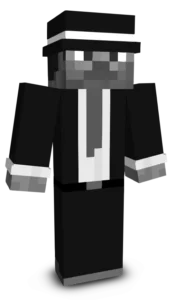
Business Frog Minecraft Skin

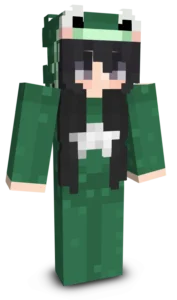
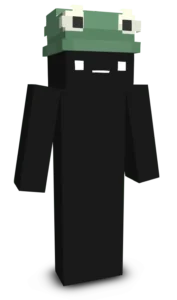
Business Frog is a fun and unique Minecraft skin that combines the goofy charm of a cheerful frog with the polished look of a successful businessman. Dressed in a sleek black suit with a bright red tie, this character stands out with its perfect balance of professionalism and humor, making it an unforgettable choice for any adventure.

Whether you are roleplaying as the owner of a giant company, running a villager trading empire, or simply looking for a funny skin to use with friends, Business Frog fits the occasion perfectly. Its clean design and playful personality make it ideal for survival worlds, multiplayer servers, and casual roleplay. If you enjoy cute animal-themed Minecraft skins with a stylish and comedic twist, Business Frog is a great addition to your collection.
To change your character's skin in Minecraft Java Edition, follow these steps:

  • Open your web browser and go to the official Minecraft website: https://www.minecraft.net/.
  • Log in with your Minecraft account if you haven't already.
  • At the top of the website, you will see the "Skins" option. Click on it.
  • Here, you can choose from several options:
    • New Skin: Upload a custom skin from your computer.
    • Change to Steve: Change your skin to the default Steve appearance.
    • Change to Alex: Change your skin to the default Alex appearance.
    • Browse Skins: Explore and select a skin from Minecraft's official gallery.
  • If you choose "New Skin," select the image file of your new skin from your computer. The skin should be in PNG format and follow the appropriate dimensions.
  • After selecting or uploading the skin, click the "Upload" or "Change My Skin" button to apply the new skin to your character.
  • Open the Minecraft game and check that the new skin has been applied correctly.