logo responsive
/

Projectile Trajectory Preview Minecraft Mod

26.1.2, 1.21.11

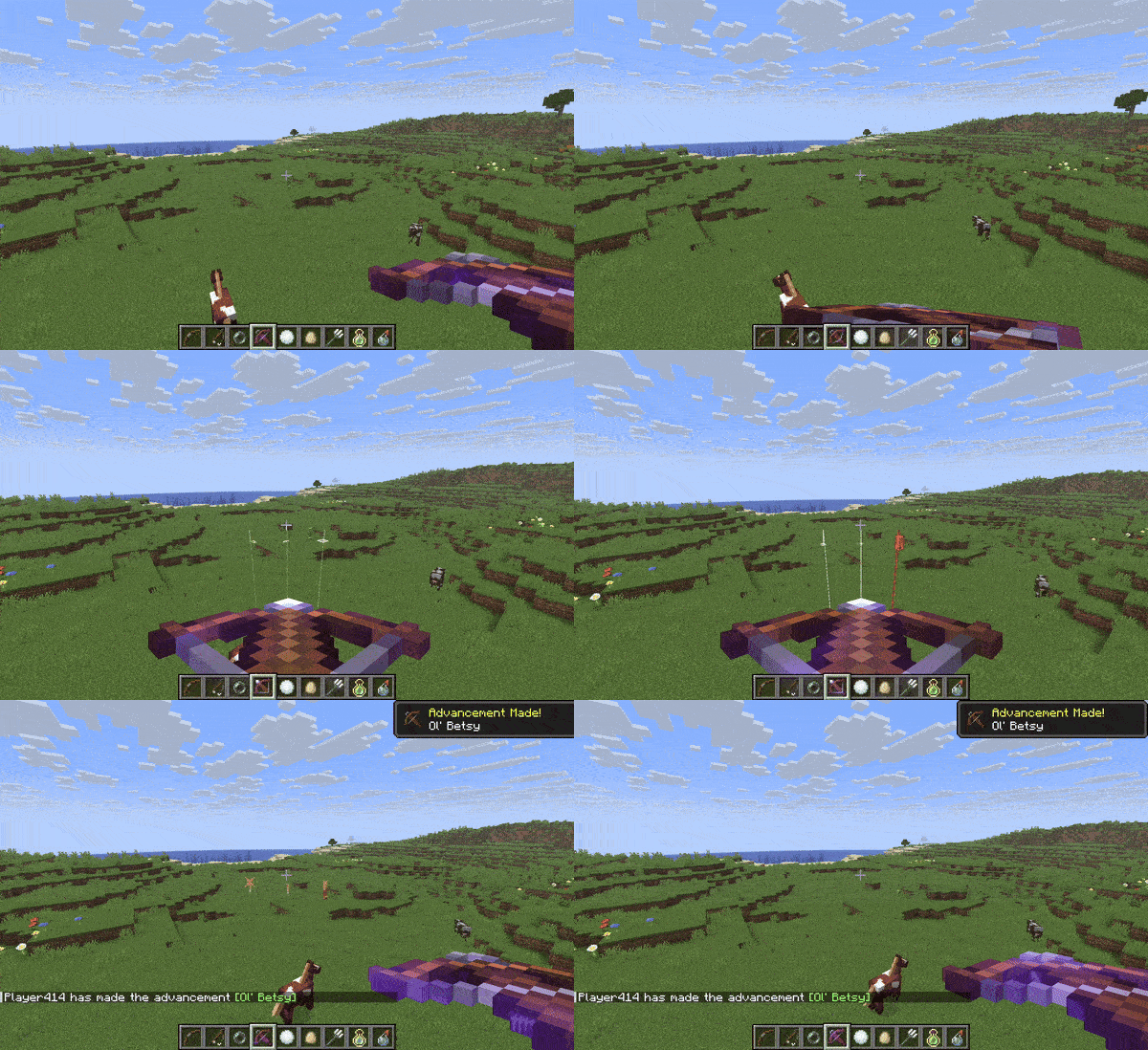

crossbow bow Trident Trajectory Arrow Trajectory Config menu Ender Pearl Trajectory
crossbow
bow
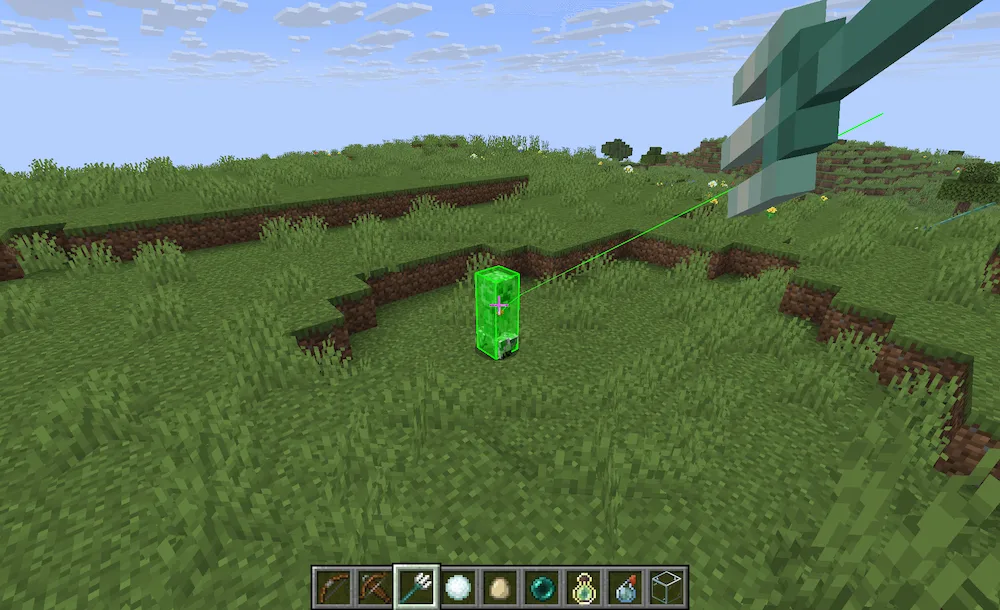
Trident Trajectory
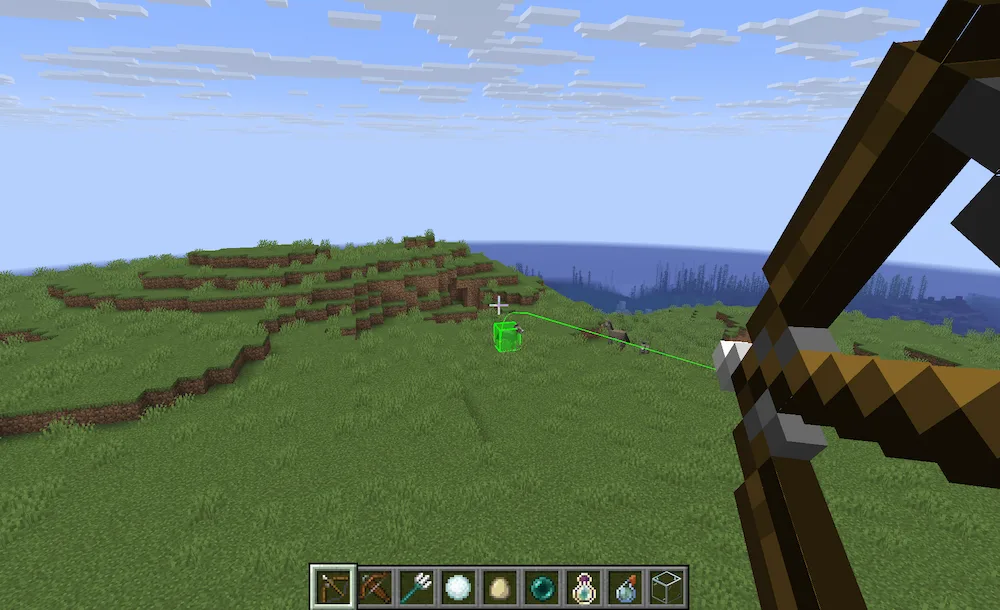
Arrow Trajectory
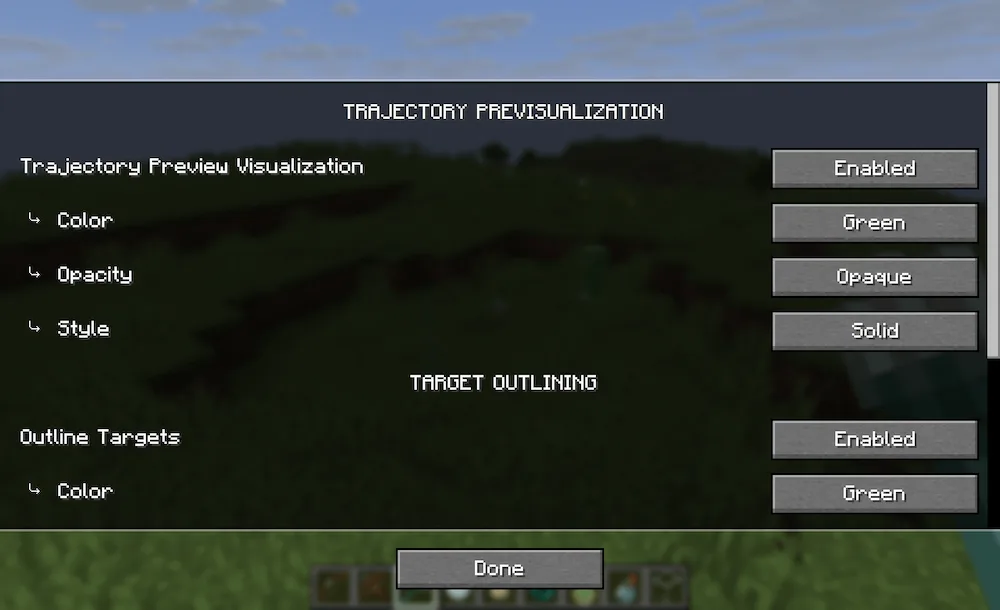
Config menu
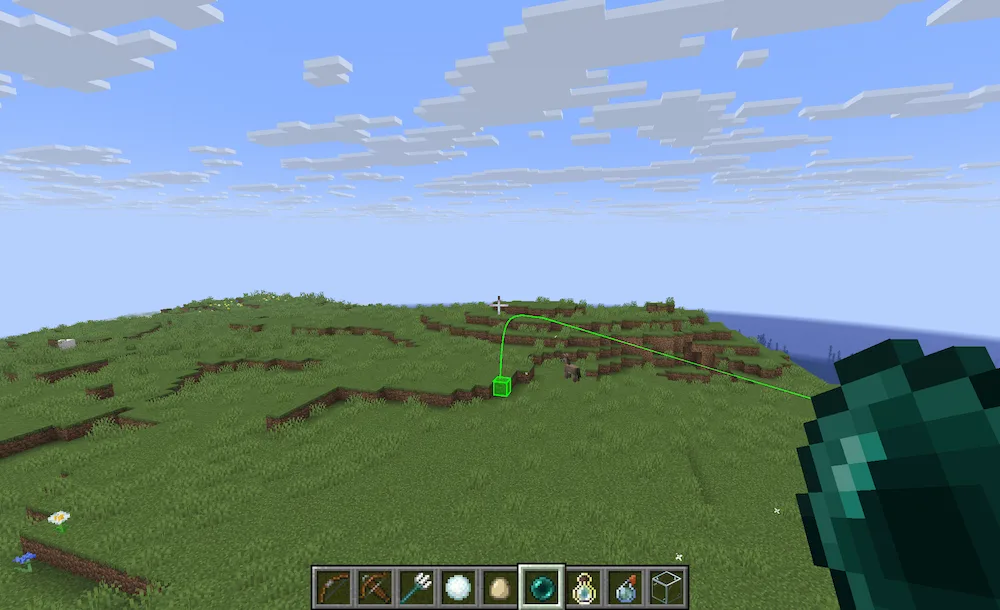
Ender Pearl Trajectory

Missing your shots with arrows or potions is honestly one of the most annoying things in Minecraft, but this mod fixes that immediately. Projectile Trajectory Preview gives you a visual line that shows exactly where your item is going to land before you even throw it. It even highlights the target impact zone so you can be super precise when you’re in a fight or just trying to land a tricky ender pearl. Unlike other mods that just guess the path, this one uses actual physics and gravity math to make sure the preview is 100% accurate to the game.

The best part is that you can customize almost everything about how it looks. If you don’t like the default line color or the way the target glows, you can just hop into the settings using the /ptpConfig command and change it to fit your style. It works for basically anything you can throw, from snowballs to lingering potions, making it a massive quality-of-life upgrade for survival or PvP. It’s simple to set up and saves you from wasting half your inventory on missed shots.


Fabric

  1. 1. Download, execute the Fabric installer, choose Client, select your Minecraft version, and click Install.
  2. 2. Download the Fabric API matching that Minecraft version.
  3. 3. Download Projectile Trajectory Preview or any additional Fabric-compatible mods you want.
  4. 4. Place the Fabric API and all mods into .minecraft/mods folder.
  5. 5. Open the Minecraft Launcher, select the new Fabric profile, and press Play. Enjoy!

Forge

  1. 1. Download, execute the Forge installer, choose Client, and click Install.
  2. 3. Download Projectile Trajectory Preview or any additional Forge-compatible mods you want.
  3. 4. Place all mods into .minecraft/mods folder.
  4. 5. Open the Minecraft Launcher, select the new Forge profile, and press Play. Enjoy!

NeoForge

  1. 1. Download, execute the NeoForge installer, choose Client, and click Install.
  2. 3. Download Projectile Trajectory Preview or any additional NeoForge-compatible mods you want.
  3. 4. Place all mods into .minecraft/mods folder.
  4. 5. Open the Minecraft Launcher, select the new NeoForge profile, and press Play. Enjoy!

Download Projectile Trajectory Preview Mod

Type Game version File version Loaders Download
R Release
26.1.x v1.0.29
Fabric
File
R Release
1.21.11 v1.0.29
Fabric
File
R Release
1.21.11 v1.0.26
NeoForge
File
R Release
1.21.10 v1.0.15
Fabric
File
R Release
1.21.10 v1.0.26
NeoForge
File
R Release
1.21.8 v1.0.8
Fabric
File
R Release
1.21.5 v1.0.8
Fabric
File
R Release
1.21.4 v1.0.8
Fabric
File
R Release
1.21.1 v1.0.12
Fabric
File

Projectile Trajectory Preview Minecraft Mod

9 files • 26.1.2, 1.21.11

Download