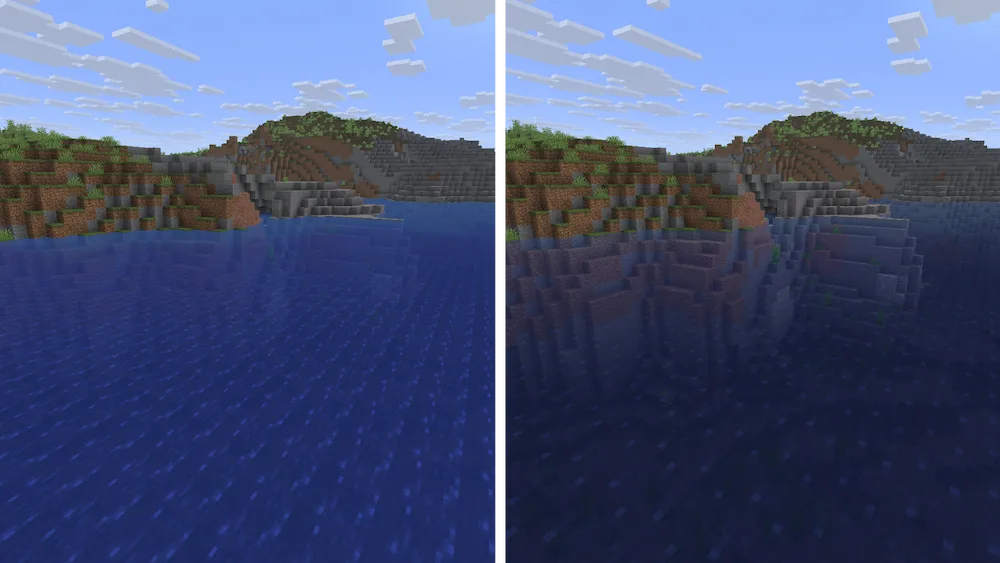
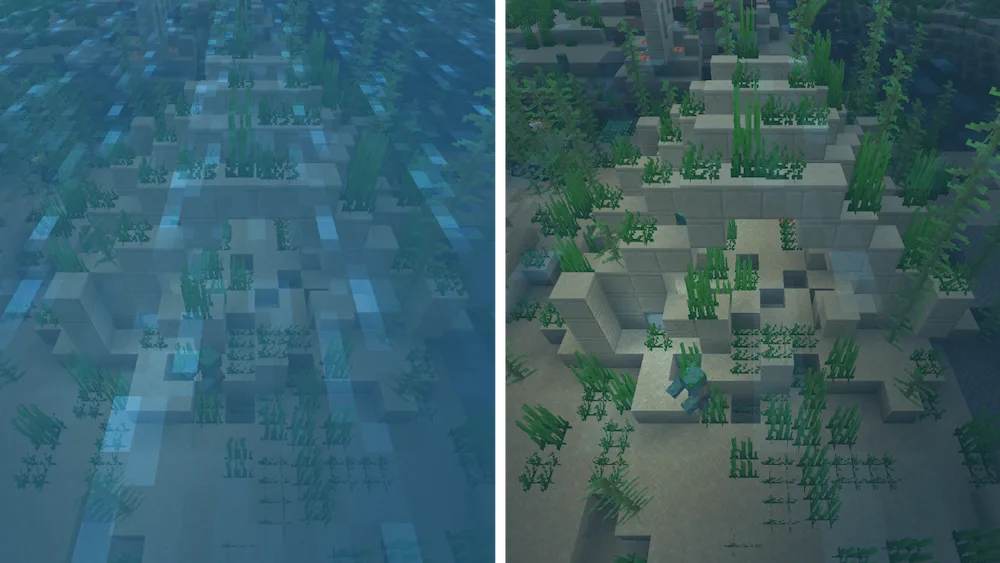
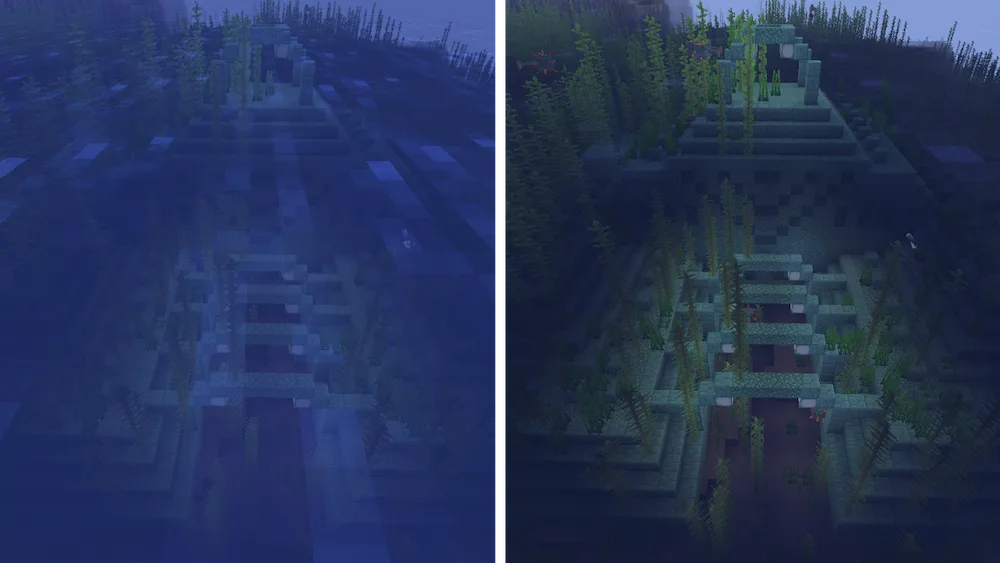
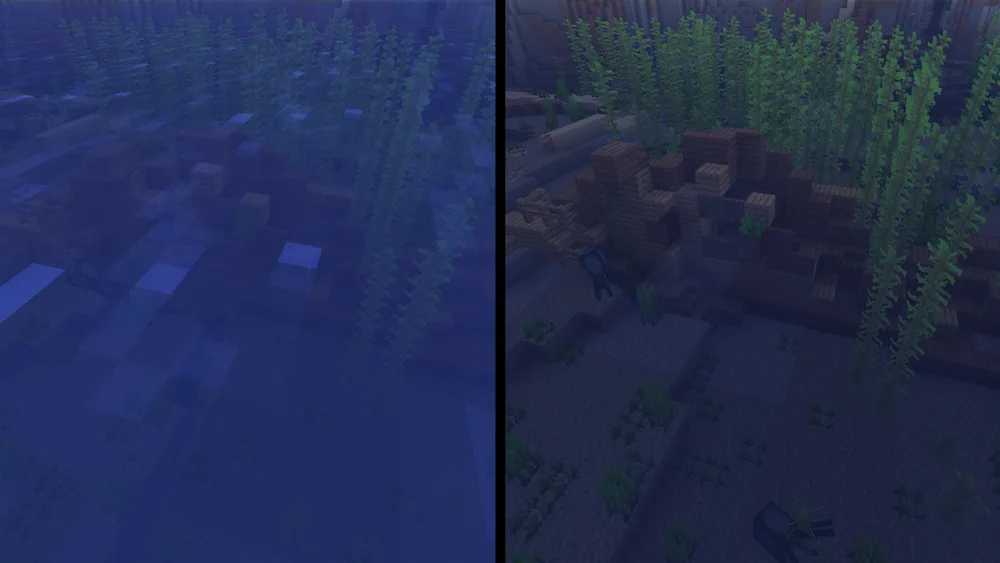
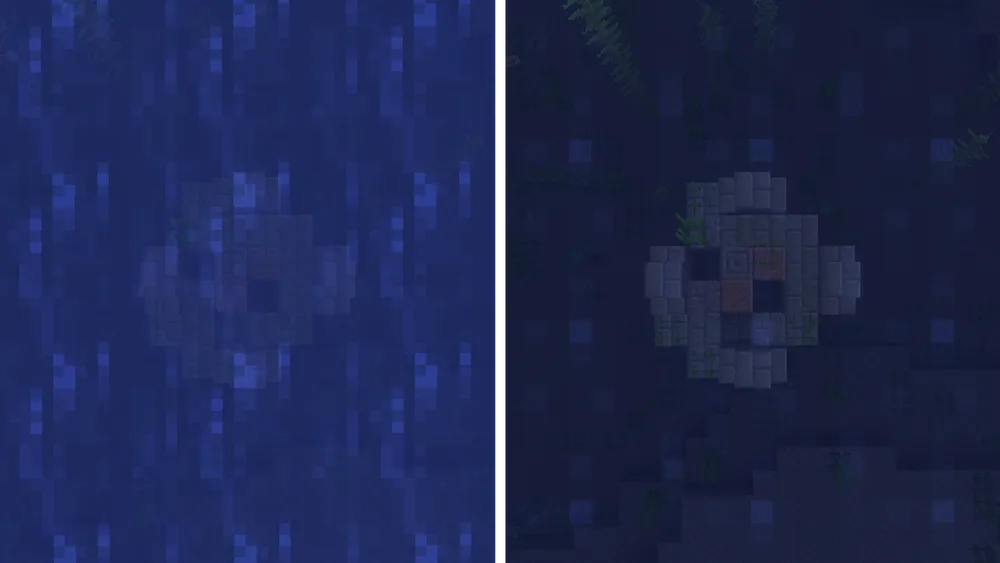
If you have ever tried to find a shipwreck or a monument only to be stopped by murky, dark water, Clear Water resource pack is a total lifesaver. This lightweight pack makes oceans, rivers, and lakes completely transparent, so you can see all the way to the bottom without any struggle. It is super helpful for spotting hidden treasures, drowned zombies, or even underwater caves from the surface, making exploration and building way easier than before.
The best part about this pack is that it is performance-friendly, so it won’t tank your FPS while you play. It has a tiny file size and works perfectly with vanilla Minecraft and most other resource packs you might already have installed. Whether you are a pro builder working on an underwater base or just a casual explorer hunting for loot, this pack brings a ton of clarity to every splash.



 Tags
Tags