logo responsive
/

Particular Reforged Minecraft Mod

1.21.11, 1.20.1

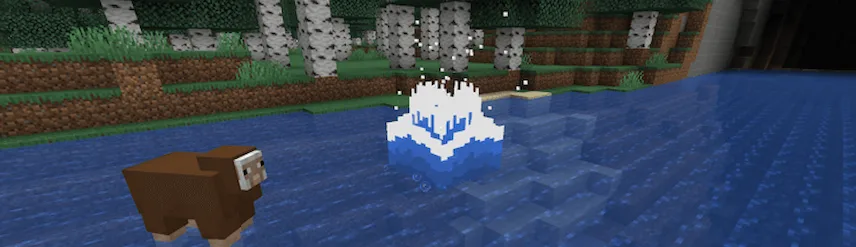
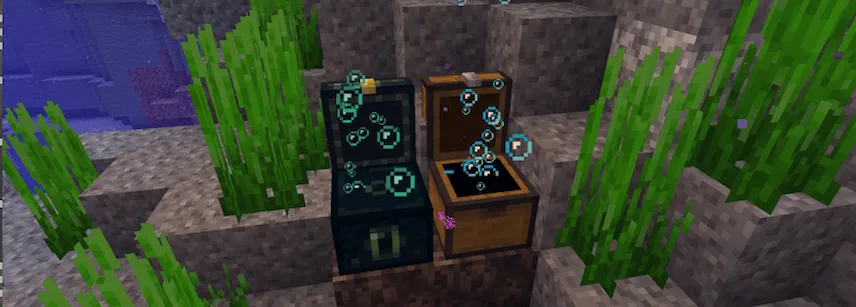
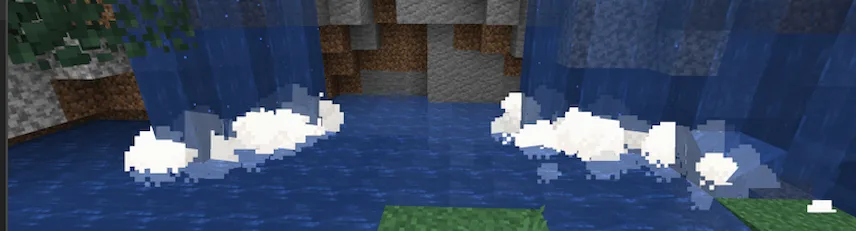
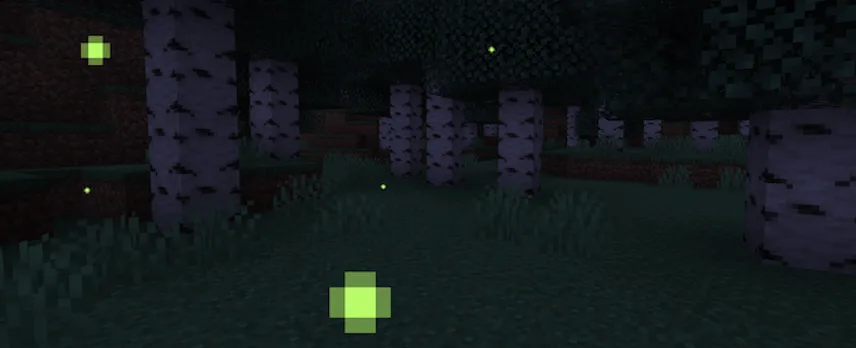
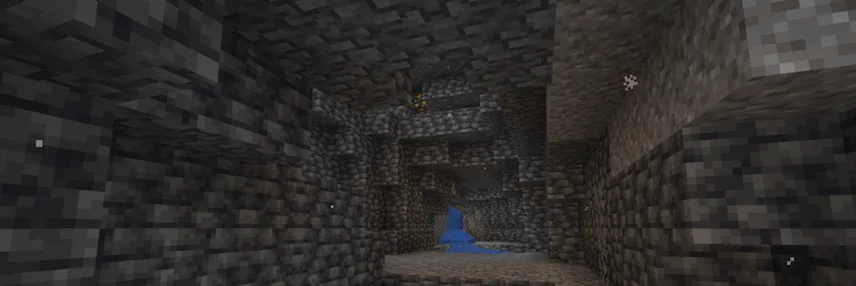
3D water splashe Bubbles from underwater chests and barrels Waterfall cascades Fireflies Cave dust
3D water splashe
Bubbles from underwater chests and barrels
Waterfall cascades
Fireflies
Cave dust

If you want your Minecraft world to feel more “alive” and atmospheric without changing the core gameplay, Particular Reforged is an excellent choice. This mod adds a variety of hand-crafted visual effects that make the environment feel much more dynamic. From the way water moves to the tiny details in the air, it adds a layer of polish that makes exploring much more immersive.

The mod is packed with clever little details, like 3D water splashes that scale based on how far you fall and waterfall cascades that appear where water hits a deep source. You’ll also see falling leaves that match the specific tree type and create ripples when they hit the water. At night, you can find fireflies dancing around flowers in warm biomes, and deep underground, you’ll notice cave dust floating in the air. Even opening a chest underwater feels more realistic now, as it will release a burst of bubbles!

Key Visual Features

  • Waterfall Cascades: Creates misty effects at the base of waterfalls.
  • Cave Dust: Adds depth to the atmosphere when exploring deep underground.
  • Falling Leaves: Unique particles for every leaf block with water interaction.
  • Fireflies: Adds a magical touch to forests and plains during dusk.
  • Lava & Rain Tweaks: Includes emissive lava drips and ripples from raindrops.
Fabric

  1. 1. Download, execute the Fabric installer, choose Client, select your Minecraft version, and click Install.
  2. 2. Download the Fabric API matching that Minecraft version.
  3. 3. Download Particular Reforged or any additional Fabric-compatible mods you want.
  4. 4. Place the Fabric API and all mods into .minecraft/mods folder.
  5. 5. Open the Minecraft Launcher, select the new Fabric profile, and press Play. Enjoy!

Forge

  1. 1. Download, execute the Forge installer, choose Client, and click Install.
  2. 3. Download Particular Reforged or any additional Forge-compatible mods you want.
  3. 4. Place all mods into .minecraft/mods folder.
  4. 5. Open the Minecraft Launcher, select the new Forge profile, and press Play. Enjoy!

NeoForge

  1. 1. Download, execute the NeoForge installer, choose Client, and click Install.
  2. 3. Download Particular Reforged or any additional NeoForge-compatible mods you want.
  3. 4. Place all mods into .minecraft/mods folder.
  4. 5. Open the Minecraft Launcher, select the new NeoForge profile, and press Play. Enjoy!

Download Particular Reforged Mod

Type Game version File version Loaders Download
R Release
1.21.11 v1.3.1
Fabric
File
R Release
1.21.11 v1.3.1
NeoForge
File
R Release
1.21.10 v1.3.1
Fabric
File
R Release
1.21.10 v1.3.1
NeoForge
File
R Release
1.21.8 v1.3.1
Fabric
File
R Release
1.21.8 v1.3.1
NeoForge
File
R Release
1.21.5 v1.1.1
Fabric
File
R Release
1.21.5 v1.1.4
NeoForge
File
R Release
1.21.4 v1.1.0
NeoForge
File
R Release
1.21.1 v1.1.7
NeoForge
File
R Release
1.20.1 v1.2.7
Forge
File

Particular Reforged Minecraft Mod

11 files • 1.21.11, 1.20.1

Download