logo responsive
/

Choup’s Drakvyrn Minecraft Mod

1.21.1, 1.20.1

Drakvyrns The Drakvyrn Hand The Draklets The Drozens The Draves The Draekhalde
Drakvyrns
The Drakvyrn Hand
The Draklets
The Drozens
The Draves
The Draekhalde

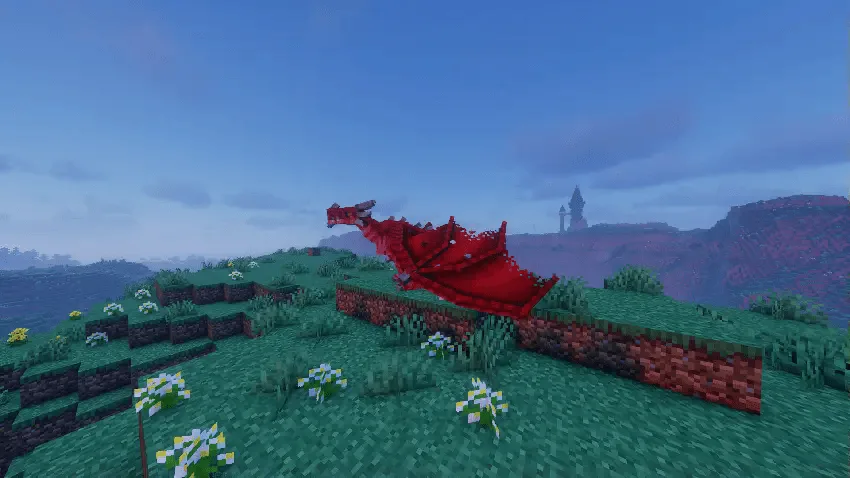
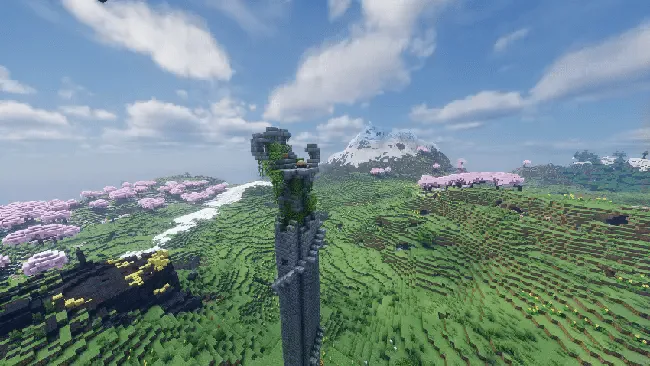
Ready to bring some seriously cool dragon-like mobs into your game? Choup’s Drakvyrn Mod introduces several unique creatures starting with the Drakvyrn, a smaller but undeniably awesome dragon. You can find them by hunting for the rare Drakvyrn Hand structure, a huge tower that holds an Ancient Egg. Hatch the egg, defeat the spawned Drakvyrn to get your own egg, and if you want a Nether version, hatch the Ancient Egg in the Nether. Once tamed with the Ancient Ring, you can ride them, have them follow you, or set them to aggressive mode. When defeated, they drop scales for armor, bones for tools, and items for making cool staves and potions.

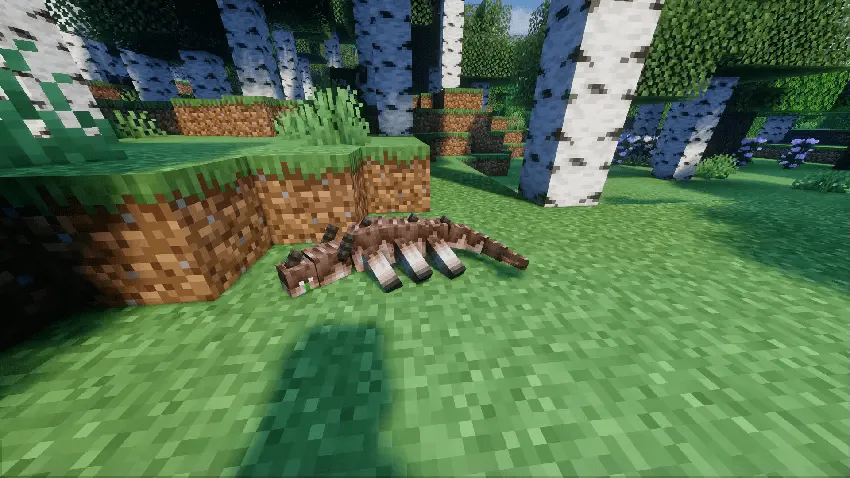
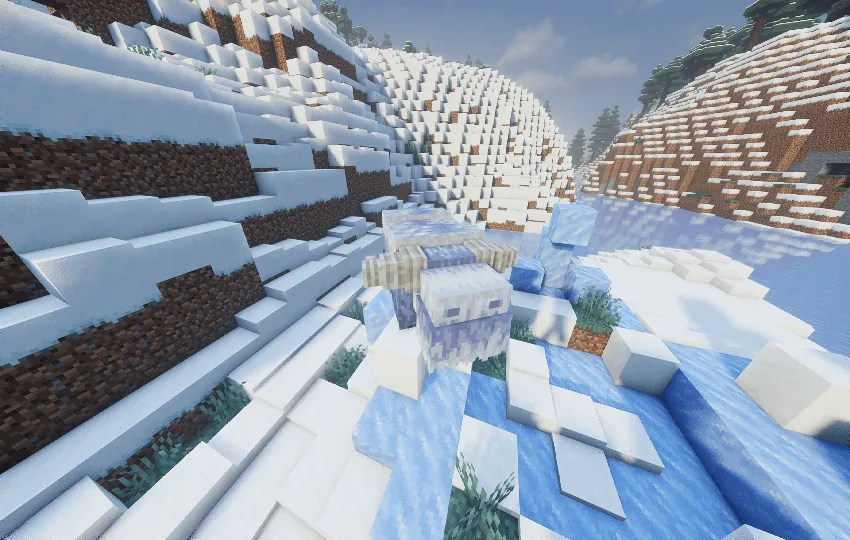
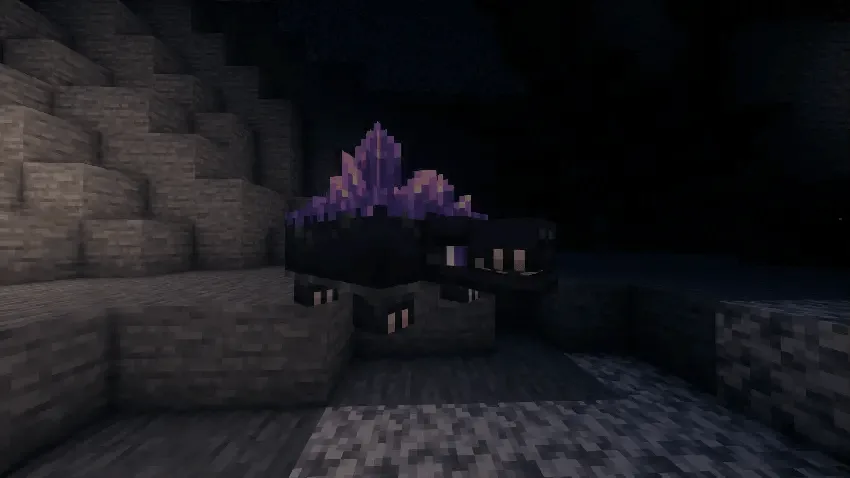
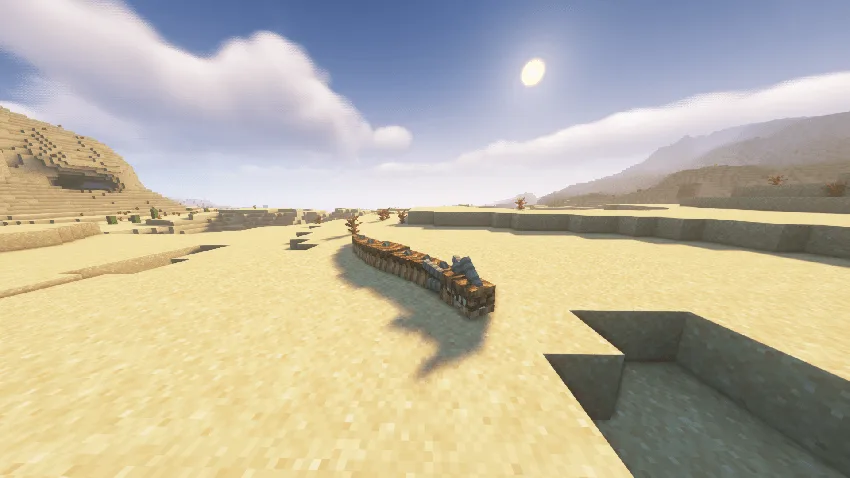
But that’s just the start. You’ll also encounter Draklets in forest biomes, which are small, fast, and inflict poison, but you can tame them with meat on a bone. The massive Draves are found in caves and drop rare Intact Geodes that can be smashed for hidden loot and powder to make upgraded Iron Tools. In snowy biomes, you can find the friendly, rideable Drozens that can walk on water and drop items for powerful new weapons. Finally, watch out for the aggressive, serpent-like Draekhalde in the desert, which drops loot to craft special items like the Scimitar of the Mirage.
Fabric

  1. 1. Download, execute the Fabric installer, choose Client, select your Minecraft version, and click Install.
  2. 2. Download the Fabric API matching that Minecraft version.
  3. 3. Download Choup’s Drakvyrn or any additional Fabric-compatible mods you want.
  4. 4. Place the Fabric API and all mods into .minecraft/mods folder.
  5. 5. Open the Minecraft Launcher, select the new Fabric profile, and press Play. Enjoy!

Forge

  1. 1. Download, execute the Forge installer, choose Client, and click Install.
  2. 3. Download Choup’s Drakvyrn or any additional Forge-compatible mods you want.
  3. 4. Place all mods into .minecraft/mods folder.
  4. 5. Open the Minecraft Launcher, select the new Forge profile, and press Play. Enjoy!

NeoForge

  1. 1. Download, execute the NeoForge installer, choose Client, and click Install.
  2. 3. Download Choup’s Drakvyrn or any additional NeoForge-compatible mods you want.
  3. 4. Place all mods into .minecraft/mods folder.
  4. 5. Open the Minecraft Launcher, select the new NeoForge profile, and press Play. Enjoy!

Download Choup’s Drakvyrn Mod

Type Game version File version Loaders Download
R Release
1.21.1 v3.0.2
NeoForge
File
R Release
1.20.1 v3.0.2
Forge
File

Choup’s Drakvyrn Minecraft Mod

2 files • 1.21.1, 1.20.1

Download