logo responsive
/

Creation and Adventure Minecraft Mod

1.20.1

The magic islands Ancient Ruin New Biomes Biome 01 Stinging swamp Spring Cypress Forest Into the far lands The limbo Volcanic Shores
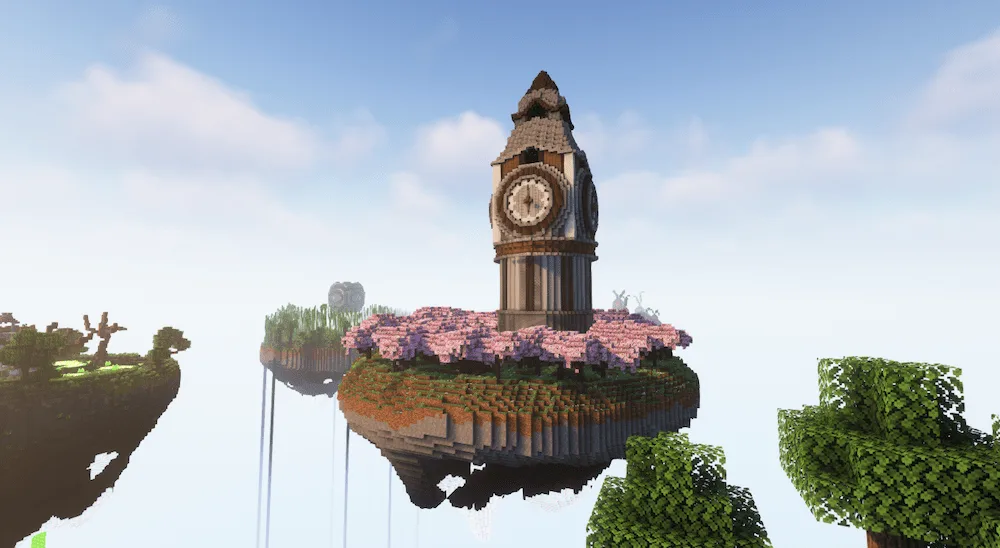
The magic islands
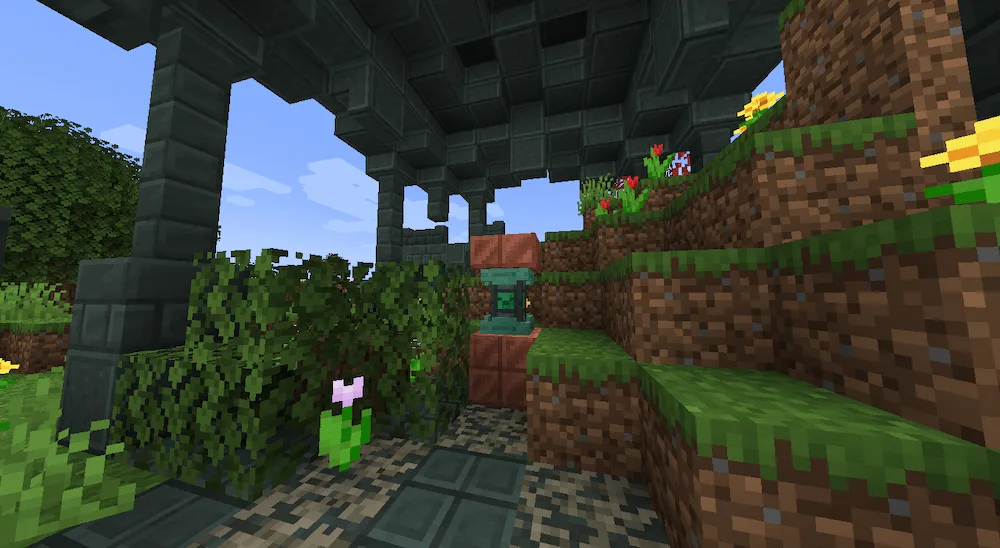
Ancient Ruin
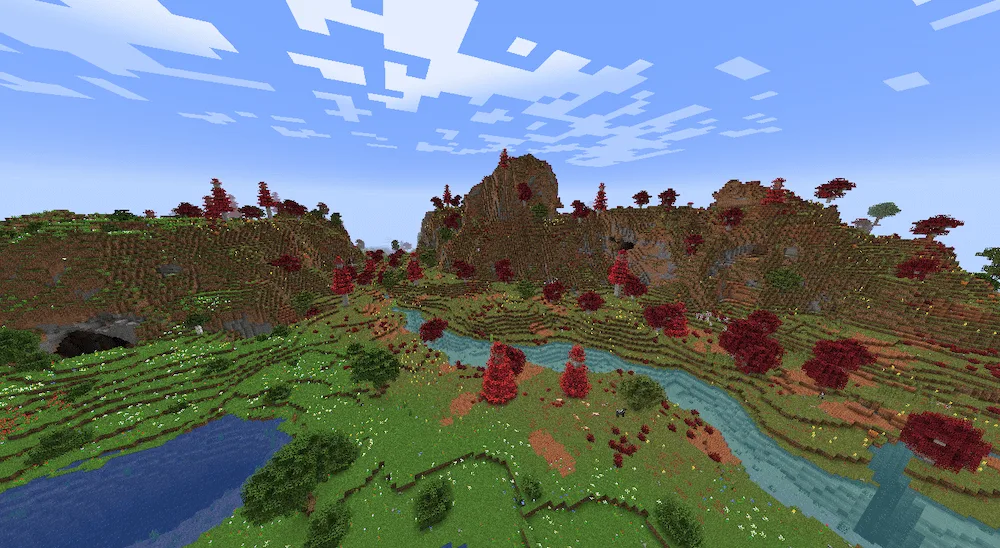
New Biomes
Biome 01
Stinging swamp
Spring Cypress Forest
Into the far lands
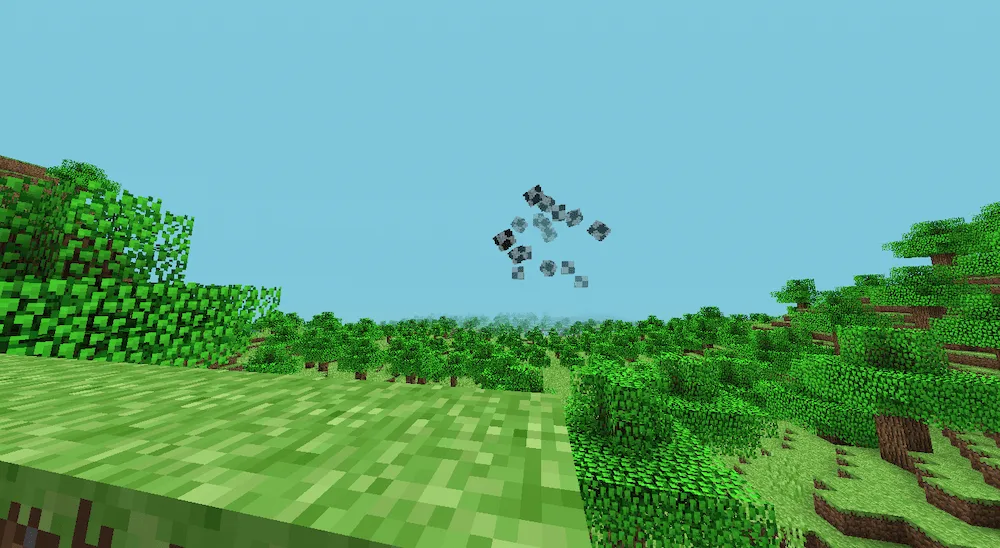
The limbo
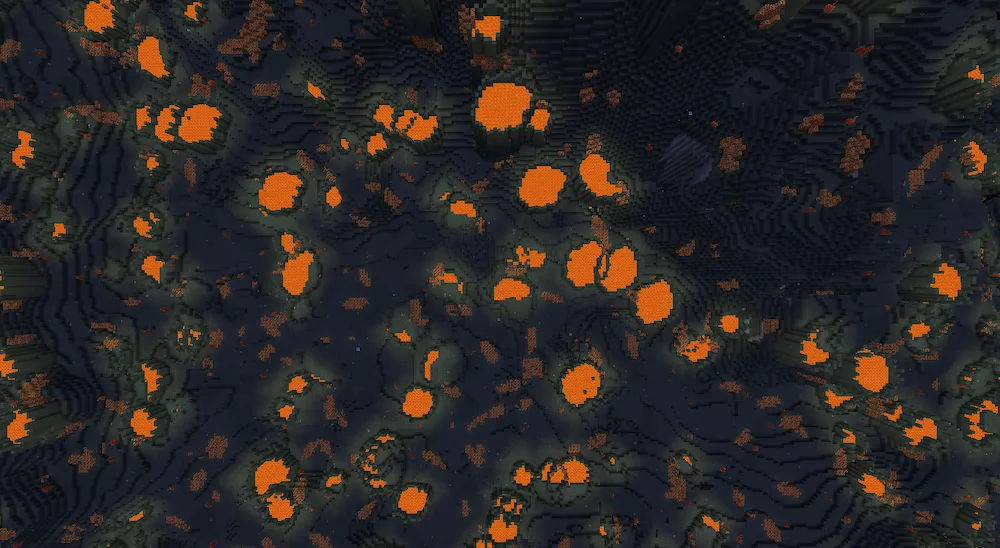
Volcanic Shores

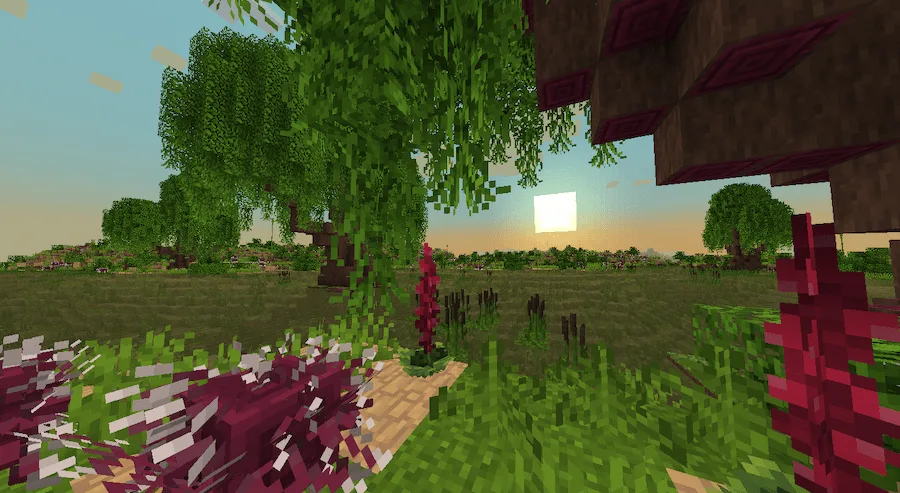
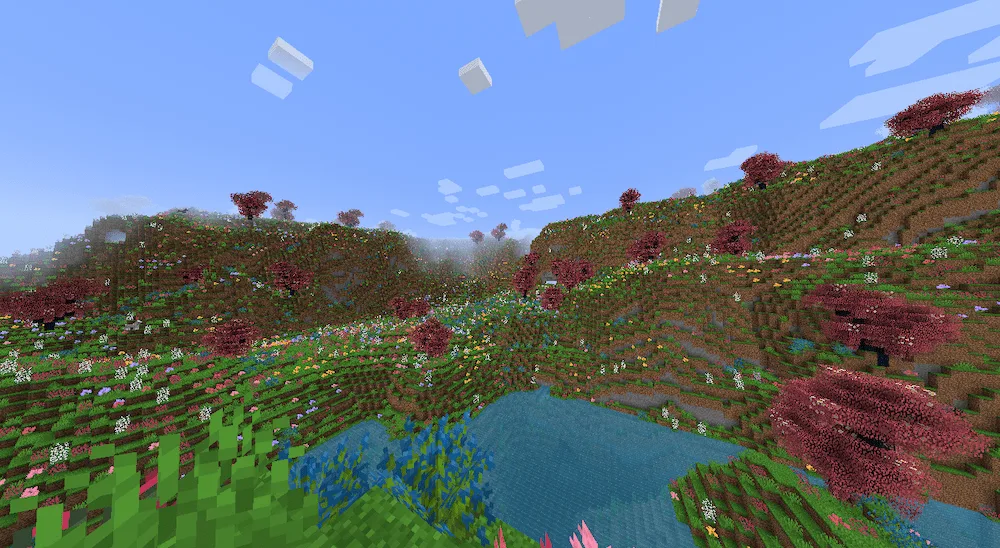
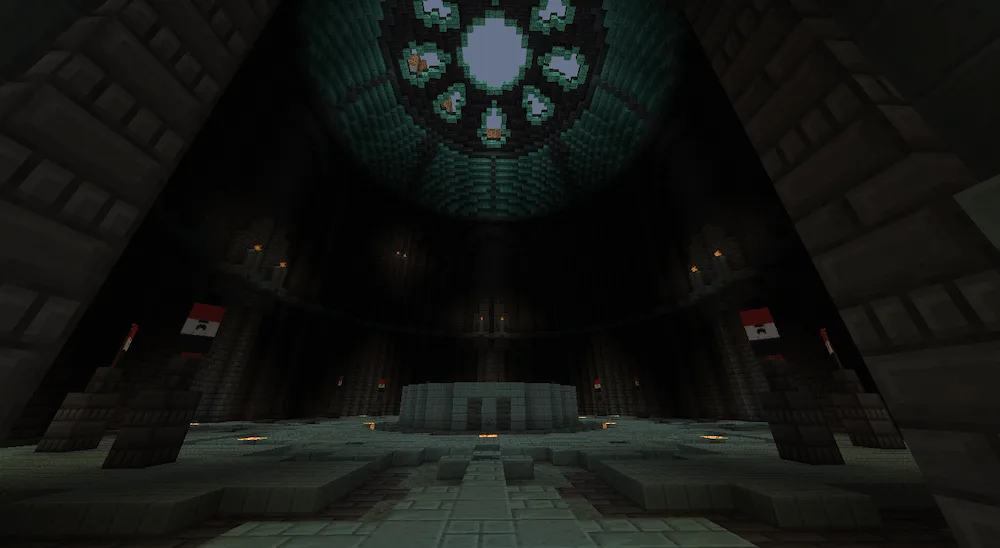
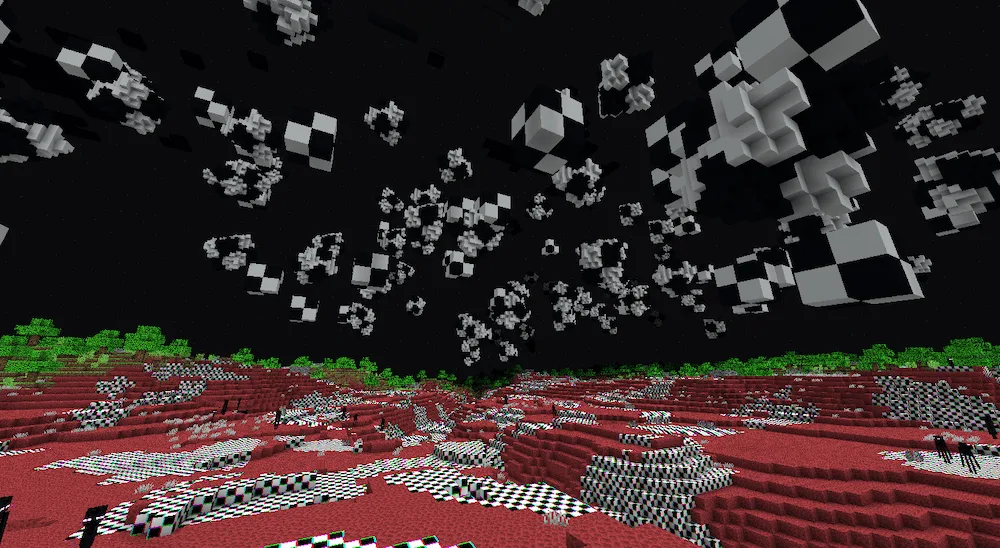
Get ready for an epic Minecraft experience with the Creation and Adventure mod. This pack throws together amazing exploration, intense combat, and tons of new building options to make your game feel brand new. You can now explore a massive world with 10 awesome new biomes just waiting to be discovered. Be prepared to face lots of challenging new monsters and enemies that will seriously test your combat skills.

But it’s not just about fighting; you’ll also get some cool new toys for building. The mod adds three new wooden sets and even gives a fresh, updated look to some of the classic vanilla biomes. Plus, if you’re into the technical side of Minecraft, there are some cool new mechanics to mess around with! With so many secrets hidden around the world, this mod will keep you busy exploring, crafting new relics, and building for ages.

Fabric

  1. 1. Download, execute the Fabric installer, choose Client, select your Minecraft version, and click Install.
  2. 2. Download the Fabric API matching that Minecraft version.
  3. 3. Download Creation and Adventure or any additional Fabric-compatible mods you want.
  4. 4. Place the Fabric API and all mods into .minecraft/mods folder.
  5. 5. Open the Minecraft Launcher, select the new Fabric profile, and press Play. Enjoy!

Forge

  1. 1. Download, execute the Forge installer, choose Client, and click Install.
  2. 3. Download Creation and Adventure or any additional Forge-compatible mods you want.
  3. 4. Place all mods into .minecraft/mods folder.
  4. 5. Open the Minecraft Launcher, select the new Forge profile, and press Play. Enjoy!

NeoForge

  1. 1. Download, execute the NeoForge installer, choose Client, and click Install.
  2. 3. Download Creation and Adventure or any additional NeoForge-compatible mods you want.
  3. 4. Place all mods into .minecraft/mods folder.
  4. 5. Open the Minecraft Launcher, select the new NeoForge profile, and press Play. Enjoy!

Download Creation and Adventure Mod

Type Game version File version Loaders Download
R Release
1.20.1 v0.2
Forge
File

Creation and Adventure Minecraft Mod

1 file • 1.20.1

Download