logo responsive
/

Realm RPG: Quests & Rewards Minecraft Mod

1.20.1

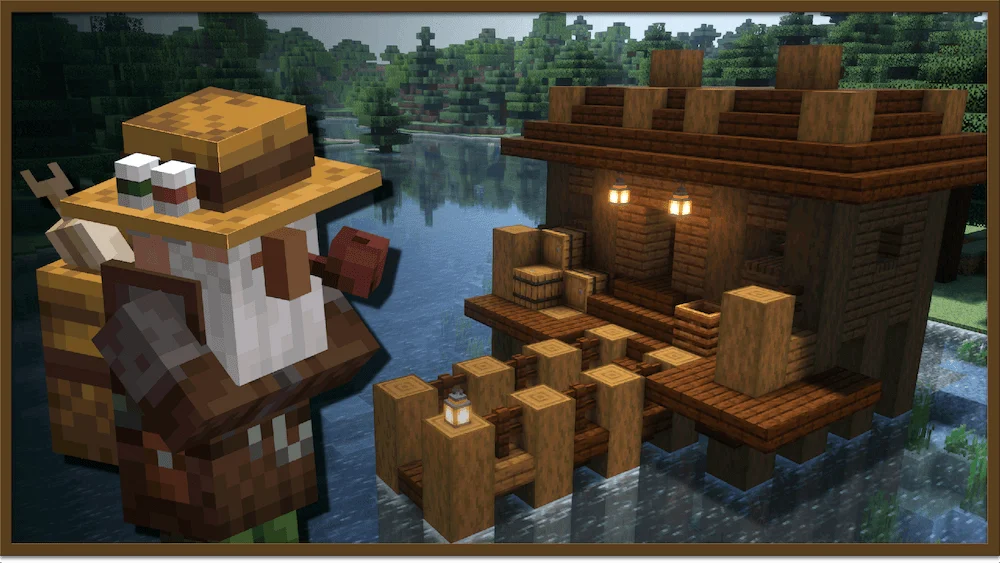
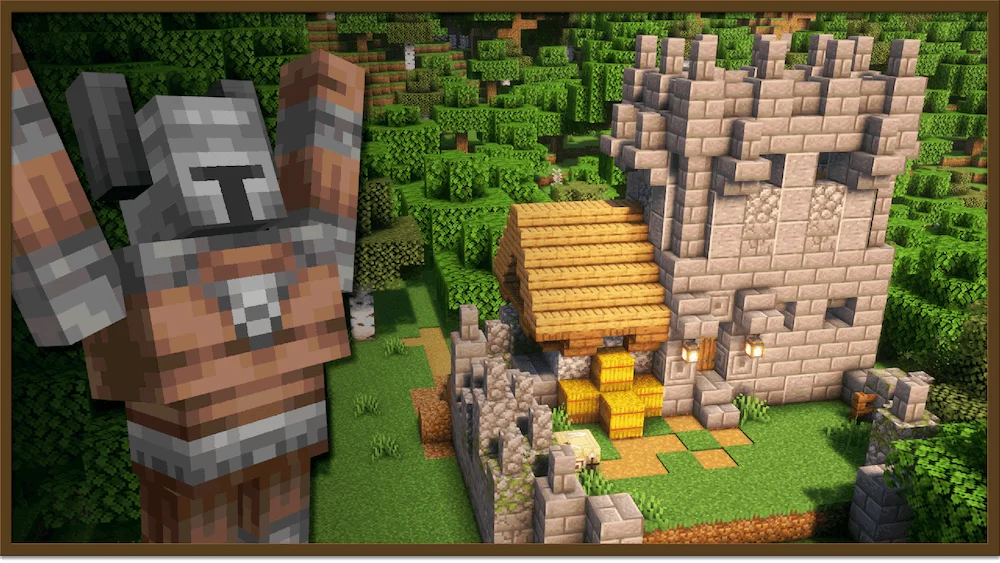
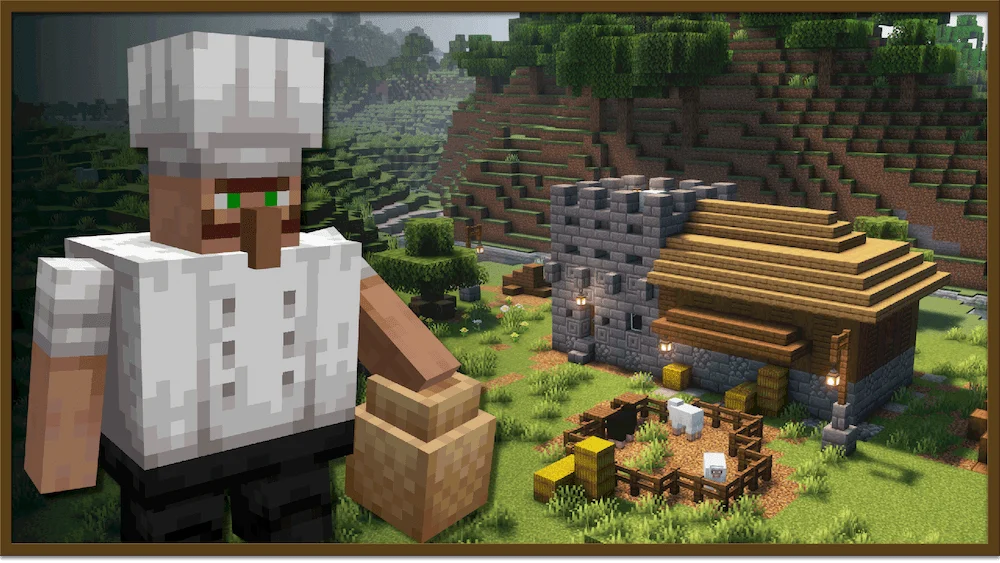
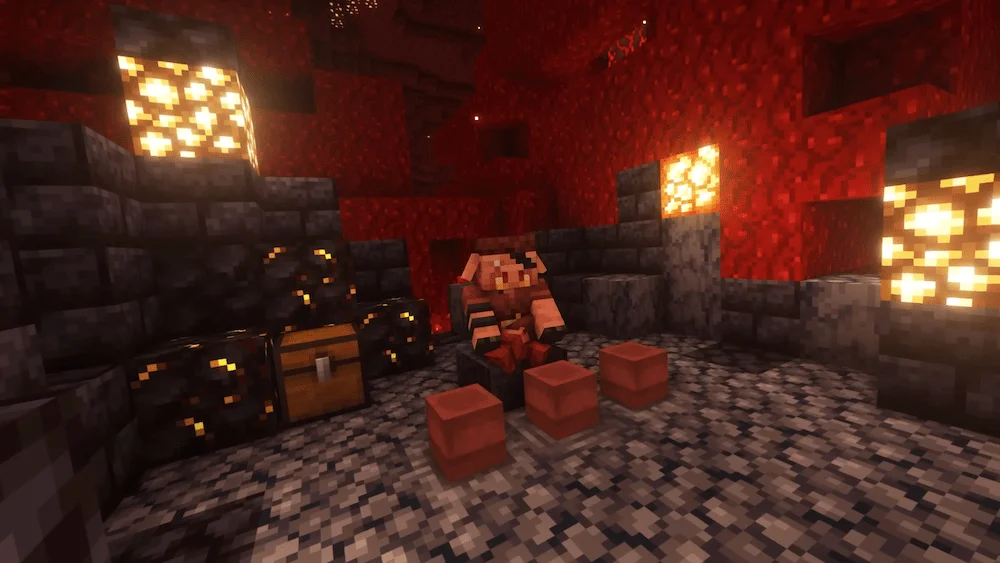
Angler Poster hunter Poster Cook Poster piglin trader current quests Quests structure 1 structure 2 structure 3
Angler Poster
hunter Poster
Cook Poster
piglin trader
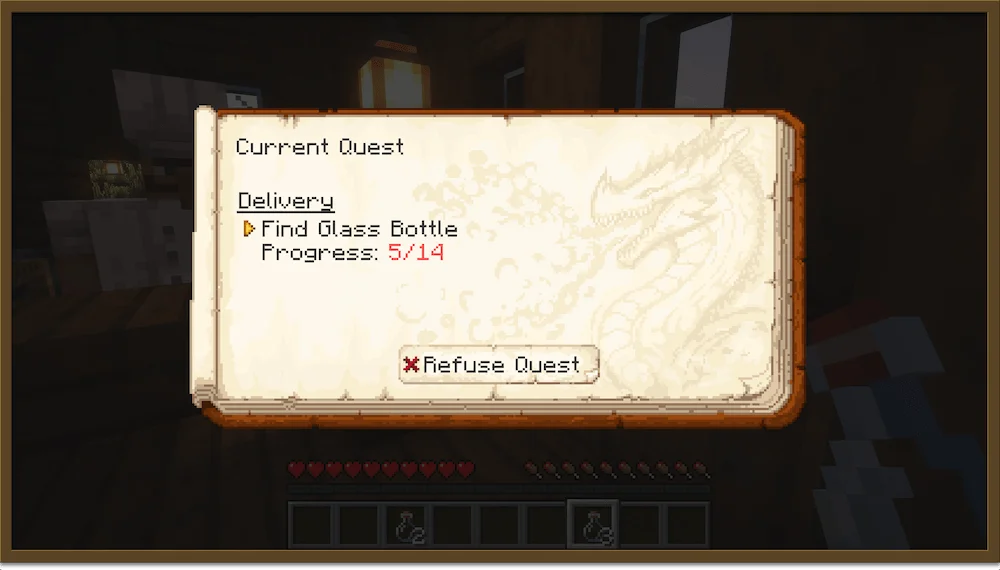
current quests
Quests
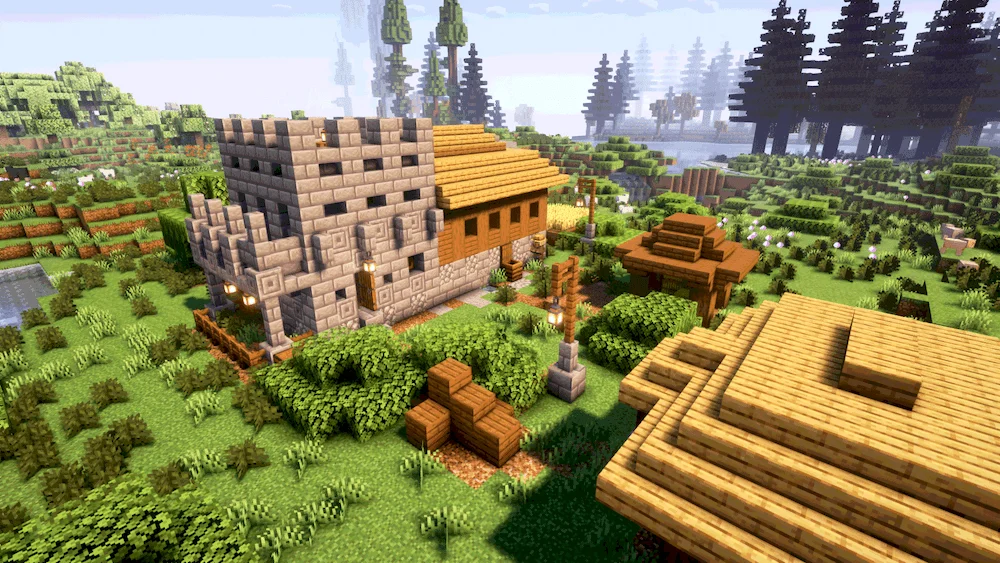
structure 1
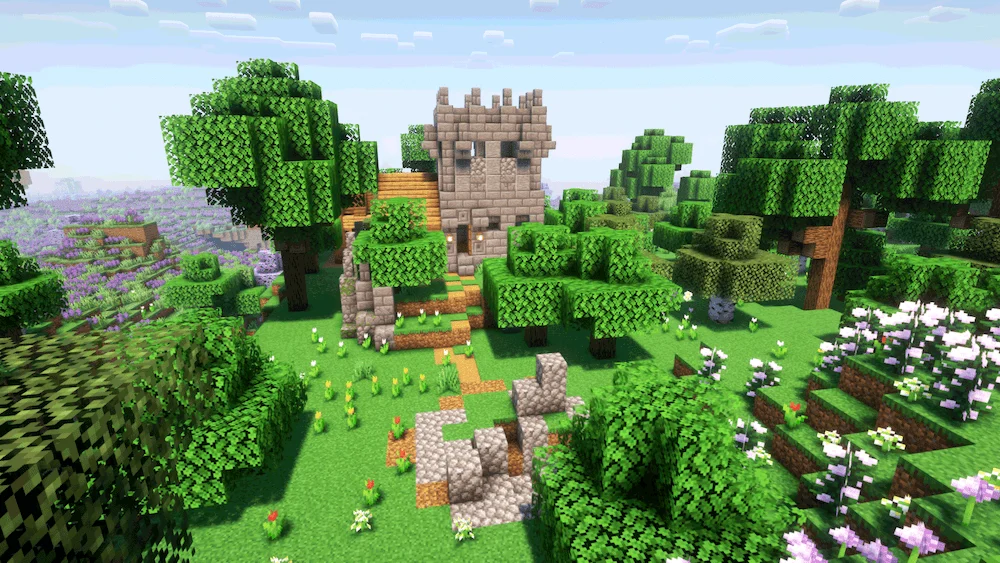
structure 2
structure 3

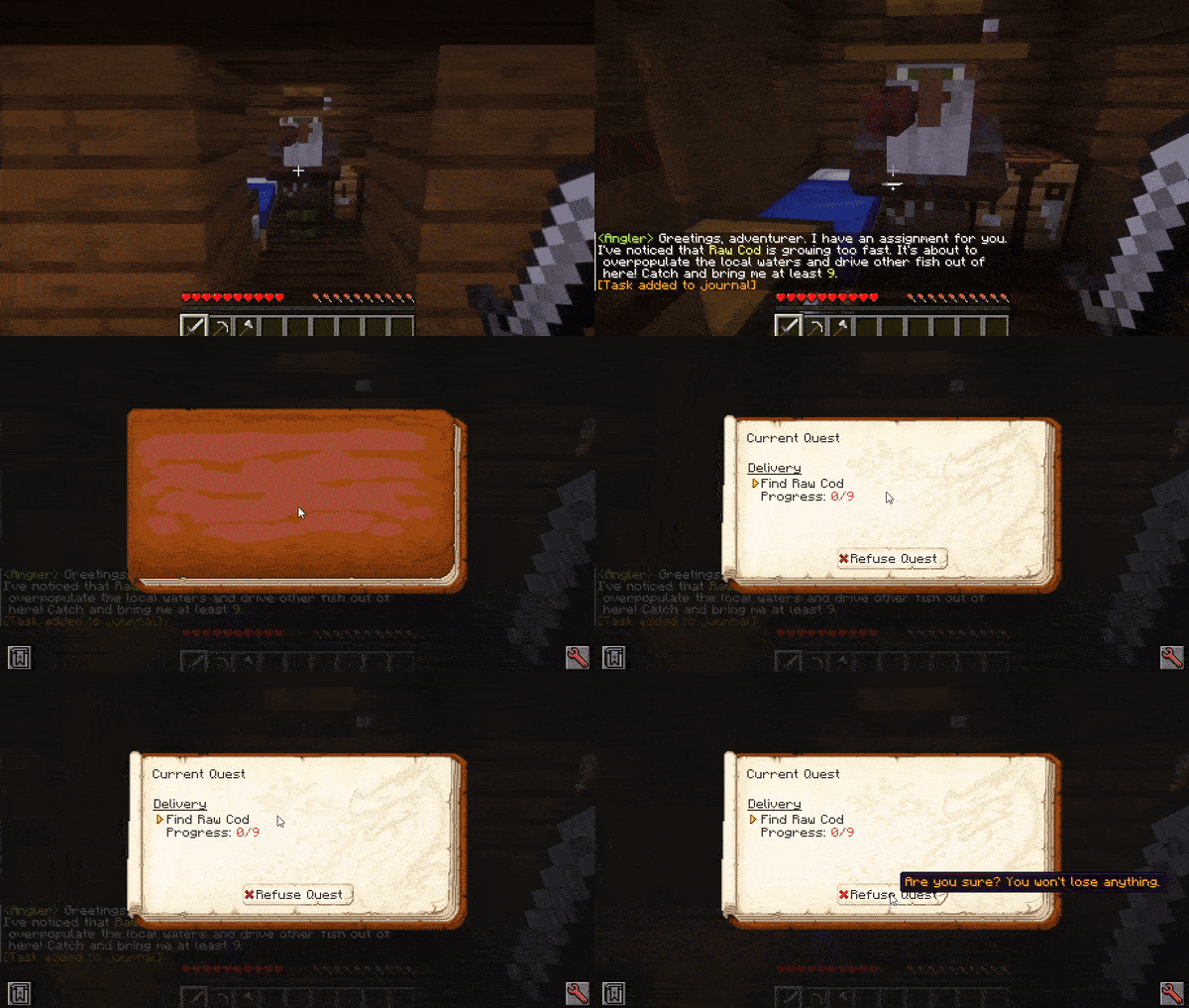
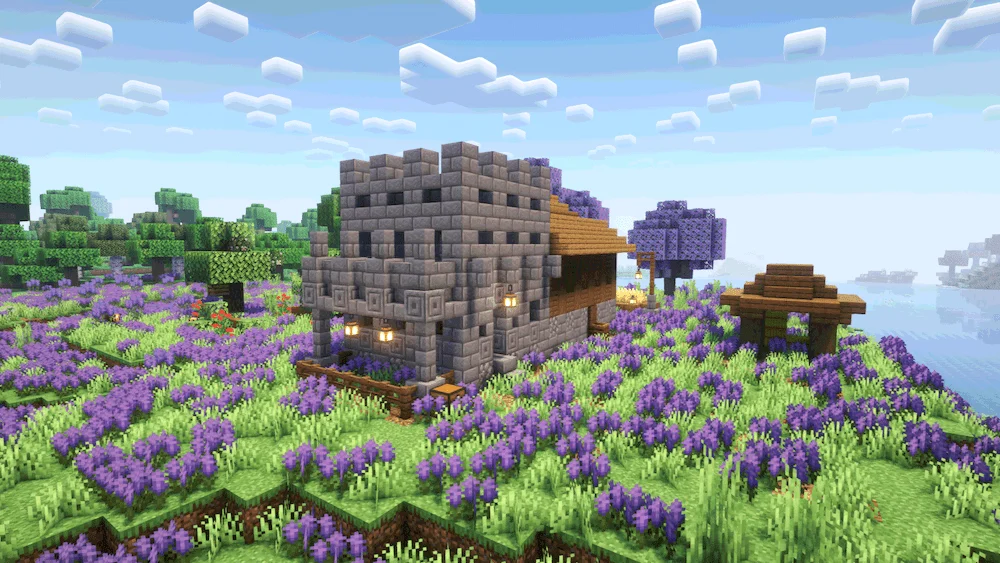
Realm RPG: Quests & Rewards Mod turns Minecraft into a true RPG adventure by introducing a dynamic quest system inspired by classic MMORPGs. As you explore the world, you’ll come across new structures inhabited by NPCs who offer repeatable, procedurally generated quests. Each mission comes with unique dialogue, objectives, and rewards that make every encounter feel fresh and immersive. Whether you’re collecting items, battling mobs, or exploring distant lands, this Minecraft mod gives players a new reason to keep adventuring.

To make your journey smoother, the mod includes a Quest Journal and a Quest Tracking Overlay. You can open the journal with the J key to view quest details or activate the overlay with K to track progress in real time. Completing tasks and returning to the NPC will earn you random rewards ranging from emeralds to rare, valuable items. Realm RPG: Quests & Rewards Mod adds depth, purpose, and excitement to your gameplay, giving Minecraft a whole new layer of exploration and progression.

Fabric

  1. 1. Download, execute the Fabric installer, choose Client, select your Minecraft version, and click Install.
  2. 2. Download the Fabric API matching that Minecraft version.
  3. 3. Download Realm RPG: Quests & Rewards or any additional Fabric-compatible mods you want.
  4. 4. Place the Fabric API and all mods into .minecraft/mods folder.
  5. 5. Open the Minecraft Launcher, select the new Fabric profile, and press Play. Enjoy!

Forge

  1. 1. Download, execute the Forge installer, choose Client, and click Install.
  2. 3. Download Realm RPG: Quests & Rewards or any additional Forge-compatible mods you want.
  3. 4. Place all mods into .minecraft/mods folder.
  4. 5. Open the Minecraft Launcher, select the new Forge profile, and press Play. Enjoy!

NeoForge

  1. 1. Download, execute the NeoForge installer, choose Client, and click Install.
  2. 3. Download Realm RPG: Quests & Rewards or any additional NeoForge-compatible mods you want.
  3. 4. Place all mods into .minecraft/mods folder.
  4. 5. Open the Minecraft Launcher, select the new NeoForge profile, and press Play. Enjoy!

Download Realm RPG: Quests & Rewards Mod

Type Game version File version Loaders Download
R Release
1.20.1 v0.1.1
Forge
File

Realm RPG: Quests & Rewards Minecraft Mod

1 file • 1.20.1

Download