logo responsive
/

Dynamic Trees Minecraft Mod

1.21.1, 1.20.1, 1.19.2, 1.18.2

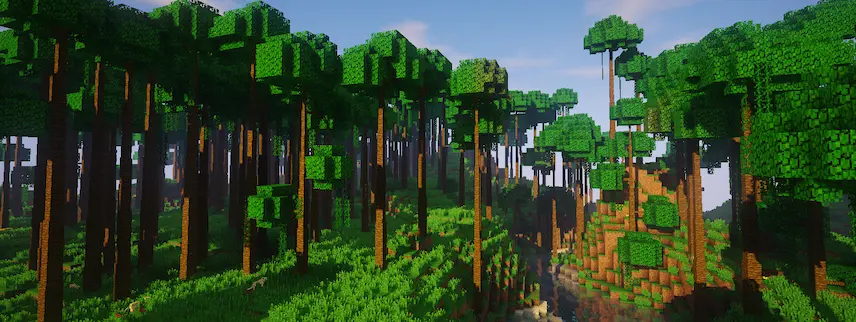
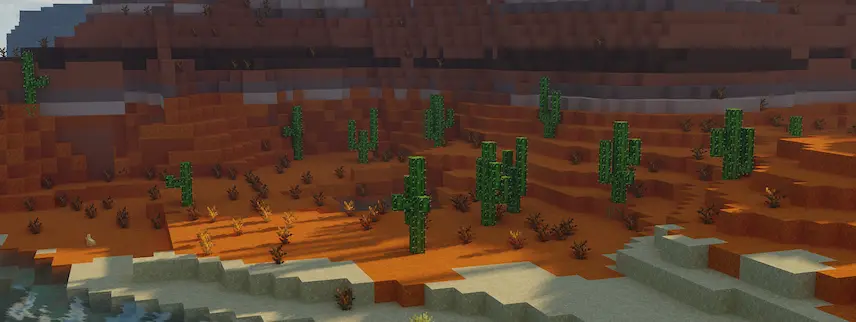
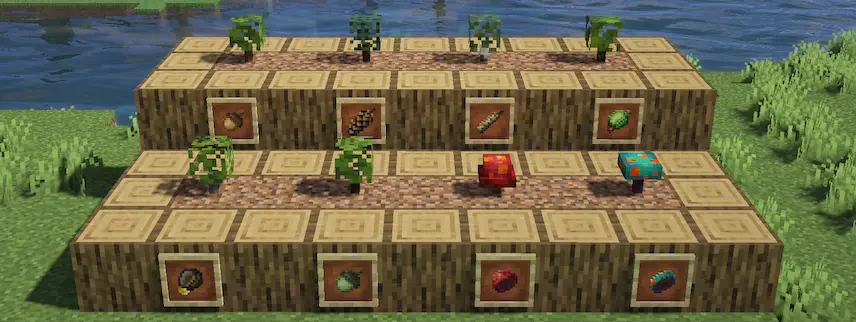
birch forest gigian tree forest trees jungle trees cactus sapling
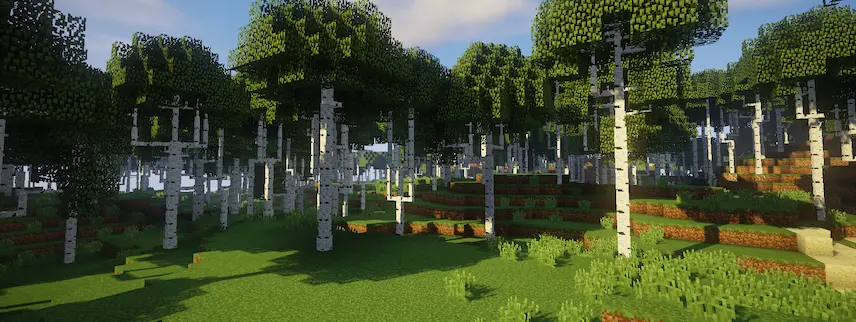
birch forest
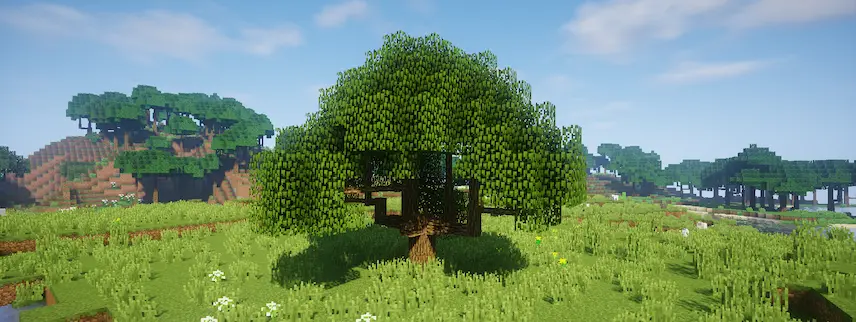
gigian tree
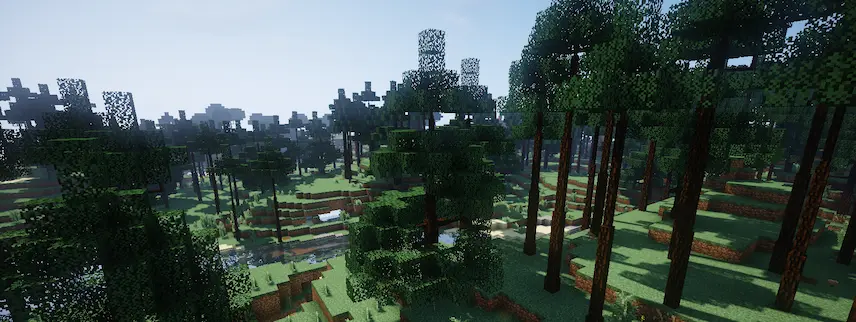
forest trees
jungle trees
cactus
sapling

Dynamic Trees is a Minecraft mod that transforms ordinary saplings into living, multi-block trees that grow dynamically over time. Instead of instantly forming a static tree, a sapling (or seed) planted by hand—or one left to germinate on suitable soil—slowly expands its root system, branches, and leaves until it becomes a full-sized tree. Each tree has its own unique shape and growth pattern, making forests feel more natural and varied. When you’re ready to harvest, chopping down the tree at its base causes the entire structure to collapse, dropping all the wood blocks at once for easy collection.

By replacing vanilla tree structures with these living, growing forms, Dynamic Trees enhances both immersion and resource management in your Minecraft world. You’ll find that tree farms require more planning—spacing saplings properly to avoid overcrowding—while the realistic growth timing adds an extra layer of strategy to gathering wood. Beyond practical benefits, the mod’s elegant animations and organic shapes make landscapes more visually engaging, whether you’re exploring new biomes or customizing a map download. Overall, Dynamic Trees turns routine woodcutting into a rewarding, lifelike experience that deepens your connection to Minecraft’s natural environments.


Fabric

  1. 1. Download, execute the Fabric installer, choose Client, select your Minecraft version, and click Install.
  2. 2. Download the Fabric API matching that Minecraft version.
  3. 3. Download Dynamic Trees or any additional Fabric-compatible mods you want.
  4. 4. Place the Fabric API and all mods into .minecraft/mods folder.
  5. 5. Open the Minecraft Launcher, select the new Fabric profile, and press Play. Enjoy!

Forge

  1. 1. Download, execute the Forge installer, choose Client, and click Install.
  2. 3. Download Dynamic Trees or any additional Forge-compatible mods you want.
  3. 4. Place all mods into .minecraft/mods folder.
  4. 5. Open the Minecraft Launcher, select the new Forge profile, and press Play. Enjoy!

NeoForge

  1. 1. Download, execute the NeoForge installer, choose Client, and click Install.
  2. 3. Download Dynamic Trees or any additional NeoForge-compatible mods you want.
  3. 4. Place all mods into .minecraft/mods folder.
  4. 5. Open the Minecraft Launcher, select the new NeoForge profile, and press Play. Enjoy!

Download Dynamic Trees Mod

Type Game version File version Loaders Download
B Beta
1.21.1 v1.5.0
NeoForge
File
R Release
1.20.1 v1.4.4
Forge
File
R Release
1.19.2 v1.2.2
Forge
File
R Release
1.18.2 v1.0.4
Forge
File
R Release
1.16.5 v0.10.5
Forge
File
R Release
1.16.5 v0.9.29
Forge
File

Dynamic Trees Minecraft Mod

6 files • 1.21.1, 1.20.1, 1.19.2, 1.18.2

Download