

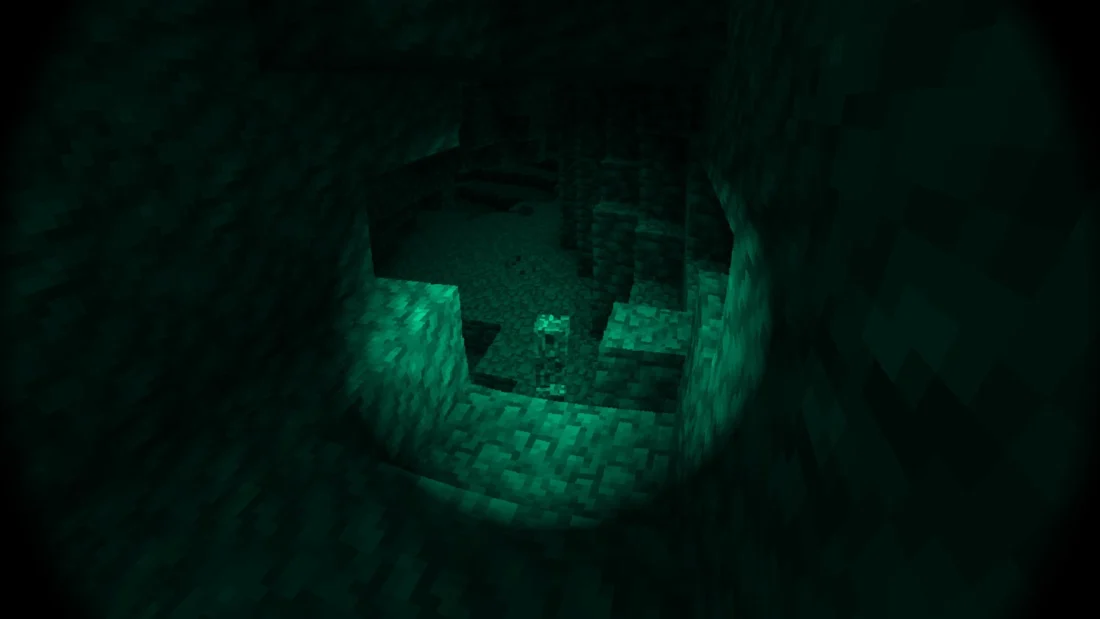
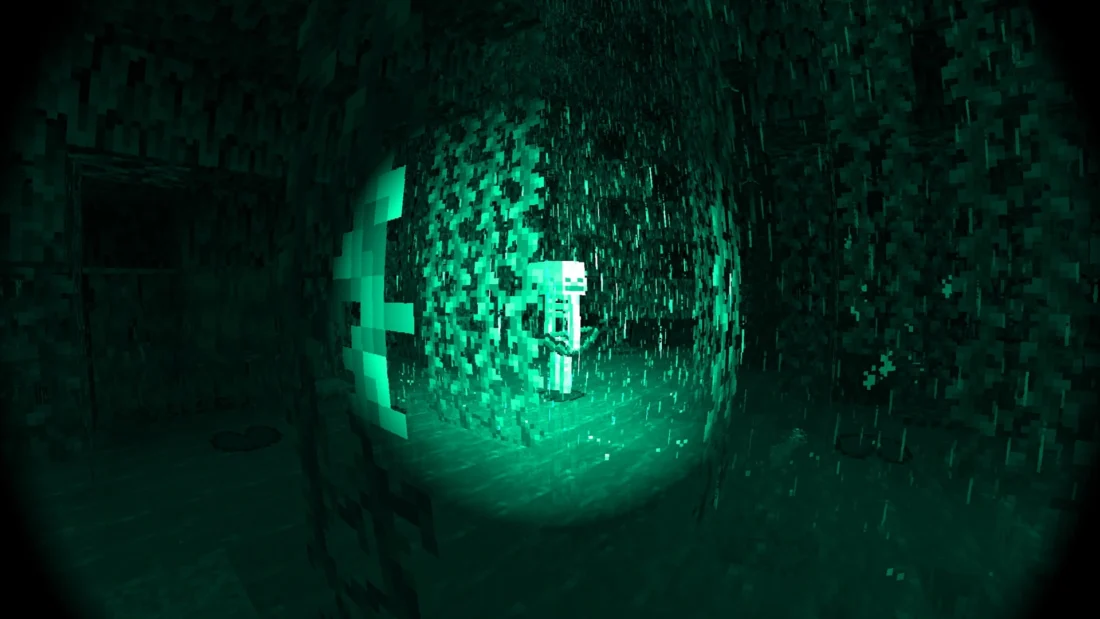
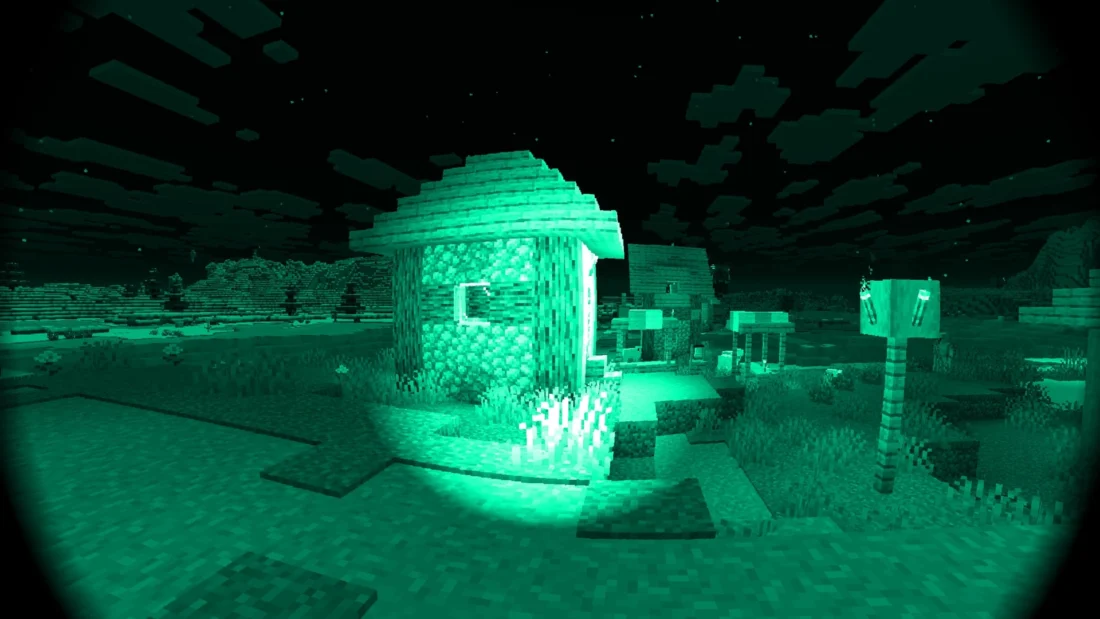
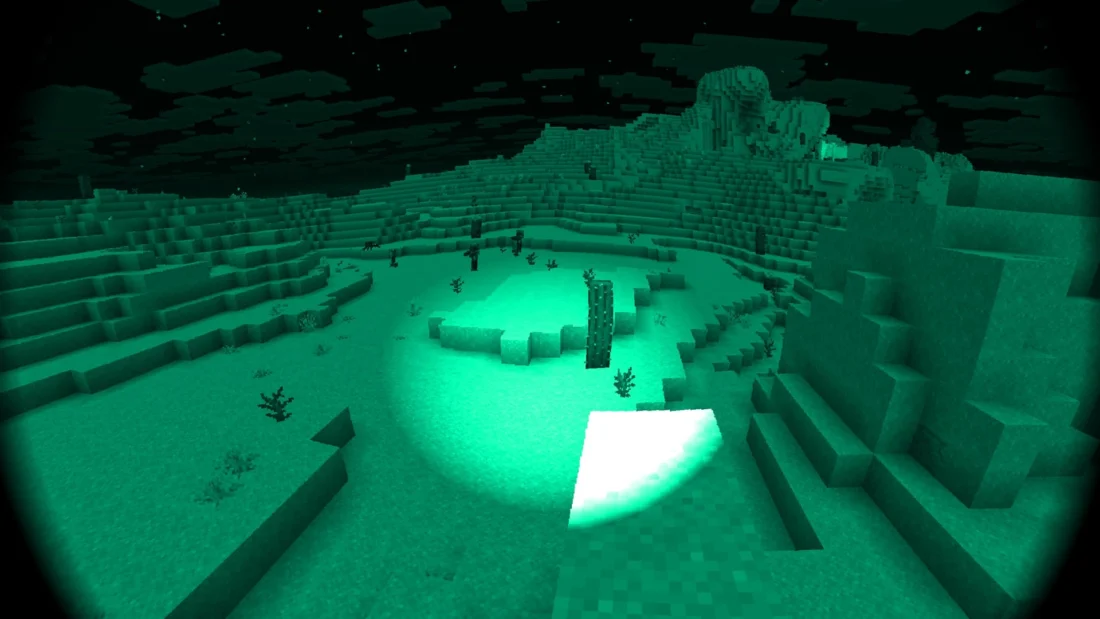
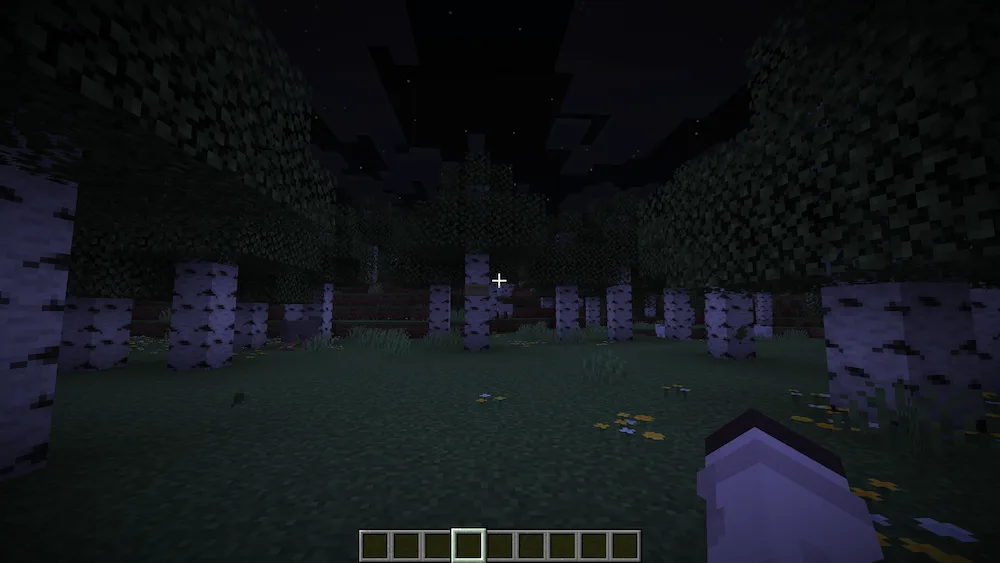
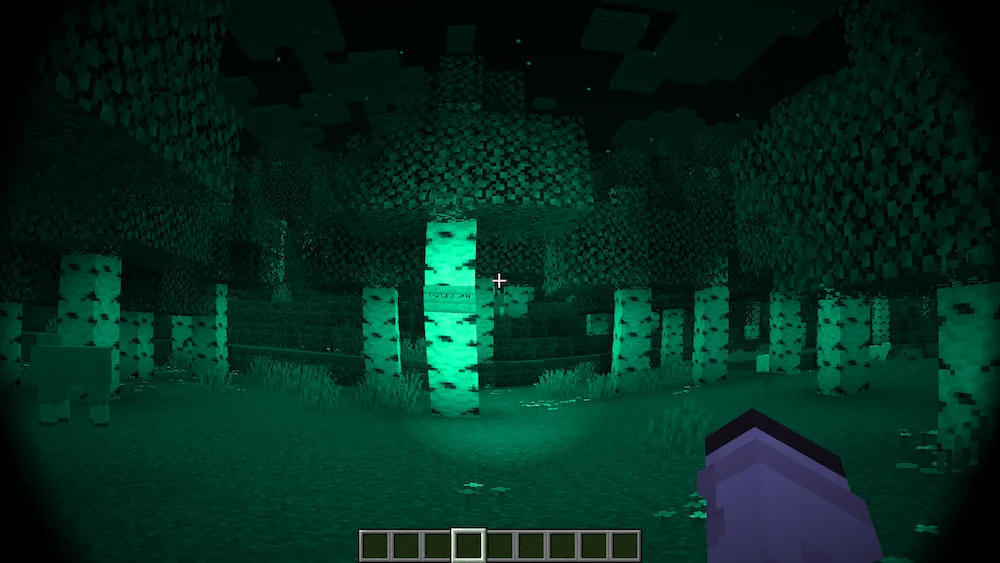
Authentic Night Vision is a Minecraft resource pack that gives the game the appearance of footage recorded with a night vision camera. It adds a distinctive night vision effect that makes dark areas and nighttime environments easier to see while giving Minecraft a unique visual style.
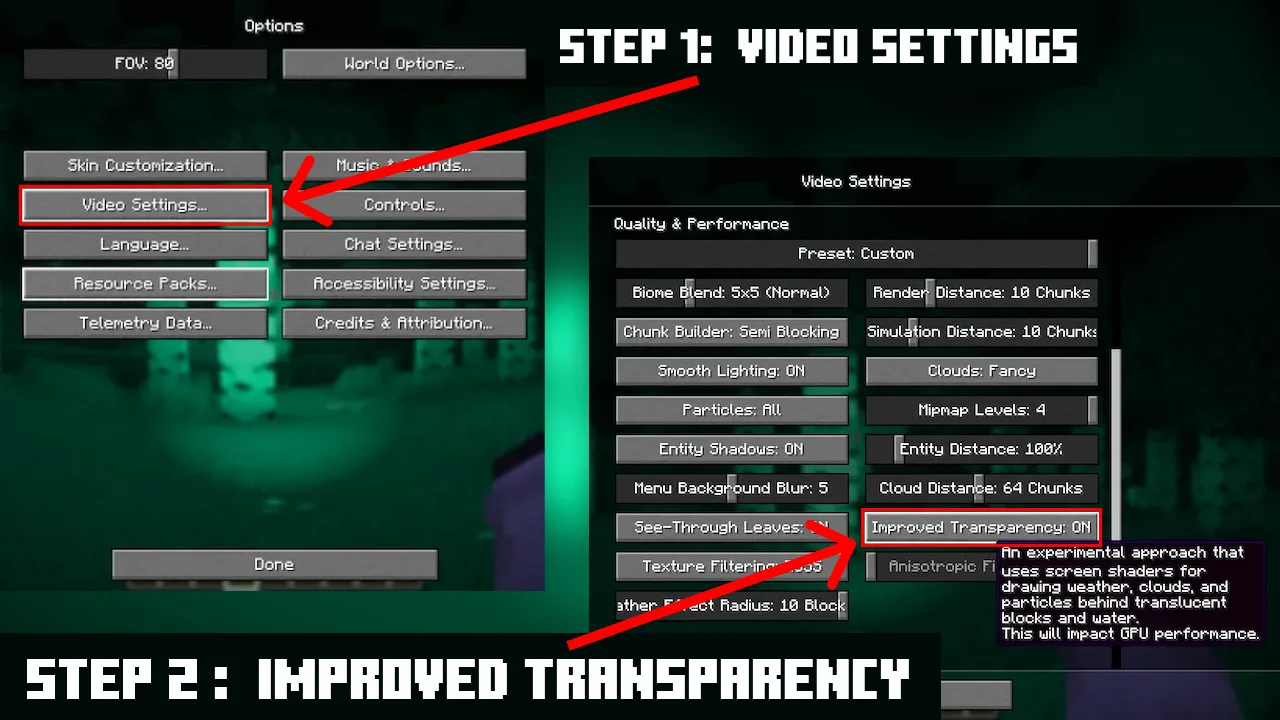
To use the pack correctly, you need to enable Improved Transparency in the video settings:
- Open Settings.
- Go to Video Settings.
- Find Improved Transparency.
- Set it to ON.
- Return to the game and enjoy the night vision effect.


 Tags
Tags
